Remove Mobile Device From Office 365 How To Remove A Device From Your Microsoft Account Or Office 365 Account Why Can t Delete Mastercard Apple Community How To Bypass IPhone 5s MDM Remove Mobile Device Management 2022 Updated How To Remove MDM On IPhone iPad How To Remove MDM From IPhone Safely And Quickly Wipe mobile device using the Exchange admin center Go to the Exchange admin center Recipients Mailboxes Select the user and under Email apps mobile devices select Manage mobile devices On the Mobile Device Details page under Mobile devices select the mobile device select Wipe company data and then select Block access Select Save
Remove a device from your Microsoft account Less If you don t use a device but it still appears in your devices list here s how to remove it Discover Community View your connected devices Sign in to your work or school account and then go to the My Account page Select Devices from the left navigation pane or select the Manage devices link from the Devices block Review the information for your connected devices making sure you recognize them all
How To Remove MDM From IPhone Safely And Quickly Charging VAUXHALL ASTRA K 2020 Owner s Manual 303 Pages Foneazy Unlockit IPhone Screen Unlocker 2 Free Download ALL PC World How To Remove A Device From Your Microsoft Account Or Office 365 Account How To Remove A Song From A Playlist On Spotify App Authority How To Remove A Device From Your Microsoft Account Or Office 365 Account Guarding A Child s Mobile Device From Pornography The New York Times Teamviewer Quicksupport Ishtiklo IOS12 Bug Mdm Bypass Mobile Device Management
Remove Mobile Device From Office 365
 Remove Mobile Device From Office 365
https://365tips.be/wp-content/uploads/2021/11/image-245-768x377.png?v=1638299351
Summary This update enables you to use the Remove MobileDevice cmdlet to delete a mobile device that has no mailbox or Active Directory AD object after migrating mailboxes to Microsoft Office 365 from Exchange Server 2019 or Exchange Server 2016 How to get this update To get this update install one of the following updates The Cumulative Update 3 for Exchange Server 2019 or a later
Templates are pre-designed documents or files that can be utilized for various functions. They can conserve effort and time by supplying a ready-made format and layout for developing various sort of material. Templates can be used for individual or expert tasks, such as resumes, invitations, flyers, newsletters, reports, discussions, and more.
Remove Mobile Device From Office 365
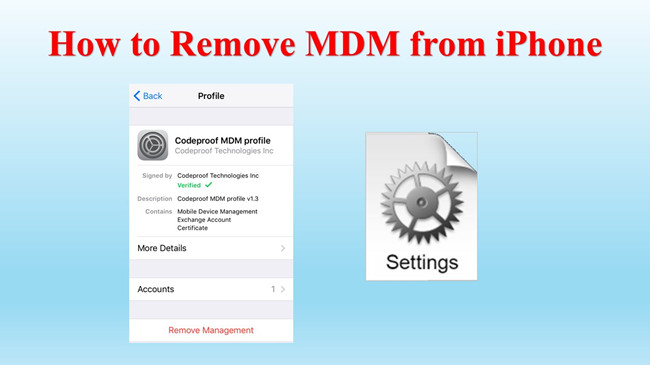
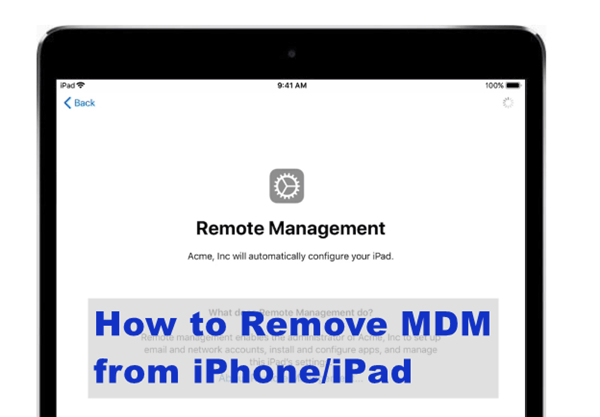
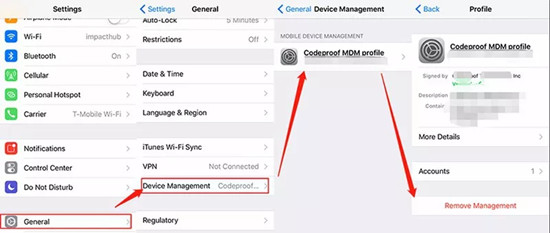
How To Remove MDM From IPhone Safely And Quickly
Charging VAUXHALL ASTRA K 2020 Owner s Manual 303 Pages

Foneazy Unlockit IPhone Screen Unlocker 2 Free Download ALL PC World
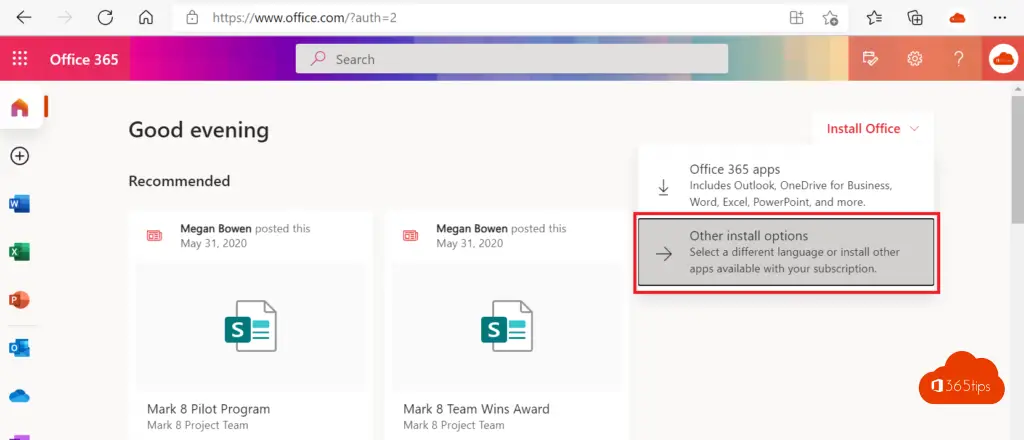
How To Remove A Device From Your Microsoft Account Or Office 365 Account
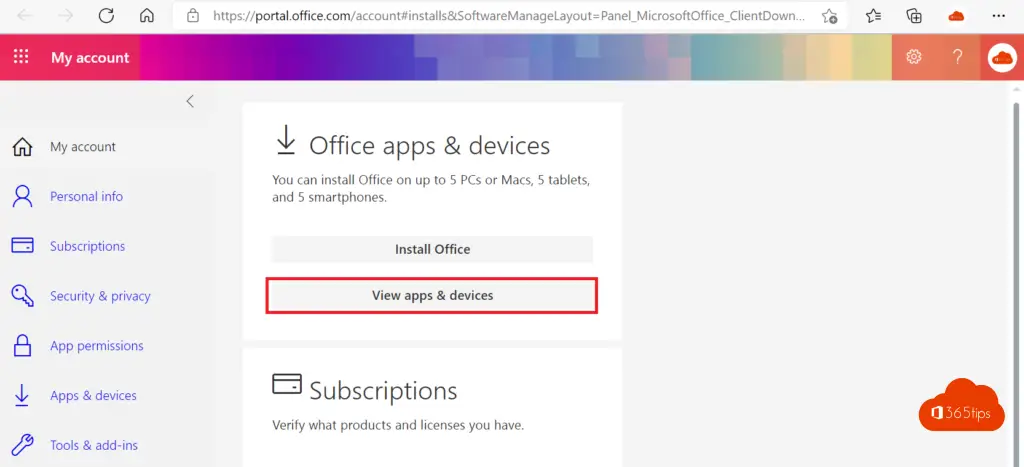
How To Remove A Device From Your Microsoft Account Or Office 365 Account

Guarding A Child s Mobile Device From Pornography The New York Times

Remove Mobile Device This cmdlet is available in on premises Exchange and in the cloud based service Some parameters and settings may be exclusive to one environment or the other Use the Remove MobileDevice cmdlet to remove mobile device partnerships that identify the devices that are configured to synchronize with user mailboxes
Wipe a mobile device Sign in to the Microsoft 365 admin center and go to the Mobile Device Management page Select Manage devices Select the device you want to wipe Select Manage Select the type of remote wipe you want to do To do a full wipe and restore the device to its factory settings select Factory reset

2 In the right hand panel select Admin Exchange 3 Once in the Exchange Admin Center select recipients and click the user you wish to update 4 In the right hand pane under mobile devices select view details 5 Select the partnership you would like to remove click the delete button and Save
For more info see Wipe a mobile device in Basic Mobility and Security Block unsupported devices from accessing Exchange email using Exchange ActiveSync In the Device Management panel select Block Set up device policies like password requirements and security settings In the Device Management panel select Device security policies Add
On this website you can read articles and experiences about Office 365 with focus on Microsoft Teams If you have questions comment at the bottom of this blog post Also help others by asking questions at the bottom of the articles
This line gets the devices associated with the user account Get MobileDevice Mailbox targetid office365tenantaddress select DeviceModel Identity Step 4 Once connected paste in the following line and press enter Use Outlook on the web to wipe a user s phone In Outlook on the web select the Settings icon Click on View All Outlook settings Click General and then select Mobile devices Select the mobile phone Click or tap the Wipe Device icon or the Account Only Remote Wipe Device icon if desired
In the upper right corner of the page select Options In the left pane select Mobile Devices select the device that you want to remove and then select Remove Device from List Click Close To return from the light version of Outlook Web App to the standard version follow these steps In the upper right corner of the page select Options