Remove Line In Notepad How To Replace The Next Line In Notepad What Is Mark Down How To Remove Blank Lines From A File Remove Everything Except For First 3 Words Of A Line In Notepad How To Find The Line Number In Notepad Notepad Get The Line Count How To Remove New Line In Notepad YouTube Web 2 Answers Sorted by 6 You can use the s s Regular expression and the Replace with option leaving it blank to get the expected results Once you open your document with Notepad just press Ctrl H and go to the Replace tab
Web Nov 13 2013 nbsp 0183 32 OLD This is a two steps solution First find W Useless and replace it with nothing using Regular Expression mode This will leave empty lines Second to clear those empty lines select extended mode and replace n n to n On windows line termination mode change r n r n to r n Share Web Nov 8 2017 nbsp 0183 32 By default Ctrl Shift L however you can change it to something like Shift Del by going to the Settings menu Shortcut Mapper click on the Scintilla commands tab scroll to command 89 quot SCI LINEDELETE quot and adjust the shortcut from there Valid as of Notepad 6 9 1 Share
How To Remove New Line In Notepad YouTube Rules How To Remove Line In Header TeX LaTeX Stack Exchange Deleting All Even numbered Lines An Something More Notepad Community How To Find Next Line In Notepad What Is Mark Down How To Quickly And Easily Merge Multiple Lines Into One Line In Notepad How To Remove Part Of Line After In Notepad 2 Solutions Madhu s Blog Removing Line Breaks In Notepad Hotkeys How To Delete The Current Line And Add A New Line In Remove Horizontal Line In Word Archives PickupBrain Be Smart
Remove Line In Notepad
 Remove Line In Notepad
https://cdn.whatismarkdown.com/how_to_replace_next_line_in_notepad.png
Web Jul 18 2021 nbsp 0183 32 In notepad there is a way to bookmark lines with a search and then delete those bookmarked lines No regex necessary If a search is not needed the you can bookmark the lines to remove with Ctrl F2 and then use menu Search gt Bookmark gt Remove Bookmarked Lines
Templates are pre-designed files or files that can be utilized for numerous purposes. They can save time and effort by supplying a ready-made format and design for producing different type of content. Templates can be utilized for individual or professional tasks, such as resumes, invitations, leaflets, newsletters, reports, presentations, and more.
Remove Line In Notepad

How To Check The Length Of A Line In Notepad What Is Mark Down

Rules How To Remove Line In Header TeX LaTeX Stack Exchange
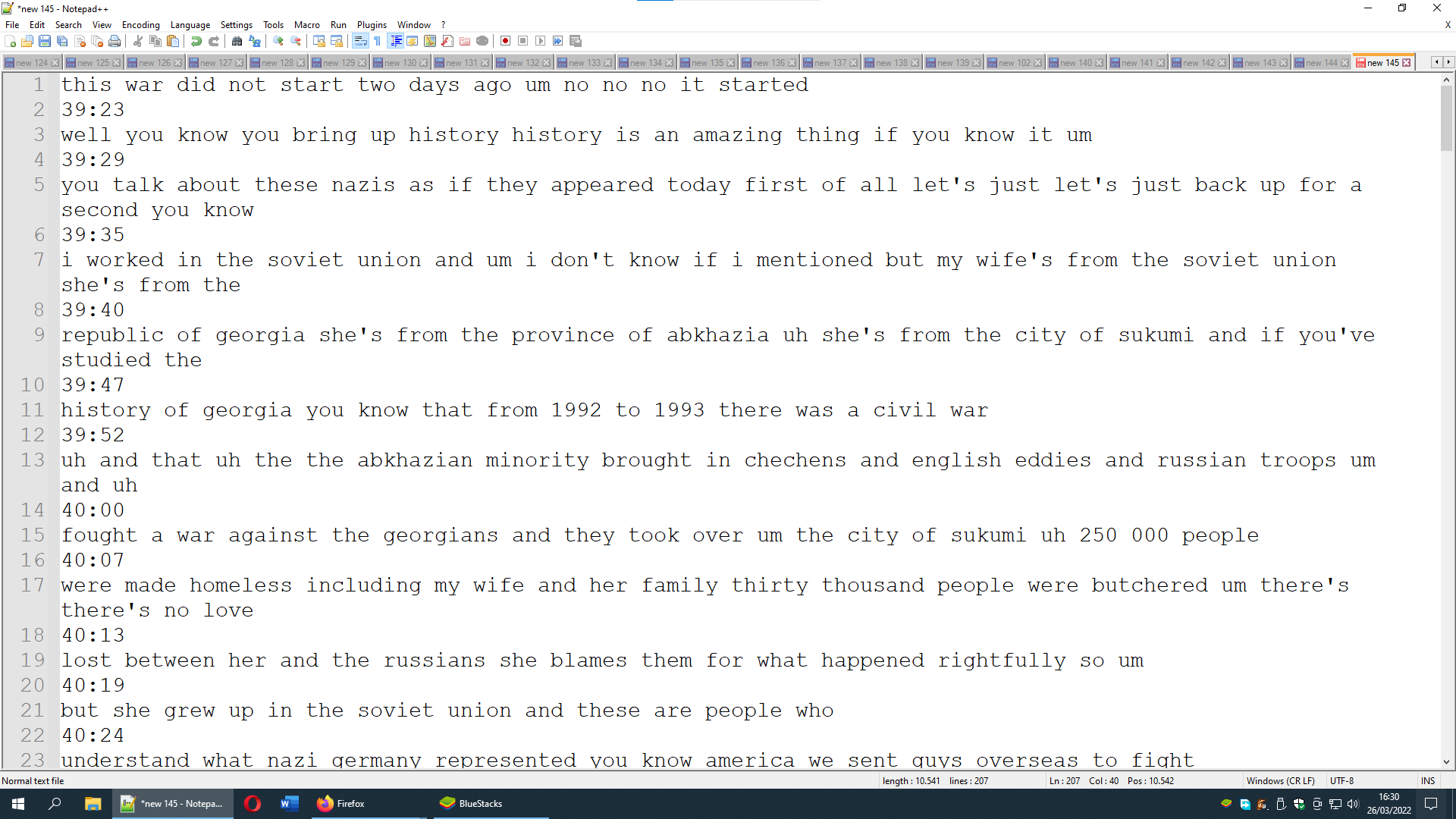
Deleting All Even numbered Lines An Something More Notepad Community

How To Find Next Line In Notepad What Is Mark Down
How To Remove Part Of Line After In Notepad 2 Solutions
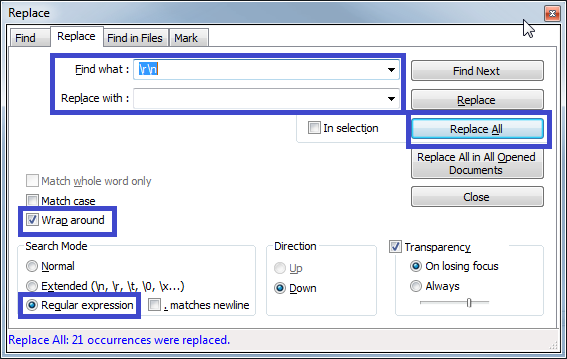
Madhu s Blog Removing Line Breaks In Notepad

Web Jul 1 2019 nbsp 0183 32 Here is a way that removes the lines containing quot YOURTEXT quot completely Open the Replace dialog Enter the following search string YOURTEXT r n replace YOURTEXT with your text Enable quot Regular expression quot Disable quot matches newline quot
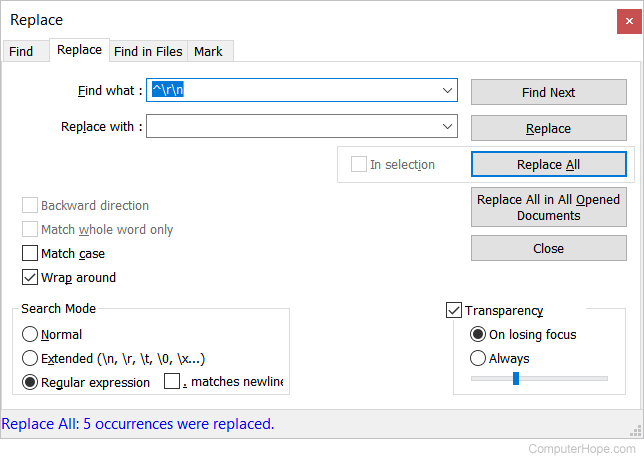
Web Dec 22 2013 nbsp 0183 32 You can actually select the newline by moving your cursor from the end of one line to the beginning of the next first line from here to here decond line third line Then press ctrl h while the new line is selected and replace with nothing This will delete all the newlines

Web Feb 26 2014 nbsp 0183 32 To get rid of leading space s and all empty lines even if the empty line contains spaces or tabs Go to Search gt Replace Select quot Regular expression quot under Search mode Use s for quot Find what quot and leave quot Replace with quot blank Click Replace all Regex explanation means beginning of the line s means any number even 0 of
Web How to remove every line that contains text in Notepad Open search menu gt select Find Menu item or use shortcut Ctrl F It shows the Find window popup Go to tab mark Select or check the following things Find what java Check Bookmark Line Click on the Mark All Next Go to Search gt
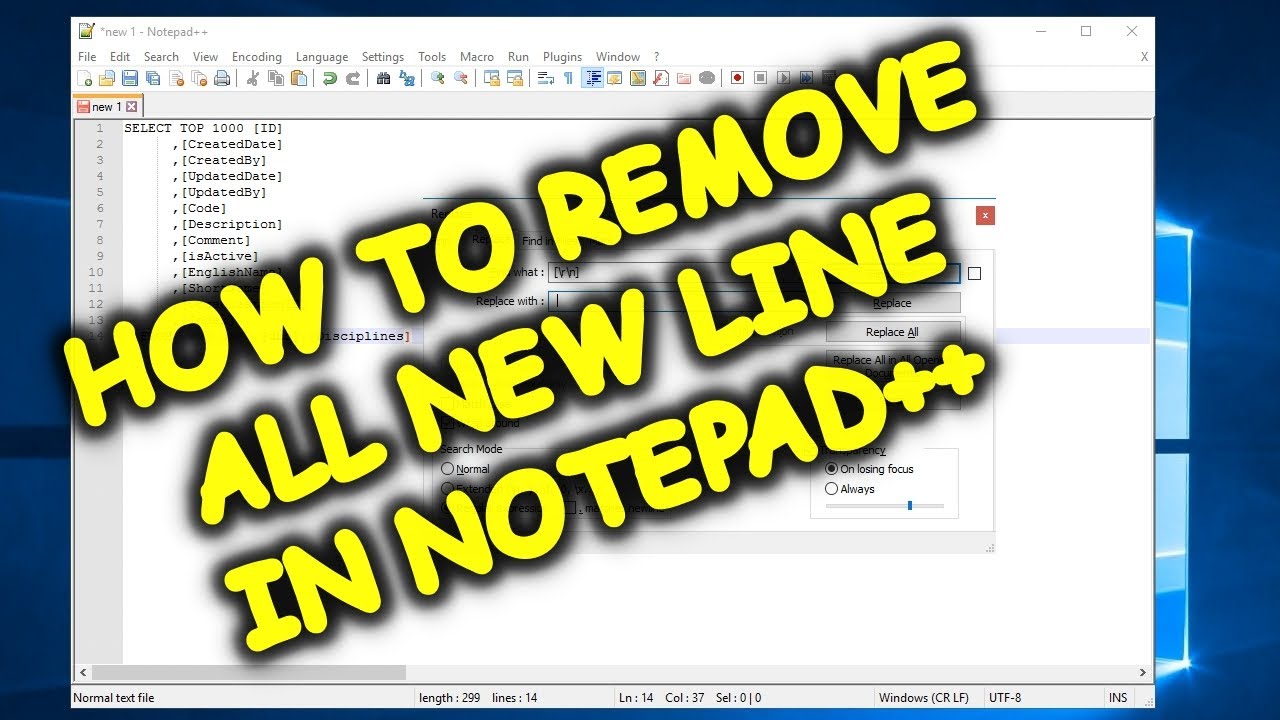
Web Nov 26 2015 nbsp 0183 32 Search and replace newline in windows Notepad Ask Question Asked 7 years 10 months ago Modified 1 year 3 months ago Viewed 90k times 9 Normally I d do a search and replace for quot n quot but that doesn t seem to work I think it might by something but can t remember what Note this is question is directed at Notepad not Notepad
Web Nov 17 2015 nbsp 0183 32 I need to replace all the strings that look like this lt name gt for a Tab name can be anything from 3 to 15 characters long I ve managed to do it by doing search lt gt replace with t Now I need to replace any new lines with Web Aug 5 2019 nbsp 0183 32 This is a quick tip on how to remove a line of text containing a word or phrase using Notepad You can download Notepad here https notepad plus plus
Web Oct 20 2022 nbsp 0183 32 You can also remove lines from a file using Notepad by using the built in line number feature Then click on the View tab at the top of the screen and click on the Line Numbers option A line number will appear next to each line in the file