Remove Line Breaks Notepad Regex MediQo line Handschuhspender TRIO Edelstahl Regex Remove Line Breaks Between Brackets In Notepad Super User Word Regular Expression Not Paragrapgh Mark Kaserfake Remove Line Breaks Excel Formula Exceljet Notepad Premium A4 Squared Skriptekommission In Notepad to replace newline with comma In Notepad open the find and replace dialogue press CTRL H Then select Regular expression in the Search Mode
If you want to also delete the last newline you could use s r n r n z which says to grab the whole line including CRLF if there s a In Notepad press Ctr H to open the Find and Replace window Click Regular Expression option Under Search Mode choose Regular expression
Notepad Premium A4 Squared Skriptekommission How To Remove Line Breaks Or Hard Returns In Text Using MS Word 3 Ways To Remove Lines From A File Using Notepad What Is Mark Down Simple Notepad Text Editor 2 APK F r Android Download How To Remove Line Breaks Within A Cell In Microsoft Excel Interviews Mit Gesichtern Die Idee Remove Empty Lines With Regex In Notepad Dirask Solved How To Remove Linebreaks In Notepad In Long 9to5Answer Datei Audi A6 S line C7 Heckansicht 1 Mai 2012 D sseldorf jpg
Remove Line Breaks Notepad Regex
 Remove Line Breaks Notepad Regex
https://www.hygiene-shop.com/media/83/bf/91/1646310090/mediqo-line-handschuhspender-trio-edelstahl-8501_1.jpg
Tldr Need a regex to use in notepad to remove line breaks that are not preceded by a punctuation mark Scenario I am not much of a tech
Templates are pre-designed documents or files that can be utilized for various purposes. They can save time and effort by supplying a ready-made format and design for creating various sort of content. Templates can be utilized for individual or professional jobs, such as resumes, invitations, flyers, newsletters, reports, discussions, and more.
Remove Line Breaks Notepad Regex

RegEx Run d M C Finden Und Ersetzen Allgemein Mp3tag Community
How To Remove Line Breaks Or Hard Returns In Text Using MS Word

3 Ways To Remove Lines From A File Using Notepad What Is Mark Down
Simple Notepad Text Editor 2 APK F r Android Download

Interviews Mit Gesichtern Die Idee
Remove Empty Lines With Regex In Notepad Dirask

If you want to remove one or more newline characters present just after to then add a after n in your regex n Use the below

Easily Remove Line Breaks from String with a single click in Notepad Notepad provides
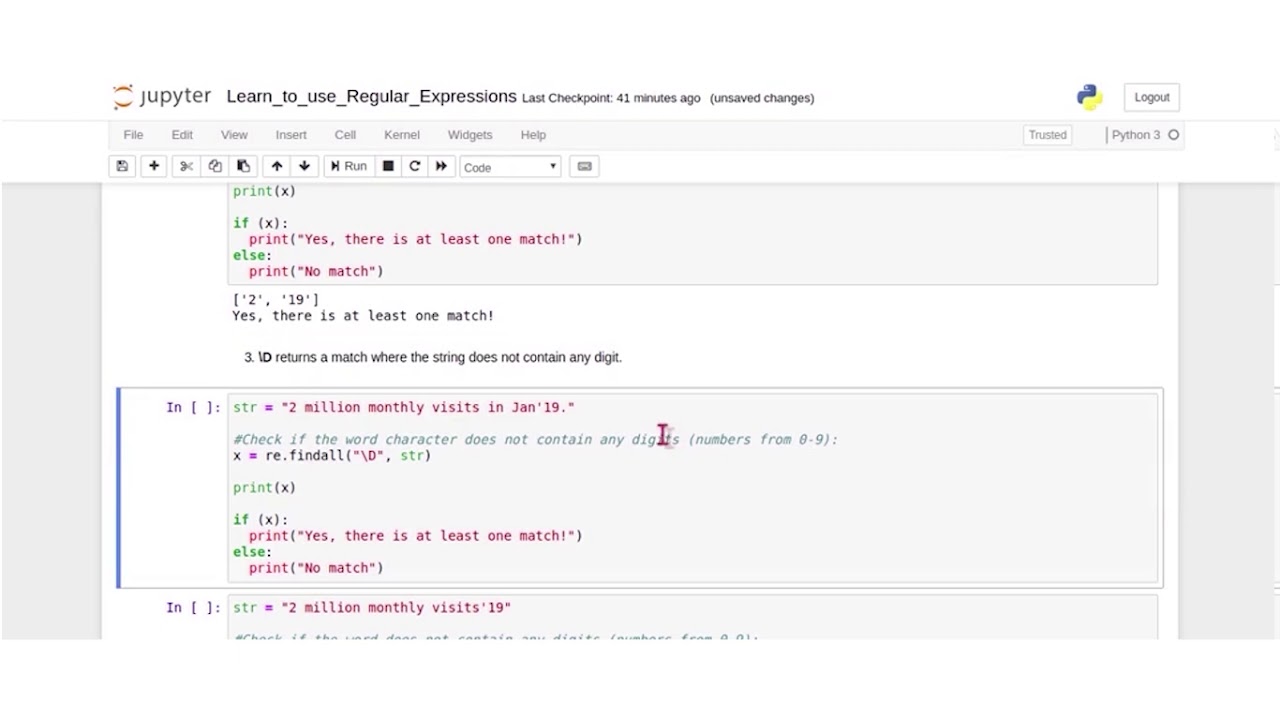
Description Tag remove all new line character in notepad how to remove character in
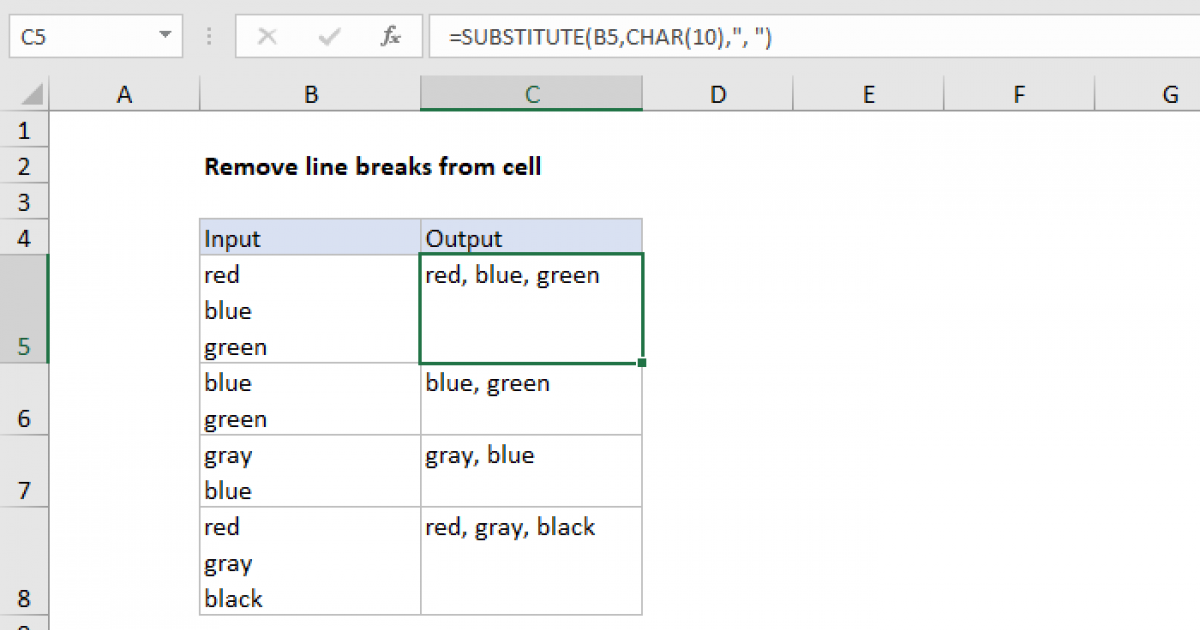
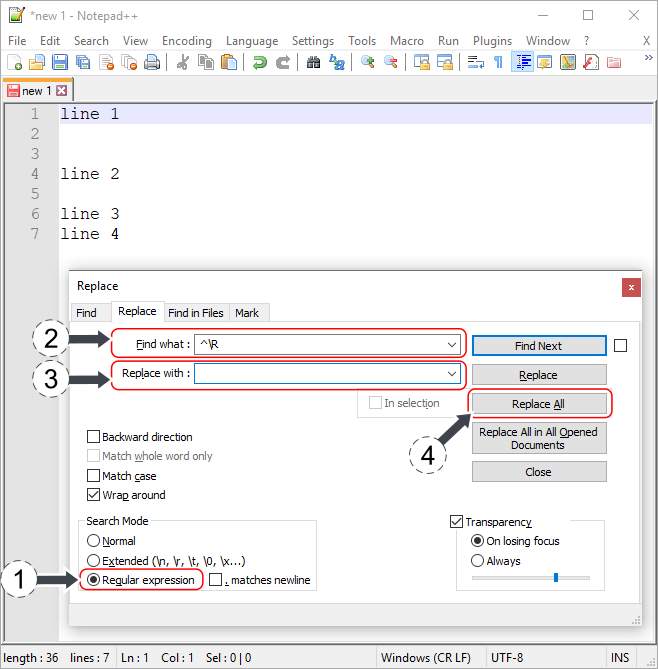
Notepad In the Search Mode section make sure Regular expression is selected Click the Replace All button to replace all blank lines

The logic is if there is a line break that is not preceded by a remove that line break note remove can be also be spelled replace
Then do this CTRL H to open the Replace window Then select Regular Expression in Search Mode In the Find What enter r n Then in the 1 Removing arbitrary whitespaces and tabs 2 Insert a newline for every line of text 3 Removing blank lines 4 Replace comma separated list
Click Replace All to remove all instances of the pattern That s it You have successfully removed more than two spaces and new lines from