Remove Firmware Password Mac Hack Mac Firmware Password Generousspectrum Deaktivieren Des Firmware Passworts Auf MacOS 12 Monterey Schritt f r How To Remove Firmware Password Darelocomp Turn Off Firmware Password On MacOS 12 Monterey Step by Step Guide How To Remove The Firmware Password On An Older IMac Pre 2011 Sep 10 2020 nbsp 0183 32 How to turn off a firmware password Start up from macOS Recovery During startup you will be prompted to enter the firmware password When the utilities window appears click Utilities in the menu bar then choose Startup Security Utility or Firmware Password Utility
How to turn off a firmware password Start up from macOS Recovery During startup you will be prompted to enter the firmware password When the utilities window appears click Utilities in the menu bar then choose Startup Security Utility or Firmware Password Utility Click Turn Off Firmware Password Enter the firmware password again when Mar 29 2022 nbsp 0183 32 Click Turn Off Firmware Password Enter the firmware password again when prompted Quit the utility then choose Apple menu gt Restart If you forgot your firmware password If you can t remember your firmware password schedule an in person service appointment with an Apple Store or Apple Authorized Service Provider
How To Remove The Firmware Password On An Older IMac Pre 2011 How To Remove Mac Firmware Password RESET GUIDE How To Set A Firmware Password On A Mac IOS Hacker How To Create Firmware Password For Mac How To Remove Firmware Password Via Mac Terminal How To Turn Off Firmware Password Mac DeviceMAG How To Remove Mac Firmware Password New Way If You Have A 2018 2020 Enabling Firmware Password Protection On Your Mac Macinstruct Crack Firmware Password Mac HOT Coub
Remove Firmware Password Mac
 Remove Firmware Password Mac
http://generousspectrum.weebly.com/uploads/1/2/6/1/126143832/136896925.png
A If you have a firmware password on your Mac you can remove it using Terminal Just open Terminal and type in this command sudo firmwarepasswd delete This will delete the firmware password and you will be able to access your computer again
Templates are pre-designed documents or files that can be utilized for numerous purposes. They can conserve effort and time by supplying a ready-made format and design for producing different kinds of content. Templates can be used for personal or professional jobs, such as resumes, invites, leaflets, newsletters, reports, discussions, and more.
Remove Firmware Password Mac
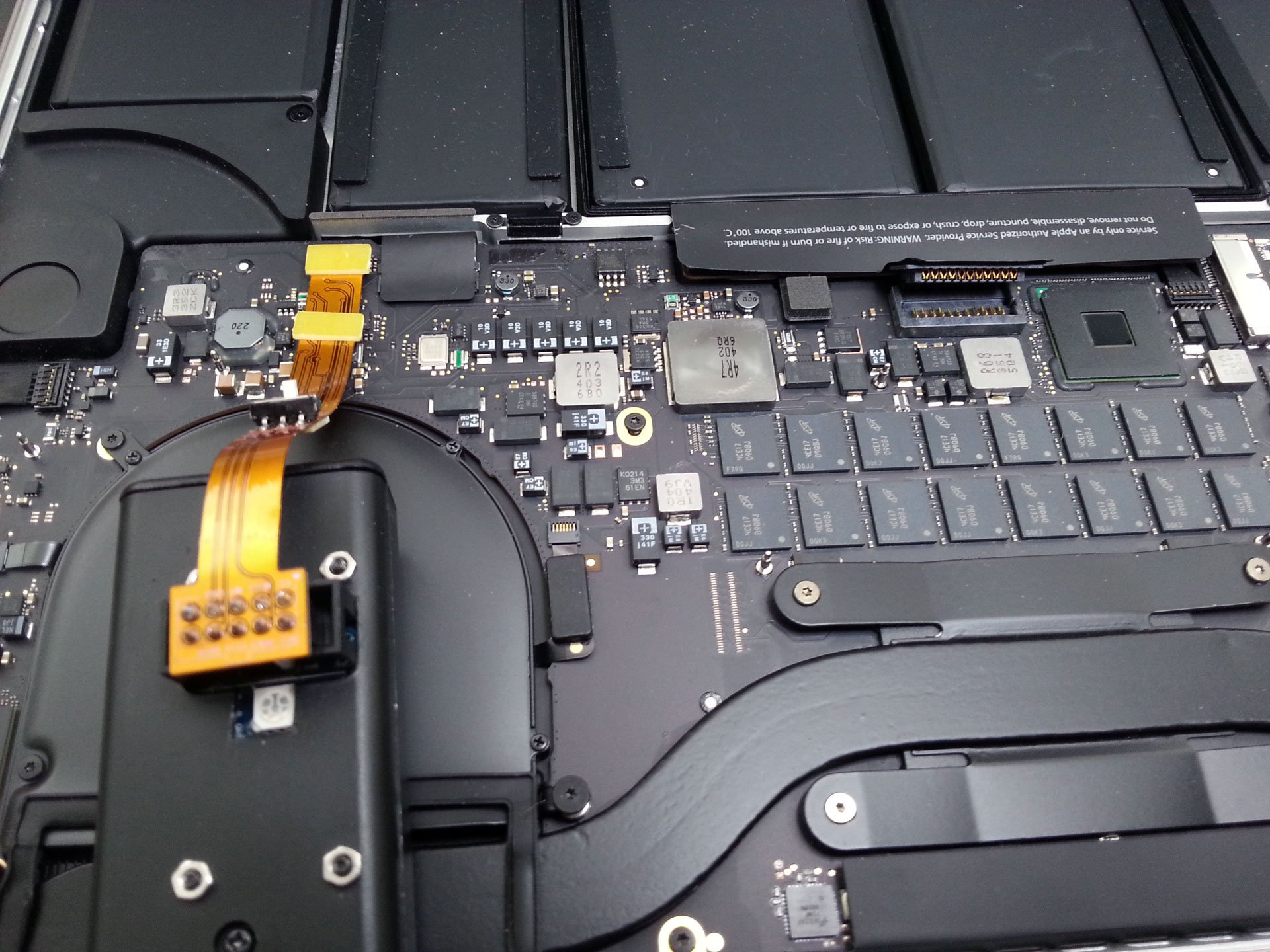
Tool For Removing Mac Firmware Password Hipever
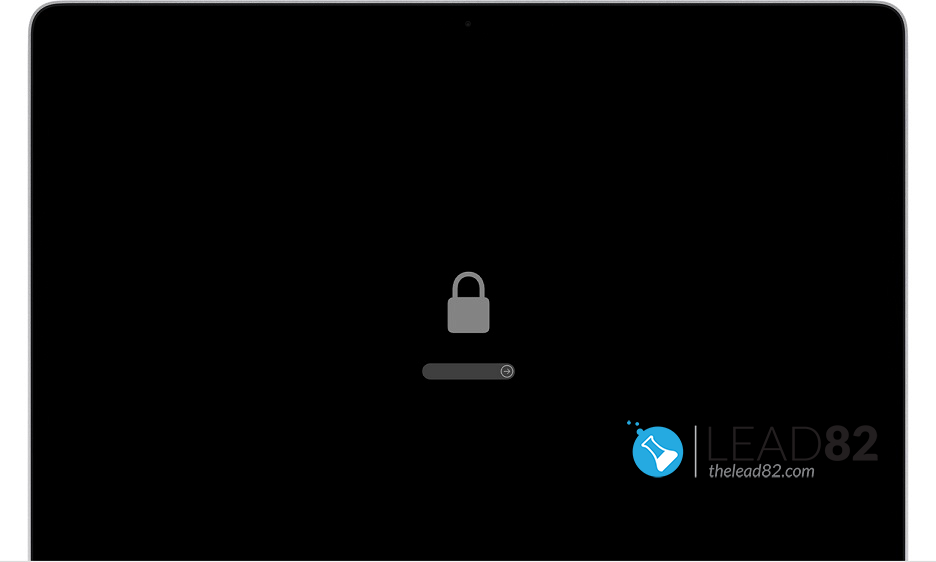
How To Remove Mac Firmware Password RESET GUIDE

How To Set A Firmware Password On A Mac IOS Hacker
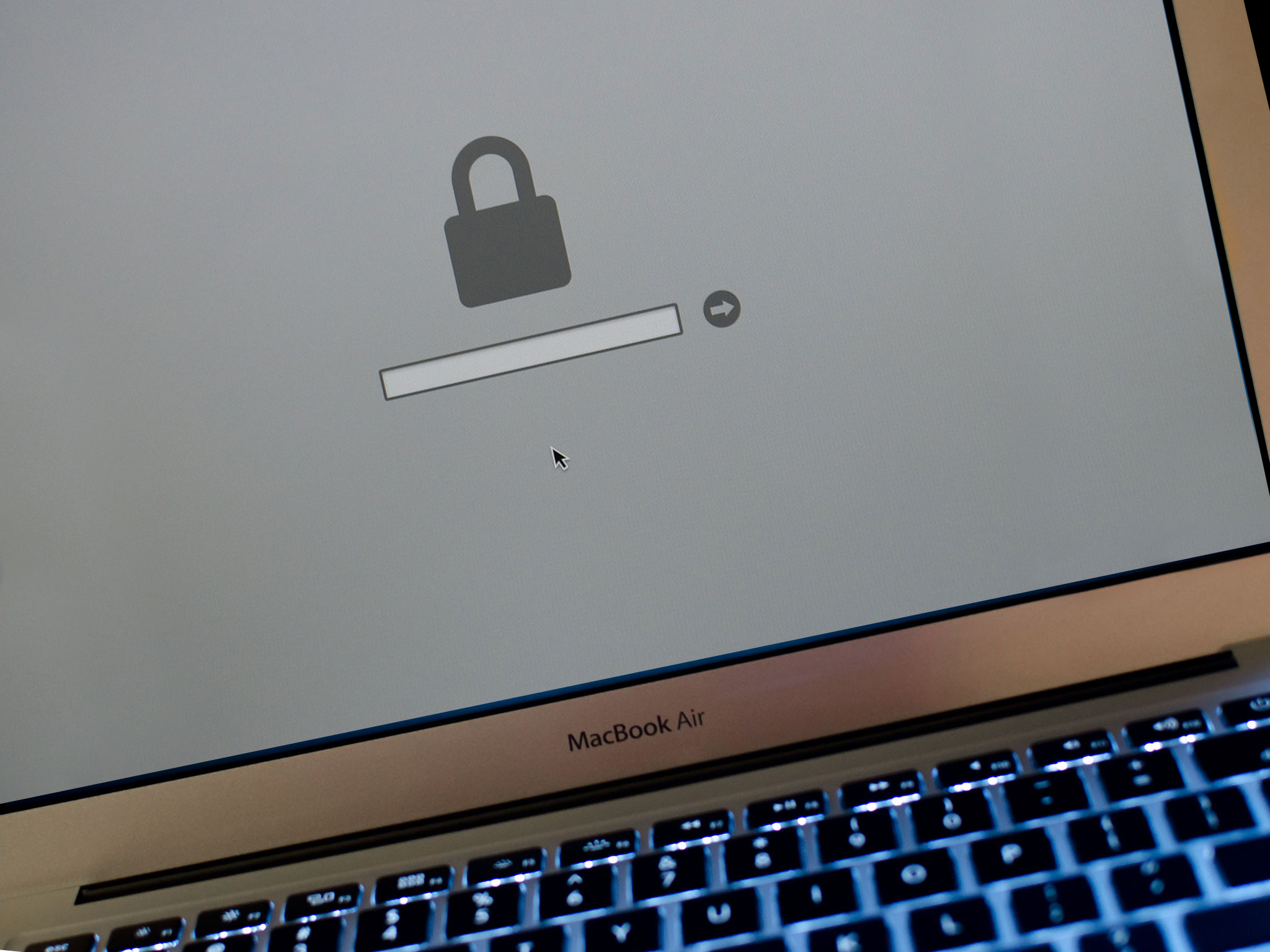
How To Create Firmware Password For Mac
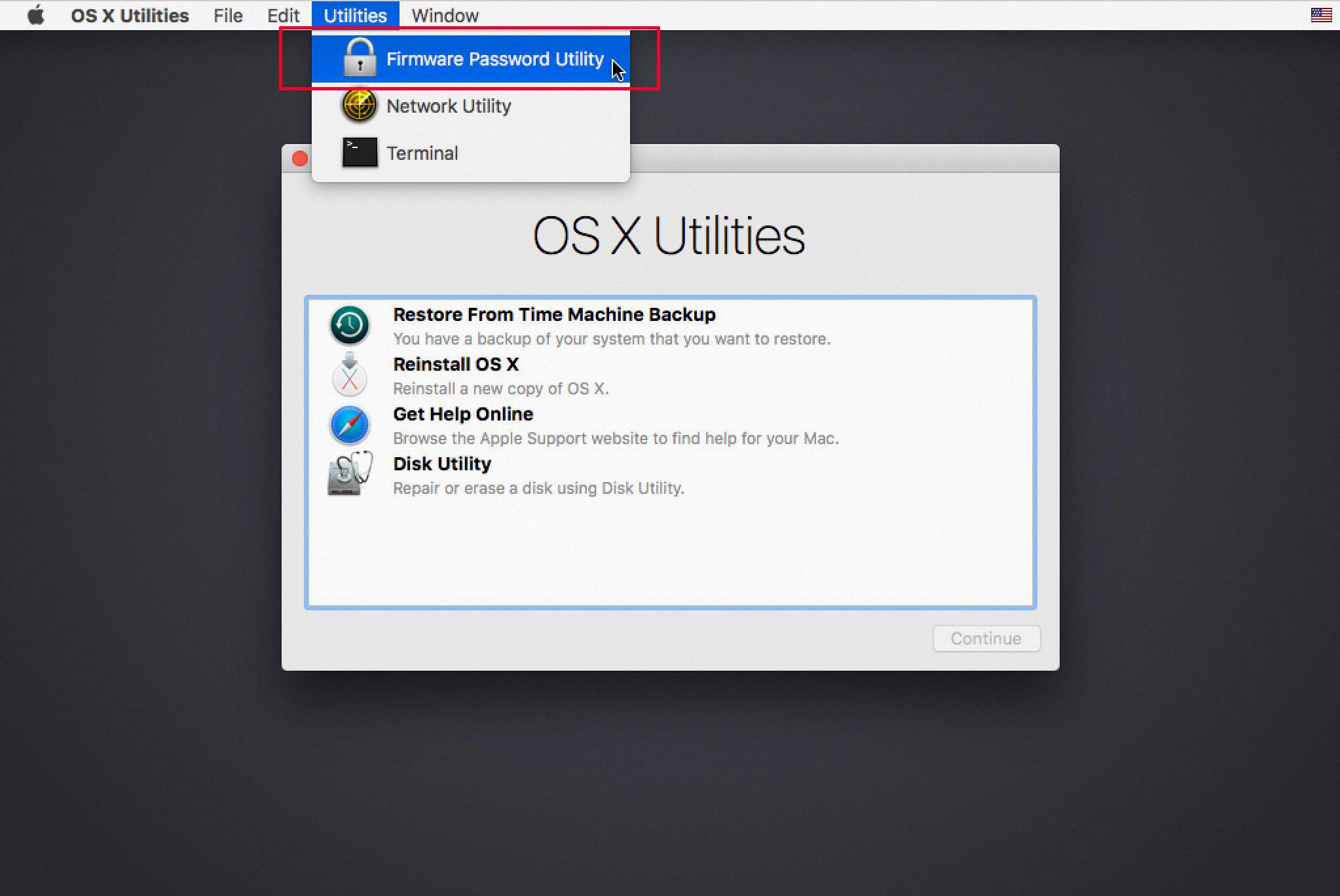
How To Turn Off Firmware Password Mac DeviceMAG

How To Remove Mac Firmware Password New Way If You Have A 2018 2020

Feb 2 2024 nbsp 0183 32 How to turn off a firmware password Start up from macOS Recovery During startup you will be prompted to enter the firmware password When the utilities window appears click Utilities in the menu bar then choose Startup Security Utility or Firmware Password Utility Click Turn Off Firmware Password Enter the firmware password again
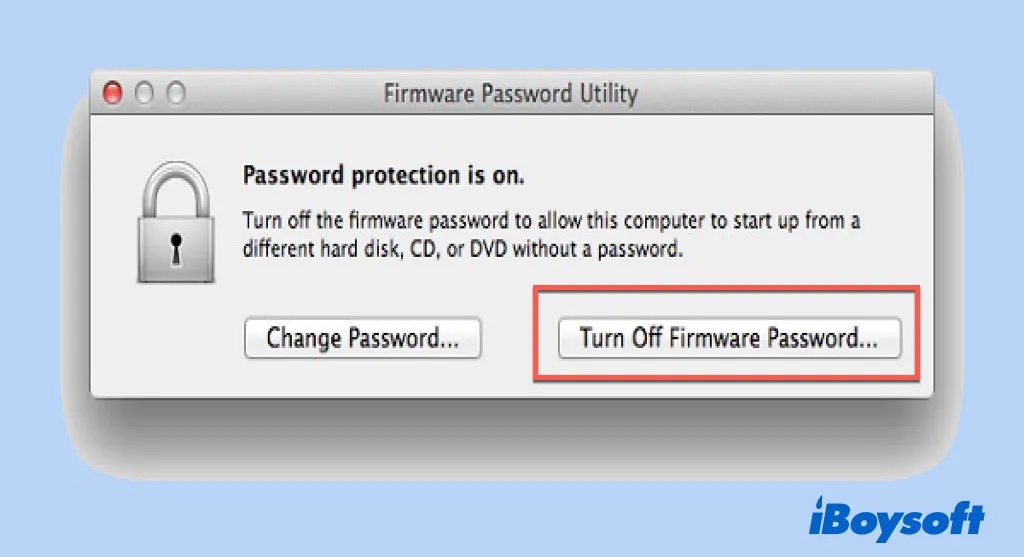
Jan 28 2015 nbsp 0183 32 Reboot the Mac and hold down Command R to enter recovery mode At the Utilities screen go to the Utilities menu bar item and choose Firmware Password Utility Select to turn the Firmware Password to OFF If this is successful it will tell you the firmware password is off

Jan 27 2021 nbsp 0183 32 Setting a firmware password will help keep your Mac safe more You can boot your Mac to an external drive the recovery mode or even a disc to do any number of things That also means

How to turn off a firmware password Start up from macOS Recovery During the startup process you ll be prompted to enter the firmware password When the utilities window appears click Utilities in the menu bar then choose Startup Security Utility or Firmware Password Utility Click Turn Off Firmware Password

1 day ago nbsp 0183 32 Start or restart your Mac from macOS Recovery by holding down Command R keys Enter the firmware password when asked When the utility window appears click Utilities in the menu bar then choose Startup Security Utility Mac models with T2 Security Chip or Firmware Password Utility Click Turn Off Firmware Password
May 9 2022 nbsp 0183 32 How to turn off a firmware password Start up from macOS Recovery During startup you will be prompted to enter the firmware password When the utilities window appears click Utilities in the menu bar then choose Startup Security Utility or Firmware Password Utility Click Turn Off Firmware Password Jul 5 2020 nbsp 0183 32 Step 1 Launch Terminal Step 2 Type in the following command sudo firmwarepasswd delete Step 3 That s it but if you re interested these commands are there for you sudo
A To remove a firmware password on Mac the first step is to turn off Firmware Password in System Preferences Then restart your Mac and hold down Command R to enter the Recovery Mode menu Select Utilities in the menu and choose the Firmware Password Utility option