Remove Color Pdf Acrobat Remove Highlight From Pdf Acrobat Pro Rundreamachieve How To Remove A Page From Pdf File With Adobe Acrobat 7 Pro Signdarelo How To Remove Background Color From A Shape In Pdf Using Adobe Acrobat Remove Fill Color From Text Field In PDF Using Adobe Acrobat Pro DC 5 Methods To Remove Pages From PDF 2021 WEB Oct 30 2023 nbsp 0183 32 Learn when should you configure your working space to RGB CMYK or Grayscale color space in Adobe Acrobat Also the Color Conversion options to effectively control how your application handles the colors in a document as it moves from one color space to another
WEB Feb 26 2024 nbsp 0183 32 Follow these steps to use the Redact tools of Adobe Acrobat to remove sensitive images and text before you share your PDF The Remove Hidden Information feature allows you to search and redact hidden content from the PDF WEB Here s how to remove highlights from a PDF online Go to Acrobat online services and launch Edit PDFs with Comments Find the file you want to edit on your laptop Then drag it across into the Drop Zone box on the Acrobat site Alternatively you can upload via
5 Methods To Remove Pages From PDF 2021 How To Remove Fillable Fields In Pdf Using Adobe Acrobat Pro DC TMP Infinite Ordnance ZU 23 2 Released How To Remove Watermark From Pdf Using Adobe Acrobat Pro DC 2022 In Adobe Acrobat Bar Chart Marks Pdf Color Colour Bar Graphs Colors How To Change Text And Background Color In PDF Using Adobe Acrobat Live How To Remove Text Highlight Of Pdf Document In Adobe Acrobat Pro YouTube How To Remove Background Image From Pdf Using Adobe Acrobat Pro DC Free Methods To Remove Highlight From PDF
Remove Color Pdf Acrobat
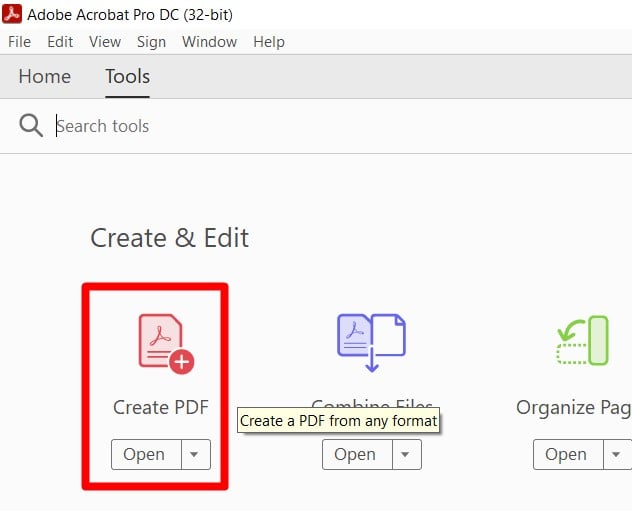 Remove Color Pdf Acrobat
https://www.wizcase.com/wp-content/uploads/2021/03/Create-PDF-1.jpg
WEB Aug 4 2016 nbsp 0183 32 The short answer is no The solution is to go add a background and otherwise adjust colors in your source document from which the PDF was made The longer answer is a bit more complicated PDF files do not have
Pre-crafted templates offer a time-saving service for producing a varied range of documents and files. These pre-designed formats and layouts can be used for numerous individual and professional projects, including resumes, invites, leaflets, newsletters, reports, discussions, and more, simplifying the content creation process.
Remove Color Pdf Acrobat

How To Remove Background Color In Pdf Using Adobe Acrobat Pro 2017

How To Remove Fillable Fields In Pdf Using Adobe Acrobat Pro DC

TMP Infinite Ordnance ZU 23 2 Released

How To Remove Watermark From Pdf Using Adobe Acrobat Pro DC 2022 In
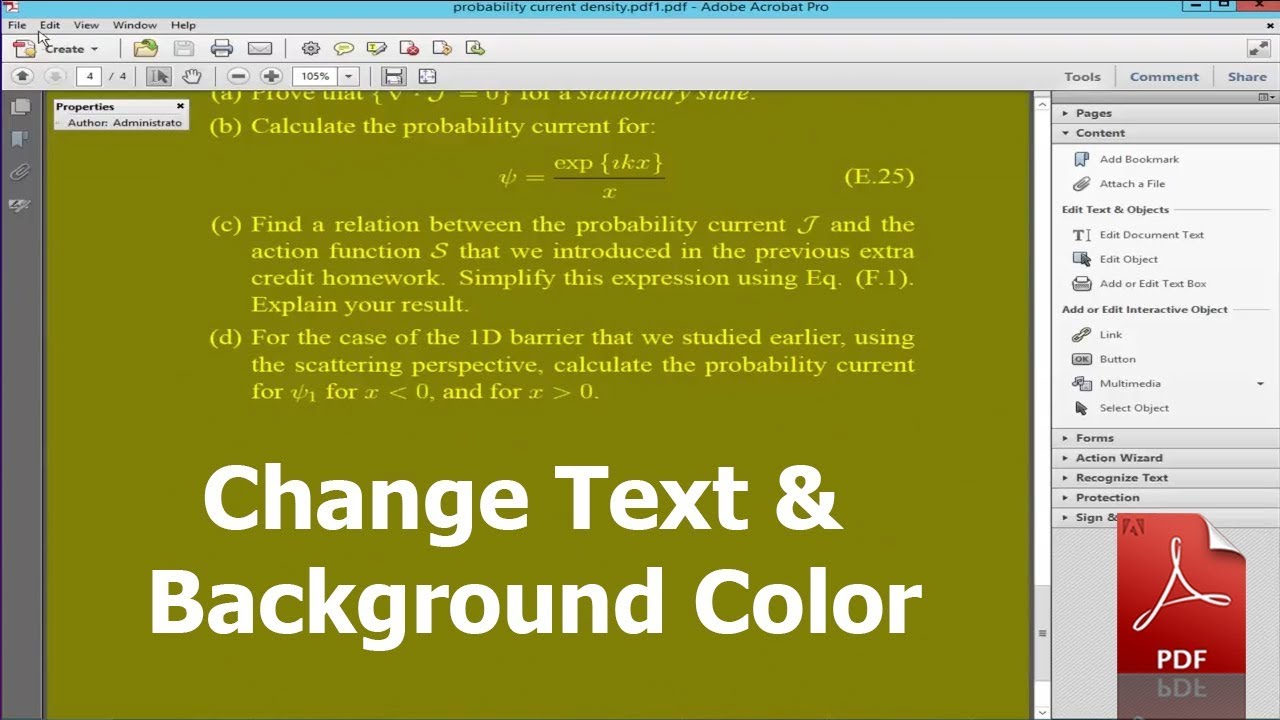
How To Change Text And Background Color In PDF Using Adobe Acrobat Live
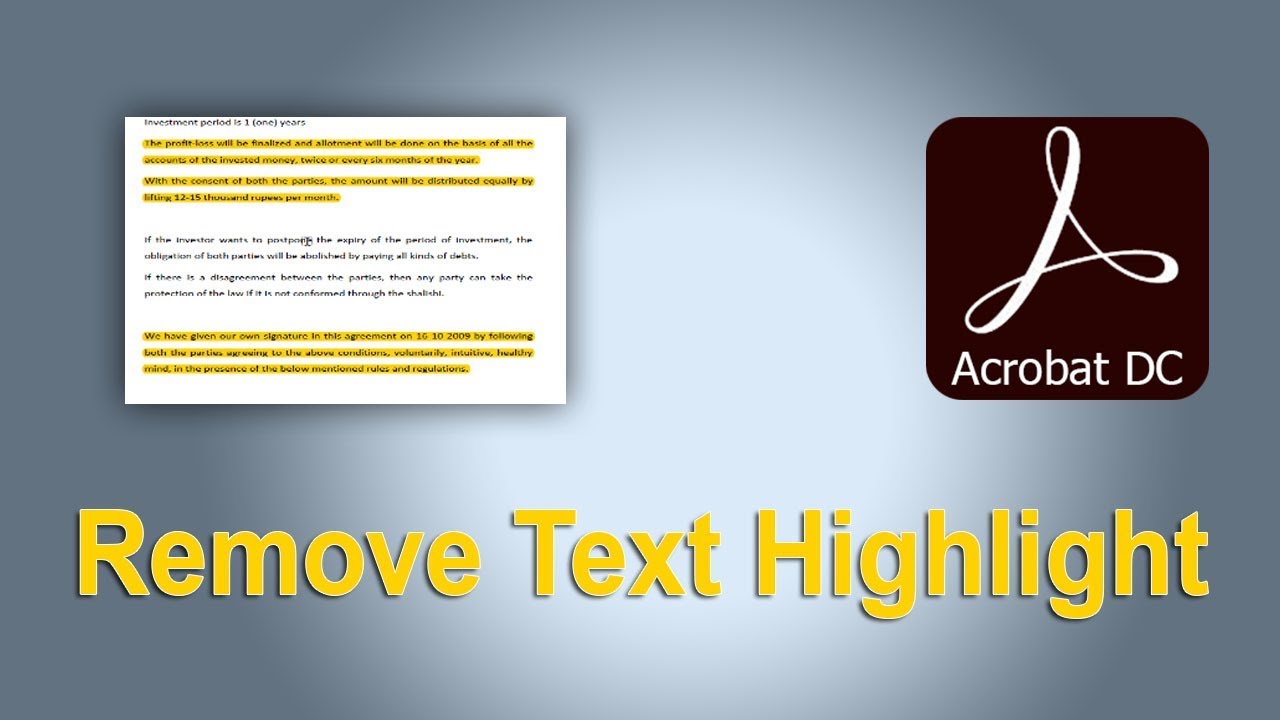
How To Remove Text Highlight Of Pdf Document In Adobe Acrobat Pro YouTube

WEB Learn two easy methods for removing highlights on your PDF files resulting in clean easy to read documents Whether you re studying for an exam or sharing information with team members the highlighter feature is an excellent tool to make text stand out on your PDFs

WEB Learn how to convert PDF to black and white using our guide Follow our easy step by step instructions to remove the colours from your document

WEB Mar 31 2019 nbsp 0183 32 If you can get ahold of Photoshop yes that will work Photoshop will open PDF files You could then use the color selection tool set it to a wide tolerance set it to include non contiguous areas and click on some of the blue It will select all of the ink and then you can delete it

WEB Mar 28 2023 nbsp 0183 32 I just want to remove all the printer marks and color bars from this pdf see highlighted areas on the attachment Please help Thanks
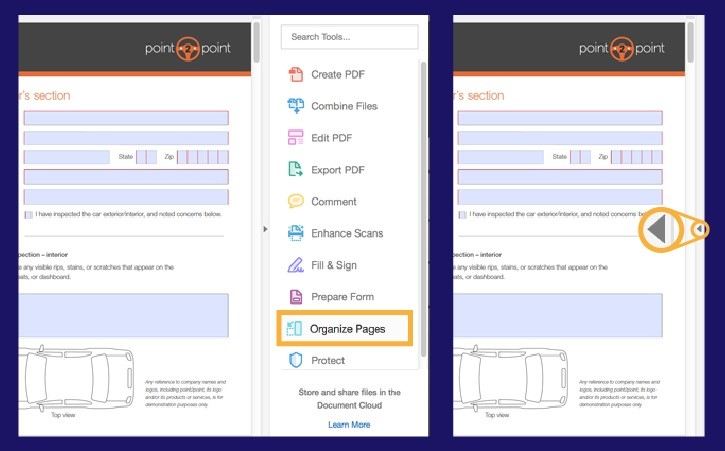
WEB Aug 6 2024 nbsp 0183 32 Learn how to add or replace text correct typos change fonts and typeface adjust alignment and resize text in a PDF using Acrobat
WEB Aug 21 2022 nbsp 0183 32 Hello everyone Today I will show you How to remove background color from a pdf file using Adobe Acrobat Pro DC 2022 Facebook Page https goo gl mVvmvA https goo gl FmZ84U Please WEB Apr 29 2024 nbsp 0183 32 The different steps included are Convert the PDF to an image using any tool or import it as an image to the software Choose the Magic Wand tool and click on the area you want to remove Fine tune the tolerance level for precise selection
WEB Oct 30 2023 nbsp 0183 32 You can remove the embedded color profiles from images and other objects in the PDF Without the embedded profile Acrobat uses the working space profile of the object to determine how to handle the appearance of the color