Remove Black Background From Image Illustrator How To Remove Black Background From An Image In A Click How To Remove Black Background From An Image In A Click Remove Black Background From Image Automatically With AI Background Remover Fotor Illustrator Removing Background From Image Downloads How To Remove Black Background From An Image In A Click Web May 12 2023 nbsp 0183 32 Here s how to do it Open your image with Adobe Illustrator On your keyboard press Ctrl Shift D or Cmd Shift D on Mac This will show the transparency grid which allows Select the image on the artboard with the Selection Tool You can press V on your keyboard to activate this tool
Web Sep 29 2017 nbsp 0183 32 In this video we will be showing you how to remove the background from an image in Adobe Illustrator using the pin tool to trace around your chosen image and make a clipping mask Full Web Apr 11 2021 nbsp 0183 32 168K views 2 years ago Image editing graphics tutorials In this Adobe Illustrator 2021 tutorial we are going to teach you how to remove the background from an image in Illustrator 2021 Erase
How To Remove Black Background From An Image In A Click Remove Black Background Of Alpha Brush GrindSkills Top 7 Tools To Remove Black Background Online TopTen Review How To Remove Black Background With High Quality In 2021 Proven How To Remove Black Background From An Image In A Click How To Remove Black Background From An Image In A Click The Easiest Ways To Remove Black Background From Image Of 2022 The Easiest Ways To Remove Black Background From Image Of 2022 How To Remove Black Background With High Quality In 2021 Proven
Remove Black Background From Image Illustrator
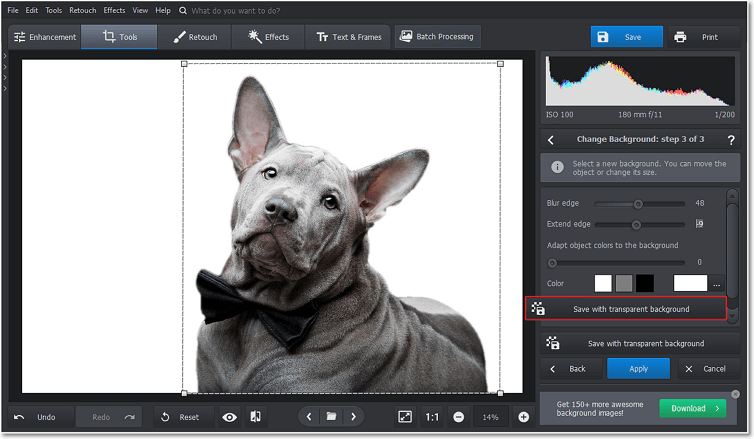 Remove Black Background From Image Illustrator
https://photo-works.net/images/how-to-remove-black-background-from-image-step3.png
Web Select the Pen tool from the left toolbar Outline your object by clicking along its edges Close the path by clicking on the first point Choose the Selection Tool from the left hand toolbar and select both the outline you just created and your initial image by dragging over them Make a right click and choose Make Clipping Mask How to remove background
Templates are pre-designed documents or files that can be used for different purposes. They can conserve effort and time by providing a ready-made format and design for producing various kinds of content. Templates can be utilized for individual or professional tasks, such as resumes, invitations, flyers, newsletters, reports, discussions, and more.
Remove Black Background From Image Illustrator

How To Remove Black Background From Videos On Android With The CapCut App Mang Idik

Remove Black Background Of Alpha Brush GrindSkills
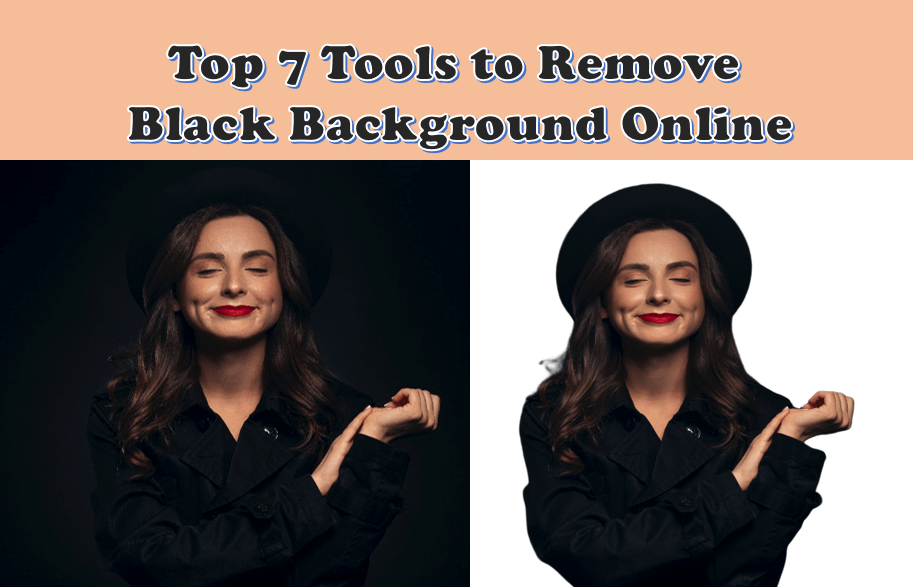
Top 7 Tools To Remove Black Background Online TopTen Review

How To Remove Black Background With High Quality In 2021 Proven
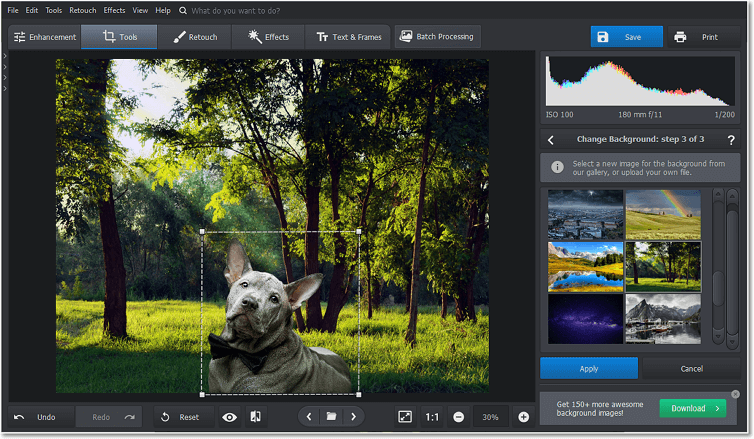
How To Remove Black Background From An Image In A Click
The Easiest Ways To Remove Black Background From Image Of 2022
Web Dec 15 2022 nbsp 0183 32 Using a Clipping Mask 1 Open Illustrator Illustrator has a yellow icon that says quot Ai quot Click the icon to open Adobe Illustrator 2 Open your image in Adobe Illustrator Click File in the menu bar at top Click Open to open a new image or Place 3 Zoom in on your image To remove the

Web May 30 2023 nbsp 0183 32 Here s how to do it Go to the remove bg website Drag and drop or upload your image onto the site remove bg will automatically remove its background That s it You can now click gt Download to save your image with transparent background on your mobile phone or laptop If you want to switch up your
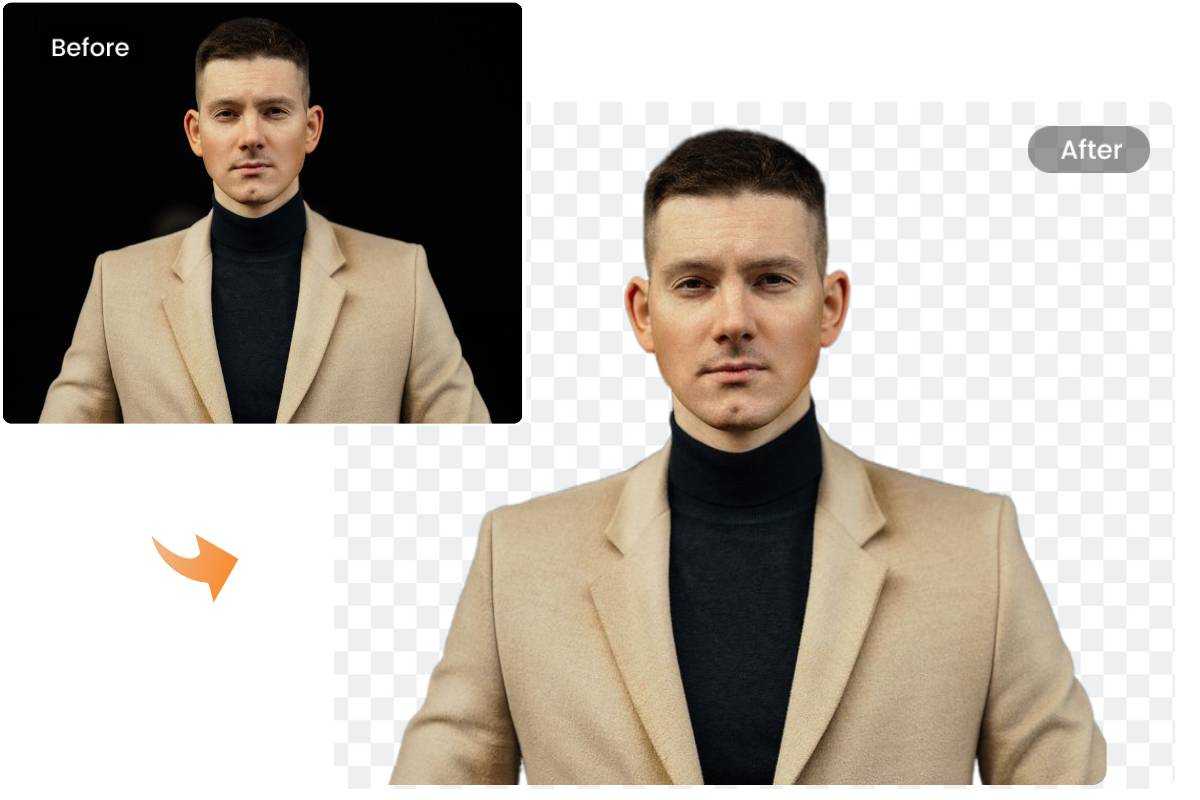
Web Jan 5 2018 nbsp 0183 32 1 Correct answer Brad Roaring Mouse Community Expert Aug 13 2022 If you want a quick method and you have Photoshop open the file and make it into a layer mask by copying it and pasting it into a New Layer Mask layer then fill that layer with White or any other colour you might want
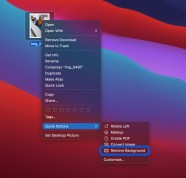
Web Jan 7 2021 nbsp 0183 32 I had to use Adobe Acrobat Pro apparently the full user tool if you want to or have to create these documents and as Apple can download the Message string into a number of options like pdf and so removing the black layers over the images on the pdf download could be done in that
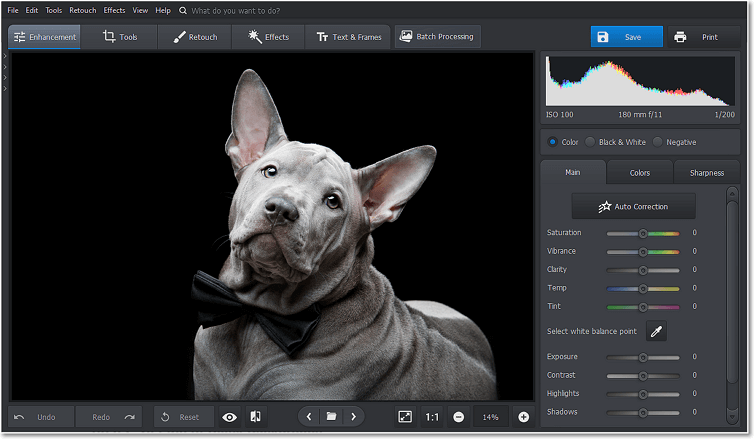
Web Sep 15 2023 nbsp 0183 32 Go to File gt Document Setup Alt Control P whenever you wish to adjust the settings of your transparent background 2 How to Change the Color of the Background in Illustrator Step 1 By default your artboard s and your canvas will be white To change the color of your artboard go to File gt Document Setup Alt Control P
Web Jul 1 2022 nbsp 0183 32 If it s a picture you can turn it into a vector by going to the top menu and choosing Window gt File Trace Next we need to enable transparency in order to delete the background otherwise it defaults to a plain white background To do this go to the top menu and navigate to View gt Show Transparency Grid The Shift Ctrl Command D Web Feb 28 2018 nbsp 0183 32 Amazing trick to change or remove background from any raster image in Adobe Illustrator and make them transparent so your images can work with any background Show more
Web Mar 27 2017 nbsp 0183 32 Learn how to remove a background in Illustrator 1 Open Ai and create a new art board 2 Click and drag your image into your art board 3 Adjust your image to fit your art board 4 On the left toolbar select the stroke