Remove All Line Breaks Notepad How To Remove Line Breaks In Paragraphs Using An Online Tool Word Remove All Line Breaks R Srvtrck Com Remove Remove Line Breaks AllAiTools Redesigned Scriptures Projects NathanRichardson WEB Remove line breaks on your text or documents with ease with Notepad and its extended find and replace feature
WEB Sep 13 2018 nbsp 0183 32 Hi oscar remiccc and All Apparently I understand that you would like to delete every line ending with the colon character Easy with regular expressions WEB Jul 29 2015 nbsp 0183 32 If you do want hard breaks in lines of text you can use this regexp find amp replace all Find lt 80 s Replace 0 n Will look for a space after 80 characters and
Redesigned Scriptures Projects NathanRichardson How To Download Freemind On Linux Neowes Mysql Change Single Column Character Set Tharsitis Easily Transform Text With Boop GTK Scriptable Scratchpad For Madhu s Blog Removing Line Breaks In Notepad How To Remove Hidden Characters And Line Breaks In Microsoft Word MS Everything New In Notepad In Windows 10 s October 2018 Update Notepad 8 Tools To Manage Text In Excel Trim Spaces Split Cells Count
Remove All Line Breaks Notepad
 Remove All Line Breaks Notepad
https://blogger.googleusercontent.com/img/b/R29vZ2xl/AVvXsEh9iKz8hx3D_VPPBhVfwM9T6KJjtGrg5LQfUhtstHvKGrDzp8KdH1Cy_ho9UR-yYWrJNyBA3o-rMzAJW3AHonkHxn4Amj_5Q-oB6QF-JFjfVk3gwlvEeeg-KqI7YeDkje9focryn6MxjSuFrwvuqKt6H8DTU6M-8jL9K-wY_-77w1Y9pkv0ZaUO2BOW/w1600/remove line breaks in paragraphs.png
WEB I discovered that I can delete them individually with the Del key and then re enter the New Line with the Enter key but there are literally HUNDREDS of them in the lower portion
Pre-crafted templates use a time-saving service for developing a varied range of documents and files. These pre-designed formats and layouts can be used for various personal and expert projects, consisting of resumes, invites, leaflets, newsletters, reports, discussions, and more, enhancing the content production process.
Remove All Line Breaks Notepad
.png "How To Get First And Last Value In Php")
How To Get First And Last Value In Php
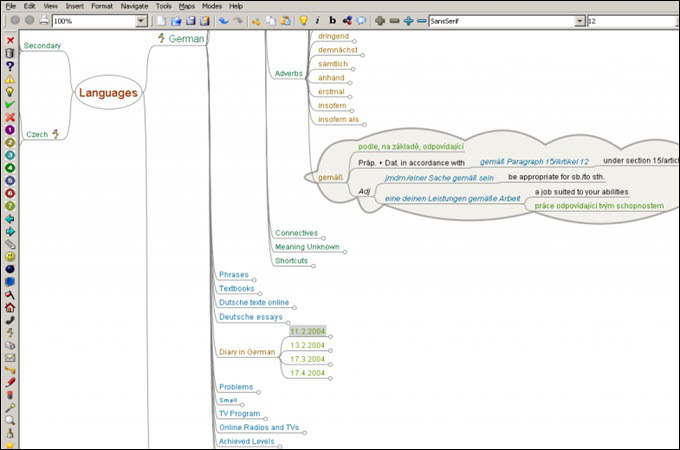
How To Download Freemind On Linux Neowes

Mysql Change Single Column Character Set Tharsitis
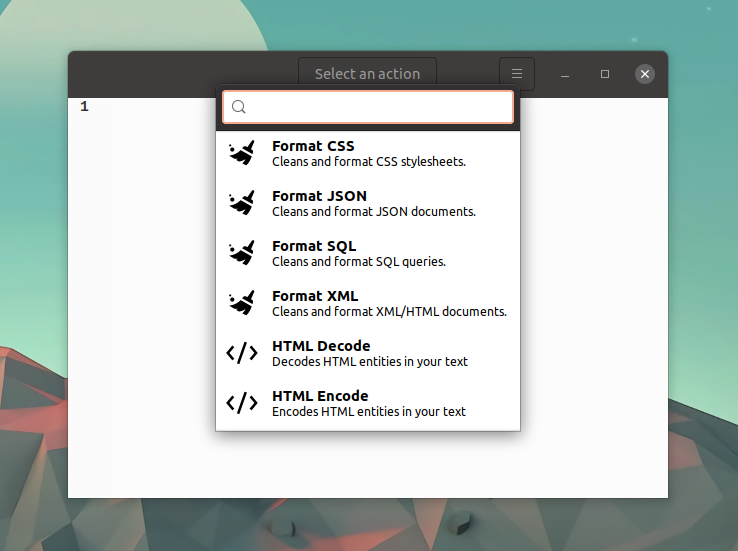
Easily Transform Text With Boop GTK Scriptable Scratchpad For

How To Remove Hidden Characters And Line Breaks In Microsoft Word MS
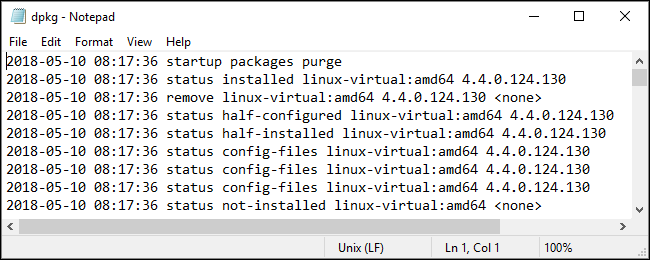
Everything New In Notepad In Windows 10 s October 2018 Update
WEB Oct 3 2018 nbsp 0183 32 First click on the 182 symbol in the toolbar you can see if you have CRLF line endings or just LF Click on the Replace button and put r n or n depending on the kind

WEB Nov 26 2015 nbsp 0183 32 Using Notepad2 for the search and replace is super simple In the Replace text dialog check the Translate backslashes option Then you can use r n n t etc in

WEB Jul 13 2018 nbsp 0183 32 I want to remove a new line created after each name in a chat log file Example Person1 space their message Person2 space their message So I set it to

WEB Sep 4 2021 nbsp 0183 32 Remove line breaks QUICKLY with Notepad Just use ctrl a and then ctrl j and all your line breaks are removed Then replace all spaces with nothing 00 00

WEB Mar 25 2023 nbsp 0183 32 Whether you re dealing with code data or prose extraneous line breaks can disrupt the flow and readability of your text In this article we ll delve into the various
WEB Jul 1 2019 nbsp 0183 32 Select common string that is present in all lines Press Ctrl F In the Mark tab paste the recurring string and check the Bookmark line checkbox Click on Mark All Now WEB Jan 25 2022 nbsp 0183 32 Repl 1 2 if lines have no trailing space Repl 1 2 if translator left in a trailing space Now use Replace All to process the whole file or Replace if you want to
WEB Apr 21 2017 nbsp 0183 32 To delete all spaces in the file replace with quotes only for demonstration please remove them You need to have the checkbox quot Regular