Remote Desktop Login How To Fix Remote Desktop Incorrect Password On Windows 10 Pureinfotech Remote Desktop Login Remote Desktop Vector SVG Icon SVG Repo How To Access Windows Remote Desktop Over The Internet How To Use Microsoft s Remote Desktop Connection Web Aug 8 2023 nbsp 0183 32 Get the Remote Desktop app and start using it Follow these steps to get started with Remote Desktop on your Windows 10 device Download the Remote Desktop app from the Microsoft Store Set up your PC to accept remote connections Add a Remote PC connection or a workspace
Web Mar 6 2023 nbsp 0183 32 Connect Use Windows Remote Desktop to access a PC from anywhere in the world Learn how Remote Desktop works system requirements for using it and how to set it up on your PC Web Nov 15 2023 nbsp 0183 32 Start using the Remote Desktop client To sign in to the client go to the URL your admin sent you At the sign in page enter your domain and user name in the format DOMAIN username enter your password and then select Sign in
How To Use Microsoft s Remote Desktop Connection Emprender Andes Sextante Connect Me Remote Desktop Asignar Mu eco De Secure 2 factor Authentication For Remote Desktop Login By OTP Codes Remote Desktop Please Wait Blue Screen Solved Set Automatic Login For Windows Remote Desktop Connection Microsoft Remote Desktop10 3 9 2020 03 17 Secure 2 factor Authentication For Remote Desktop Login By OTP Codes Free Remote Access To Computers Configure Remote Desktop To Remember Your Domain Name Remote
Remote Desktop Login
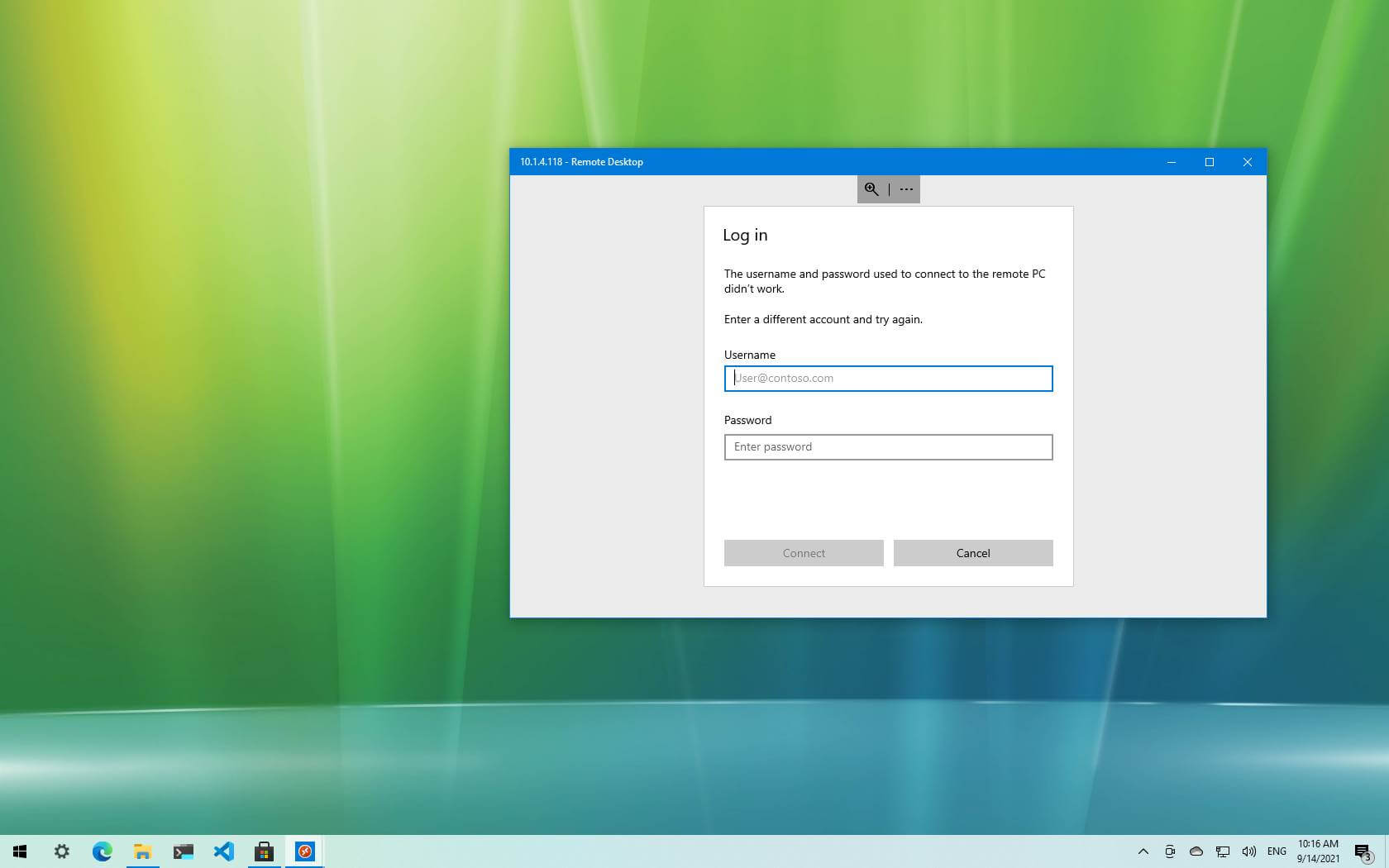 Remote Desktop Login
https://pureinfotech.com/wp-content/uploads/2021/09/windows-10-11-fix-remote-desktop-login_hero.jpg
Web On your computer Chrome Remote Desktop is available on the web To use your mobile device for remote access download the Chrome Remote Desktop app Tip As an administrator you control user access with Chrome Remote Desktop Learn how to control use of Chrome Remote Desktop
Templates are pre-designed files or files that can be used for different purposes. They can save effort and time by supplying a ready-made format and layout for producing various type of content. Templates can be utilized for personal or expert projects, such as resumes, invitations, leaflets, newsletters, reports, presentations, and more.
Remote Desktop Login
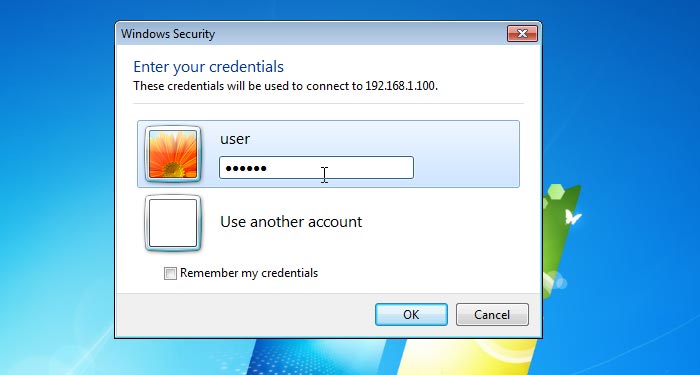
How To Enable Remote Desktop Connection In Windows 10

Emprender Andes Sextante Connect Me Remote Desktop Asignar Mu eco De
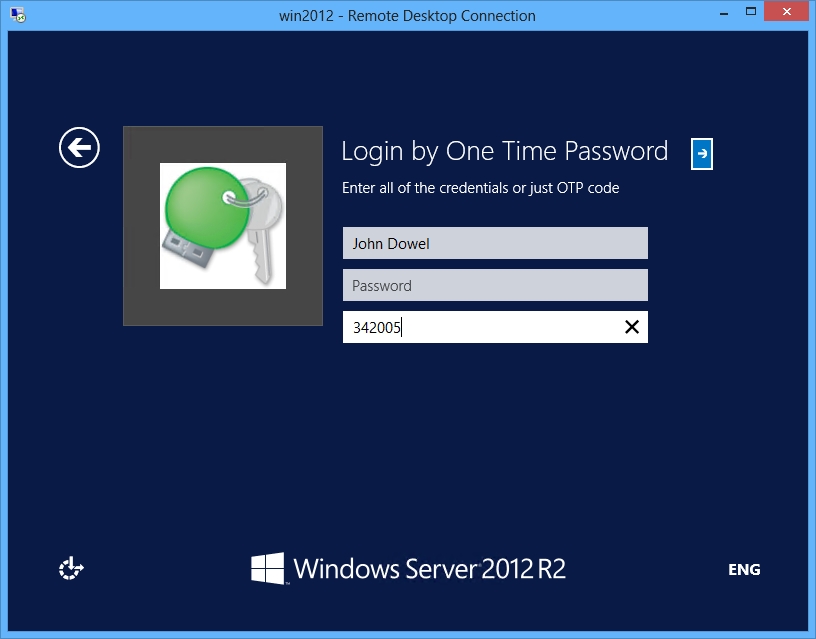
Secure 2 factor Authentication For Remote Desktop Login By OTP Codes

Remote Desktop Please Wait Blue Screen Solved

Microsoft Remote Desktop10 3 9 2020 03 17
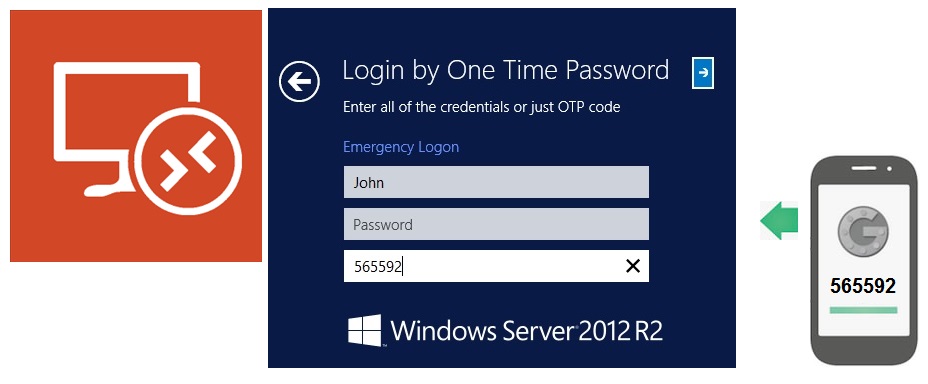
Secure 2 factor Authentication For Remote Desktop Login By OTP Codes
Web On your local Windows PC In the search box on the taskbar type Remote Desktop Connection and then select Remote Desktop Connection In Remote Desktop Connection type the name of the PC you want to connect

Web Can t access your account Terms of use Privacy amp cookies Privacy amp cookies

Web 5342 Free Get Use the Microsoft Remote Desktop app to connect to a remote PC or virtual apps and desktops made available by your admin The app helps you be productive no matter where you are Getting Started Configure your PC for remote access first

Web Centralized remote monitoring and management RMM for speedy and efficient IT support Remote desktop access solutions by TeamViewer connect to remote computers provide remote support amp collaborate online Free for personal use

Web Jan 23 2022 nbsp 0183 32 We ll demonstrate how to access Remote Desktop using Microsoft s Remote Desktop app available on Windows macOS Android iPhone and iPad Open the Remote Desktop app and tap the plus icon in the top right corner Then type in your PC Name and Windows user account details
[desc-11] [desc-12]
[desc-13]