Remote Desktop Connection Wrong Password 10 Best Remote Desktop Connection Managers LaptrinhX News How To Remote Desktop Without Password YouTube Remote Desktop Connection Client Download Baplevel Does Mac Filtering Occur Before The 4 Way Handshake Or After It And Microsoft Remote Desktop Connection Client For Mac Latest Version Lenatex To enable Remote Desktop go to Settings System Remote Desktop and turn on Enable Remote Desktop User Account Permission Ensure that the Microsoft account you are using to connect has the necessary permissions to access the remote PC
Fix Remote Desktop incorrect or wrong password To troubleshoot the problem we will follow the following approach sequentially Run the Network Adapter Troubleshooter Change the network Working username outlook for me without any issues To check whether your user has access to RDP 1 Control Panel System Remote Settings Remote Desktop 2 Click Select Users and make sure your username outlook is added there if not then click add and add it manually
Microsoft Remote Desktop Connection Client For Mac Latest Version Lenatex How To Reinstall Remote Desktop Connection Windows 10 Yardnasve SD512 42 Battery Charger zhenjiang Tri islands Marine How To Change A Password Within Remote Desktop YouTube Remote Desktop Connection Manager Windows Gracean Easy Guide How To Change Password In Remote Desktop Connection Setup A Remote Desktop Connection On A Mac For Windows 10 Freeloadsleo Remote Desktop PassView Recover The Password Of Remote Desktop Microsoft Remote Desktop Connection Remotely Access Windows PC On Mac
Remote Desktop Connection Wrong Password
 Remote Desktop Connection Wrong Password
https://cdn.comparitech.com/wp-content/uploads/2021/03/Remote-Desktop-Connection-Managers.jpg
The LimitBlankPasswordUse registry key stores the value of the policy set above in the Local Group Policy and Local Security Policy To allow for Remote Desktop logon with a user account
Pre-crafted templates offer a time-saving solution for producing a varied variety of files and files. These pre-designed formats and layouts can be utilized for different personal and expert tasks, consisting of resumes, invites, leaflets, newsletters, reports, discussions, and more, simplifying the material development procedure.
Remote Desktop Connection Wrong Password
Remote Desktop Connection For Android APK Download
How To Reinstall Remote Desktop Connection Windows 10 Yardnasve

SD512 42 Battery Charger zhenjiang Tri islands Marine
How To Change A Password Within Remote Desktop YouTube
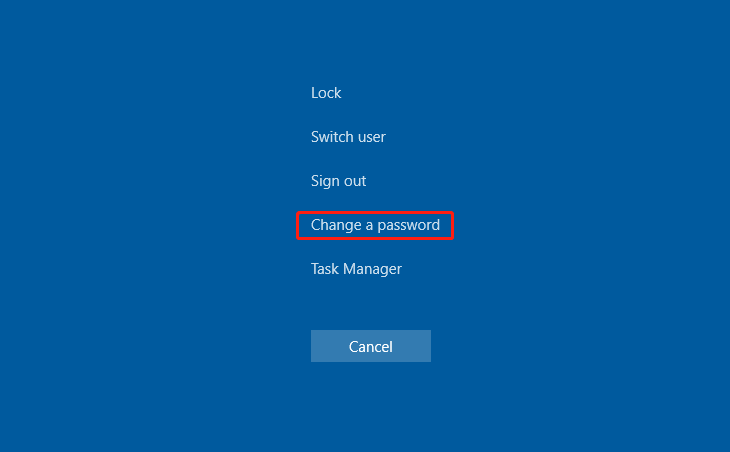
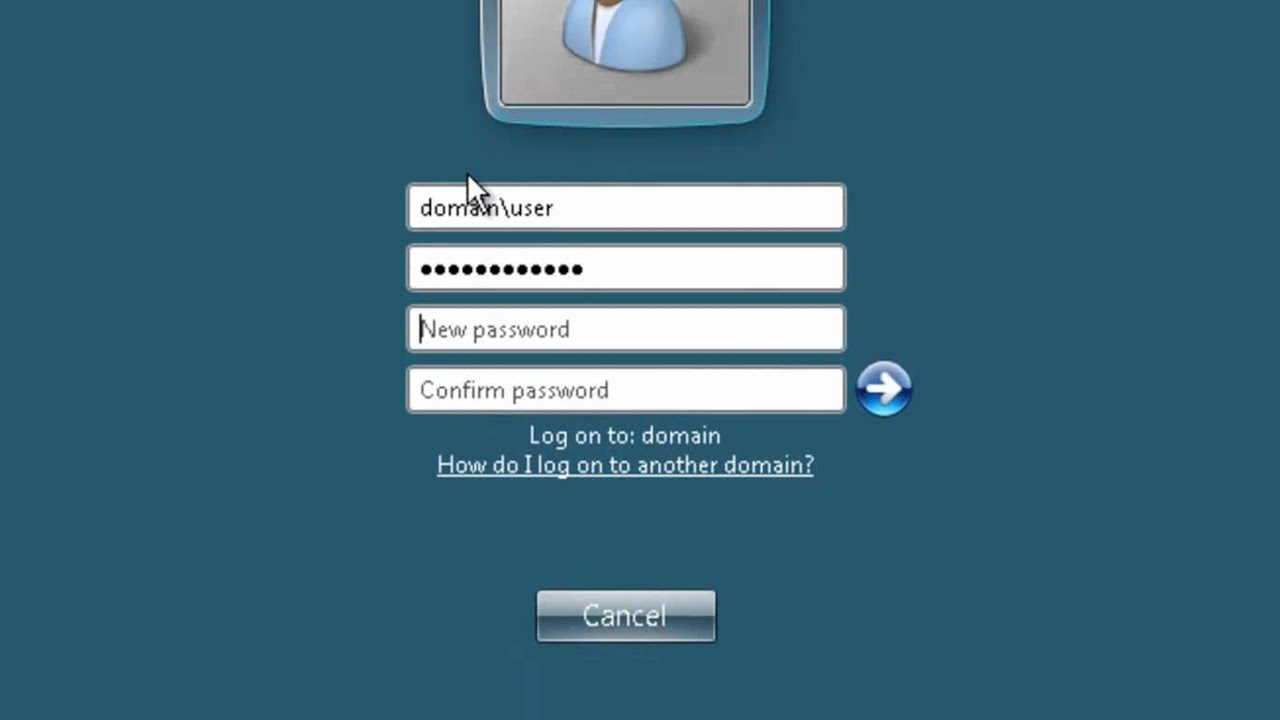
Easy Guide How To Change Password In Remote Desktop Connection

Setup A Remote Desktop Connection On A Mac For Windows 10 Freeloadsleo

There are two important factors to consider First of all the machine that you are trying to access via RDP is utilizing Windows 10 Pro and not the Home version correct Last but not least in your first screen shot that Select users button is crucial

On Windows 10 or Windows 11 if you try to connect to a remote computer that has remote desktop enabled and configured you will probably get an incorrect password error If this is the case you are not the only one It appears that the problem lies in how you have initially set up the Windows account

Open Settings Click on Accounts Click on Your info Click the Sign in with a local account instead option Switch Microsoft account to local account on Windows 10 Click the Next button Confirm your local account information such as new username password and hint password Windows 10 local account information Click the Next button

1 Please aware and text the Username and Password in the Notepad Typed input that passwords are case sensitive and usernames are usually case sensitive as well After it log in to the remote computer 2

1 Make sure the credentials are correct The first step in troubleshooting the problem should always be to make sure that the correct credentials are in place This includes making sure that the credentials are entered in the correct format and have the correct capitalization as well as any other considerations
3 I m trying to connect to a Windows 7 system through rdesktop and at the windows login I get wrong username and or wrong password I m sure it s the right password It was working before I can login with another account through rdesktop What can be wrong here EDIT I ve tried to add the user to the remote desktop group windows 7 linux 3 Once the PIN removed select the Password from the Sign in option and click the Add button to set up a password for the device 4 Now restart your PC and login with the specified password 5 Connect to Remote Desktop and see if that solves the problem How to FIX Windows Won t Save Remote Desktop Username and Password and always prompts for credentials
RDP to workstation Win 10 on domain invalid credentials is displayed The domain user was previously able to RDP in Domain creds don t work even if domain admin The local workstation admin account can RDP in just fine Direct console access with domain account also works fine This is a new problem cropping up on various workstations on