Reboot Vm From Esxi Command Line Vmware Command Line Management In VSphere 5 0 For Service Console Users VMware ESXi Command Line Cheat Sheet NetworkProGuide How To Export And Import VM From ESXi Host Or Command Line How To Export And Import VM From ESXi Host Or Command Line VMware Cannot Power Off VM 4 Solutions Via ESXi Command restart reboot restart reboot
Sep 12 2024 nbsp 0183 32 reboot and select proper boot device 1 Jul 16 2024 nbsp 0183 32 windows Win10 Win11 5 Windows 10 Windows 11 1 Alt F4 2
VMware Cannot Power Off VM 4 Solutions Via ESXi Command Power Off The Virtual Machine In An ESXi Host Disabling IPv6 Via Command Line For ESXi 5 1 Without Automatic Host ESXi 6 5 Upgrade Bundle Via Command Line No Space Left On Device Error How To Export And Import VM From ESXi ESXi Command Line Back Up And Restore VMware ESXi Host Configuration A Step By Step How To Back Up ESXi Host Configuration Easy Guide How To Power On A Vm From Esxi Command Line Withou VMware Remove Orphaned VM GVs Blog
Reboot Vm From Esxi Command Line
 Reboot Vm From Esxi Command Line
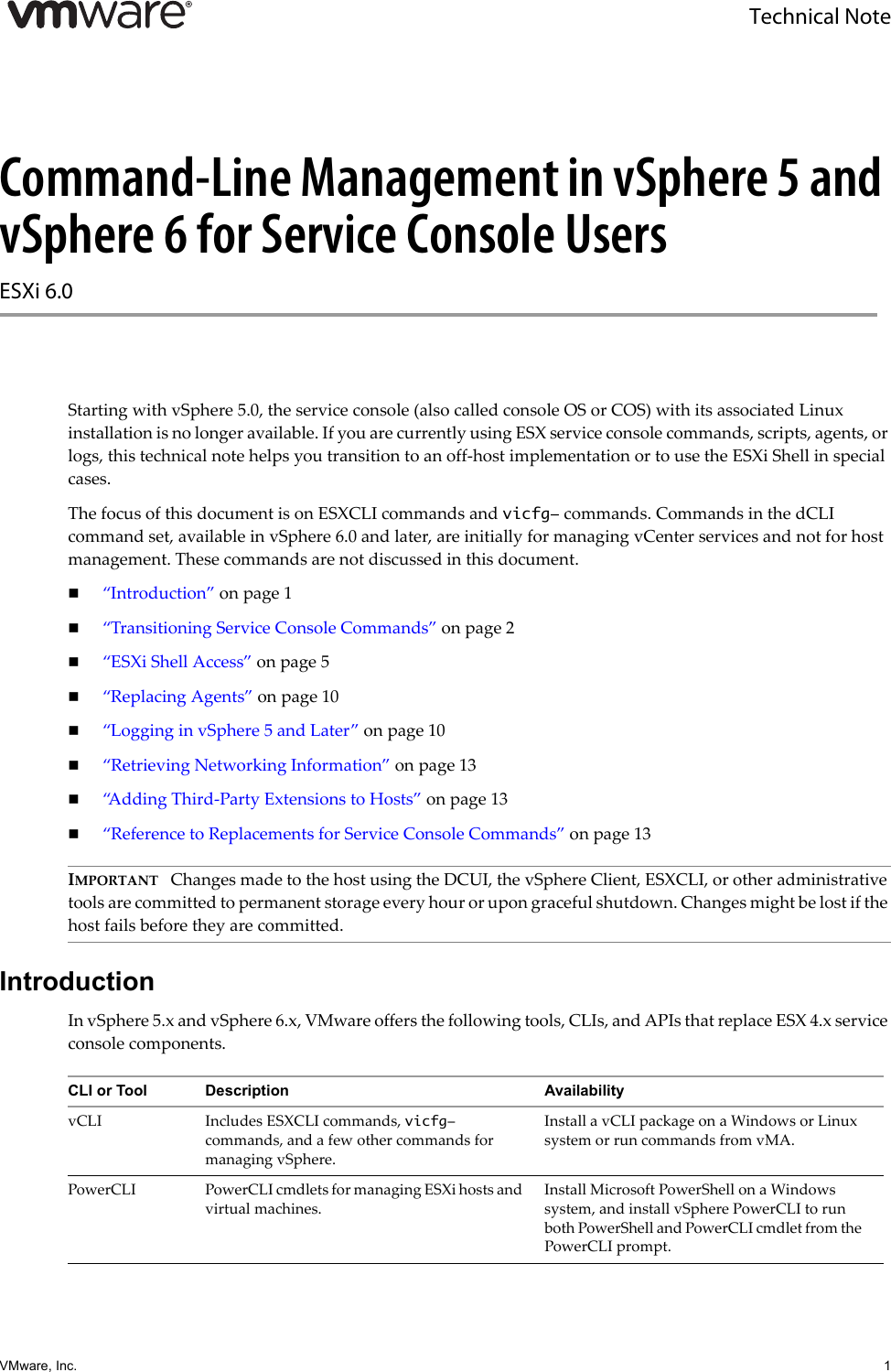
https://usermanual.wiki/vmware/vsphereesxivcenterserver60commandlinemanagementforserviceconsoleen.4101982950-User-Guide-Page-1.png
reboot and select proper boot device 10 460 2019 01 13 119
Templates are pre-designed files or files that can be used for numerous functions. They can save effort and time by offering a ready-made format and design for producing different sort of material. Templates can be used for personal or expert tasks, such as resumes, invites, flyers, newsletters, reports, presentations, and more.
Reboot Vm From Esxi Command Line
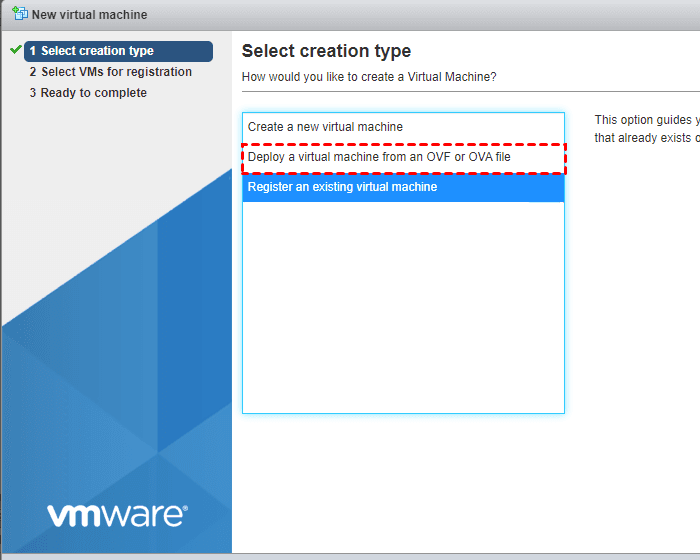
How To Export And Import VM From ESXi Host Or Command Line

Power Off The Virtual Machine In An ESXi Host

Disabling IPv6 Via Command Line For ESXi 5 1 Without Automatic Host
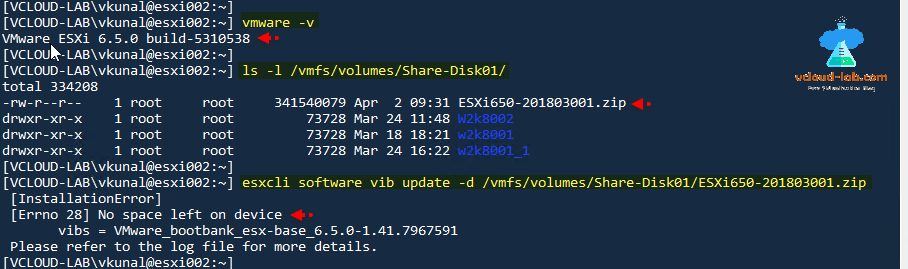
ESXi 6 5 Upgrade Bundle Via Command Line No Space Left On Device Error

Back Up And Restore VMware ESXi Host Configuration A Step By Step

How To Back Up ESXi Host Configuration Easy Guide
reboot and select proper boot device or Insert boot media in select boot CMOS

recovery reboot system now recovery 1 apply update from sdcard update zip 2 wipe data factory
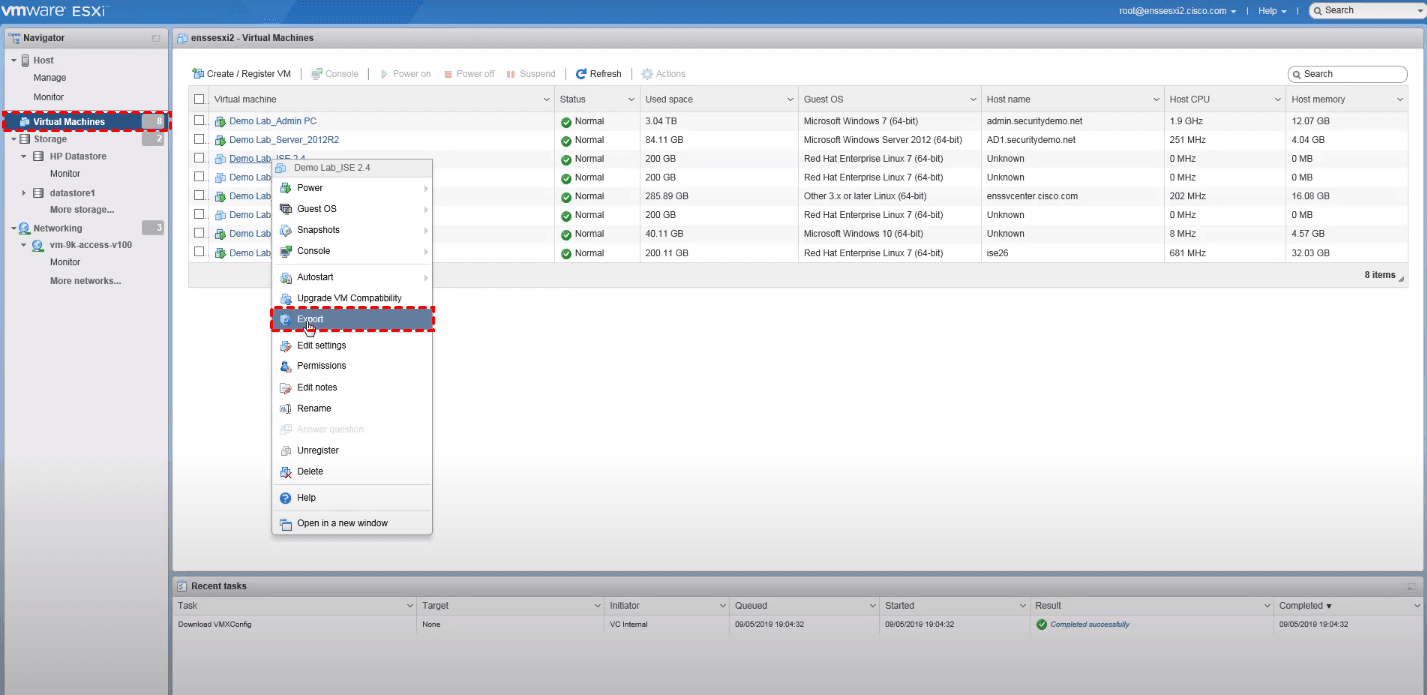
Sep 11 2024 nbsp 0183 32 quot reboot and select proper boot device quot

Oct 18 2024 nbsp 0183 32 Reboot and Select proper Boot device

Sep 10 2024 nbsp 0183 32 reboot and select proper boot device
[desc-11] [desc-12]
[desc-13]