Reboot Linux Ssh Command The Shutdown Command Schedules A Time For A Linux System To Be Powered How To Pass Password To SSH Command In Linux Linux Reboot Command Maxblee Unix Linux Ssh Command And Non interactive Non login Shell 2 How To Start A Service During A Server Restart On Linux Systran Box WEB The most straightforward way to restart your Linux server is with the reboot command sudo reboot This command starts a graceful shutdown letting processes exit
WEB The article provides comprehensive the guidance on rebooting Linux systems through various methods including the reboot command shutdown command init command WEB Steps to manage OpenSSH server from command line Stop SSH service using service command sudo service ssh stop Start SSH service using systemd sudo systemctl
How To Start A Service During A Server Restart On Linux Systran Box I Wish Someone Could Explain This SSH Command For Me r linuxadmin Ssh Command In Linux With Examples Linux Command Line Tutorial SSH Restart Linux System Using Reboot Command NixCraft How To Reboot Your Linux System From The Command Line Systran Box Kegyetlens g Iskolai Oktat s B tor Linux Server Shutdown Command Olvas Linux SSH Command Event Monitor FrameFlow Reboot Netstat Command Abel WorldAbel World How To Restart A Suse Linux System Via Command Line Systran Box
Reboot Linux Ssh Command
 Reboot Linux Ssh Command
https://i.pinimg.com/originals/c6/a0/a5/c6a0a531d1398cbe67a90ba1ad65bf9b.png
WEB To reboot your Linux system simply type reboot or systemctl reboot sudo systemctl reboot The system will be restarted immediately When the reboot is initiated all logged in users and processes are notified that the
Templates are pre-designed files or files that can be utilized for various purposes. They can save time and effort by supplying a ready-made format and design for developing various type of material. Templates can be used for personal or expert tasks, such as resumes, invites, leaflets, newsletters, reports, presentations, and more.
Reboot Linux Ssh Command

Kegyetlens g Iskolai Oktat s B tor Linux Server Shutdown Command Olvas

I Wish Someone Could Explain This SSH Command For Me r linuxadmin
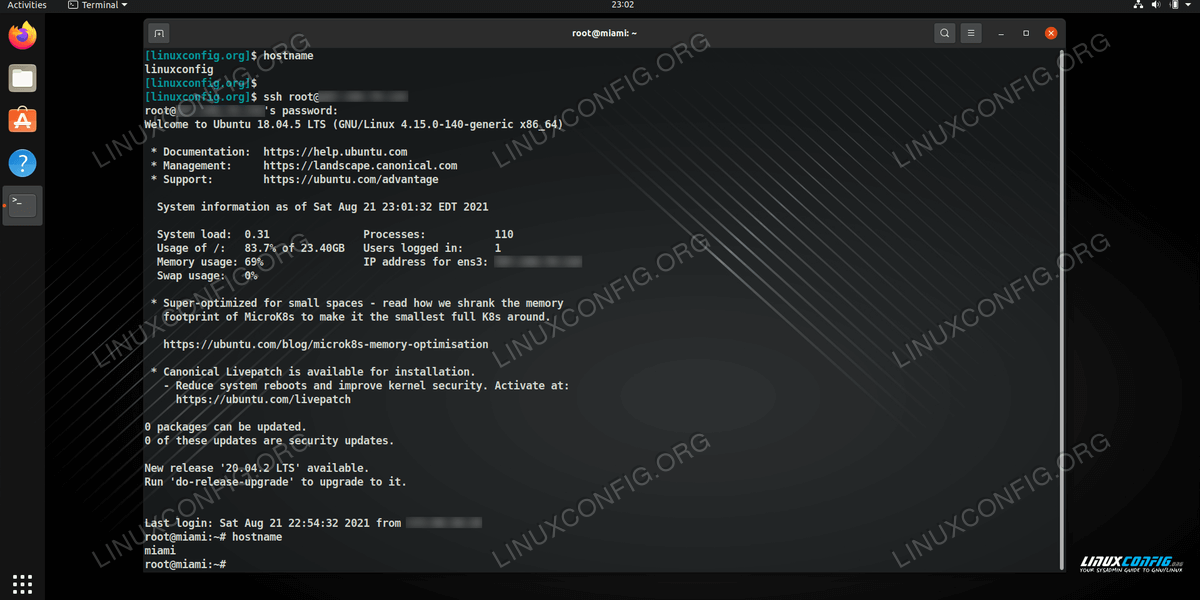
Ssh Command In Linux With Examples Linux Command Line Tutorial

SSH Restart Linux System Using Reboot Command NixCraft

Kegyetlens g Iskolai Oktat s B tor Linux Server Shutdown Command Olvas

Linux SSH Command Event Monitor FrameFlow

WEB Apr 26 2019 nbsp 0183 32 If you re working on a GUI less server or you re on an SSH session to a remote computer the command line is your only option

WEB Aug 7 2017 nbsp 0183 32 How to reboot the remote Linux server The syntax is ssh user server name here Type the following command to reboot the box

WEB This tutorial will show you how to use SSH to use the reboot command to restart a Linux machine Launch your SSH client Open the SSH client that you prefer e g Terminal

WEB Nov 26 2017 nbsp 0183 32 Use this command sudo systemctl restart ssh To restart the SSH server daemon Going forward with systemd starting with Ubuntu 15 04 you now use this

WEB This page explained how to restart ssh service on Linux or Unix like operating systems using various options For more information see the official OpenSSH documents here Another option is to read more about
WEB The most commonly used restart command in Linux is simply reboot or sudo reboot if you are not logged in as root This will immediately begin the process of restarting the WEB Learn how to reboot your dedicated server or VPS machine with the SSH Reboot command Restart your private machine with grace or with force
WEB You need to run a script called etc init d ssh to stop start and restart the OpenSSH SSHD server or sudo systemctl lt start stop restart reload status gt ssh service