Reboot Esxi 7 From Command Line Disabling IPv6 Via Command Line For ESXi 5 1 Without Automatic Host How To Update ESXi 6 Via Command Line Comtronic Blog ESXi 6 5 Upgrade Bundle Via Command Line No Space Left On Device Error Esxi Config Changes Aren t Persisted After Reboot R vmware Install ESXi Network Drivers For Intel E1000 And Intel I220 I221 Sep 12 2024 nbsp 0183 32 reboot and select proper boot device 1
windows11 AMD FAQ Dec 10 2019 nbsp 0183 32 360 2025 360 3 6 Reboot and select proper boot device or Insert Boot Media in selected Boot device
Install ESXi Network Drivers For Intel E1000 And Intel I220 I221 Command Line Update ESXi 6 CITRIX VOYAGE Vmware ESxi How To Remove ESXi V5 5 License Via ESXi How Often Do You Reboot Your ESXi Host VMWare ESXi 7 GPU Passthrough The Lawlor Family CITRIX VOYAGE Vmware ESxi How To Remove ESXi V5 5 License Via ESXi Upgrade VMware ESXi To 7 0 U3 Via Command Line ESX Virtualization PhoneSpin Managing ESXi Virtual Machines By Command line VMware Guide Manage ESXi Routing Via Command Line Interface Virtualization DBaaS
Reboot Esxi 7 From Command Line
 Reboot Esxi 7 From Command Line
https://i2.wp.com/1.bp.blogspot.com/-LfgliK3XzlA/UFNVdiv-s9I/AAAAAAAADjw/xkNljA_1KhE/s1600/esxcli-ipv6-2.png
Jun 7 2020 nbsp 0183 32 Reboot and Select proper Boot device CMOS
Pre-crafted templates offer a time-saving service for producing a varied range of documents and files. These pre-designed formats and designs can be used for numerous personal and expert projects, consisting of resumes, invitations, flyers, newsletters, reports, discussions, and more, simplifying the content creation procedure.
Reboot Esxi 7 From Command Line

Upgrading Existing Hosts To ESXi 7 x On The Command Line

Command Line Update ESXi 6

CITRIX VOYAGE Vmware ESxi How To Remove ESXi V5 5 License Via ESXi

How Often Do You Reboot Your ESXi Host

CITRIX VOYAGE Vmware ESxi How To Remove ESXi V5 5 License Via ESXi
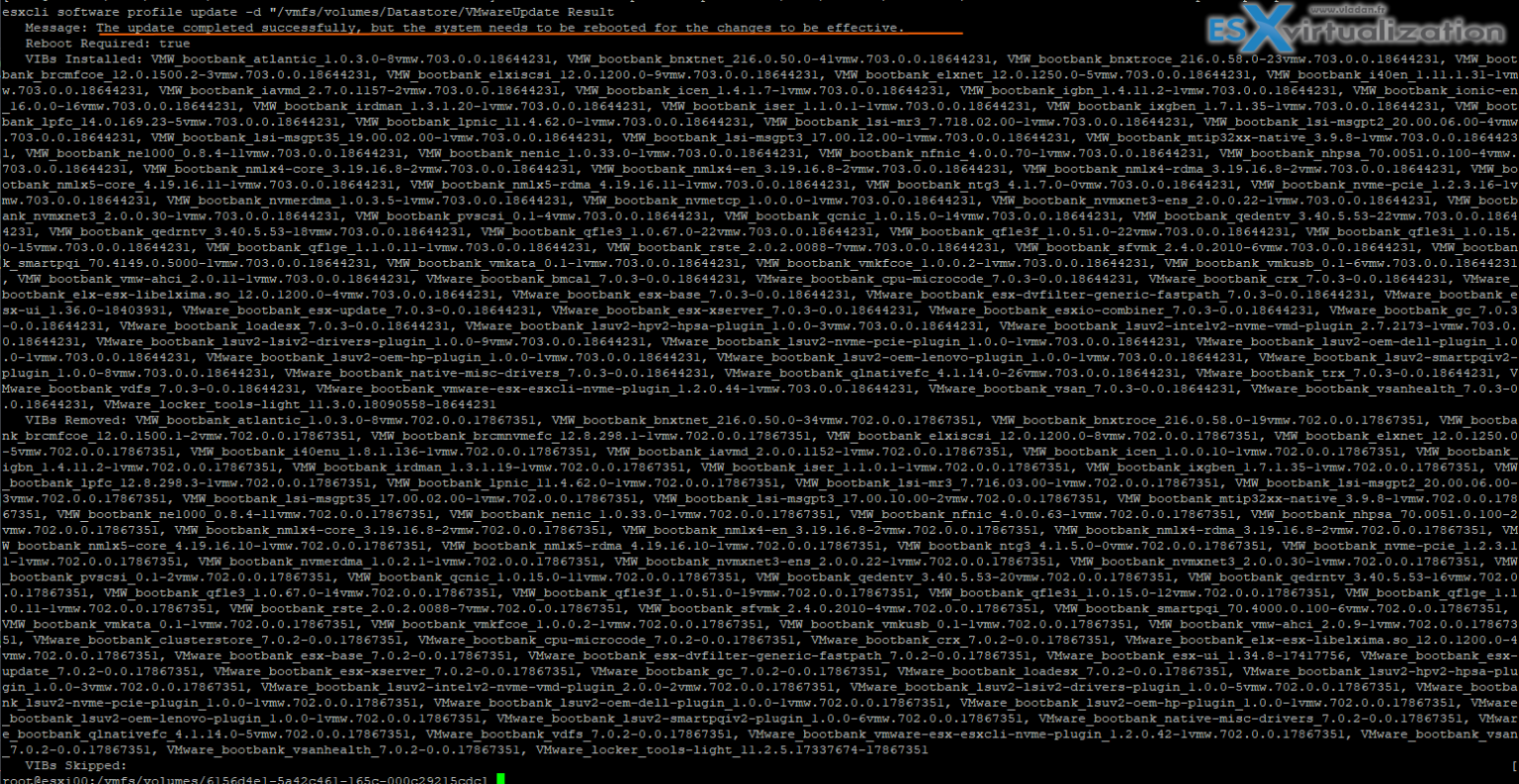
Upgrade VMware ESXi To 7 0 U3 Via Command Line ESX Virtualization

reboot and select proper boot device or Insert boot media in select boot CMOS

recovery reboot system now recovery 1 apply update from sdcard update zip 2 wipe data factory

reboot and select proper boot device 10 460 2019 01 13 119

Sep 11 2024 nbsp 0183 32 quot reboot and select proper boot device quot

Oct 18 2024 nbsp 0183 32 Reboot and Select proper Boot device
[desc-11] [desc-12]
[desc-13]