Read Json Data From Url Python How To Read JSON Files In Python Pythonpip Read Json Data From Url Using Java Stack Overflow How To Load Json File Using Python Pythonpip How To Read JSON File In Python Get JSON Data From A URL Using The Request Module In Node Js Spritely JSON JavaScript Object Notation is a popular data format used for representing structured data It s common to transmit and receive data between a server and web application in JSON format In Python JSON exists as a string For example
Steps First select the key you want to get values from the key Like in our example I select the first states key for traversing Traverse to all the JSON responses using for loop Select the value you want to get using the key name For example I want to get the Indian State name then i will use jsonData state state name Get JSON Using GET Request The previous example was direct but the JSON response is not always on available on direct URLs Before using pandas read json you can send an HTTP GET request to the URL This is useful when you need to handle the nuances of web requests such as authentication headers or managing response status codes
Get JSON Data From A URL Using The Request Module In Node Js Spritely Python Download Text File From Url Helpersapje Python Read JSON File How To Load JSON From A File And Parse Dumps Solved Python3 Read Json File From Url 9to5Answer How To Open URL In Python Get JSON Data From A URL Using The Request Module In Node Js Spritely Get HTML From URL In Python Java2Blog How To Get JSON Data From URL In Python Data Science Learner How To Convert Json Data Into Table Format In Python Brokeasshome
Read Json Data From Url Python
 Read Json Data From Url Python
https://www.pythonpip.com/wp-content/uploads/2022/03/How-to-Read-JSON-Files-in-Python.jpg
How to parse a JSON string in Python Python has a built in module that allows you to work with JSON data At the top of your file you will need to import the json module import json If you need to parse a JSON string that returns a dictionary then you can use the json loads method
Templates are pre-designed documents or files that can be used for various functions. They can save effort and time by supplying a ready-made format and layout for producing different kinds of content. Templates can be utilized for personal or professional tasks, such as resumes, invites, leaflets, newsletters, reports, discussions, and more.
Read Json Data From Url Python
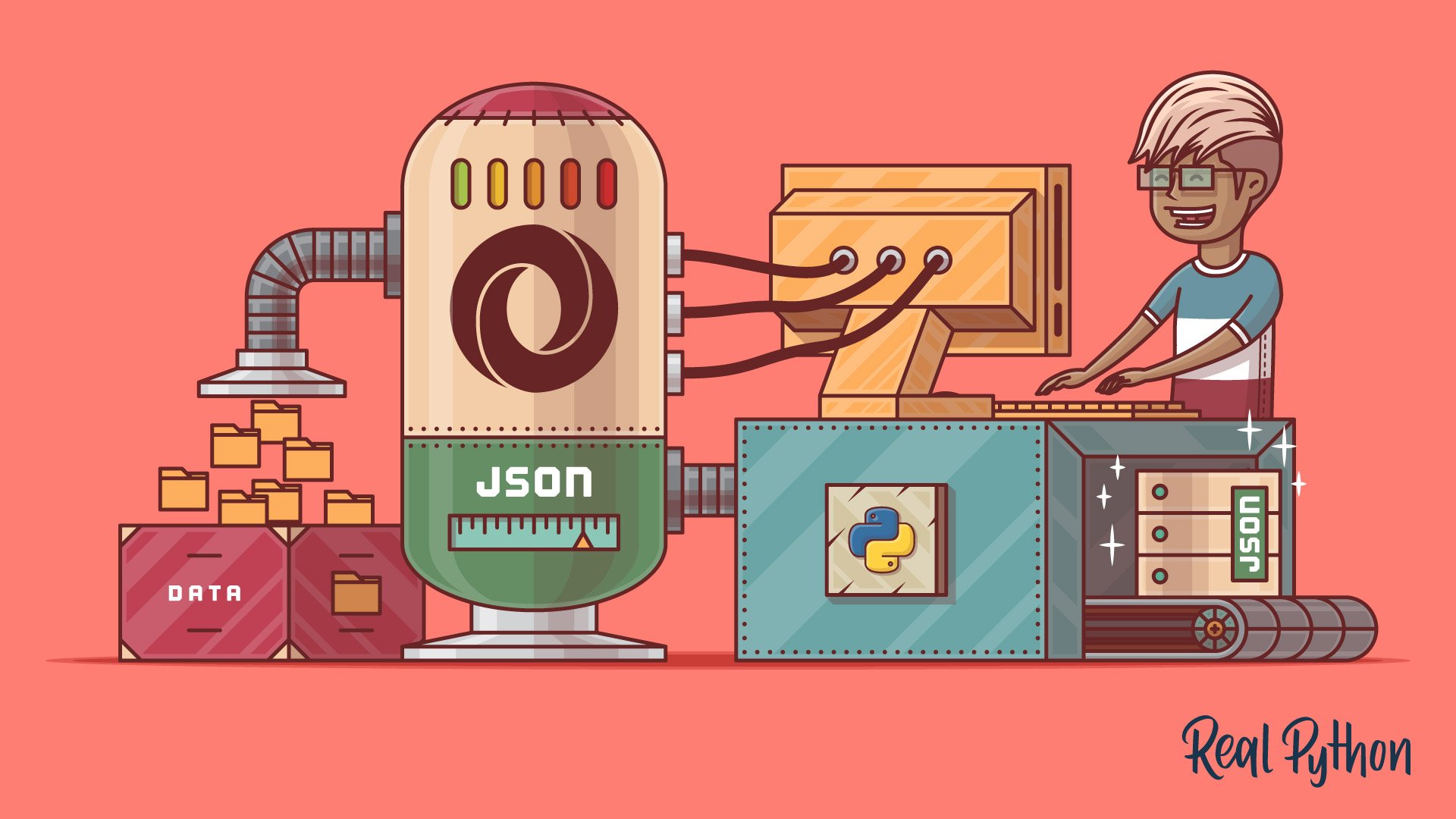
Working With JSON Data In Python Real Python
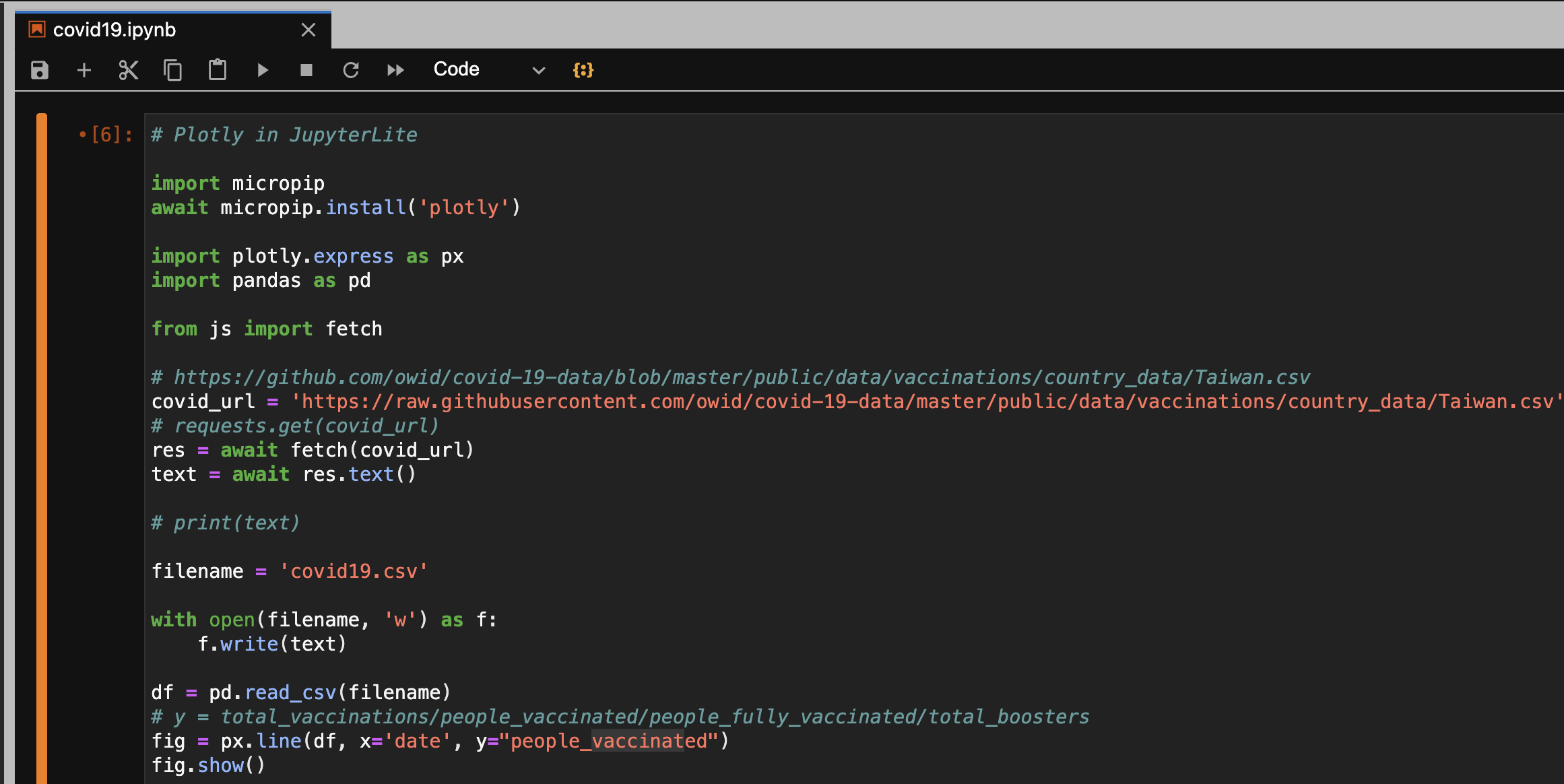
Python Download Text File From Url Helpersapje
Python Read JSON File How To Load JSON From A File And Parse Dumps

Solved Python3 Read Json File From Url 9to5Answer

Get JSON Data From A URL Using The Request Module In Node Js Spritely

Get HTML From URL In Python Java2Blog
Using the urllib Library Python s built in urllib library provides a simple way to fetch data from URLs To fetch JSON data from a URL you can use the urllib request urlopen method Import the required modules import json from urllib request import urlopen

From urllib request import urlopen import json data json loads urlopen url read decode utf 8 Share Improve this answer Follow answered Jun 21 2019 at 11 36 automatist Python read json from url 38 Reading JSON file with Python 3 0 Python read json file 0 Read file json with python 1
Using Python s context manager you can create a file called data file json and open it in write mode JSON files conveniently end in a json extension Note that dump takes two positional arguments 1 the data object to be serialized and 2 the file like object to which the bytes will be written
The json module comes with a method called loads the s in loads stands for string Since we want to convert string data into JSON we will be using this method Inside this method we have to pass the text variable that contains the string data json loads text and store it inside the data variable Now the data will have the entire JSON response If you print the type of the data

To read a JSON response there is a widely used library called urllib in python This library helps to open the URL and read the JSON response from the web To use this library in python and fetch JSON response we have to import the json and urllib in our code The json loads method returns JSON object Below is the process by which we can
How to Read a JSON File From the Web Similarly Pandas can read a JSON file either a local file or from the internet simply by passing the path or URL into the pd read json function In the code block below I have saved the URL to the same JSON file hosted on my Github We can read the DataFrame by passing the URL as a string into the If you want to pass in a path object pandas accepts any os PathLike By file like object we refer to objects with a read method such as a file handle e g via builtin open function or StringIO Deprecated since version 2 1 0 Passing json literal strings is deprecated orientstr optional
Interacting with the web is mostly done through APIs Application Programmable Interface in JSON format Related course Complete Python Programming Course Exercises python JSON example Parse JSON You can parse a JSON object with python The object will then be converted to a python object Start by creating a json object