React Textarea Cols Not Working Building An Autosizing Textarea In React Code Included Upmostly TDesign Web React uiw react textarea code editor Bundlephobia Aircraft Photo Of N262GL Raytheon 1900D Great Lakes Airlines TextArea React Example Resizable CSS CodeLab Description When I change cols props I expect textarea to rezise with new cols but nothing happens Plan and track work Discussions Collaborate outside of code Explore Textarea doesn t react to cols props 7165 Closed 3 tasks tombohub opened this issue Dec 26 2022 2 comments Closed
We ll now fix this problem by making the textarea taller instead of confining a large amount of text within the textarea The first step is to add an onChange event handler Define a function called handleChange handleChange logs to the console onChange the textarea calls handleChange import React from react function This article walks you through a complete example of making an autosize or auto resize textarea in a React project that uses TypeScript We will use modern React with functional components and the following hooks useState useEffect and useRef The autosize textarea will be created from scratch without using any third party packages
TextArea React Example Resizable CSS CodeLab Gargroh react textarea autocomplete Bytemeta React native cols Npm React Textarea Formularios Control Textarea Bug Code Editor Jest Not Working Issue 111 Uiwjs react textarea React Autosize Textarea With UseRef Codesandbox React Textarea Max Number Of Lines So It Doesn t Overflow My Div Uiwjs React
React Textarea Cols Not Working
 React Textarea Cols Not Working
https://upmostly.com/wp-content/uploads/Building-an-Autosizing-Textarea-in-React.png
Textarea components must always be accompanied by a corresponding label to improve support for assistive technologies Examples below are provided for conciseness and may not reflect accessibility best practices Use the FormControl component to render a Textarea with a corresponding label
Templates are pre-designed documents or files that can be utilized for various functions. They can save time and effort by supplying a ready-made format and design for producing different type of content. Templates can be used for personal or professional jobs, such as resumes, invites, leaflets, newsletters, reports, presentations, and more.
React Textarea Cols Not Working
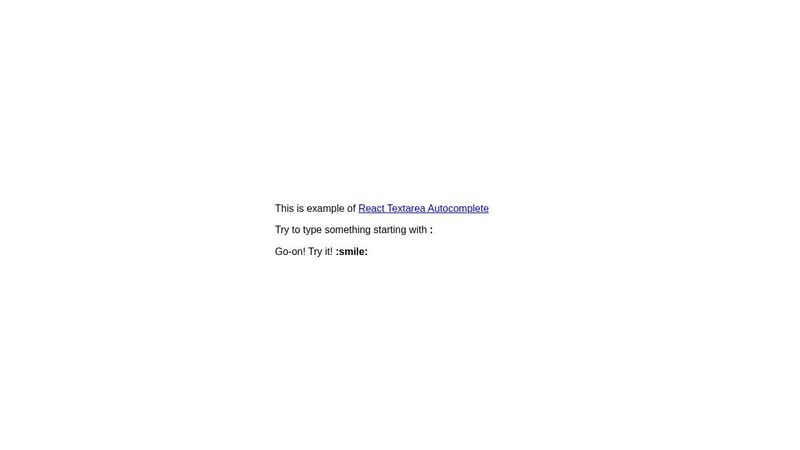
React Textarea Autocomplete
Gargroh react textarea autocomplete Bytemeta
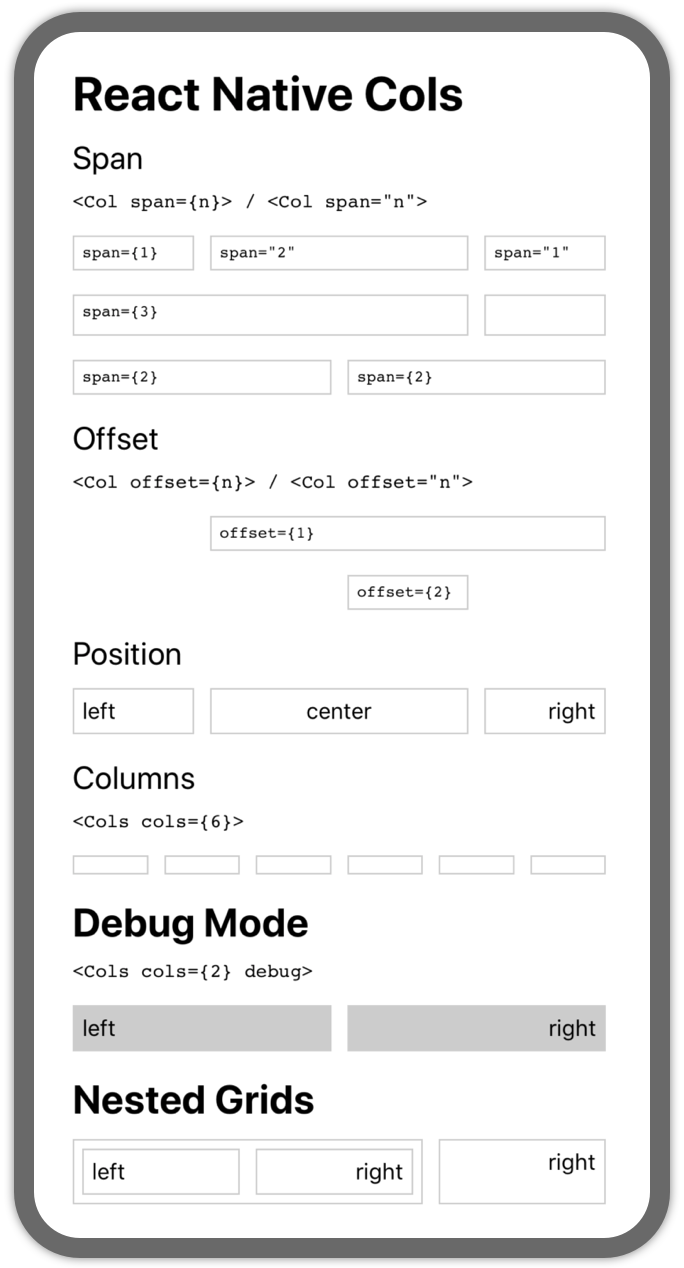
React native cols Npm
React Textarea

Bug Code Editor Jest Not Working Issue 111 Uiwjs react textarea

React Autosize Textarea With UseRef Codesandbox
Finally I investigated setting the width in ex units as the number obtained by multiplying the number of characters by some fudge factor This is not only disgusting we shouldn t be doing the browser s work but also is not cross browser the fudge factors I found for Chrome and Safari for example are substantially different 1 333 vs 1

Controlling a text area with a state variable A text area like textarea is uncontrolled Even if you pass an initial value like textarea defaultValue Initial text your JSX only specifies the initial value not the value right now To render a controlled text area pass the value prop to it React will force the text area to always have the value you passed
Package carbon react Browser No response Package version latest React version latest Description When adjusting the cols in TextArea nothing is changing I would expect the width of the TextArea to shrink or grow depending on the number set to cols rows works as expected when removing the min width and width 100 then the TextArea adjusts as expected

It s componentClass textarea not type textarea In React you set the CSS class with className not class You can see trivially that if you actually set up the Bootstrap textarea form control directly that Bootstrap by default styles it with 100 width anyway

To get or Change the value of a textarea in React Use the useState hook to initialize a state variable to an empty string Set the onChange prop on the textarea element Access the value of the textarea using the event target value property Change the value of the textarea every time the user types App js
It s a very easy to use textarea tags and it s relatively similar to just normal HTML Now you may have noticed a little tiny bit of a bug when it comes to our select tag and that s what we re gonna address in the next guide Do you notice how even though by default the eCommerce was selected and you would think that because it was In this example the textarea starts with the provided default text This is the default value However as an uncontrolled component the DOM handles subsequent changes to its content not by React s state This approach is instrumental when you do not need to track the textarea s value after the initial render such as in a simple feedback form or a comment box
Remember that the cols and rows HTML attributes do not limit on how many characters the user can enter Use the maxlength attribute to achieve that effect TextArea label Your feedback cols 50 rows 6 TextArea label Your feedback variant filled cols 50 rows 6 Invisible Label