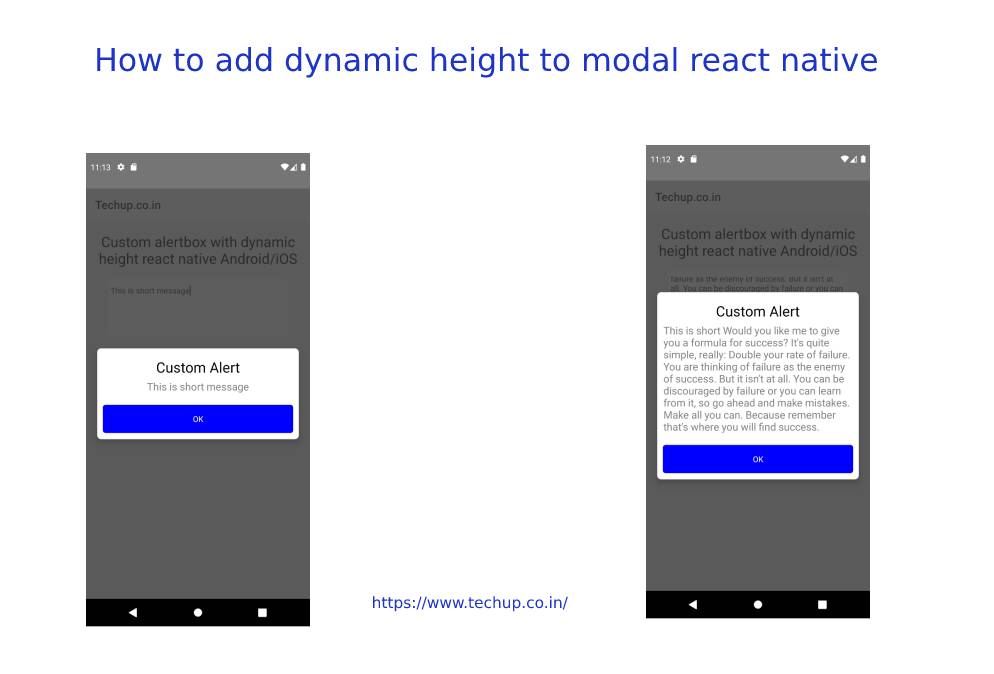
React Height 100 Percent Not Working How To Add Dynamic Height To Modal React Native Techup React height react height Js Npm React Get The Width Height Of A Dynamic Element KindaCode Solved Programmatically Change Height width Of Items In 9to5Answer 1000 Motivational And Inspirational Quotes That Will Inspire Success Height and Width A component s height and width determine its size on the screen Fixed Dimensions The general way to set the dimensions of a component is by adding a fixed width and height to style All dimensions in React Native are unitless and represent density independent pixels
Robbestad react iframe Public Notifications Fork 73 Star 371 Code Issues 10 Pull requests 0 Actions Projects 0 Wiki Security Insights New issue Have a question about this project The height 100 not working 17 Closed Suban5 opened this issue Nov 9 2017 1 comment Closed The height 100 not working 17 Suban5 opened this React height 100 percent not working with flex To make a component take up 100 height in a React app you need to ensure that all parent elements have a height specified up to the root element Additionally using CSS flexbox can help achieve the desired result One common way to make a component take up 100 height in a React app is by
1000 Motivational And Inspirational Quotes That Will Inspire Success How To Calculate Percentage Yield Haiper How To Calculate Percentage Yield In Chemistry Haiper NFT Mania Is Here And So Are The Scammers The Verge Question Video Reasons Why A Percentage Yield Is Over 100 Percent Nagwa Reactjs The Height Of View Component In react pdf Taking Almost Makers Doesn t Render In Center Or In View Area If Height Is Using Calc Carolina Ramirez Body Measurement Bikini Bra Sizes Height Weight React Chart Component RCPCH Digital Growth Charts
React Height 100 Percent Not Working
 React Height 100 Percent Not Working
https://www.techup.co.in/wp-content/uploads/2022/06/ModalHeight.jpg
Write Sign up Sign in Although width is pretty straightforward height seems to cause people many problems Here comes a quick overview on approaching CSS dimensions By default width of an
Templates are pre-designed documents or files that can be used for numerous purposes. They can conserve effort and time by offering a ready-made format and design for creating different type of content. Templates can be utilized for individual or professional tasks, such as resumes, invites, flyers, newsletters, reports, presentations, and more.
React Height 100 Percent Not Working

React CSS Width And Height Settings React App Full Screen Size YouTube
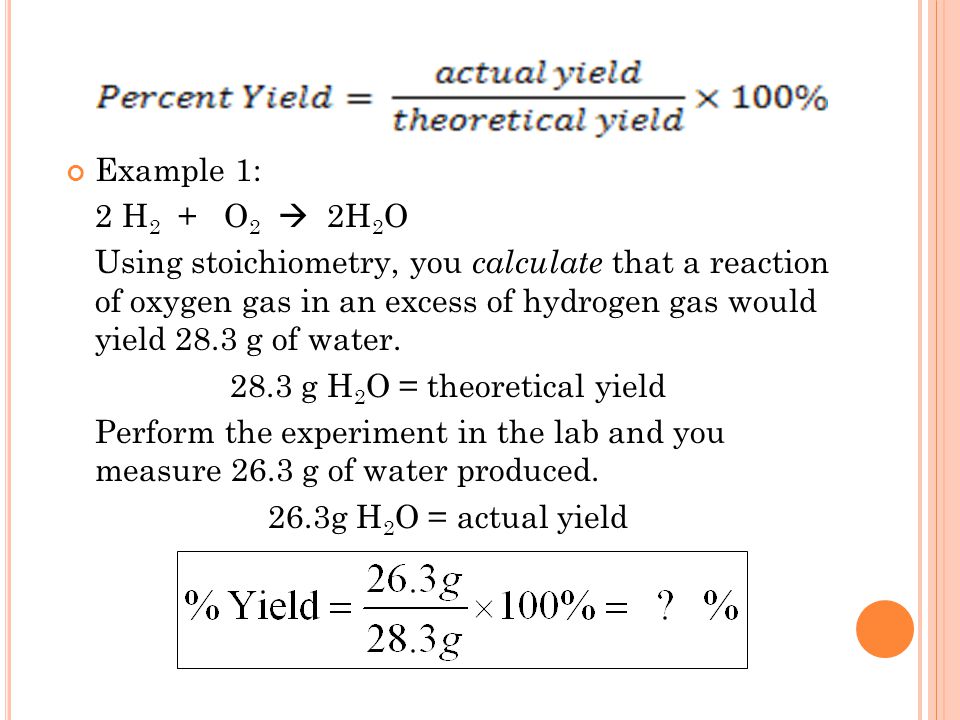
How To Calculate Percentage Yield Haiper

How To Calculate Percentage Yield In Chemistry Haiper

NFT Mania Is Here And So Are The Scammers The Verge

Reactjs The Height Of View Component In react pdf Taking Almost

Makers Doesn t Render In Center Or In View Area If Height Is Using Calc

To set a Div s height to cover the full screen in React set its height to 100vh When the height of the element is set to 100vh it covers 100 of the viewport s height App js const App return div style height 100vh h2 hello world h2 div export default App
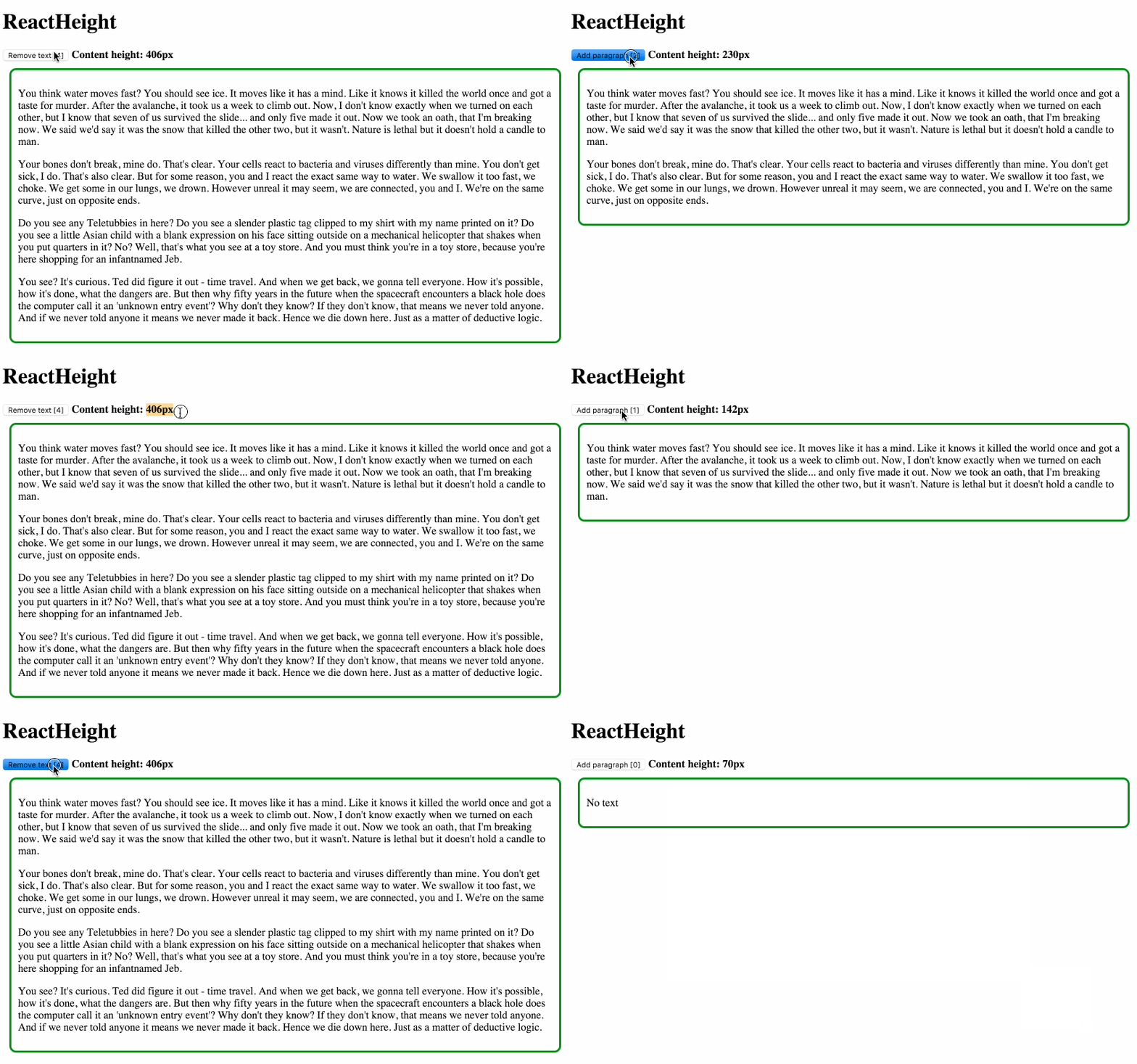
You need to set a 100 height on all your parent elements in this case your body and html This fiddle shows it working

4 Answers Sorted by 41 When you are using for width or height the 1st question you should ask is that 80 of what So you also need to apply height to the parent element so assuming that this element of yours is inside the body tag you need to use this in your CSS

Steps to take to fix height 100 not working issues Check that the HTML and CSS is valid Check the parent element height Are you using min height or max height Remove height settings if using flex layouts Browser suppport Summary Now Playing How to Set MUI TextField Width and Height 3 Ways

Sizing Easily make an element as wide or as tall relative to its parent with the width and height utilities Supported values The sizing properties width height minHeight maxHeight minWidth and maxWidth are using the following custom transform function for the value
There are two way to achieve this Way 1 Using css positions If you look at the code above you ll see what I mean As you can see there s a NAVBAR a BREADCRUMB BAR the MAIN SECTION and a FOOTER all contained within a layout container with the height of height 100vh I wanted the sidebar and content box in my main section to be scrollable Without height 100 look at the height of the body 6958px Then we add height 100 and look at what height the browser thinks the body is 496px Which is the height of the window
If you have a border or padding set for your TABLE Firefox will act as it does when setting height property with a fixed number of pixels If you set your TABLE with height 100 it means that the height of the TABLE NOT including the padding and the border width will display the equivalent of 100 of the body