Raspberry Pi 3 Enable Wifi Command Line How To Connect Wifi Through Command Line In Linux Using WPA Supplicant To Connect To WPA2 Wi fi From Terminal On Ubuntu Raspberry Pi 3 Configure Wifi Command Line Raspberry Raspberry Pi Configuration To Enable Wifi Raspberry Enable I2C Interface On The Raspberry Pi Raspberry Pi Spy You can either use the raspi config application and select the localisation option or edit the code wpa supplicant conf code file and add the following Note you need to replace GB with the ISO code of your country
The easiest way to set up Wi Fi on a Raspberry Pi is to do it directly in the advanced options of Raspberry Pi Imager when installing the system If the system is already installed the GUI and raspi config offer intuitive interfaces too I ll show you everything in this post 1 Accessing Your Command Line Boot your Raspberry pi with the WiFi adapter plugged in You can access your command line using one of the following methods Having an Ethernet connection ensures that you can open an SSH client like PuTTY to establish an SSH communication Using the Raspberry Pi GUI to open your terminal window
Enable I2C Interface On The Raspberry Pi Raspberry Pi Spy PWM Enable Pins L298N Raspberry Pi Development Using PI4J Debian 11 Wifi Verdiepingstraining Netwerken Netwerk Training CellStream Inc On LinkedIn What Is The Signal In Windows Wireless Ubuntu 20 04 Server Wifi Command Line COMPUTER AND IT CREATE WIFI HOTSPOT USING COMMAND PROMPT How To Disable enable Wi fi Using Command Prompt YouTube How To Find Saved Wifi Password Via Command Line In Ubuntu
Raspberry Pi 3 Enable Wifi Command Line
 Raspberry Pi 3 Enable Wifi Command Line
https://blog.rottenwifi.com/wp-content/uploads/2021/08/linux-connect-to-wifi-command-line-1024x768.jpg
The Raspberry Pi 3 comes with on board Wireless LAN WLAN 802 11n i e WiFi and Bluetooth adapters This means that all you need is your Raspberry Pi 3 for getting connected to WiFi or Bluetooth and there is no need for additional peripherals like USB Dongles for WiFi or Bluetooth
Pre-crafted templates use a time-saving service for creating a diverse variety of files and files. These pre-designed formats and designs can be made use of for different individual and professional tasks, including resumes, invitations, flyers, newsletters, reports, discussions, and more, simplifying the content development process.
Raspberry Pi 3 Enable Wifi Command Line
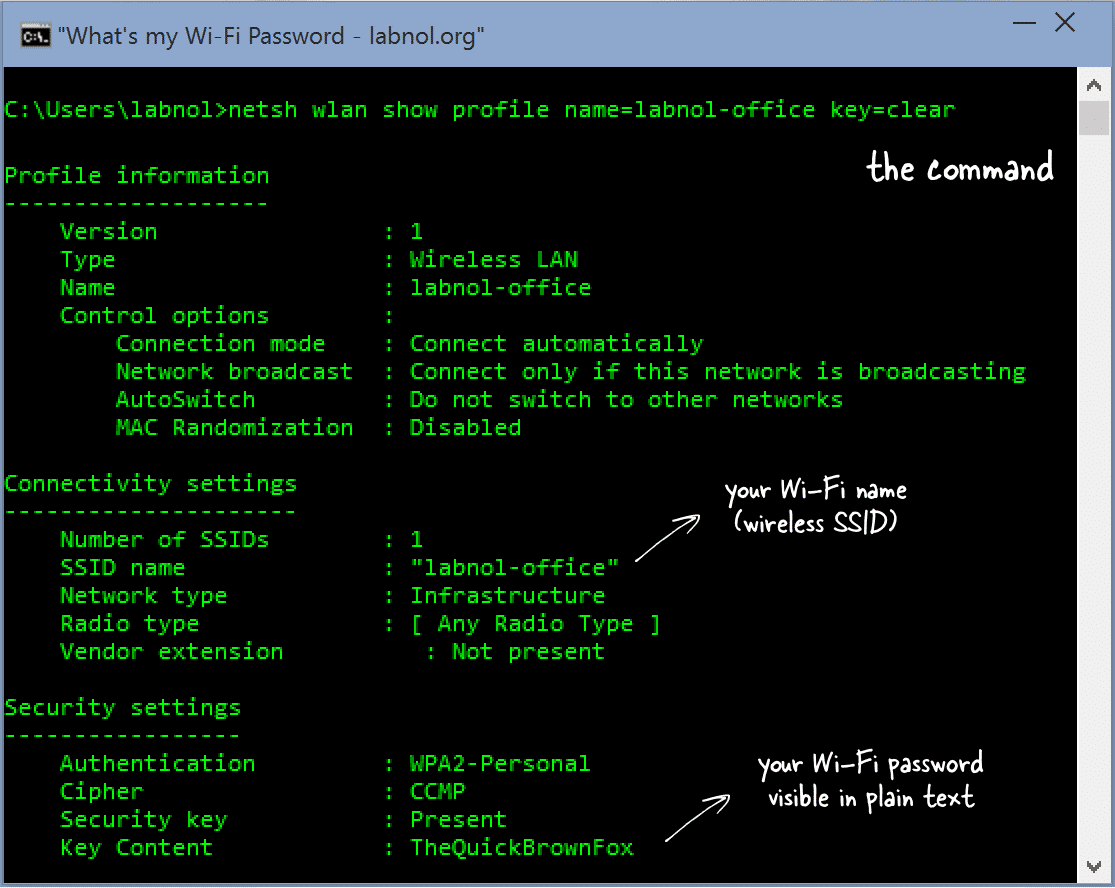
Comment Trouver Le Code WiFi Du R seau Auquel Vous tes Connect

PWM Enable Pins L298N Raspberry Pi Development Using PI4J
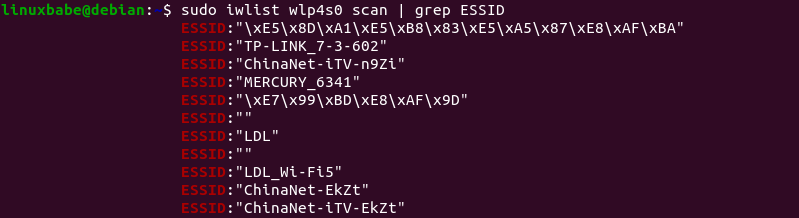
Debian 11 Wifi

Verdiepingstraining Netwerken Netwerk Training
Ubuntu 20 04 Server Wifi Command Line
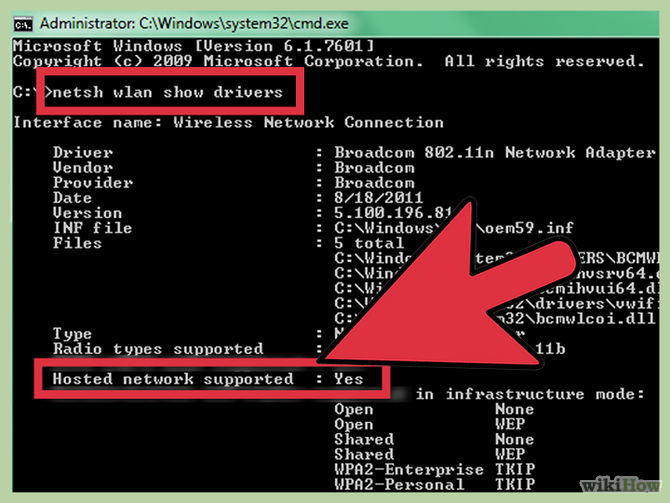
COMPUTER AND IT CREATE WIFI HOTSPOT USING COMMAND PROMPT
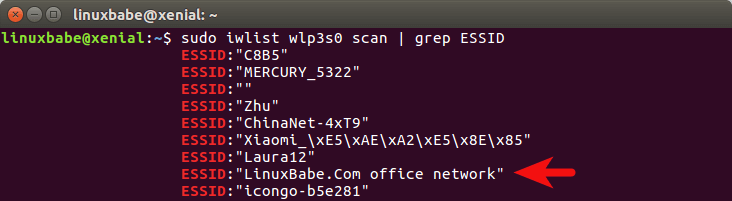
Configure WiFi from the Command Line Log in to the Pi with PuTTY or another SSH client You probably already know the name of the WiFi network you want to connect to but if not enter this at the command prompt sudo iwlist wlan0 scan This will generate a list of all wireless networks available in your area
For Raspberry Pi 5 earlycon output only appears on the 3 pin debug connector with the following configuration earlycon pl011 0x107d001000 115200n8 For Raspberry Pi 4 400 and Compute Module 4 earlycon uart8250 mmio32 0xfe215040 earlycon pl011 mmio32 0xfe201000 For Raspberry Pi 2 Pi 3 and Compute Module 3 earlycon uart8250 mmio32
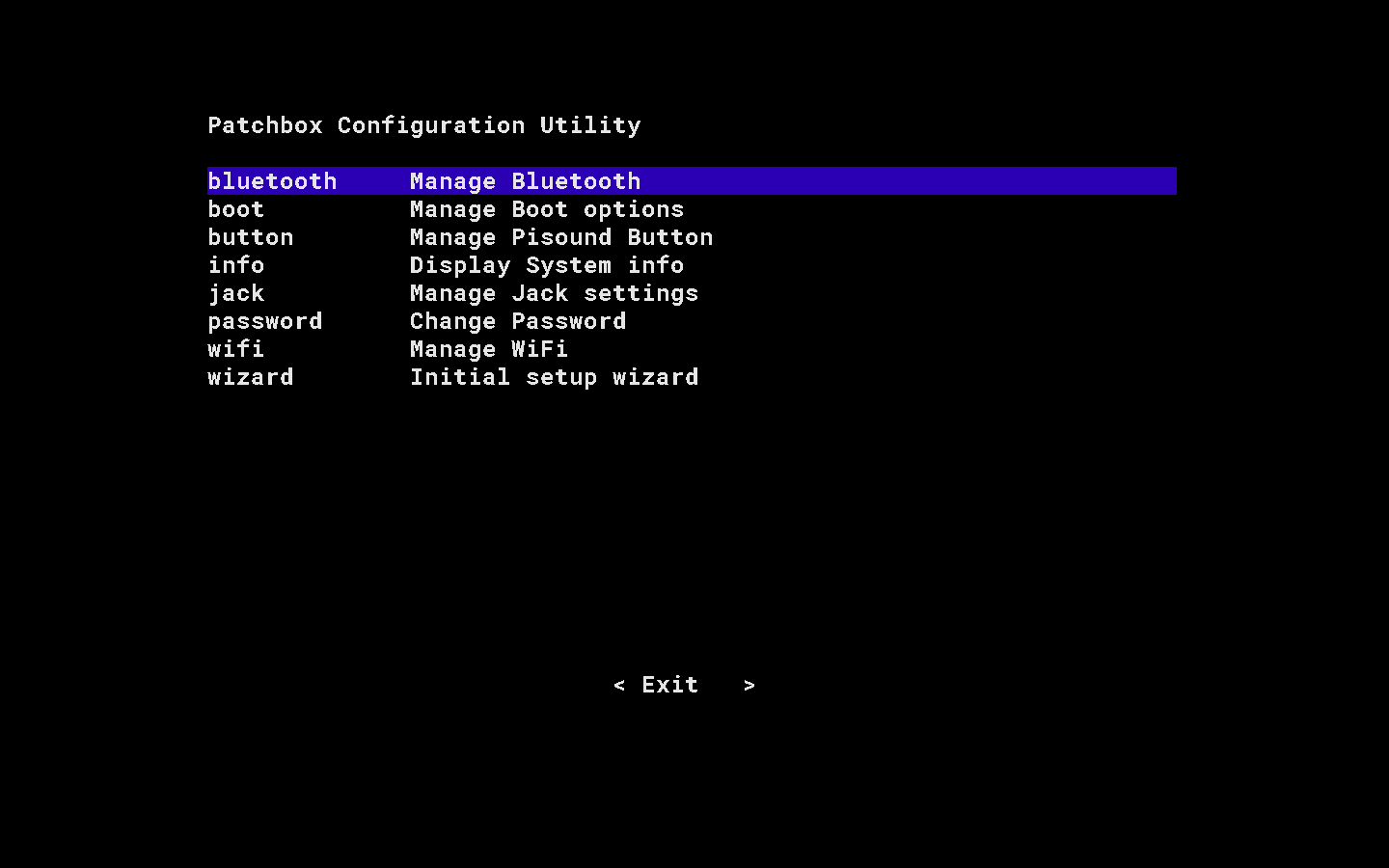
Wireless Connection WiFi Hardware To set up a WiFi connection we will first need a WiFi module for our Raspberry Pi Fortunately all Raspberry Pi models from the Raspberry Pi 3 Model B 2016 and later ship with on board WiFi

Follow the steps below to get your Raspberry Pi connected to WiFi from the command line Start by launching the raspi config utility with the following command sudo raspi config We can navigate around the raspi config menus using our keyboard s arrow keys and pressing Enter to make a selection

Updated Oct 02 2023 Guides Network In this guide I will show you how to set up the Raspberry Pi Wi Fi via the command line and also how to do it via the GUI within Raspbian I go into several topics in this guide that will help anyone grasp an understanding of how the Wi Fi is set up on the Raspberry Pi
Sudo raspi config Once you are in issue sudo raspi config to change the configuration With Expand File system highlighted hit enter It should respond with Root partition has been resized Then go to Change User Password and make a secure password Go to Internationalisation Options and then Change Timezone Turn WIFI on from the command line Still off Fri Feb 23 2018 7 43 pm Model 3 running Jessie I am trying to turn the wifi on from the command line I have tried ifup wlan0 and its still off iwconfig shows wlan0 if i click in the GUI to turn the wifi on it works no problem How do I do this from the command line Thanks pcmanbob Posts 13726
Then run the following command to have the file read and try to connect to your Wifi Raspberry Pi 3 Model B 1 4GHz Cortex A53 with 1GB RAM Out of Stock Budget Pack for Raspberry Pi 1 Model B Doesn t include RasPi Out of Stock USB WiFi 802 11b g n Module For Raspberry Pi and more 13 95 Add to Cart USB WiFi 802 11b g n