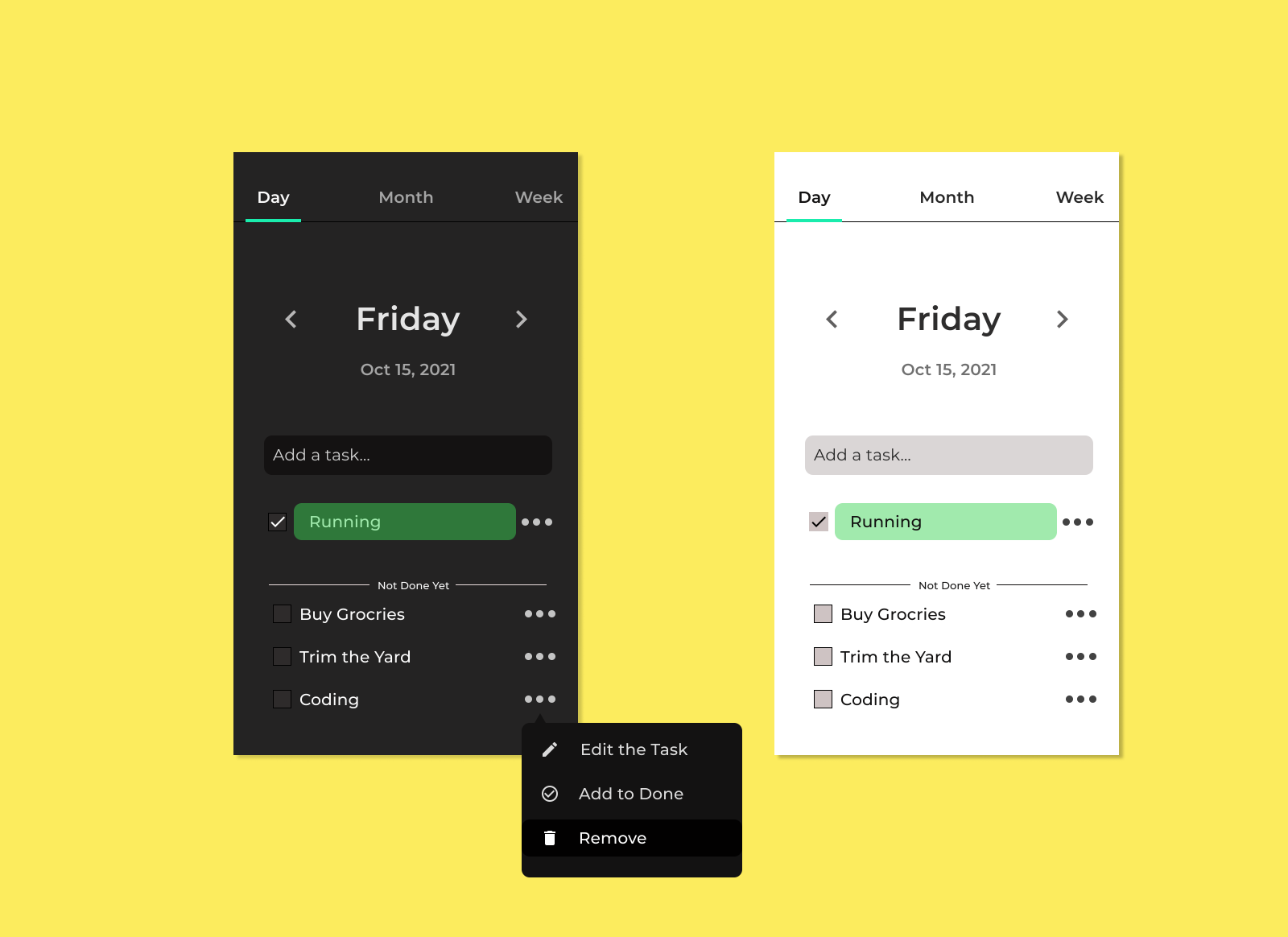
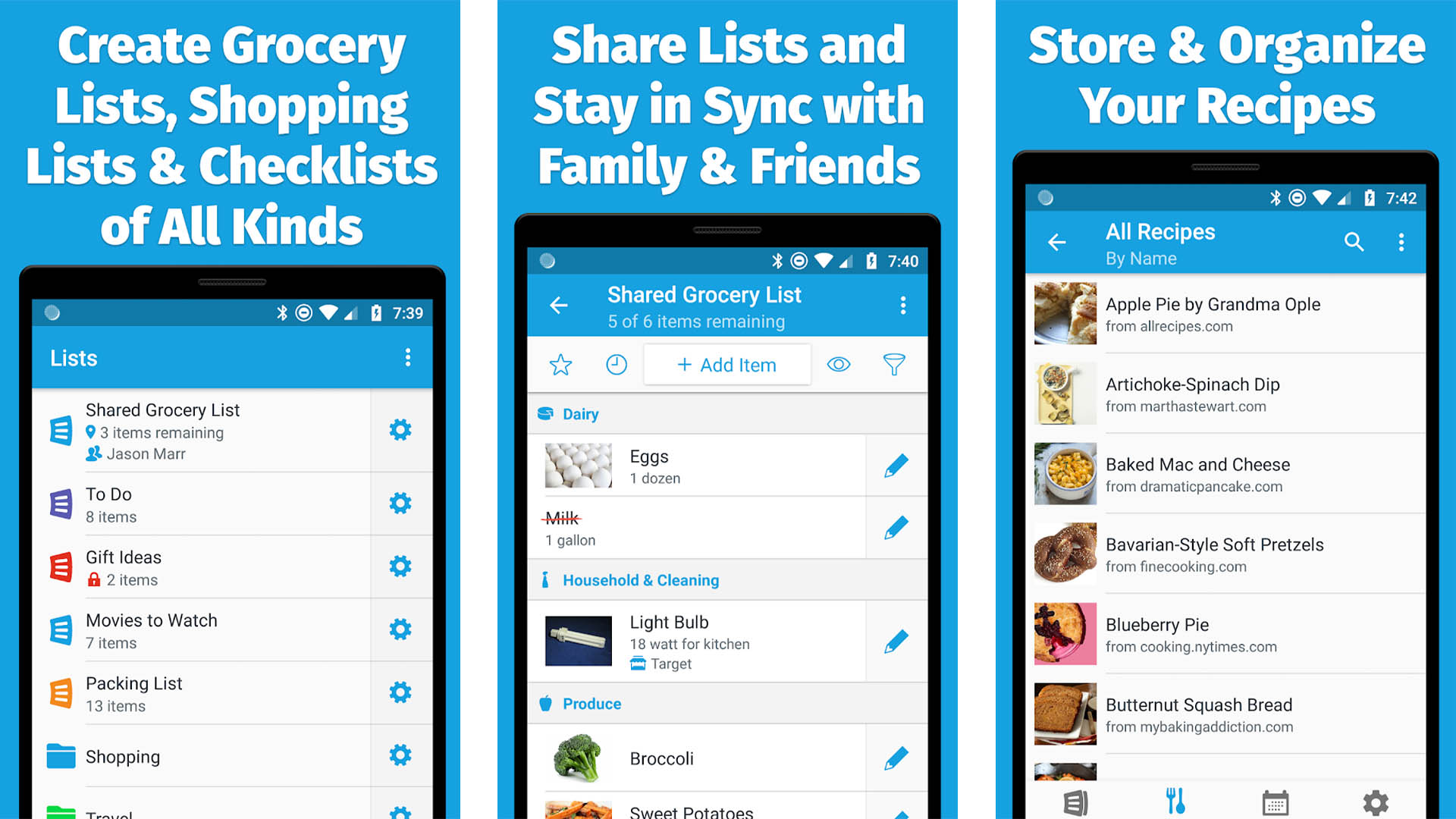
Ranking List App Tier List Make Ranking Board Apps On Google Play Ranking List Svg Png Icon Free Download 200080 OnlineWebFonts COM To Do List App By Mohammed A Elmi On Dribbble GitHub Nickjet101 List APP 10 Best Grocery List Apps For Android LaptrinhX News Dec 6 2024 nbsp 0183 32 This tutorial will show you how to check if the Modern Standby S0 Low Power Idle sleep state is supported by your Windows 10 or Windows 11 PC In Windows 10 and Windows
Mar 10 2025 nbsp 0183 32 This tutorial will show you how to view a list of app and driver Power Requests that prevent the computer from automatically powering off the display or entering a low power sleep Jun 6 2022 nbsp 0183 32 This tutorial will show you how to restore the built in Balanced High performance Power saver and or Ultimate Performance power plans if missing in Windows 10 and Windows
10 Best Grocery List Apps For Android LaptrinhX News GitHub Timmybytes react job list app Simple React App For Adding And The Best To Do List App With Notes Mind Map Calendar And More To Do List App UpLabs RANKINGS UPDATE Eurospects The List To Do List App By 123 Apps Studio LLC Ontario Ranking List December 2018 Ontario Table Tennis To Do List Icon 95228 Free Icons Library To do List App Design By Shourav For Nice100Team On Dribbble
Ranking List App

https://play-lh.googleusercontent.com/O0b940jbtB8MJOKgSYs1WOb0a6bg0og7izgXI6J4R3z54yE2_5ls-7bDR6D6xYNmxmNC
Apr 2 2022 nbsp 0183 32 This tutorial will show you how to change when to automatically put the computer to sleep when idle in Windows 11 Sleep uses very little power your PC starts up faster and
Templates are pre-designed files or files that can be used for different functions. They can conserve time and effort by offering a ready-made format and layout for creating different type of content. Templates can be utilized for personal or professional tasks, such as resumes, invitations, flyers, newsletters, reports, presentations, and more.
Ranking List App

Ranking Page Design Of Huaweiwear APP By Dony D On Dribbble

GitHub Timmybytes react job list app Simple React App For Adding And

The Best To Do List App With Notes Mind Map Calendar And More

To Do List App UpLabs

The List To Do List App By 123 Apps Studio LLC

Ontario Ranking List December 2018 Ontario Table Tennis

Nov 8 2022 nbsp 0183 32 This tutorial will show you how to reset and restore specific or all power plan settings to default for all users in Windows 10 and Windows 11 A power plan is a collection of

Dec 13 2021 nbsp 0183 32 Open Power amp battery settings 3 Click tap on Lid amp power button controls to expand it open see screenshot below 4 Select Do Nothing Sleep default Hibernate
Mar 14 2022 nbsp 0183 32 This tutorial will show you how to change the default action to take when pressing the sleep button in Windows 10 and Windows 11 The sleep button action setting lets users
Sep 30 2024 nbsp 0183 32 This started in the past week windows display settings keep getting changed to sleep monitors after 15 minutes I ve reset multiple times and the value keeps getting changed
Mar 13 2022 nbsp 0183 32 This tutorial will show you how to change the default action to take when pressing the power button in Windows 10 and Windows 11 The power button action setting lets users
[desc-11] [desc-12]
[desc-13]