Random Selection From List In Excel Excel VBA Random Selection From List 3 Examples ExcelDemy Random Selection From List With No Duplicates In Excel 5 Cases Random Name From A List In Excel YouTube Select Or Pick Random Unique Names From List In Excel Random Unique How To Make A Random Selection From List Without Repetition In Excel Web Sep 12 2023 nbsp 0183 32 Scenario 1 Select one random name from list Scenario 2 Select multiple random names from list Let s jump in Example 1 Select One Random Name from List in Excel We can type the following formula into cell C2 to select a random name from the range A2 A13 INDEX A2 A13 RANDBETWEEN 1 ROWS A2 A13 1
Web Mar 13 2023 nbsp 0183 32 INDEX List RANDBETWEEN 1 ROWS List List This is the list of items to select from What It Does This formula will return a random selection from a given list with each item in the list having an equal probability of being selected How It Works ROWS List will return the number of rows in the List In our example there are 4 rows Web To create a random list of names you can use the INDEX function and the RANDARRAY function to select random names from an existing list In the example shown the formula in D5 is INDEX names RANDARRAY 10 1 1 COUNTA names TRUE which returns 10 random values from the named range names B5 B104
How To Make A Random Selection From List Without Repetition In Excel How To Generate Random List In Excel Step By Step Excel Tutorial Excel VBA Random Selection From List 3 Examples ExcelDemy Random Selection From A List In Excel YouTube Excel VBA Random Selection From List 3 Examples ExcelDemy Random Selection From List With No Duplicates In Excel 5 Cases How To Randomize A List In Excel YouTube Excel VBA Random Selection From List 3 Examples ExcelDemy How To Create A List In Excel Pixelated Works
Random Selection From List In Excel
 Random Selection From List In Excel
https://www.exceldemy.com/wp-content/uploads/2022/04/Excel_VBA_Random_Selection_from_List-5-768x758.png
Web Jul 2 2023 nbsp 0183 32 With the online tools you d have to input hundreds and thousands of data to generate any one random value But in Excel you just have to use a single formula for your existing data Unlike RAND or RANDBETWEEN functions there is no default function dedicated to selecting random values
Pre-crafted templates use a time-saving option for producing a diverse variety of files and files. These pre-designed formats and designs can be made use of for different individual and expert jobs, including resumes, invites, flyers, newsletters, reports, presentations, and more, enhancing the content development process.
Random Selection From List In Excel
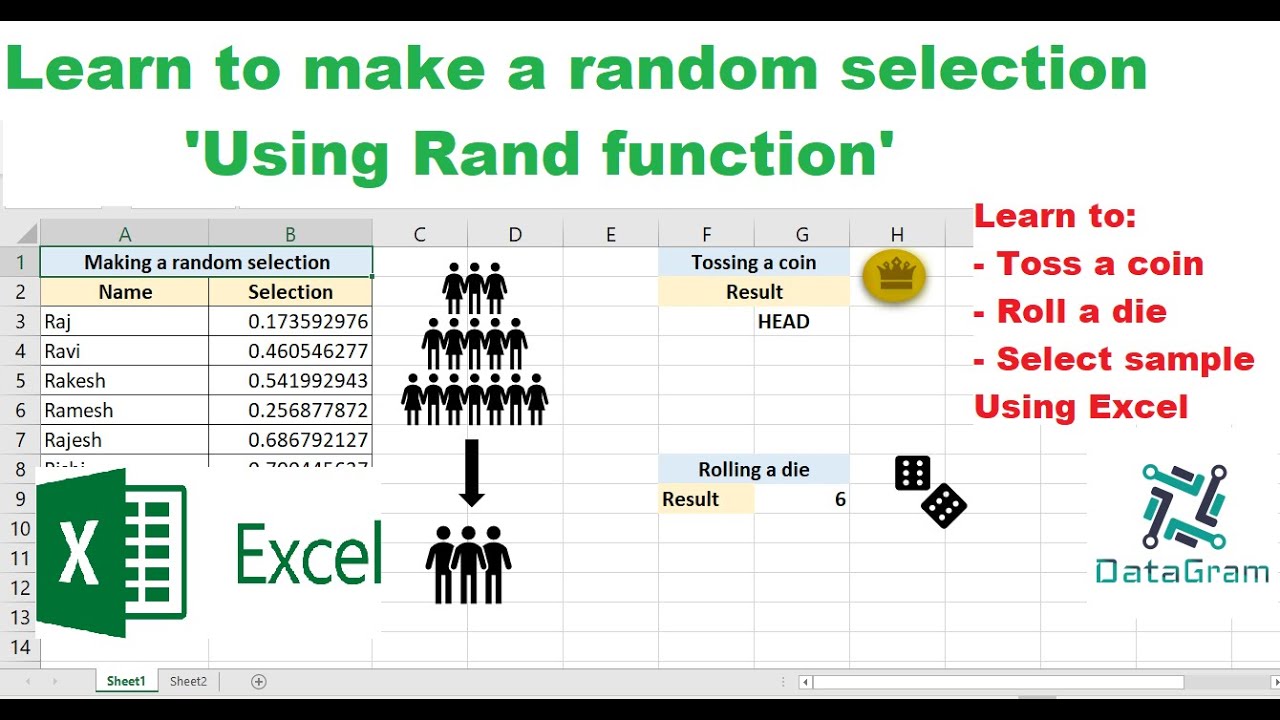
How To Make A Random Selection Using Excel Using Rand Function

How To Generate Random List In Excel Step By Step Excel Tutorial

Excel VBA Random Selection From List 3 Examples ExcelDemy
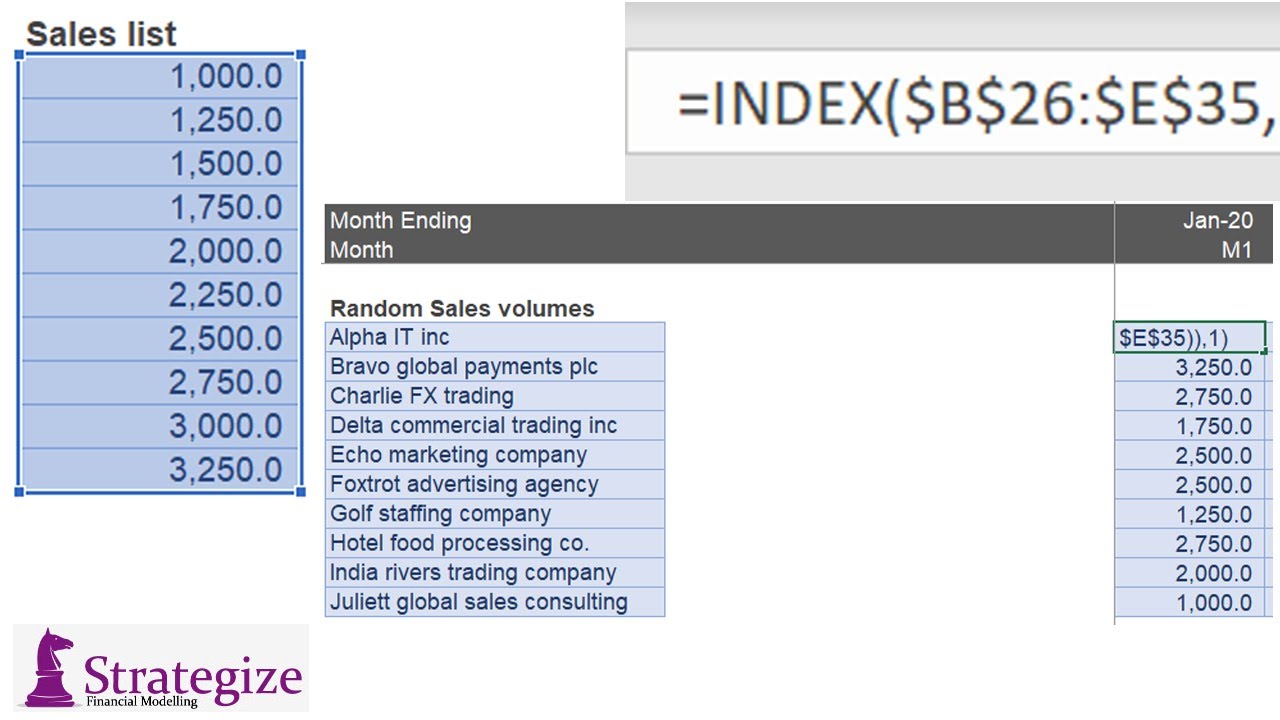
Random Selection From A List In Excel YouTube

Random Selection From List With No Duplicates In Excel 5 Cases
How To Randomize A List In Excel YouTube

Web To get a random value from a table or list in Excel you can use the INDEX function with help from the RANDBETWEEN and ROWS functions In the example shown the formula in G7 is INDEX data RANDBETWEEN 1 ROWS data 1

Web Mar 17 2023 nbsp 0183 32 How to select a random value from a list Supposing you have a list of names in cells A2 A10 and you want to randomly select one name from the list This can be done by using one of the following formulas INDEX A 2 A 10 RANDBETWEEN 1 COUNTA A 2 A 10 1 or INDEX A 2 A 10 RANDBETWEEN 1 ROWS

Web Jul 28 2020 nbsp 0183 32 You can use Excel formulas to populate a random number or string from a list You can even build a logic to return numbers without any duplicates In this article we are going to show you how to select a random Item from a

Web Dec 26 2023 nbsp 0183 32 List Random 1 Enter the above M code formula in the Custom column formula input Press the OK button This creates a list with one random value in each row Click on the Extract toggle found in the column heading of the Random column Select the Extract Values option Select None from the delimiter list in the Extract values from list

Web Apr 4 2022 nbsp 0183 32 To begin randomizing your list items in Excel s ribbon at the top click the quot Home quot tab In the quot Home quot tab click Sort amp Filter gt Sort Smallest to Largest You may choose quot Sort Largest to Smallest quot as well if you want It doesn t matter what option you choose as your list items are going to be randomized in either case
Web Select random sample with formulas Select random values rows Select random values from a list Select random values from a list without duplicates Select random values from a list in Excel 365 2021 A few clicks to select random sample with a handy tool Web Formula that allows you to choose random text or number values from a list or range of cells in Excel this includes returning random cell references from a range Here we will use the RANDBETWEEN function in conjunction with the CHOOSE function Sections Choose Random Text Value Choose Random Cell Learn More Notes Choose
Web To use the RAND function in Excel simply enter RAND into the desired cell and press Enter This will generate a random number between 0 and 1 You can then drag the fill handle or copy and paste the formula to apply the random number to a range of cells Creating a list for random selection