Qml Text Size Qt Qml StackView mb634655578c52d 51CTO QML Button ButtonStyle button Style QML Text Popup QML Type Qt Quick Controls 6 5 1 Building Beautiful Desktop Apps Using QML YouTube 7 Answers Sorted by 12 You can almost do this neatly with states The problem is that attempting to set the width of the parent by assigning it to the paintedWidth of the text box means it then sets the width of the text box which QML detects as influencing paintedWidth It wouldn t recurse further than this but QML still kicks out warnings
How can the font size of the text in a Button control be set in QML The designer has not option and font is not a valid property of Button Button id cmdQuit text qsTr Quit width 64 height 32 qt qml qt quick Share Improve this question Follow asked Aug 6 2014 at 14 31 user1054922 2 101 2 24 37 Add a comment 3 Answers Sorted by Remember that by default all Item Rectangle BorderImage have no size no position and that Column Row Flow Grid Text and Image size themself to their content so if you want to use the Column to resize its children you must ensure that column size is no more automatically defined by the one of its children
Building Beautiful Desktop Apps Using QML YouTube QML Label Text qml Text zeor0 CSDN Render Markdown In A Qt QML Text Or TextEdit Control Raymii Qt Qml mb634655578c52d 51CTO QML Text qml Text CSDN QT qml qml Background ipfpm CSDN QML Getting Started QML Programming Japanese Responsive QML Layout with Scrollbars Raymii Getting Started QML Programming Japanese Translation 2014
Qml Text Size
 Qml Text Size
https://s2.51cto.com/images/blog/202211/05030835_636563339637616643.png?x-oss-process=image/watermark,size_16,text_QDUxQ1RP5Y2a5a6i,color_FFFFFF,t_30,g_se,x_10,y_10,shadow_20,type_ZmFuZ3poZW5naGVpdGk=/resize,m_fixed,w_1184
1 You need to use a fixed value for the padding 2 Use a javascript function or slot to change the padding values this during the change of width height or when you think is pertinent At least this to remove the binding loop Regarding the true source of your problem you are trying to make a text field fit inside a rectangle
Pre-crafted templates offer a time-saving service for creating a diverse range of documents and files. These pre-designed formats and designs can be used for different individual and professional jobs, consisting of resumes, invites, flyers, newsletters, reports, presentations, and more, simplifying the content production process.
Qml Text Size
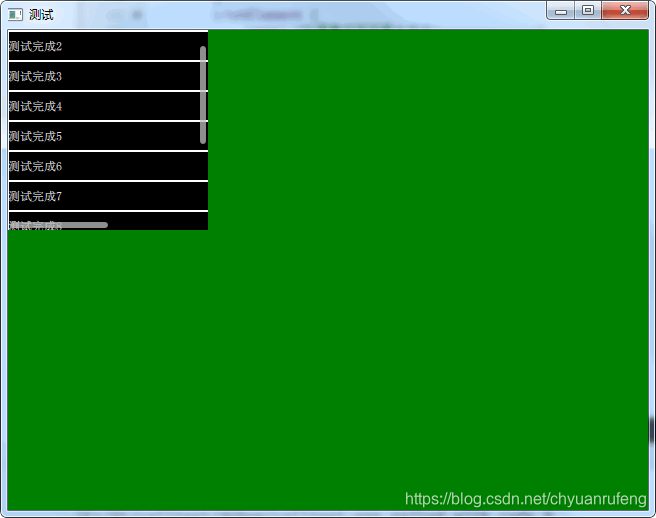
Listview Qml CSDN
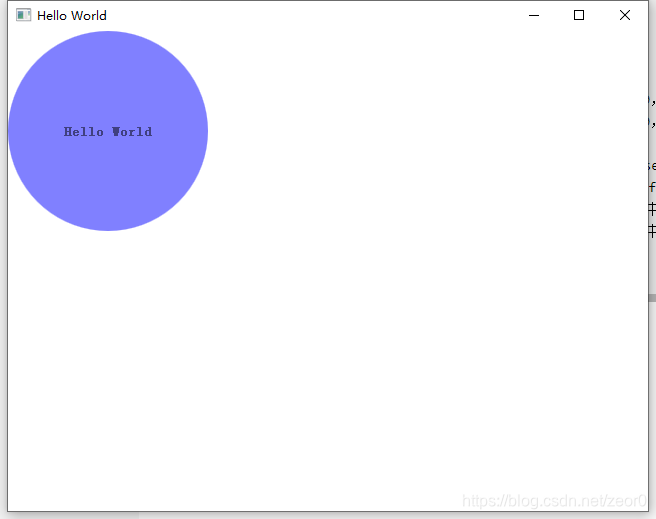
QML Label Text qml Text zeor0 CSDN
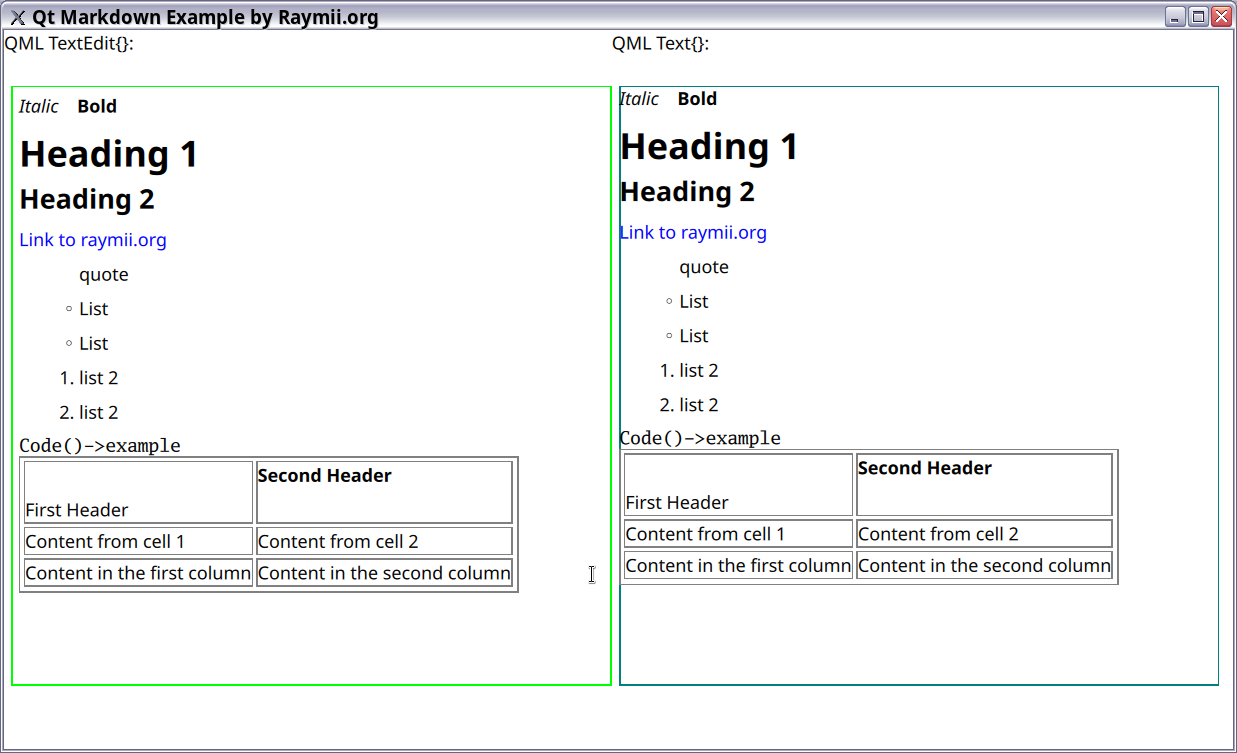
Render Markdown In A Qt QML Text Or TextEdit Control Raymii

Qt Qml mb634655578c52d 51CTO
QT qml qml Background ipfpm CSDN
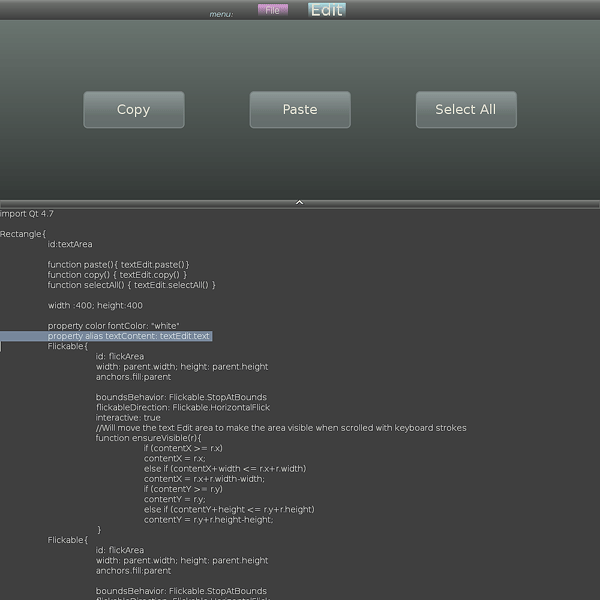
QML Getting Started QML Programming Japanese

3 Answers Sorted by 9 Use the Text elements fontSizeMode property to set autosizing Text HorizontalFit Text VerticalFit or Text Fit You can adjust the minimum font size with minimumPixelSize property See http doc qt io qt 5 qml qtquick text html fontSizeMode prop for details Share Improve this answer Follow

If the text format is Text AutoText the text element will automatically determine whether the text should be treated as rich text This determination is made using Qt mightBeRichText Text StyledText is an optimized format supporting some basic text styling markup in the style of html 3 2

3 Answers Sorted by 1 The combobox delegates use a different font to the application default Delegate font can be changed to match the rest of the application as follows ComboBox id control delegate ItemDelegate width control width text control textRole
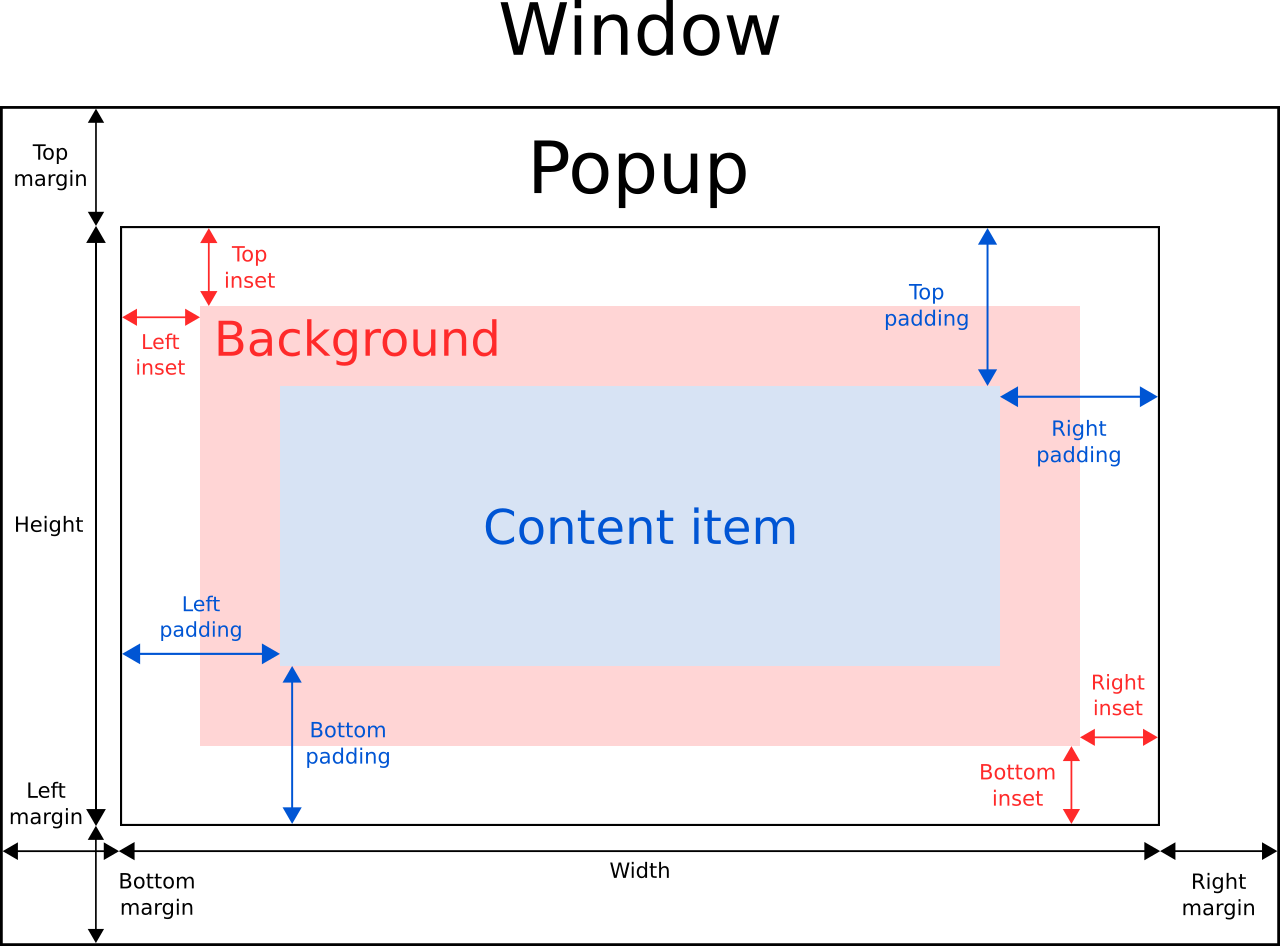
Font styleName string Sets the style name of the font The style name is case insensitive If set the font will be matched against style name instead of the font properties font weight font bold and font italic This QML property was introduced in Qt 5 6 font underline bool Sets whether the text is underlined

Rectangle Text anchors fill parent fontSizeMode Text Fit font pixelSize 10000 maximum height of the font minimumPixelSize 8 minimum height of the font horizontalAlignment Text AlignHCenter verticalAlignment Text AlignVCenter No I use this kind of parametrization it in the provided code
[desc-11] [desc-12]
[desc-13]