Qml Line Height Qml F1 Legends Qt Charts 6 4 2 Qt Qml ListView Dynamic Height Item Transition Stack Overflow Qt QML Spline Chart Goes Beyond Upper Limit Stack Overflow Qt QML Charts Calculate Difference Between Two Points On X Axis Paul Blottiere PyQGIS QML And Charts Property var lineHeight fontMetrics lineSpacing property alias font textEdit font property alias text textEdit text property var lineNumbersWidth
MinimumHeight real minimumWidth real preferredHeight real preferredWidth real rightMargin real row int rowSpan int topMargin real Detailed Description An Set size constraints with the Layout minimumWidth Layout preferredWidth and Layout maximumWidth properties Width can be replaced with Height for specifying
Paul Blottiere PyQGIS QML And Charts Intro A QJson Blog Realnorth How To Deploy A Qt QML Application On Mac part 1 Aeguana Make It Qt QML Tutorial Transitions App February 2023 D7d36dbf YouTube So You Can t Get Your Qt Models To Work With QML Logikal Blog LineSeries QML Type Qt Charts 6 3 1 Prototyping QMLrocks Qt Framework And QML Overview Why We Should Use It SaM Solutions QML QtQuick Building Applications With Qt s Declarative Engine
Qml Line Height
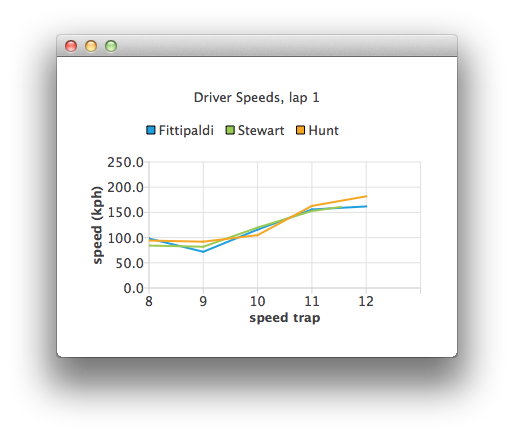 Qml Line Height
https://doc.qt.io/qt-6.4/images/examples_qmlf1legends.png
Positioning Elements There are a number of QML elements used to position items These are called positioners of which the Qt Quick module provides the following Row
Pre-crafted templates provide a time-saving solution for developing a diverse series of files and files. These pre-designed formats and layouts can be made use of for numerous personal and expert jobs, including resumes, invitations, flyers, newsletters, reports, discussions, and more, streamlining the content creation procedure.
Qml Line Height

Line Tracing tracking Of A Moving Image In QML Stack Overflow
Intro A QJson Blog Realnorth

How To Deploy A Qt QML Application On Mac part 1 Aeguana Make It

Qt QML Tutorial Transitions App February 2023 D7d36dbf YouTube
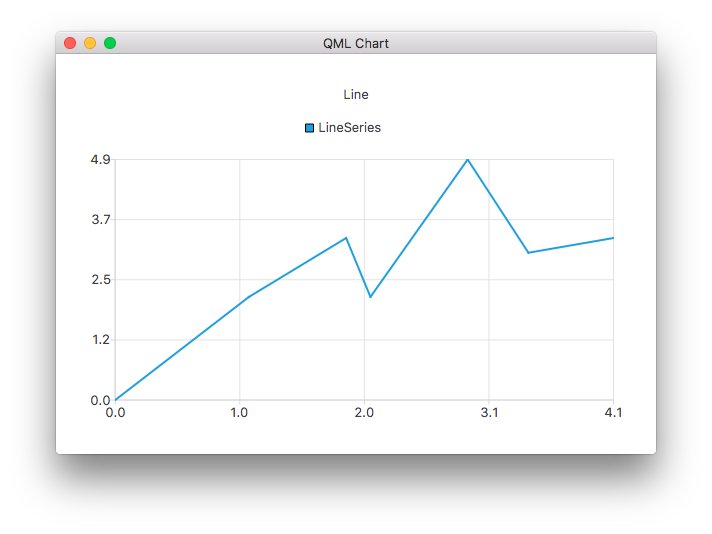
LineSeries QML Type Qt Charts 6 3 1
Prototyping QMLrocks
Sets the line height for the text The value can be in pixels or a multiplier depending on lineHeightMode They also tell you how to use it The default value is a

Console log textarea paintedHeight qml 60 console log parentrect width qml 288 console log textarea height qml 66

LineHeight real lineHeightMode enumeration linkColor color maximumLineCount int minimumPixelSize int minimumPointSize int padding real renderType

Detailed Description Property Documentation mirrored bool By default the line goes from 0 0 to width height of the item that this shape is being applied to If mirrored is

You may need a container if you have two or more Text elements and or combine a Text element with others element width 500 height 500 Bind Text element properties with
Import QtQuick Rectangle width 100 height 100 color red border color black border width 5 radius 10 Performance Using the Item antialiasing property improves Everytime it gives the runtime error warning of Binding loop detected for property height I also tried this in textarea s scope yet I have the same runtime error warning and no
Here is my simple code import QtQuick 2 0 import QtDesktop 1 0 Rectangle width 360 height 360 ListModel id listmodel ListElement myrole1