Python Open Terminal And Run Multiple Commands How To Create A Python File In The Linux Terminal Systran Box How I Fixed My Python Install How To Open And Run Python Files In The Terminal LearnPython Run Multiple Commands In One Line In Powershell And Cmd Granting Alfred Permissions On Your Mac Alfred Help And Support 1 Answer Sorted by 0 you can use this command to open a new terminal and run your command in it gnome terminal x sh c python3 bash Here python3 is the command I am running you can replace it with your command gnome terminal x sh c espeak ven m1 f sample txt bash Now to sum up everything use this code in your python program
I want to execute 2 python programs both run flask servers on different ports in 2 different terminal windows from a single bash script Python files a py and b py Bash Script runner sh This is my current bash script runner sh a py b py So when I say runner sh It should execute a py and b py in 2 separate terminal windows python 3 Here we are using the system method to execute the pwd shell script using Python run is more flexible and quicker approach to run shell scripts utilise the Popen function Python3 import subprocess subprocess run powershell pwd shell True Output Executing Shell Commands with Python using the os module
Granting Alfred Permissions On Your Mac Alfred Help And Support Check Ubuntu Python Version Be On The Right Side Of Change Visual Studio VS Code Terminal For Python Is Not Showing Output Help Solved Open Terminal Run Command Python 9to5Answer How To Open Python Terminal Reverasite Getting Error Message Running The Contributed Command Failed ITecNote 10 Easy Steps Run Python Program In VS Code Terminal 2 Ways To Run Multiple Commands In CMD How To Execute Multiple Commands In Docker Compose Better Stack
Python Open Terminal And Run Multiple Commands
 Python Open Terminal And Run Multiple Commands
https://syscdn.systranbox.com/1661373596530.png
1 Answer Sorted by 8 The commands will always be two unix processes but you can start them from one call to Popen and the same shell by using
Pre-crafted templates use a time-saving option for developing a diverse variety of files and files. These pre-designed formats and layouts can be used for different individual and expert projects, consisting of resumes, invitations, leaflets, newsletters, reports, presentations, and more, improving the material production process.
Python Open Terminal And Run Multiple Commands
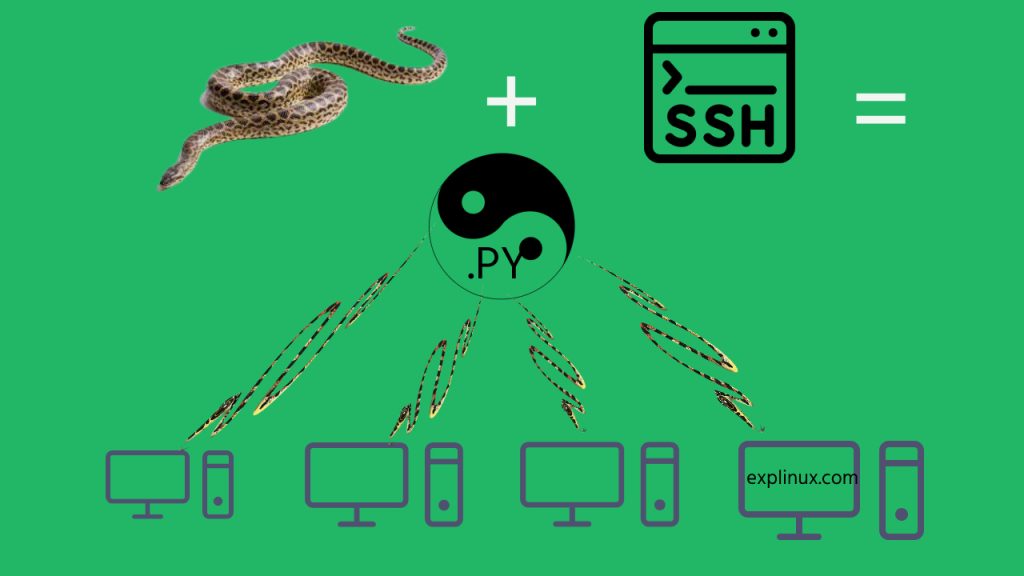
Python Script To SSH And Run Multiple Commands In Linux Save Hours In

Check Ubuntu Python Version Be On The Right Side Of Change

Visual Studio VS Code Terminal For Python Is Not Showing Output Help

Solved Open Terminal Run Command Python 9to5Answer

Getting Error Message Running The Contributed Command Failed ITecNote
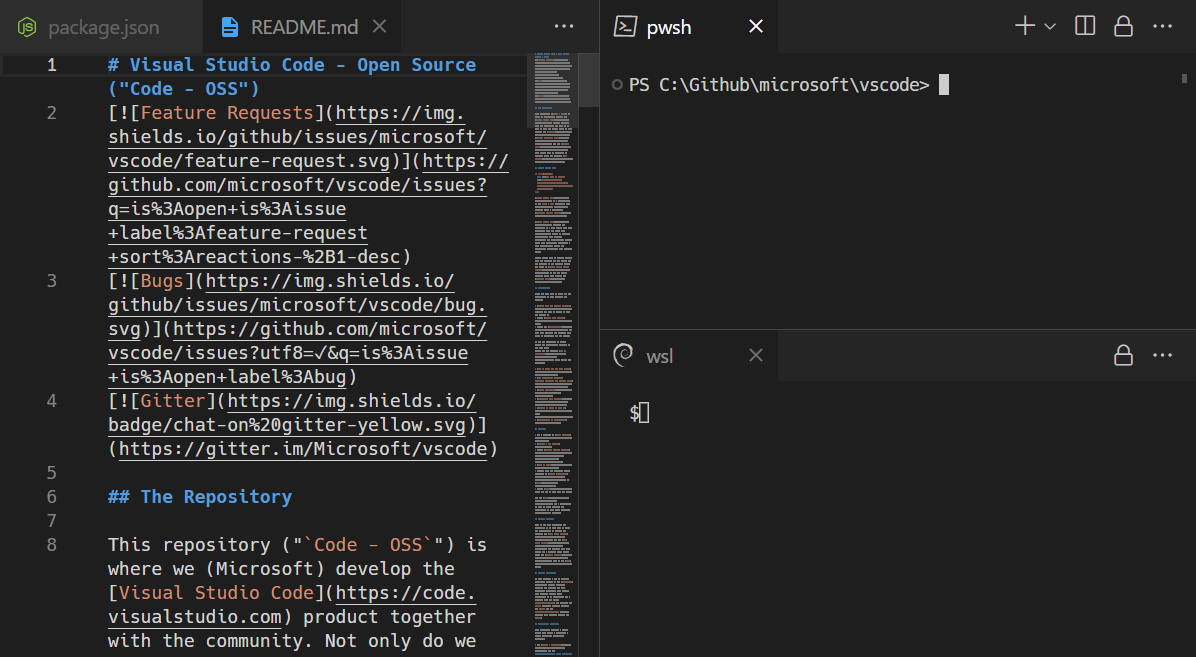
10 Easy Steps Run Python Program In VS Code Terminal

17 I would like to invoke multiple commands from my python script I tried using the os system however I m running into issues when the current directory is changed example os system ls l os system some command This will change the present working directory os system launchMyApp Some application invocation I need to do

But what is a process exactly Let s define it more formally Process A process is the instance of a computer program that is being executed by one or more threads A process can have multiple Python threads this is called multi threading In turn a computer can run multiple processes at once
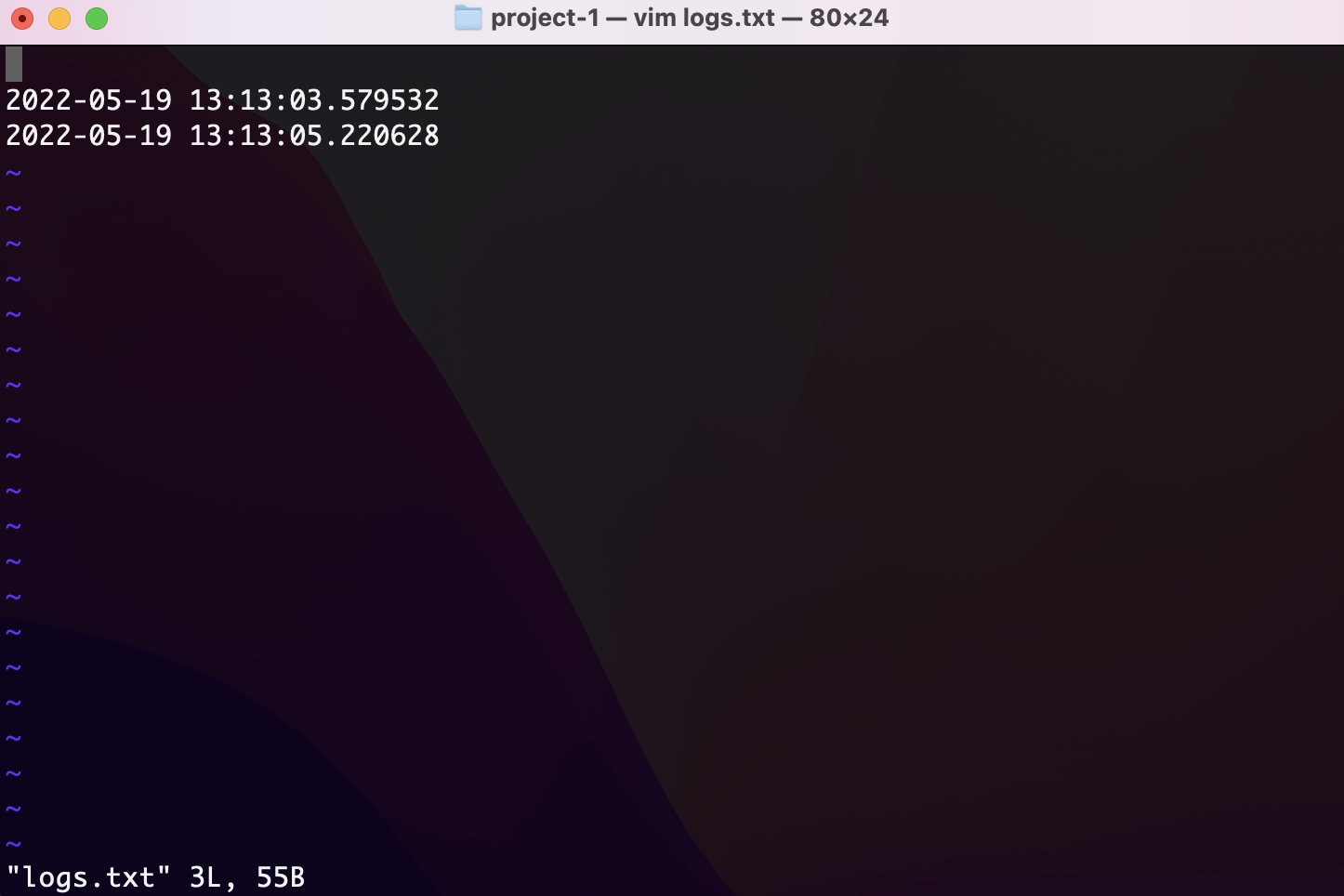
2 I need to create a Python script to open a terminal window in Mac Linux and need to execute the following commands in terminal from Python script Open terminal Execute the command sudo openpyn init It will prompt for us to enter password and user name Pass it from Python script

Python provides methods to run shell commands giving us the same functionality of those shells scripts with additional support from Python s ecosystem Learning how to run shell commands in Python opens the door for us to automate computer tasks in a structured and scalable way

6 Answers Sorted by 150 This bash script is for N parallel threads Each argument is a command trap will kill all subprocesses when SIGINT is catched wait PID LIST is waiting each process to complete When all processes have completed the program exits bin bash for cmd in do echo Process cmd started cmd pid
Install and Open the Terminal Windows Linux macOS Learn Basic Terminal Commands Navigate Your File System Create Files and Folders Manage Packages With pip Create a Virtual Environment Install a Package Interact With Git Initiate a Git Repository Track Files With Git Next Steps Conclusion Remove ads A py print A file contents This is b py b py print B file contents And this is c py c py print C file contents Here is the main py file that runs the a py b py and c py files concurrently main py
The next step is to open the Python file in the terminal using the command vim from today py and write the script that performs the task To use command line arguments we need the sys module Once you write the Python code above in the file from today py exit the edit mode and save it We can now execute the file