Python Not Working In Windows 11 Fix Microphone Not Working In Windows 11 Python Not Working In Command Prompt Not Recognised In CMD YouTube Why Is Python3 Not Working Python Help Discussions On Python Python Not Working In The Command Line Of Git Bash Python In Visual Studio Try Except Not Working Lawpcsr The installation wizard will launch when you simply double click that file Click on Customize Installation Check all the boxes as indicated above Then click on the next button The screen below will then appear You can check every box if you so choose The debugging symbols and binaries are not necessary for me
Using Python on Windows Python 3 12 1 documentation 4 Using Python on Windows This document aims to give an overview of Windows specific behaviour you should know about when using Python on Microsoft Windows Unlike most Unix systems and services Windows does not include a system supported installation of Python 1 From your browser navigate to the Python website 2 Hover on the Downloads menu and click the button for the latest Python edition 3 Save the file and double click it to start the installation 4 Clock Install Now and tick Add python to PATH to allow access to the Python interpreter from all parts of your filesystem 5
Python In Visual Studio Try Except Not Working Lawpcsr Fix Windows Security Not Working In Windows 11 Fix Microphone Not Working In Windows 11 Solved Python Not Working Please Help Given An Integer Re Fix PIN Not Working In Windows 11 MetaTrader Module For Integration With Python Not Working MetaTrader Touchpad Is Not Working In Windows 11 How To Fix It How To Plot Bar Chart With Python Dev Solutions Fix Settings App Not Working In Windows 11
Python Not Working In Windows 11
 Python Not Working In Windows 11
https://in.kapilarya.com/images/fix-microphone-not-working-w11-1.png
2 yr ago Advanced Theme144 Windows 11 and Python A good idea or not yet Discussion Hello everyone As most of you probably know Windows 11 has been out for several weeks now and I m starting to consider updating my Windows 10 laptop to it It s hardware and is fully compatible with it but I m wondering how Python would run on it
Pre-crafted templates provide a time-saving option for creating a diverse series of documents and files. These pre-designed formats and layouts can be used for different personal and expert projects, including resumes, invitations, leaflets, newsletters, reports, presentations, and more, enhancing the content development process.
Python Not Working In Windows 11
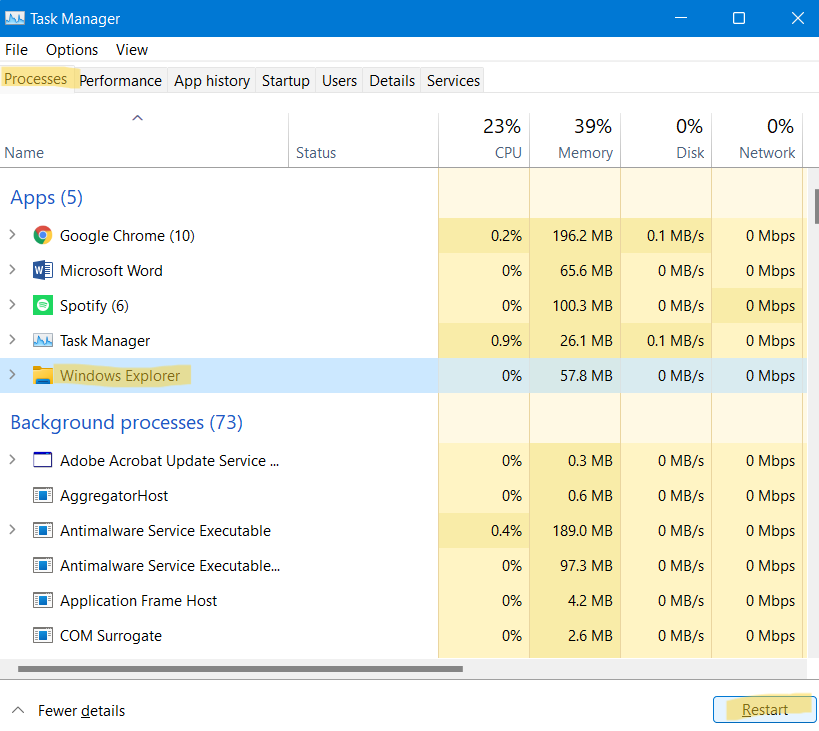
Fix Taskbar Not Working In Windows 11 Pirated Land
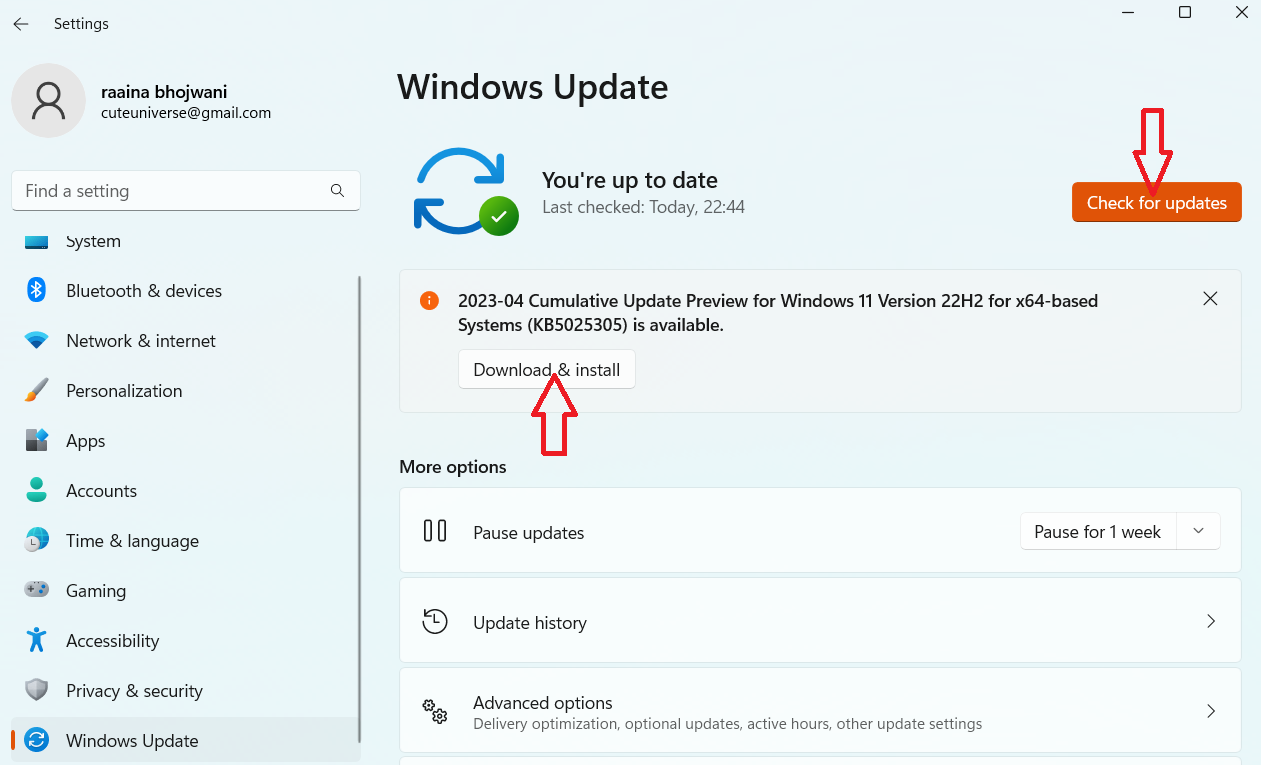
Fix Windows Security Not Working In Windows 11

Fix Microphone Not Working In Windows 11
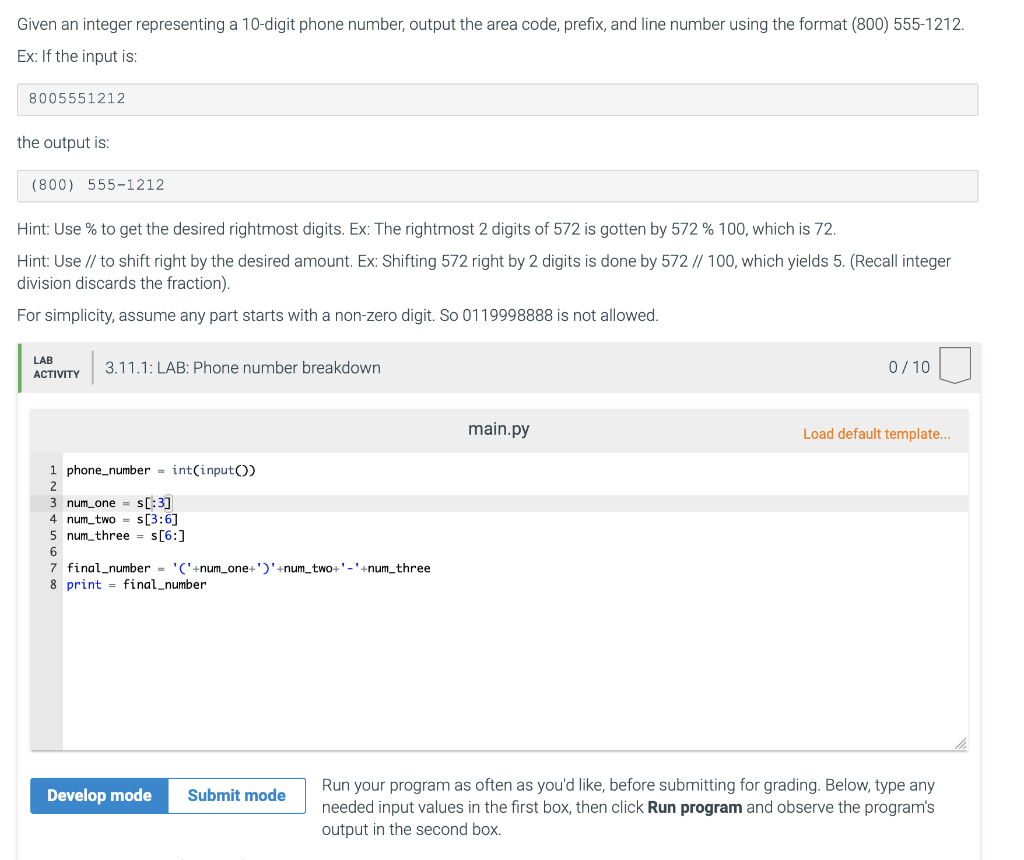
Solved Python Not Working Please Help Given An Integer Re

MetaTrader Module For Integration With Python Not Working MetaTrader

Touchpad Is Not Working In Windows 11 How To Fix It

81 1 1 2 2 Does this answer your question Python was not found run without arguments to install from the Microsoft Store or disable this shortcut from Settings Gino Mempin Feb 28 2021 at 12 48 Might be this answer will help you stackoverflow a 65496777 6280135 Maninder Apr 4 2023 at 14 50 1

1 Open a browser to the Python website and download the Windows installer Image credit Tom s Hardware 2 Double click on the downloaded file and install Python for all users and ensure

You can test Python on Windows 11 by opening a new Terminal PowerShell or Command Prompt window and typing python and pressing Enter If Python is properly installed you should see

This video shows you how to install Python on Windows 11 and fix your Python installation when the Python command is not recognized in your command prompt by adding it to the Path

2 Windows 11 is basically Windows 10 with a revamped user interface and some added features There is no reason that Python will be affected by the upgrade However you should not force this upgrade as long as Windows Update is not listing it You may check whether your computer fulfills the requirements by using WhyNotWin11 but wait for
Installing Git on Windows Using SSH to Connect to GitHub Setting Up VS Code Testing Out Your Setup Fast Tracking Your Windows Python Coding Setup Configuration Repository Running a Setup Script Conclusion Other Nifty Windows Software Remove ads Are you interested in writing Python code on a Windows machine STEP 1 Go to the Python download website STEP 2 Under the Stable Releases section select Windows Installer 64 bit to download the installer STEP 3 Once the download is complete go
In this video I an going to show How to Download and Install Python 3 10 on Windows 11 Setting up your Windows 11 System for Python is relatively easy we J