Python Install Path Windows How to Add Python Installation location to Path Environment Variable in Windows Laptop Computer - YouTube Python 3 Installation & Setup Guide – Real Python How to Add Python Installation to Path Environment variable in Windows 10 - YouTube How to install Python 3 on Windows 10? Python 3.7.2 Windows x86 executable installer does not allow single user installation - Stack Overflow Web What Your Options Are How to Install From the Microsoft Store How to Install From the Full Installer How to Install Python on macOS How to Check Your Python Version on a Mac What Your Options Are How to Install From the Official Installer How to Install From Homebrew How to Install Python on Linux How to Check Your Python Version on Linux
Web Aug 3 2022 nbsp 0183 32 Step 1 Downloading the Python Installer Go to the official Python download page for Windows Find a stable Python 3 release This tutorial was tested with Python version 3 10 10 Click the appropriate link for your system to download the executable file Windows installer 64 bit or Windows installer 32 bit Web Apr 8 2023 nbsp 0183 32 First navigate to the Windows Environment Variables screen where you can add edit your paths Press the Windows Key R on your keyboard in order to open the Run dialog box Type sysdm cpl to open the System Properties Go to the Advanced tab and then click on the Environment Variables
Python 3.7.2 Windows x86 executable installer does not allow single user installation - Stack Overflow Download & Install Python on Windows 11 - TestingDocs.com installation - What is the best way to make a clean reinstall of Python on Windows? - Stack Overflow How to Install Python 3.9.1 on Windows 10 - YouTube Python 3 Installation & Setup Guide – Real Python Confluence Mobile - NTNU Wiki How to Install Python on Windows in 5 Minutes - Possible Issues after Python Installation - DataFlair Python latest version Installation & Setup Guide Install Python Windows 11
Python Install Path Windows
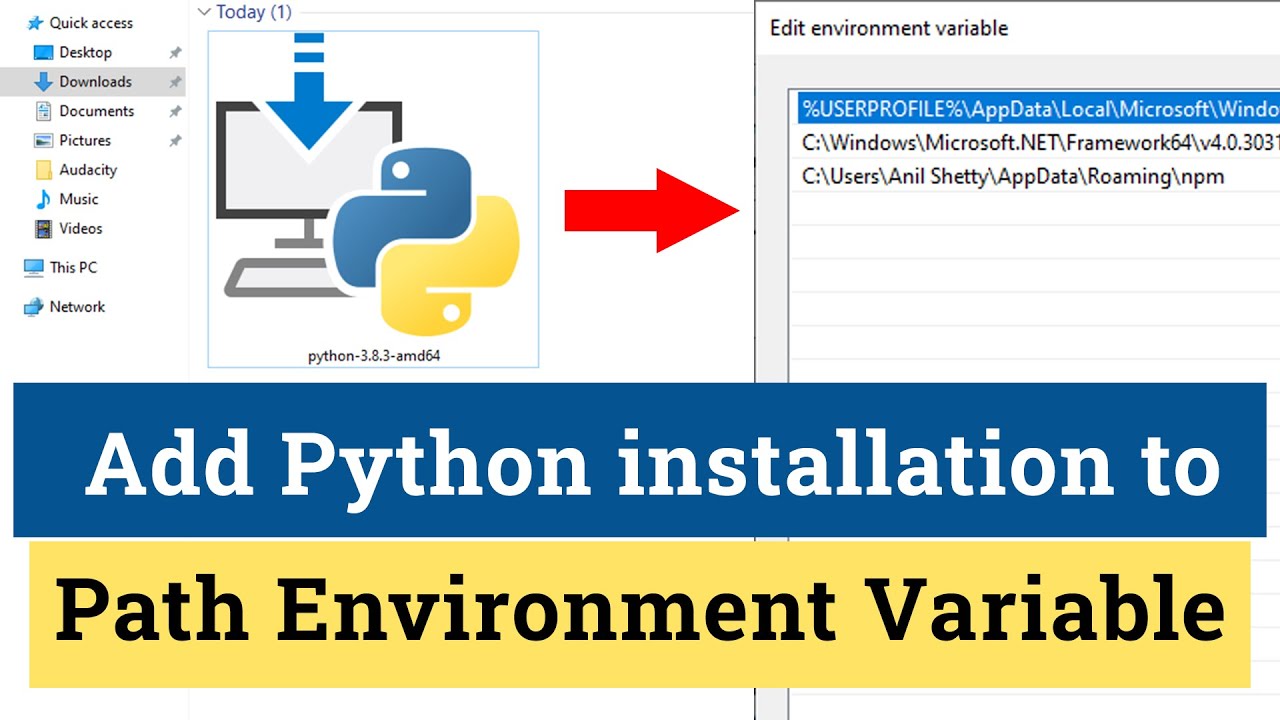 Python Install Path Windows
https://i.ytimg.com/vi/lezhrFdVSVY/maxresdefault.jpg
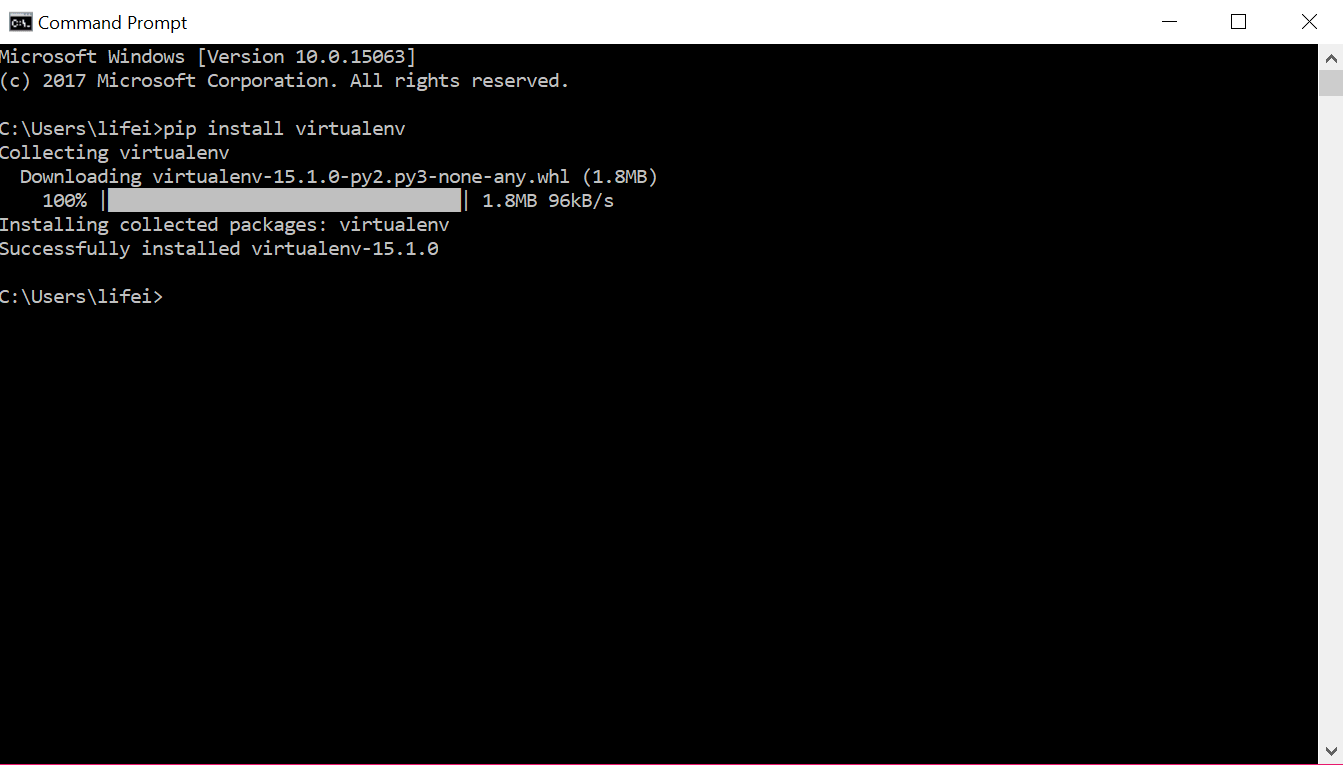
Web Apr 21 2023 nbsp 0183 32 Step 1 Open the Command Prompt To get started you ll need to open the Command Prompt You can do this by clicking the Start menu and searching for quot Command Prompt quot or by pressing the Windows key R and typing quot cmd quot in the Run dialog box Step 2 Enter the Command
Pre-crafted templates offer a time-saving solution for producing a varied series of documents and files. These pre-designed formats and designs can be made use of for different personal and professional projects, including resumes, invitations, leaflets, newsletters, reports, presentations, and more, improving the content production process.
Python Install Path Windows
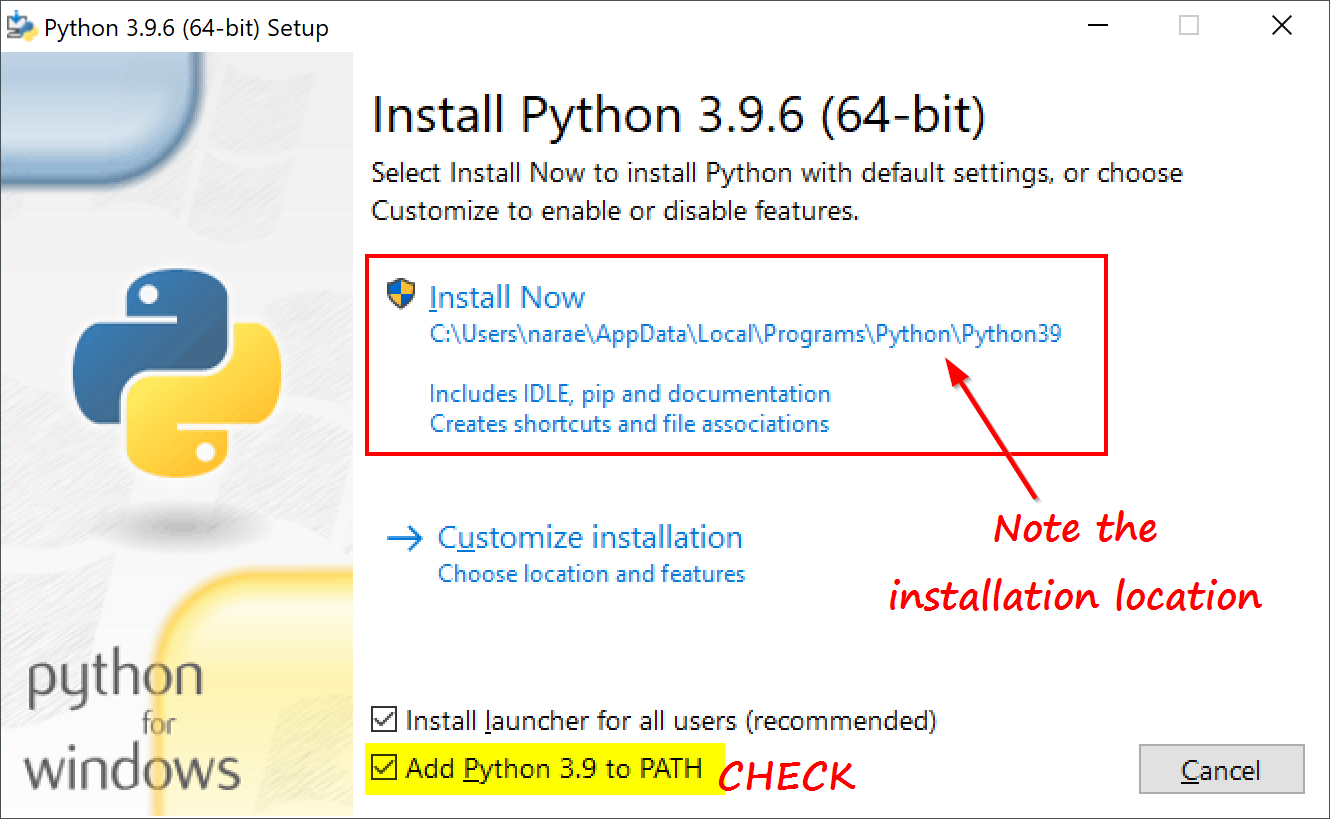
Python 3 Notes: Installing Python 3 in Windows
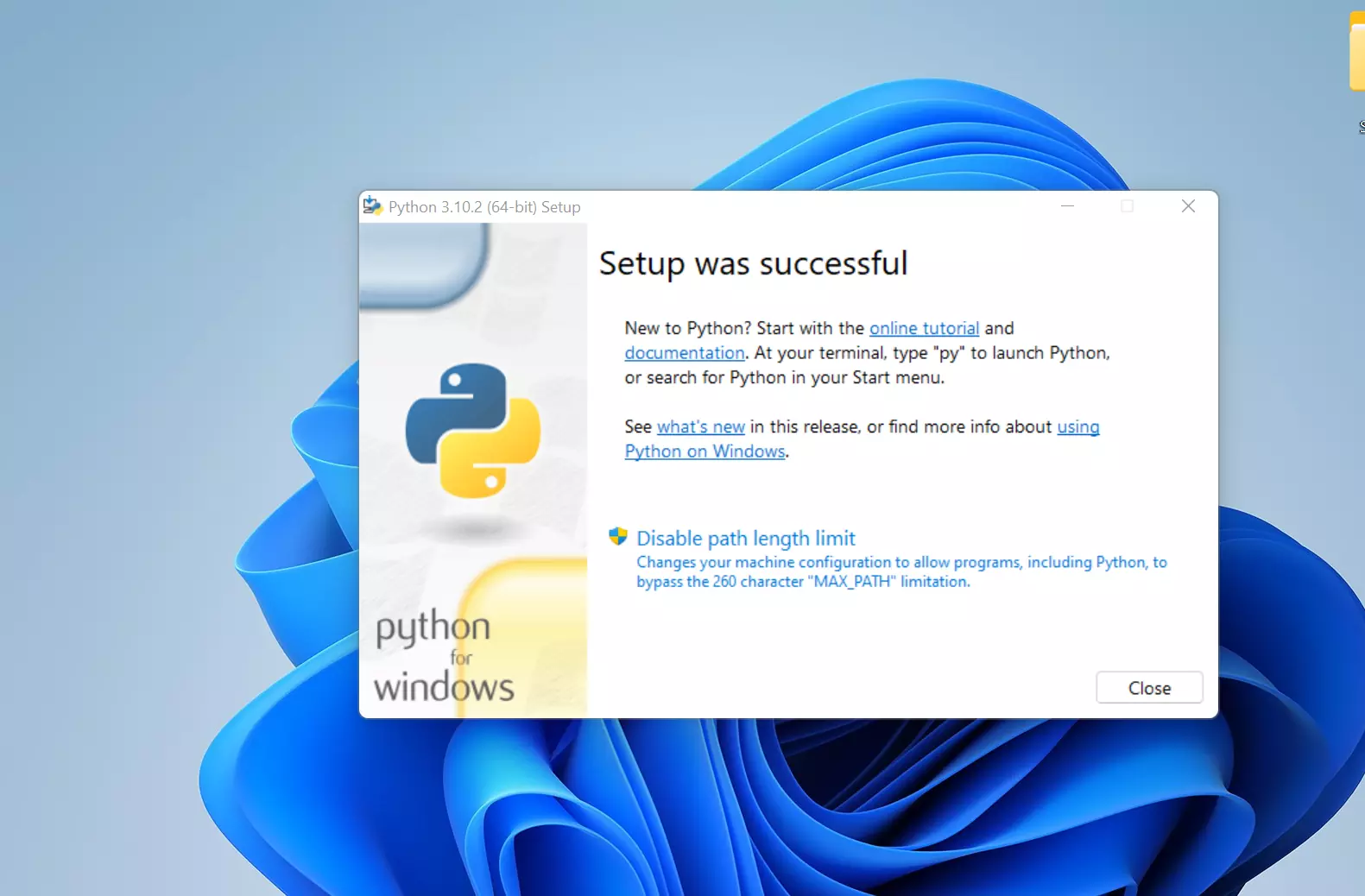
Download & Install Python on Windows 11 - TestingDocs.com

installation - What is the best way to make a clean reinstall of Python on Windows? - Stack Overflow
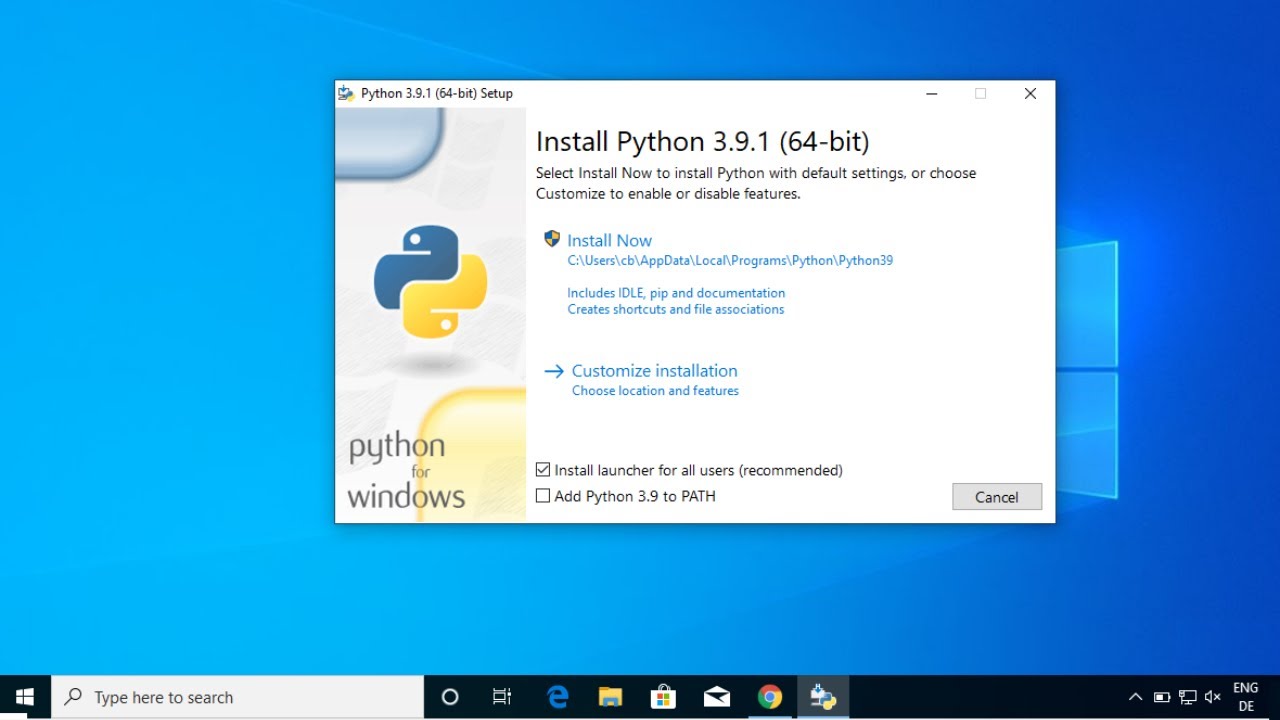
How to Install Python 3.9.1 on Windows 10 - YouTube

Confluence Mobile - NTNU Wiki
How to Install Python on Windows in 5 Minutes - Possible Issues after Python Installation - DataFlair

Web Sep 26 2022 nbsp 0183 32 How to Add Python to PATH on Windows The first step is to locate the directory in which your target Python executable lives The path to the directory is what you ll be adding to the PATH environment variable To find the Python executable you ll need to look for a file called python exe
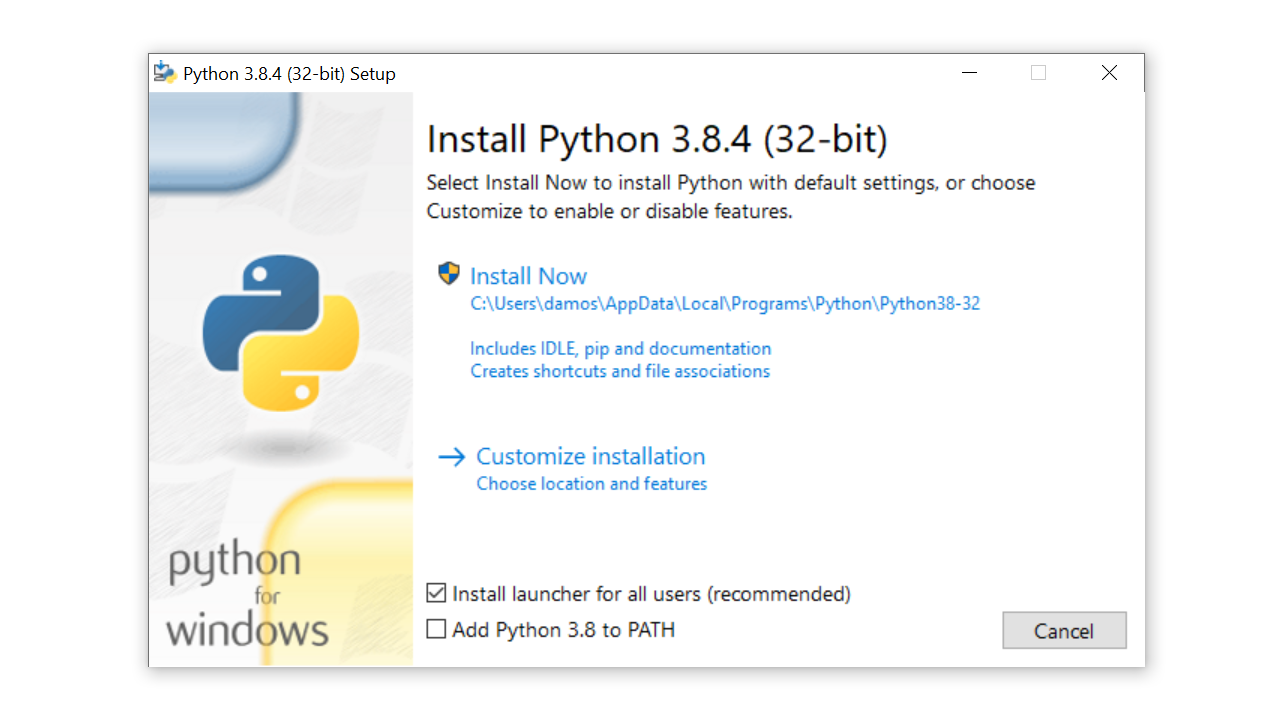
Web Aug 25 2023 nbsp 0183 32 Python will be installed into your user directory The Python Launcher for Windows will be installed according to the option at the bottom of the first page The standard library test suite launcher and pip will be installed If selected the install directory will be added to your PATH

Web Mar 4 2022 nbsp 0183 32 Alternatively you can manually locate where Python is installed by following these steps Type Python in the Windows Search Bar Right click on the Python App and then select Open file location Right click on the Python shortcut and then select Properties Click on Open File Location

Web Aug 3 2023 nbsp 0183 32 PS C Users Administrator gt C temp python 3 11 4 amd64 exe passive InstallAllUsers 0 InstallLauncherAllUsers 0 PrependPath 1 Include test 0 PS C Users Administrator gt python version python The term python is not recognized as the name of a cmdlet function script file or operable program

Web Jan 29 2018 nbsp 0183 32 Open System Properties Right click Computer in the start menu or use the keyboard shortcut Win Pause Click Advanced system settings in the sidebar Click Environment Variables Select PATH in the System variables section Click Edit Add Python s path to the end of the list the paths are separated by semicolons For example
[desc-11] [desc-12]
[desc-13]