Pyqt5 Size Policy Python PyQt5 Layout Error wrong Horizontal Policy In QLabel Label Pyqt5 QSpinbox In QWizardPage Gets Initial Focus Even If Its Focus Python PYQT5 O Tamanho Do QFrame Ignorado Na Janela CodeStack club How To Create DockAble Widget In PyQt5 PyQt5 QDockWidget Python GUI Qt Size Policy And Stretch Factors ITecNote One simple way to help the layout managers is to Table 9 1 PyQt s Size Policies Policy Effect The widget has the size specified by its size hint and never
SizePolicy QSizePolicy Fixed The actual size of the widget only refers to the return value of sizeHint and cannot be stretched grow and shrink shrink QSizePolicy Minimum
Qt Size Policy And Stretch Factors ITecNote Facilitating Subjects Are More Important Than Ever But What Are They Display Folium Maps In PyQt5 PyQt5 Tutorial YouTube Download PyQT5 With Python GUI Programming Python PyQT SoftArchive Python PyQt5 Font Sizes Scaled Larger Than Expected After Changing Qt QTreeView SetSizePolicy Not Affecting Size Of Tree In Splitter Python Grid Layout Alignment Pyqt5 Stack Overflow PyQt IT PyQt5 Tutorial How To Use Qt Designer YouTube
Pyqt5 Size Policy
 Pyqt5 Size Policy
https://i.stack.imgur.com/VLtVc.png
The size policy of a widget is an expression of its willingness to be resized in various ways and affects how the widget is treated by the layout engine Each widget returns a
Templates are pre-designed documents or files that can be utilized for various functions. They can save time and effort by supplying a ready-made format and layout for developing various sort of content. Templates can be utilized for individual or professional projects, such as resumes, invitations, leaflets, newsletters, reports, discussions, and more.
Pyqt5 Size Policy

QT QSplitter Python

Facilitating Subjects Are More Important Than Ever But What Are They
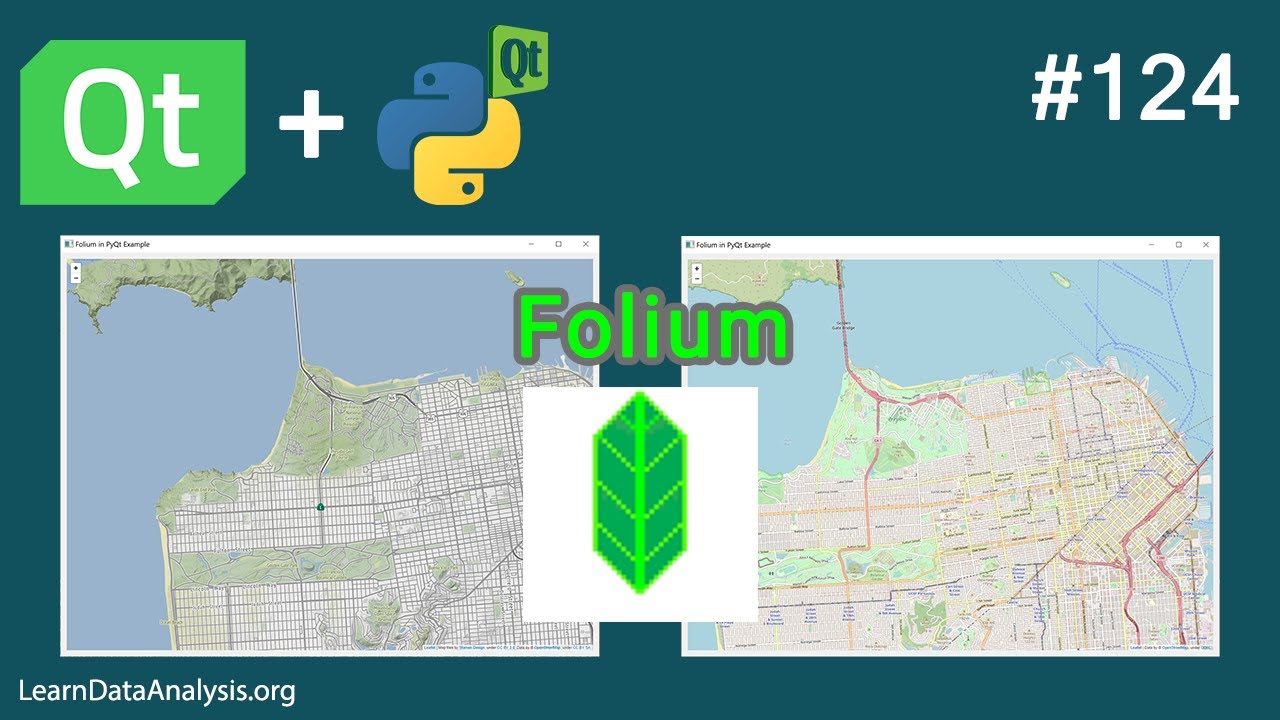
Display Folium Maps In PyQt5 PyQt5 Tutorial YouTube

Download PyQT5 With Python GUI Programming Python PyQT SoftArchive

Qt QTreeView SetSizePolicy Not Affecting Size Of Tree In Splitter

Python Grid Layout Alignment Pyqt5 Stack Overflow

Introduction Qt includes a set of layout management classes that are used to describe how widgets are laid out in an application s user interface

Besides you re setting a size policy without using a layout manager and every size policy reference in the docs explicitly mentions that it relates to layout

5 votes def init self name super init name sizepolicy QtWidgets QSizePolicy QtWidgets QSizePolicy Fixed

The QSizePolicy class is a layout attribute describing horizontal and vertical resizing policy DefaultType ButtonBox CheckBox ComboBox ToolButton Fixed Minimum

If you want to adjust the size of a child widget to fit its contents you can use the setSizePolicy method to set the size policy to QSizePolicy Expanding
1 2 3 4 5 6 7 8 9 10 11 12 13 14 15 16 17 18 19 20 21 22 23 24 25 26 PyQt5 How to change size of the Label label resize method While designing any GUI Graphical User Interface application we create labels that provide
1 From what I ve seen in designer you can t really select the subwindow only the subwindow s content widget so that s probably what your picture shows So you