Pyenv Macos Not Working MAC Address Checker IMEI info Co Je Macos Sierra Soubory MacOS Monterey Build 21G83 BetaWiki C mo Es VMWare Fusion Como Hipervisor De MacOS Techlib Blog How To Have Tensorflow2 Working On MacOS M1 And Manage Your Libs WEB 1 132 16 44 upgrade pyenv or remove it cache and install again maybe user19419589 May 8 2023 at 12 34 pyenv 2 3 17 already installed Alberto Sanmartin Martinez May 8 2023 at 12 37 2 Answers Sorted by 2 Related to
WEB Jan 2 2014 nbsp 0183 32 4 asmaier commented on Nov 6 2019 edited I have the same problem on macOS 10 14 6 system Python 2 7 10 with pyenv 1 2 13 and Python 3 7 4 installed via homebrew But I figured out that you can make it work if you add eval quot pyenv init quot at the end of your zshrc or bash profile WEB Jun 13 2021 nbsp 0183 32 There are two ways to install pyenv on macOS Via Homebrew this is the quickest way Unfortunately I could not make pyenv works as expected on a fresh macOS 11 Apple Silicon Git checkout pyenv team has documented the install process in
How To Have Tensorflow2 Working On MacOS M1 And Manage Your Libs MacOS Monterey Problems How To Fix The Most Common Issues TechRadar Debugging VScode Pipenv Pyenv In WSL Debugger Not Working With 10 Hidden MacOS Ventura Features You Need To Know About Pyenv Macos The 17 Latest Answer Brandiscrafts Synchroniser Avec MacOS Documentation Nextcloud Latest User Manual Latest What Is The Latest Version Of MacOS Current MacOS For 2022 2023 What To Do If Pyenv Global Is Not Working 2023 Solution When Installing Install dev sh In MacOS Environment If Pyenv Is Not
Pyenv Macos Not Working
 Pyenv Macos Not Working
https://www.imei.info/media/up/cms_file/2021/38/macos-icon.png
WEB Nov 9 2021 nbsp 0183 32 The solution that ultimately worked is here brew install xz To pick up liblzma prefix brew prefix export LDFLAGS quot L prefix opt xz lib LDFLAGS quot export CPPFLAGS quot I prefix opt xz include
Pre-crafted templates provide a time-saving solution for developing a diverse variety of files and files. These pre-designed formats and layouts can be made use of for different personal and expert tasks, including resumes, invites, flyers, newsletters, reports, discussions, and more, streamlining the content production procedure.
Pyenv Macos Not Working

MacOS 9romit
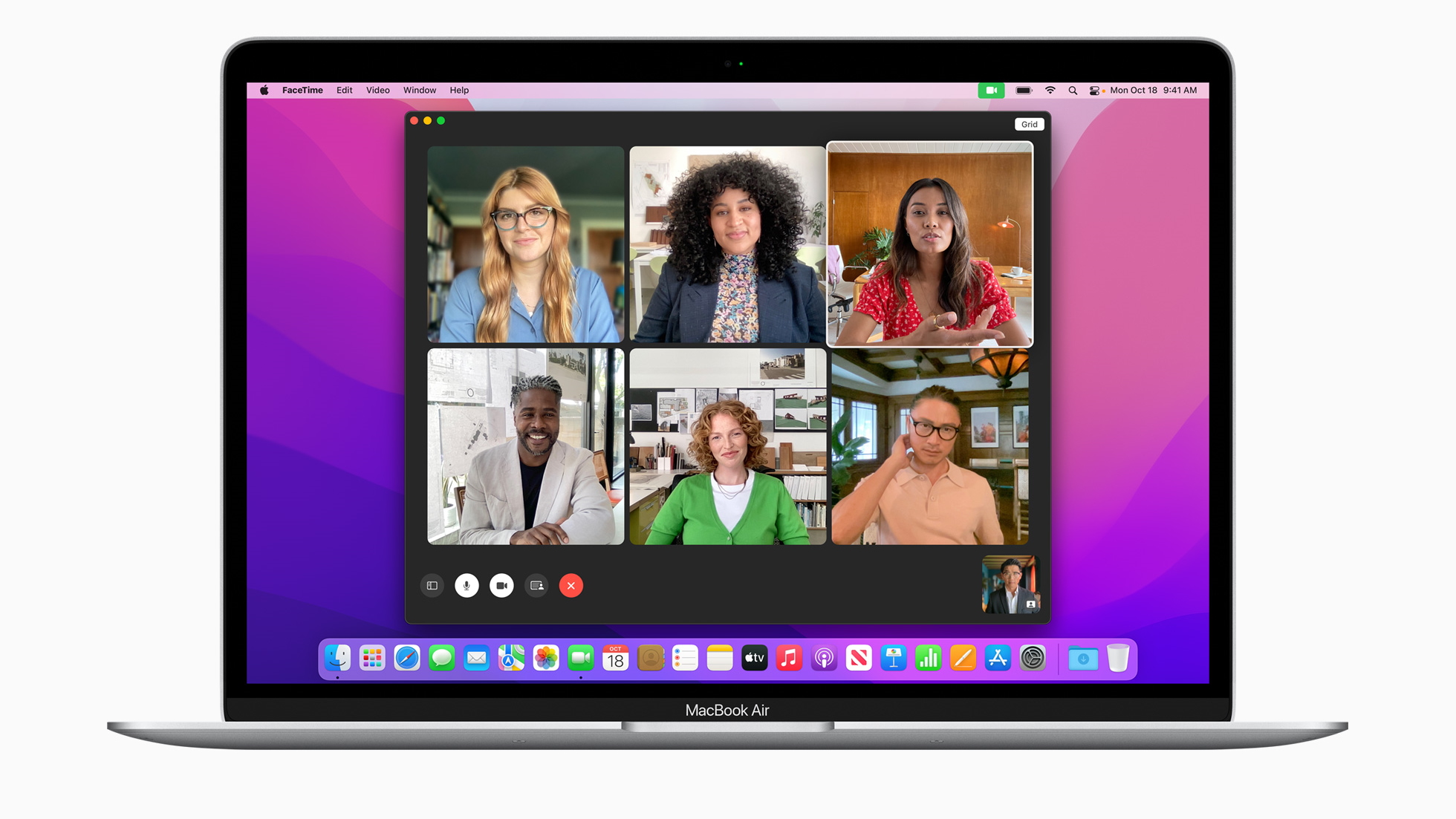
MacOS Monterey Problems How To Fix The Most Common Issues TechRadar

Debugging VScode Pipenv Pyenv In WSL Debugger Not Working With

10 Hidden MacOS Ventura Features You Need To Know About
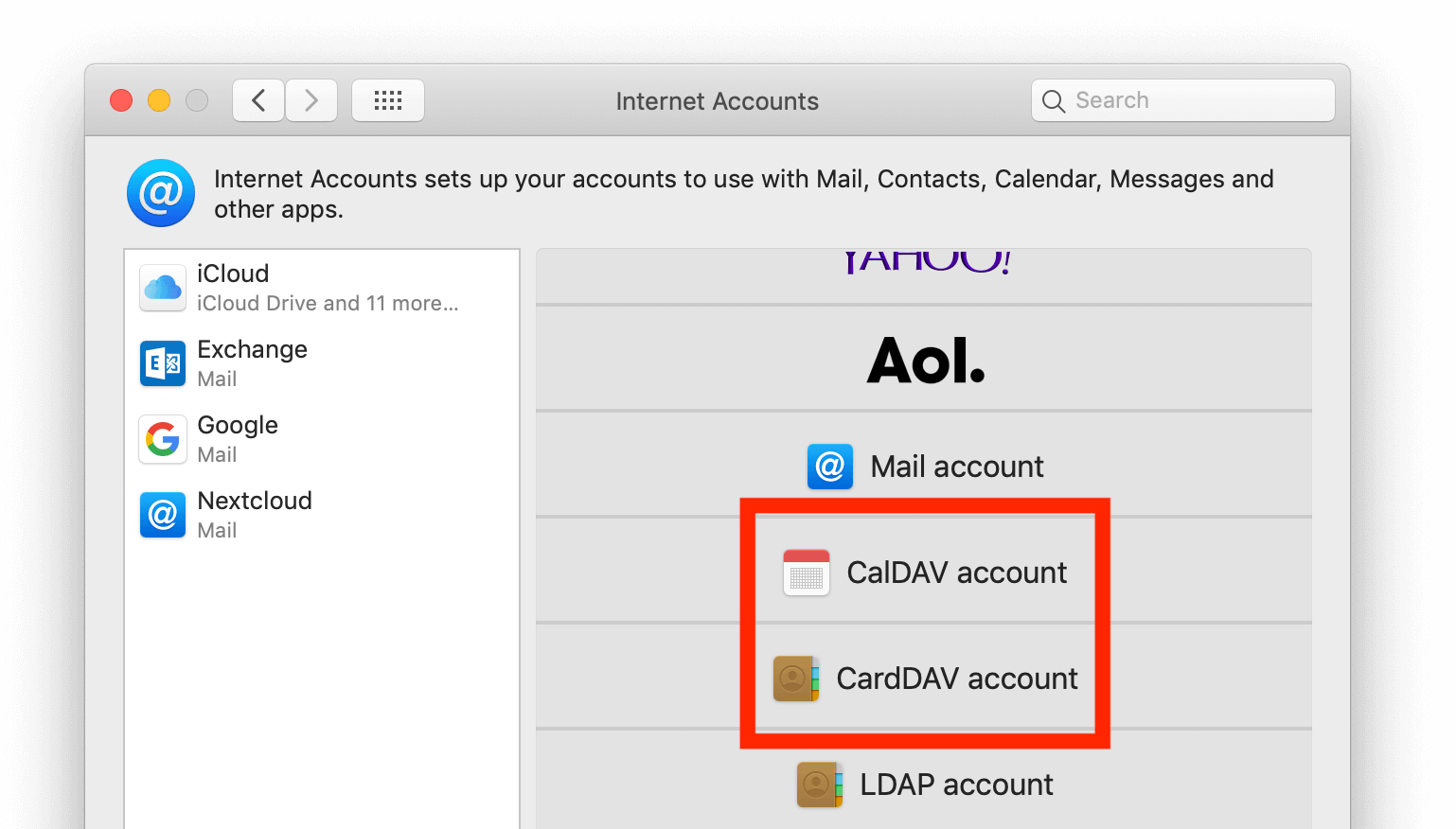
Synchroniser Avec MacOS Documentation Nextcloud Latest User Manual Latest

What Is The Latest Version Of MacOS Current MacOS For 2022 2023

WEB Note however that installing many earlier versions of Python onto a Mac with an ARM 64 processor will likely not work Support for ARM 64 processors was added in Python 3 9 Nesting pyenv versions works fine
WEB Nov 3 2021 nbsp 0183 32 I have not seen this issue before upgrading to Monterey 12 3 but now I am unable to install Python 3 8 12 using pyenv I am on an M1 Mac and installed pyenv and the python3 dependencies via homebrew following the installation instructions pyenv install 3 8 12 python build use openssl 1 1 from homebrew
WEB Nov 9 2022 nbsp 0183 32 1 A programmer friend recommended I re installed python on my mac using pyenv I didn t understand why but given that he s much more expert than me in python I decided to trust him He said to do brew install pyenv pyenv install 3 10 0 pyenv global 3 10 0 and brew install pyenv worked fine but pyenv install 3 10 0 gave me the following

WEB Mar 4 2022 nbsp 0183 32 3 Answers Sorted by 8 50 Run the commands below in your terminal before running pyenv install lt VERSION gt pyenv global lt VERSION gt python version eval quot command pyenv init quot eval quot command pyenv init path quot You may need to re install your required python version
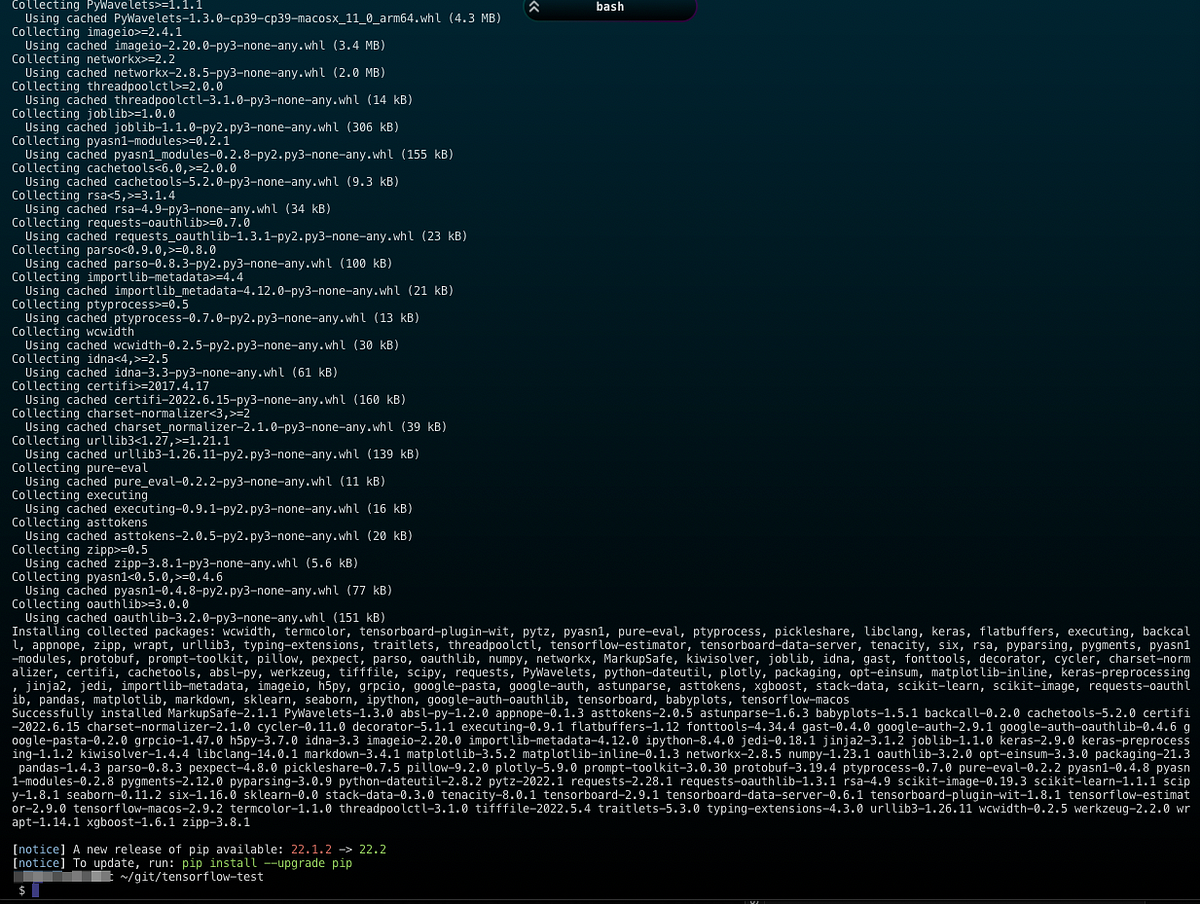
WEB This works for me I installed pyenv via brew OS macOS Big Sur What happened to me pyenv shell 3 7 9 pyenv local 3 7 9 Either didn t work What I did but not working Checked my bash profile and make sure eval quot pyenv init quot is after any export PATH code rm python version What worked for me
WEB Feb 9 2020 nbsp 0183 32 Is this as expected behaviour How to switch it to 3 8 1 properly NB echo PATH outputs usr local bin usr local sbin usr bin bin usr sbin sbin Library TeX texbin opt X11 bin macos python path zsh Share Improve this question edited Feb 9 2020 at 20 22 WEB In this step by step tutorial you ll learn how to install multiple Python versions and switch between them with ease including project specific virtual environments even if you don t have sudo access with pyenv
WEB Jun 2 2022 nbsp 0183 32 Pyenv will not install any version of python on my system MacOS M1 Here s the output from the terminal session pyenv install 3 9 0 python build use openssl 1 1 from homebrew python build use