Pycharm Terminal Command Not Found Ride py Not Open On Command RF But Open Pycharm Editor Problem Code How To Solve Pycharm Terminal Failed To Switch To Virtual Environment How To Install TensorFlow On PyCharm Finxter Solved How To Launch PyCharm From Terminal command 9to5Answer Add Command line Launcher Pycharm Windows Linux Subsystem Hotmusli Mar 26 2019 nbsp 0183 32 As Shub pointed out you can just use Shift F6 I do not understand your qualms that quot It takes a lot of actions quot In both Matlab and Pycharm you 1 Highlight variable 2
Mar 12 2017 nbsp 0183 32 Conda env is activated using source activate env name How can I activate the environment in pycharm Feb 23 2018 nbsp 0183 32 For me in PyCharm 2022 3 1 the way to do this was different than currently listed though still similar Press CTRL ALT S to open settings or go through the toolbar via File gt
Add Command line Launcher Pycharm Windows Linux Subsystem Hotmusli Pycharm Terminal Not Working Stack Overflow Ride py Not Open On Command RF But Open Pycharm Editor Problem Code Python Pycharm AttributeError Dlsym 0x2006bea00 SHA256 init Symbol Fixed Mac Command Not Found Error In Terminal Zsh Bash Pycharm Try To Run This Command From The System Terminal Make Pycharm Try To Run This Command From The System Terminal Make Sure Pycharm Django Try To Run This Command From The System Pycharm Try To Run This Command From The System Terminal Make
Pycharm Terminal Command Not Found
 Pycharm Terminal Command Not Found
https://img2018.cnblogs.com/blog/1028514/201905/1028514-20190531091217548-1830384894.png
Oct 28 2013 nbsp 0183 32 I m trying to learn Python and decided to use PyCharm When I try to start a new project I get a dialog that says quot No Python interpreter selected quot It has a drop down to select a
Templates are pre-designed documents or files that can be used for different purposes. They can save time and effort by providing a ready-made format and layout for producing different type of content. Templates can be utilized for individual or professional tasks, such as resumes, invitations, flyers, newsletters, reports, discussions, and more.
Pycharm Terminal Command Not Found

Introduction To Computer Programming

Pycharm Terminal Not Working Stack Overflow

Ride py Not Open On Command RF But Open Pycharm Editor Problem Code

Python Pycharm AttributeError Dlsym 0x2006bea00 SHA256 init Symbol

Pycharm Try To Run This Command From The System Terminal Make
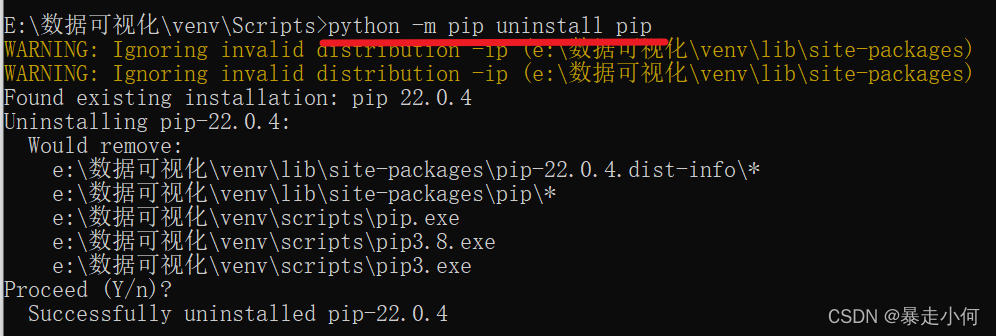
Pycharm Try To Run This Command From The System Terminal Make Sure
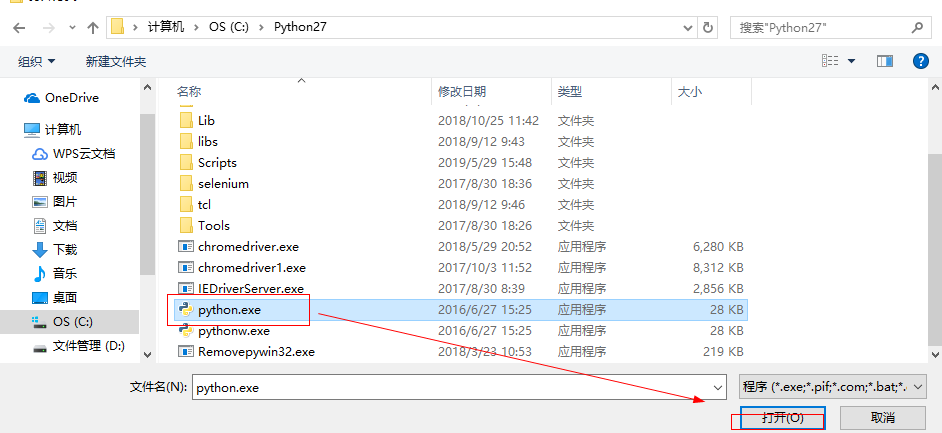
Jul 12 2020 nbsp 0183 32 PyCharm Professional now lets you select FastAPI as your project type Even if you didn t start that way there is an associated FastAPI run config template that you can use on
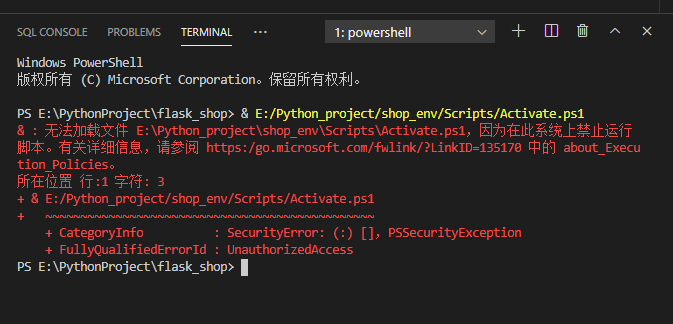
181 Pycharm does not show plot from the following code import pandas as pd import numpy as np import matplotlib as plt ts pd Series np random randn 1000

PyCharm AI JetBrains Fleet VSCode Copilot 2024 AI

Feb 8 2022 nbsp 0183 32 In Corey Schafer s Programming Terms Mutable vs Immutable at 3 06 he selected multiple lines and commented them out in PyCharm all in one action What is this action Is it a
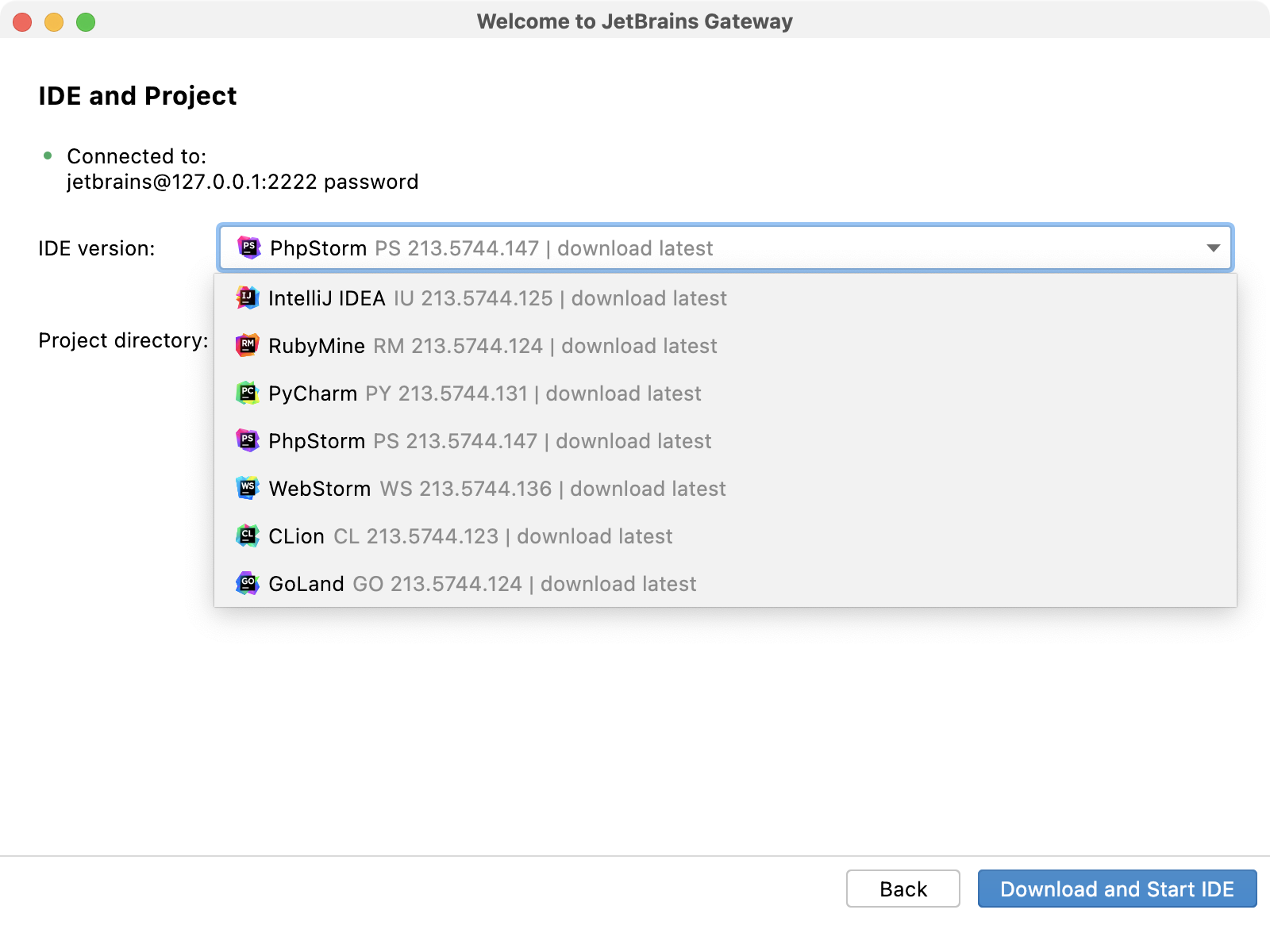
Dec 17 2024 nbsp 0183 32 1 Using the Interpreter Dropdown Quick Access In PyCharm there is a quick access Python Interpreter selector in the bottom right corner of the IDE window Using the
[desc-11] [desc-12]
[desc-13]