Pycharm Snap Install Ubuntu Install Pycharm Linux Brostide Installa PyCharm Su Ubuntu Linuxteaching Pycharm Community Communicationgera How To Install PyCharm On The Ubuntu 18 04 How To Setup Newsboat RSS Reader In Linux SmartTech101 Dec 12 2017 nbsp 0183 32 36 I use PyCharm and all the initial settings are okay Simple package installation is working Then why do I need to reinstall a package for each project Is there any way to install
Mar 26 2019 nbsp 0183 32 As Shub pointed out you can just use Shift F6 I do not understand your qualms that quot It takes a lot of actions quot In both Matlab and Pycharm you 1 Highlight variable 2 135 I have PyCharm 1 5 4 and have used the quot Open Directory quot option to open the contents of a folder in the IDE I have Python version 3 2 selected it shows up under the quot External Libraries quot
How To Setup Newsboat RSS Reader In Linux SmartTech101 Install Pycharm Community Edition Pastorhidden Installing PyCharm On Ubuntu 20 04 LTS Kirelos Blog Installing PyCharm On Ubuntu 20 04 LTS Kirelos Blog PyCharm IDE 2022 1 3 Ubuntu Linux How To Install PyCharm On Ubuntu 18 04 Linuxize C mo Instalar PyCharm En Ubuntu 20 04 LTS Install PyCharm Django Python IDE For Ubuntu Linux Cara Menginstal Pycharm Ubuntu 20 04 LTS Konsep Pentingnya Sridianti
Pycharm Snap Install Ubuntu
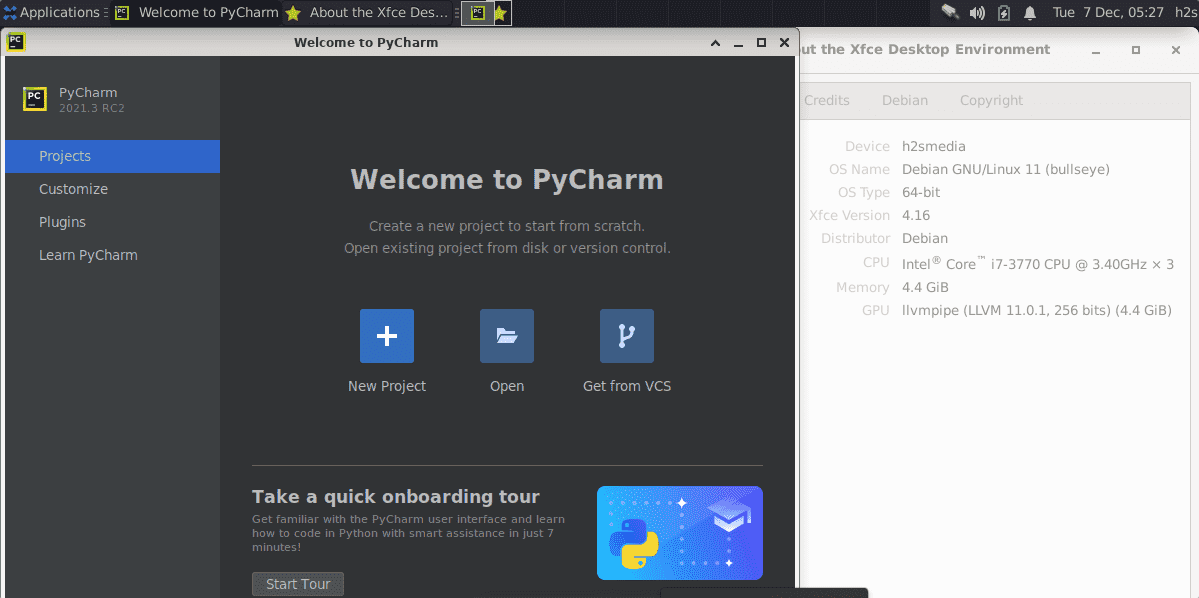 Pycharm Snap Install Ubuntu
https://www.how2shout.com/linux/wp-content/uploads/2021/12/Install-Snap-on-Debian-11-Bullseye.png
Jan 11 2022 nbsp 0183 32 I tried the following quot Invalidate Caches quot complete removal of PyCharm with all JetBrains settings and folders complete removal of Python followed by reinstallation in
Pre-crafted templates use a time-saving option for producing a diverse series of files and files. These pre-designed formats and designs can be used for different personal and professional jobs, including resumes, invitations, leaflets, newsletters, reports, presentations, and more, improving the content creation procedure.
Pycharm Snap Install Ubuntu

Ubuntu 18 04 Bionic Beaver Linux PyCharm Ubuntu

Install Pycharm Community Edition Pastorhidden

Installing PyCharm On Ubuntu 20 04 LTS Kirelos Blog

Installing PyCharm On Ubuntu 20 04 LTS Kirelos Blog
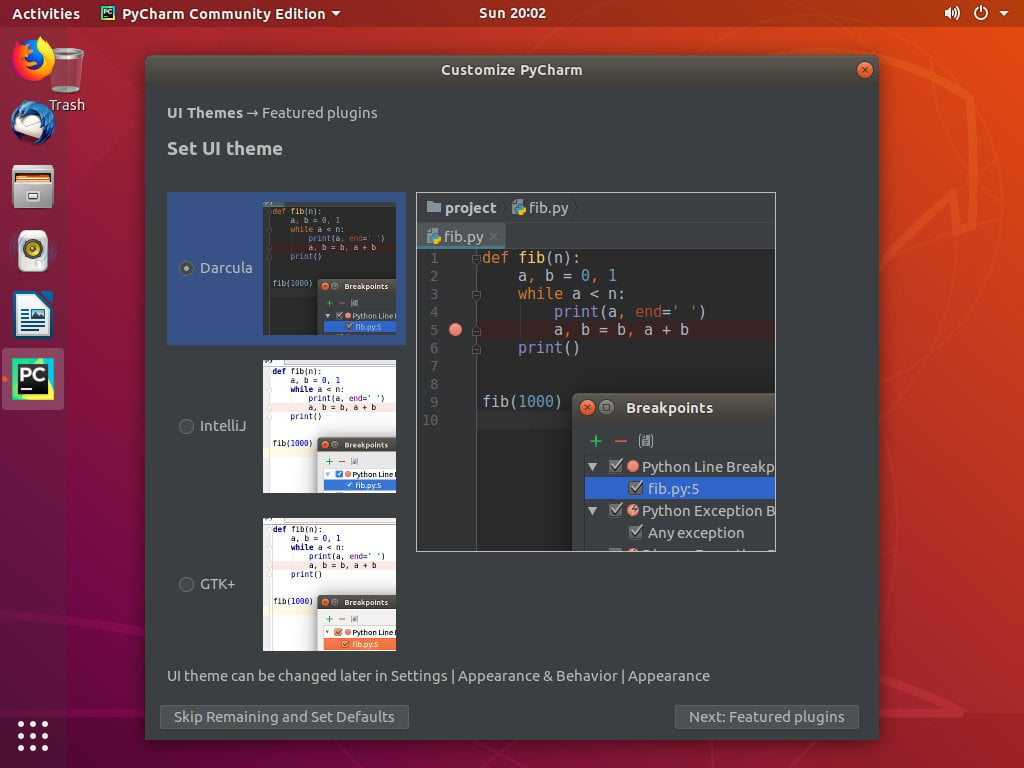
How To Install PyCharm On Ubuntu 18 04 Linuxize

C mo Instalar PyCharm En Ubuntu 20 04 LTS

Jul 12 2020 nbsp 0183 32 PyCharm Professional now lets you select FastAPI as your project type Even if you didn t start that way there is an associated FastAPI run config template that you can use on

PyCharm AI JetBrains Fleet VSCode Copilot 2024 AI
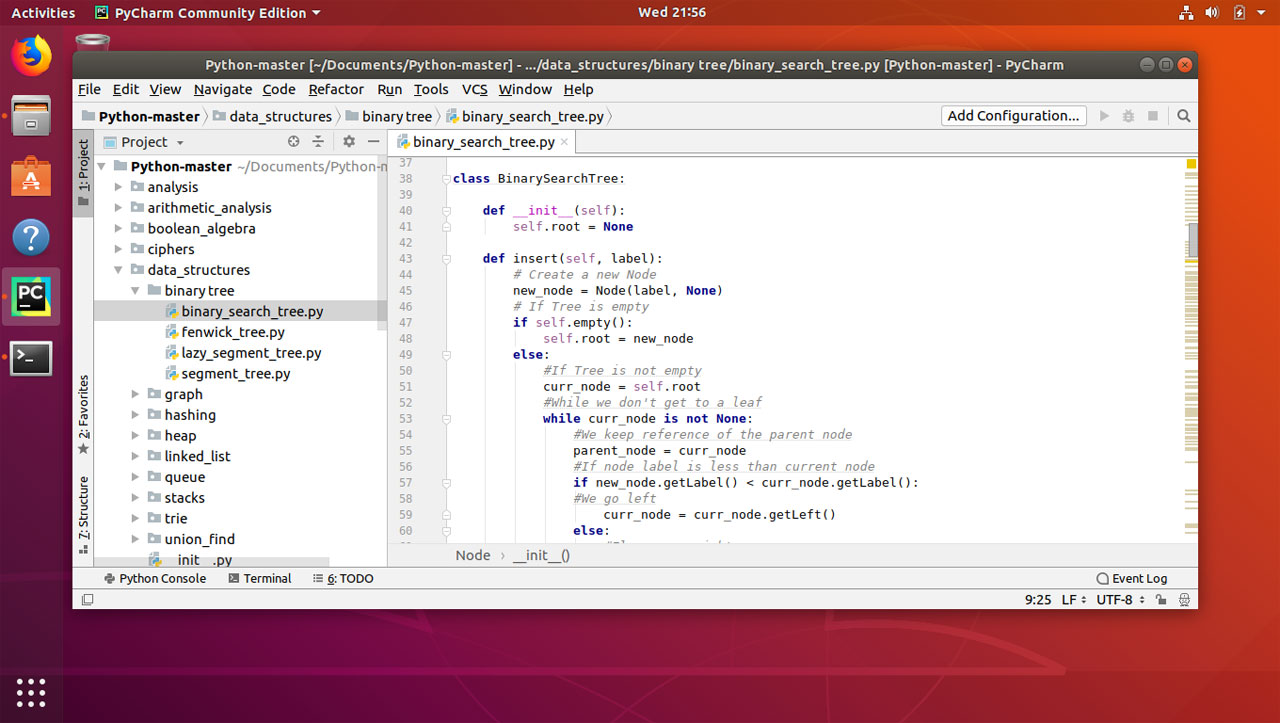
181 Pycharm does not show plot from the following code import pandas as pd import numpy as np import matplotlib as plt ts pd Series np random randn 1000
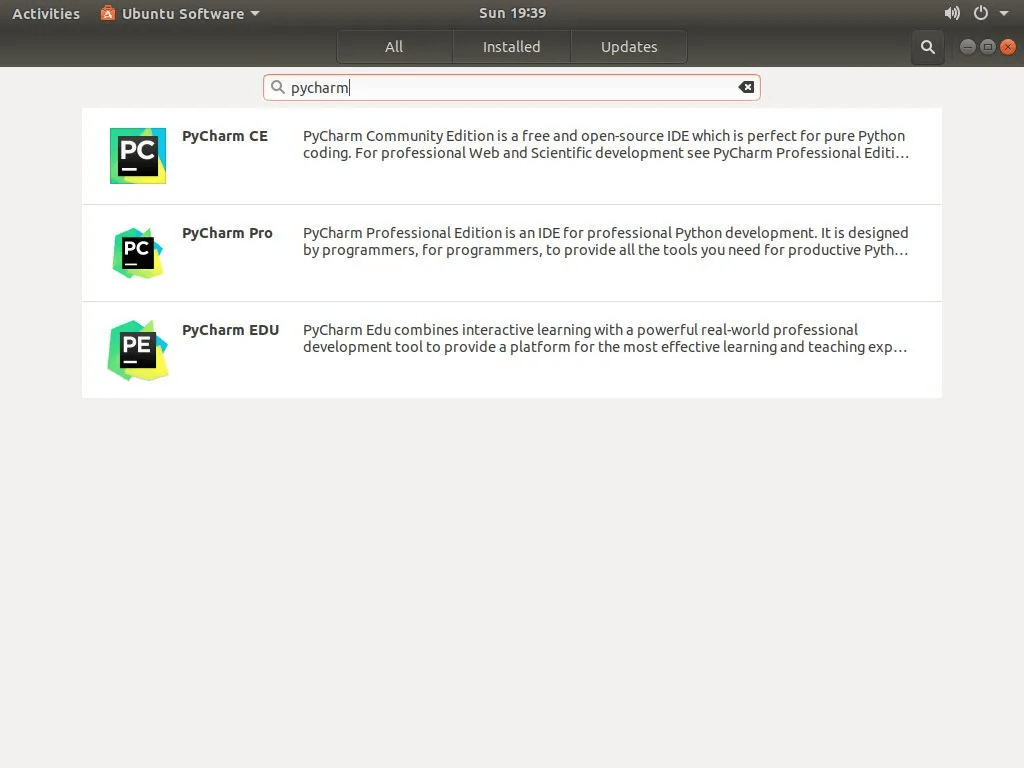
Feb 8 2022 nbsp 0183 32 In Corey Schafer s Programming Terms Mutable vs Immutable at 3 06 he selected multiple lines and commented them out in PyCharm all in one action What is this action Is it a

Dec 17 2024 nbsp 0183 32 1 Using the Interpreter Dropdown Quick Access In PyCharm there is a quick access Python Interpreter selector in the bottom right corner of the IDE window Using the
[desc-11] [desc-12]
[desc-13]