Pycharm Python Path Not Working Pycharm python pycharm CSDN Python How Do I Set The Maximum Line Length In PyCharm PyQuestions Python Code Completion In Pycharm Is Not Working Properly Stack Module Unable To Install Packages Pycharm Python exec Path Not Python Pycharm Import Serial Is NOT Working But I Already Did pip3 Web Sep 5 2023 nbsp 0183 32 Whenever you open or update a project PyCharm checks for unresolved path variables If the IDE detects any it will ask you to define values for them If you are not going to use files or directories with the unresolved path variables you can add them to the list of ignored variables
Web Jul 18 2017 nbsp 0183 32 This is the WORKING DIR AND PYTHON PATHS in the start script section in Pycharm Python console configuration which has a line of sys path extend WORKING DIR AND PYTHON PATHS because my project root is my content root quot Add content roots to PYTHONPATH quot adds my project root to PYTHONPATH Web Jun 11 2023 nbsp 0183 32 Yes the python interpreter is set to an anaconda environment The issue is not that the interpreter or the sys path is not working but that the os path variable is set incorrectly This matters for python packages that rely on 3rd party dependencies installed on the host system outside of anaconda such as matplotlib s reliance on latex
Python Pycharm Import Serial Is NOT Working But I Already Did pip3 PyCharm For Productive Python Development Guide Real Python Add Python Path Python Is Not Recognized As An Internal Or External Change The Python Installation Path In Pycharm ProgrammerAH Answered python Manage py Runserver Not Working In Pycharm django How To Install PyCharm For Python On Windows Pycharm Python Virtualenvs Bin Folder Does Not Have Python Stack 4 Reasons To Use PyCharm For Your Next Python Project By Julia Di How To Change Python Version In Pycharm Only 4 Steps
Pycharm Python Path Not Working
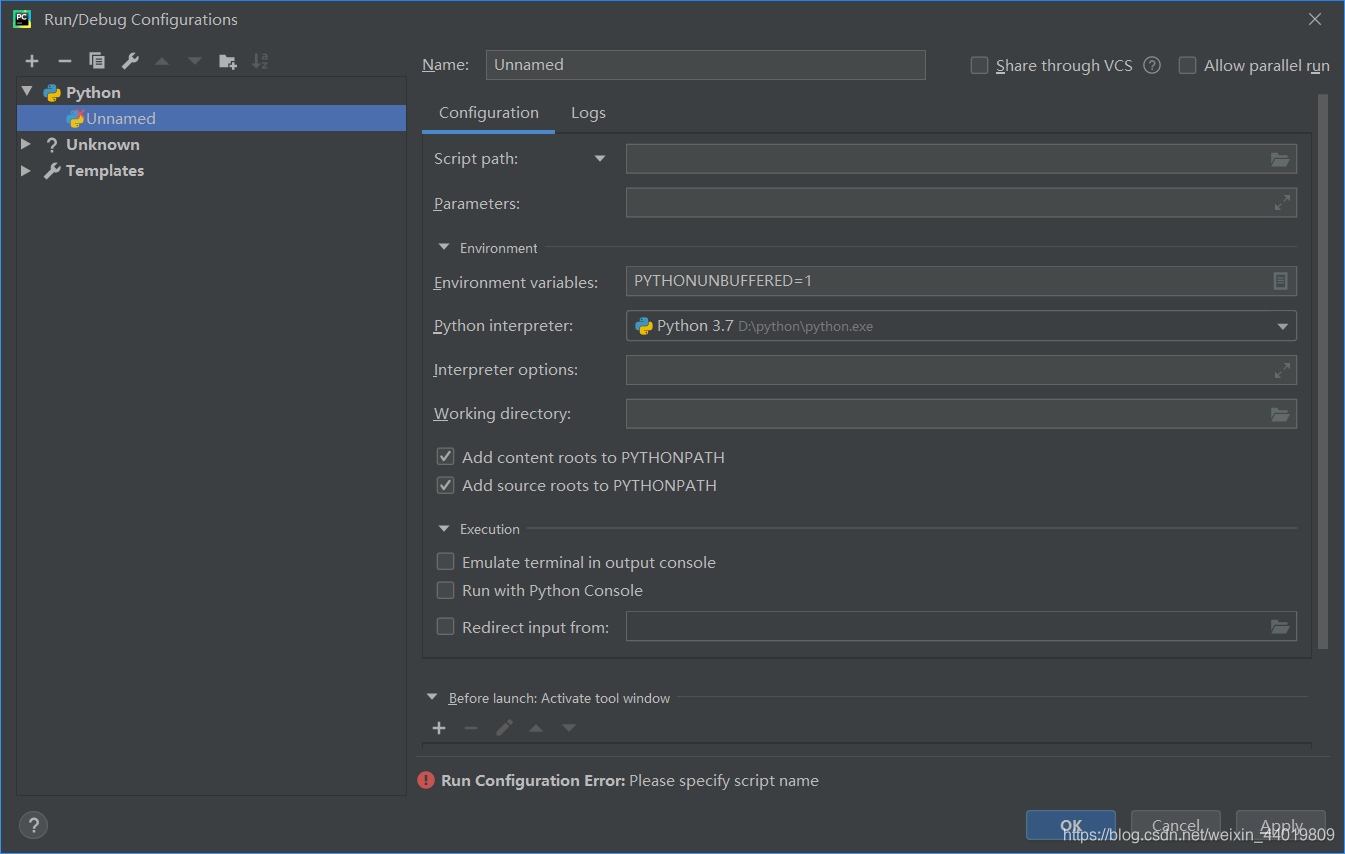 Pycharm Python Path Not Working
https://img-blog.csdnimg.cn/20190820144315149.png?x-oss-process=image/watermark,type_ZmFuZ3poZW5naGVpdGk,shadow_10,text_aHR0cHM6Ly9ibG9nLmNzZG4ubmV0L3dlaXhpbl80NDAxOTgwOQ==,size_16,color_FFFFFF,t_70
Web Sep 24 2022 nbsp 0183 32 Sep 28 2022 at 17 34 Tried to manually set pythonpath as follows ubuntu ubuntu VirtualBox robotprojects export PYTHONPATH PYTHONPATH home ubuntu robotprojects resources home ubuntu robotprojects libraries After that printenv PYTHONPATH outputted ubuntu ubuntu VirtualBox robotprojects
Templates are pre-designed documents or files that can be utilized for different purposes. They can save effort and time by offering a ready-made format and layout for developing various sort of content. Templates can be used for personal or professional jobs, such as resumes, invites, flyers, newsletters, reports, discussions, and more.
Pycharm Python Path Not Working
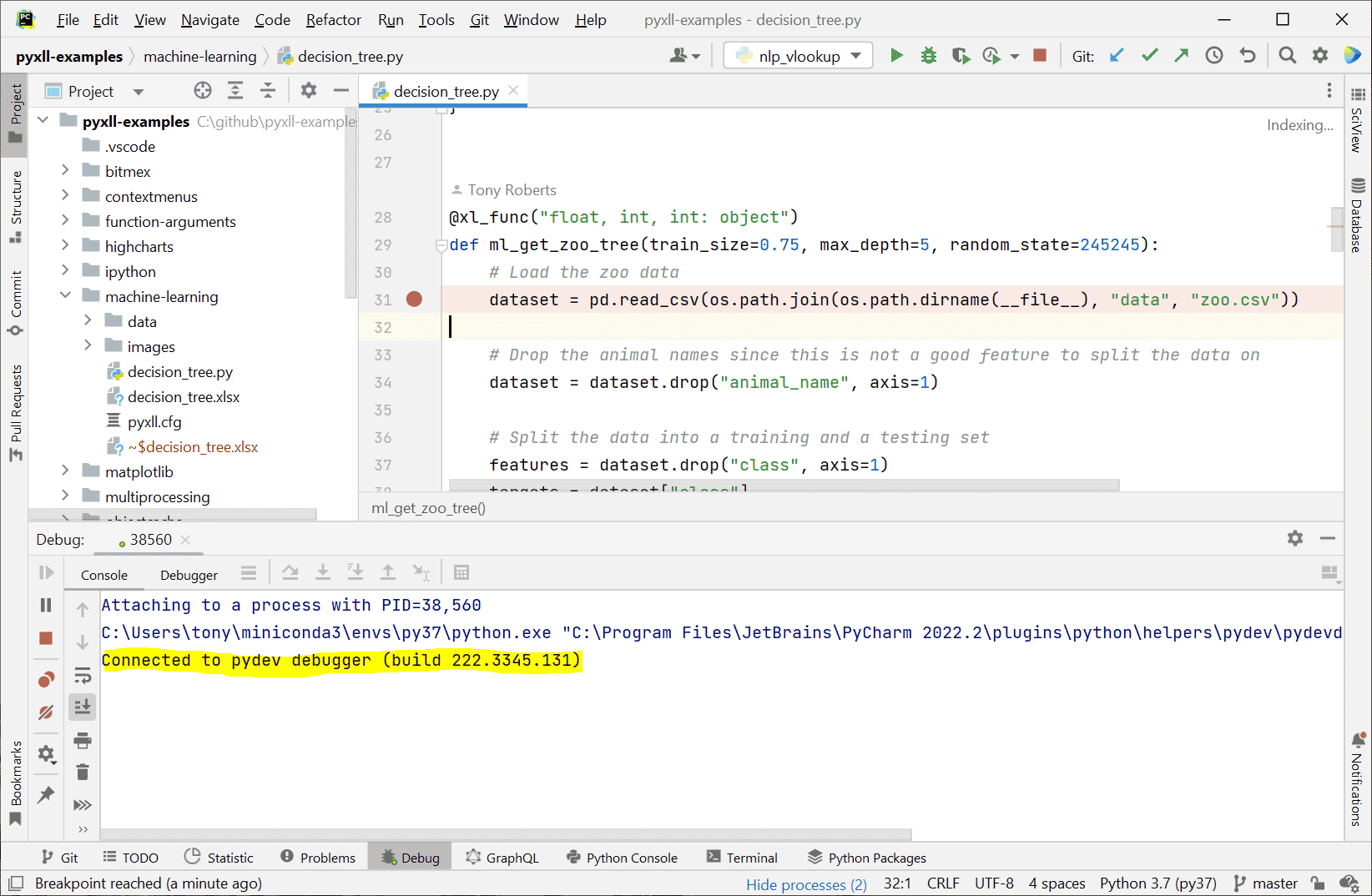
Debug Python In Excel With PyCharm PyXLL

PyCharm For Productive Python Development Guide Real Python
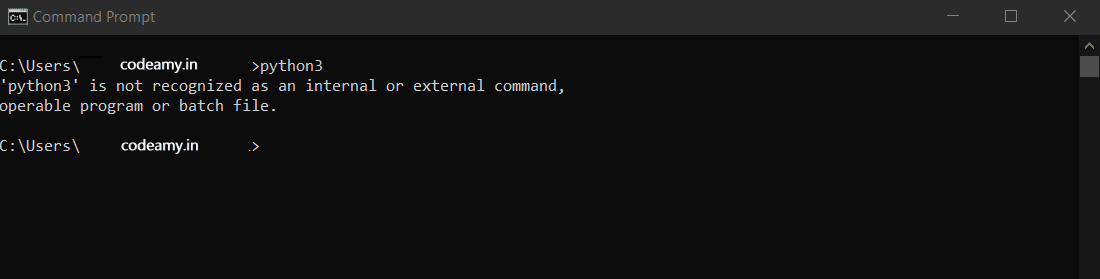
Add Python Path Python Is Not Recognized As An Internal Or External
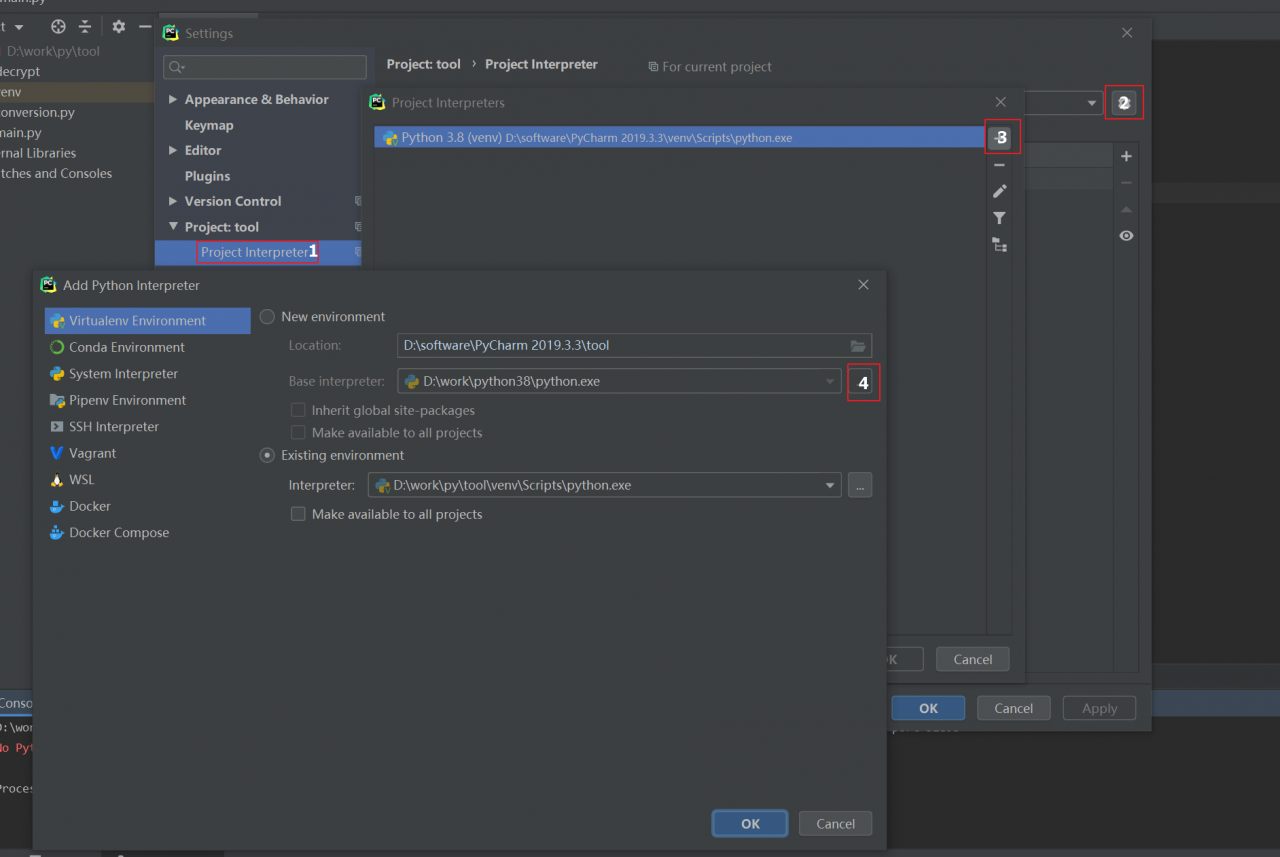
Change The Python Installation Path In Pycharm ProgrammerAH
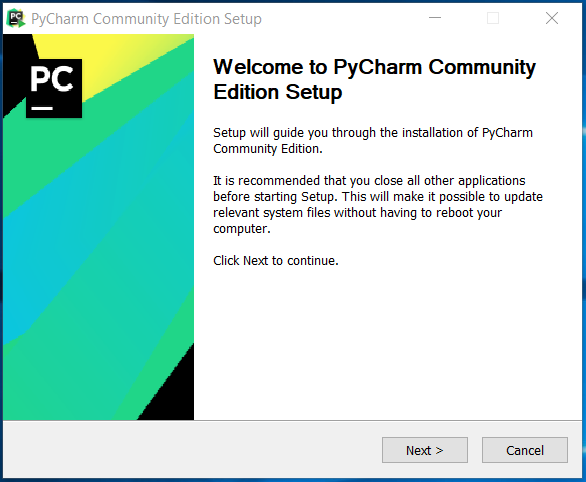
How To Install PyCharm For Python On Windows

Pycharm Python Virtualenvs Bin Folder Does Not Have Python Stack

Web Jan 10 2019 nbsp 0183 32 PYTHONPATH works by hand in the terminal when starting the same interpreter that pycharm is using to load itself in Python Console Switching the interpreter in pycharm does not seem to help Adding a test export variable to the bash profile that has the PYTHONPATH gets all the way to the os environ get correctly but the

Web Jan 11 2016 nbsp 0183 32 Having installed both Python 2 7 and 3 5 I was only able to find the the quot python exe quot file for python 2 7 I tried reinstalling Python 3 5 and attempting to change the installation path to C but it lead to several errors This is the work around I found for getting 3 5 on PyCharm as an interpreter

Web Jul 15 2022 nbsp 0183 32 Out of date See Duane s answer below for pycharm version newer than 2019 2 You need to go to the Main PyCharm Preferences which will open up a separate window In the left pane choose Project gt Project Interpreter

Web Sep 8 2023 nbsp 0183 32 If PyCharm displays the Invalid environment warning it means that the specified Python binary cannot be found in the file system or the Python version is not supported Check the Python path and install a new version if needed For more information refer to Configure a virtual environment

Web You have path Users usernamehere Desktop Machine Learning Lesson 5 ratings pd read csv path ratings csv How are you getting that considering you re not concatenating a after path Colin Ricardo
Web Jul 29 2022 nbsp 0183 32 The executable path in PyCharm should ideally be spark submit not python exe use Run configuration to change OneCricketeer Jul 29 2022 at 19 03 Asking for help clarification or responding to other answers Making statements based on opinion back them up with references or personal experience Web Apr 8 2019 nbsp 0183 32 The solution to duplicate all settings from PYTHONPATH in the Pycharm IDE via setting interpreter paths as described in the docs https www jetbrains help pycharm installing uninstalling and reloading interpreter paths html does not seem appropriate I have multiple projects and I might want to test
Web Sep 7 2023 nbsp 0183 32 Troubleshooting Last modified 07 September 2023 While working with PyCharm you might encounter some warning or error messages This chapter provides the list of the known problem solutions and workarounds You can also find the recommendations for troubleshooting and performing basic diagnostics of your working