Pycharm Pip Install Not Found How To Install Pip Packages Using PyCharm How To Install Python PIP Pycharm Pip Install Experiencelockq Mesozoica Era Experiencelockq Pycharm Pip Install Experiencelockq Pycharm Pip Install Lasemlinx WEB Mar 23 2023 nbsp 0183 32 The ModuleNotFoundError No module named pip occurs in Python when the pip module is not available in the current Python environment To resolve this error run the ensurepip or get pip py script that will install pip to your system
WEB If your Python environment does not have pip installed there are 2 mechanisms to install pip supported directly by pip s maintainers ensurepip get pip py ensurepip 182 Python comes with an ensurepip module 1 which can install pip in a Python environment Linux python m ensurepip upgrade MacOS Windows WEB Jun 12 2024 nbsp 0183 32 If the pipenv executable is not found follow the pipenv installation procedure to discover the executable path and then specify it in the dialog Click OK to complete the task
Pycharm Pip Install Lasemlinx Pip Install pycharm abc How To Install TensorFlow On PyCharm Finxter How To Install NLTK On PyCharm Finxter Pycharm Pip Install Lasemlinx How To Fix Pip Install Not Working Techtoday Python BUG Pycharm Pip Install Lasemlinx Python BUG
Pycharm Pip Install Not Found
 Pycharm Pip Install Not Found
https://i.ytimg.com/vi/C7U51qQ2scA/maxresdefault.jpg
WEB May 9 2024 nbsp 0183 32 A pip command not found error occurs when you haven t properly installed the package installer for Python pip on your computer Here s how to fix it
Templates are pre-designed documents or files that can be utilized for numerous purposes. They can conserve effort and time by offering a ready-made format and layout for developing various sort of material. Templates can be used for personal or professional projects, such as resumes, invitations, flyers, newsletters, reports, discussions, and more.
Pycharm Pip Install Not Found
Fix PIP Install And Uninstall Not Working
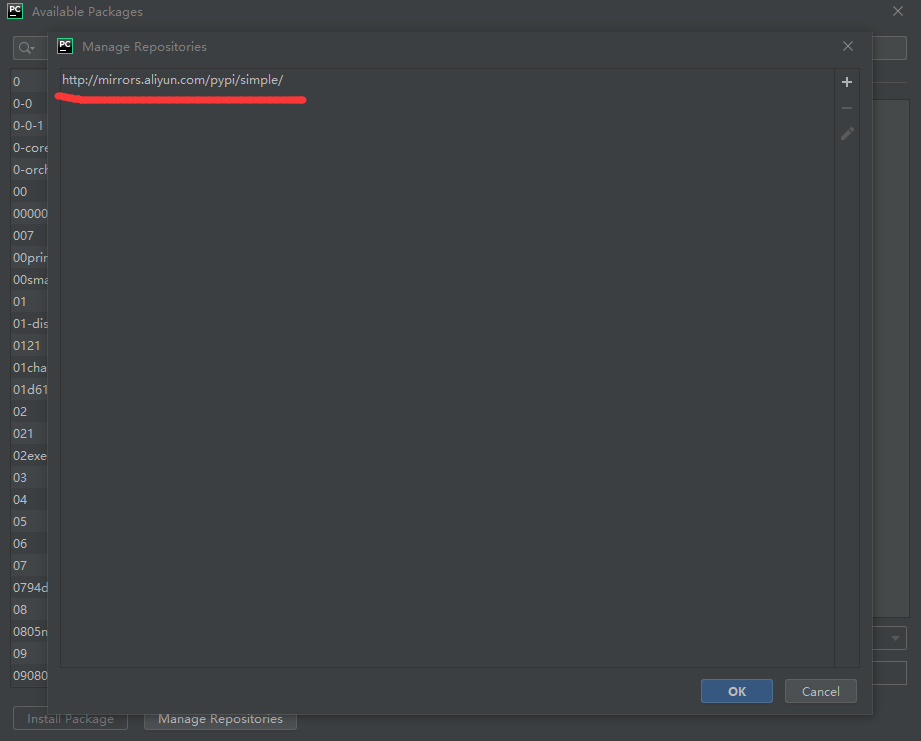
Pip Install pycharm abc

How To Install TensorFlow On PyCharm Finxter

How To Install NLTK On PyCharm Finxter
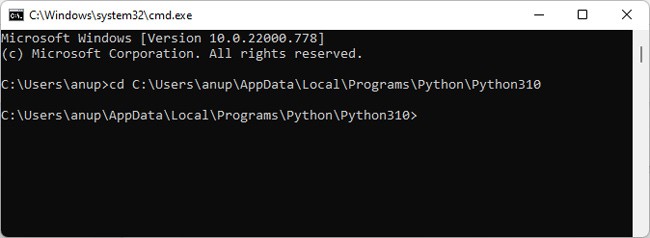
How To Fix Pip Install Not Working Techtoday
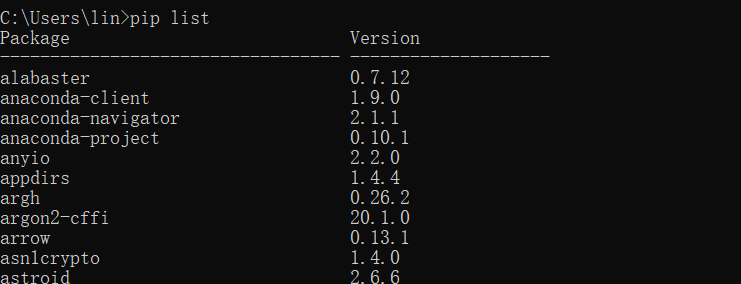
Python BUG
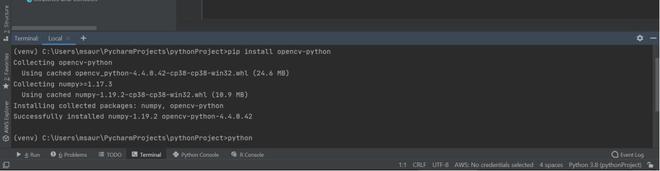
WEB Jul 12 2018 nbsp 0183 32 Alternatively you can install all the packages separately using quot pip install quot in the pycharm terminal If the package has been installed outside the virtual environment pip will use cached files instead of downloading the package again
WEB Apr 10 2020 nbsp 0183 32 Possible solution Try to run this command from the system terminal Make sure that you use the correct version of pip installed for your Python interpreter located at C Users JShaikh PycharmProjects sample venv Scripts python exe Command Output Collecting numpy Using cached https files pythonhosted

WEB Apr 25 2016 nbsp 0183 32 If you ve installed Python system wide edit the system variable but if you ve installed it only for your user edit the user variable Or I think the Python installer can take care of this for you so you could try running the installer again reinstalling
WEB Mar 19 2024 nbsp 0183 32 Try installing importing a package from the system terminal outside of PyCharm using the same interpreter environment In case you are using a virtualenv conda environment as your Project Interpreter in PyCharm it is enough to activate that environment in the system terminal and then do the test
WEB May 26 2024 nbsp 0183 32 PyCharm provides methods for installing uninstalling and upgrading Python packages for a particular Python interpreter It means that each project has its own set of packages which is considered a best practice for Python dependency management
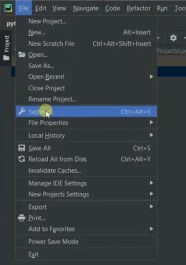
WEB Solution just install the package using pycharm by going to File gt Settings gt Project gt Project Interpreter gt click on and search the package you want to install and just click ok WEB Mar 8 2024 nbsp 0183 32 Use Python pip to install packages manually or by using a requirements txt file We ll also look at how to install and upgrade pip itself
WEB Aug 19 2023 nbsp 0183 32 If you see this error message when working in Windows or with Visual Code it usually means a problem exists with the Python installation or the PATH has not been set correctly Try the following