Px Dpi Change XM300 Pixels To DPI Converter AL5GRJUrmVPBWXEzY TEJcj6oBY4HWLVbfqHzPNDmEl s900 c k c0x00ffffff no rj How To Check Mouse DPI News Web Zone Application PX Project To change the DPI of an image in GIMP go to Image Print Size Enter your preferred DPI next to X Resolution set in pixels in The Y Resolution should update automatically too Like in Photoshop you can set the physical width and height instead Again make sure the DPI doesn t drop too low when you do this
Resize an image online to a specific size in pixels Convert Image Convert an image to JPG PNG WEBP TIFF or GIF format Compress Image Compress JPG PNG GIF images without losing quality Mirror Image Mirror an image online horizontally or vertically Rotate Image DPI Converter is used to modify the DPI value of images allowing you to change the DPI value to any value such as 300 DPI It supports batch modification of DPI for multiple images DPI is an abbreviation for Dots Per Inch which means the number of dots or pixels per inch It is a unit used to measure the quality of images print
Application PX Project Temperature Indicator DPI 902 Libratherm Instruments Logitech G Pro X Superlight White Cheap Deals Save 53 Jlcatj gob mx DPI Vs PPI Demystifying The World Of Online And Print Resolution POS Titan24 DpiUnaware The Sub Item CheckBox Cannot Be Scaled Well In GroupBox Qos dpi Netsquare Change DPI Scaling Level For Displays In Windows 10 Tutorials How To Change DPI Of Your Android Device No Root YouTube
Px Dpi Change
 Px Dpi Change
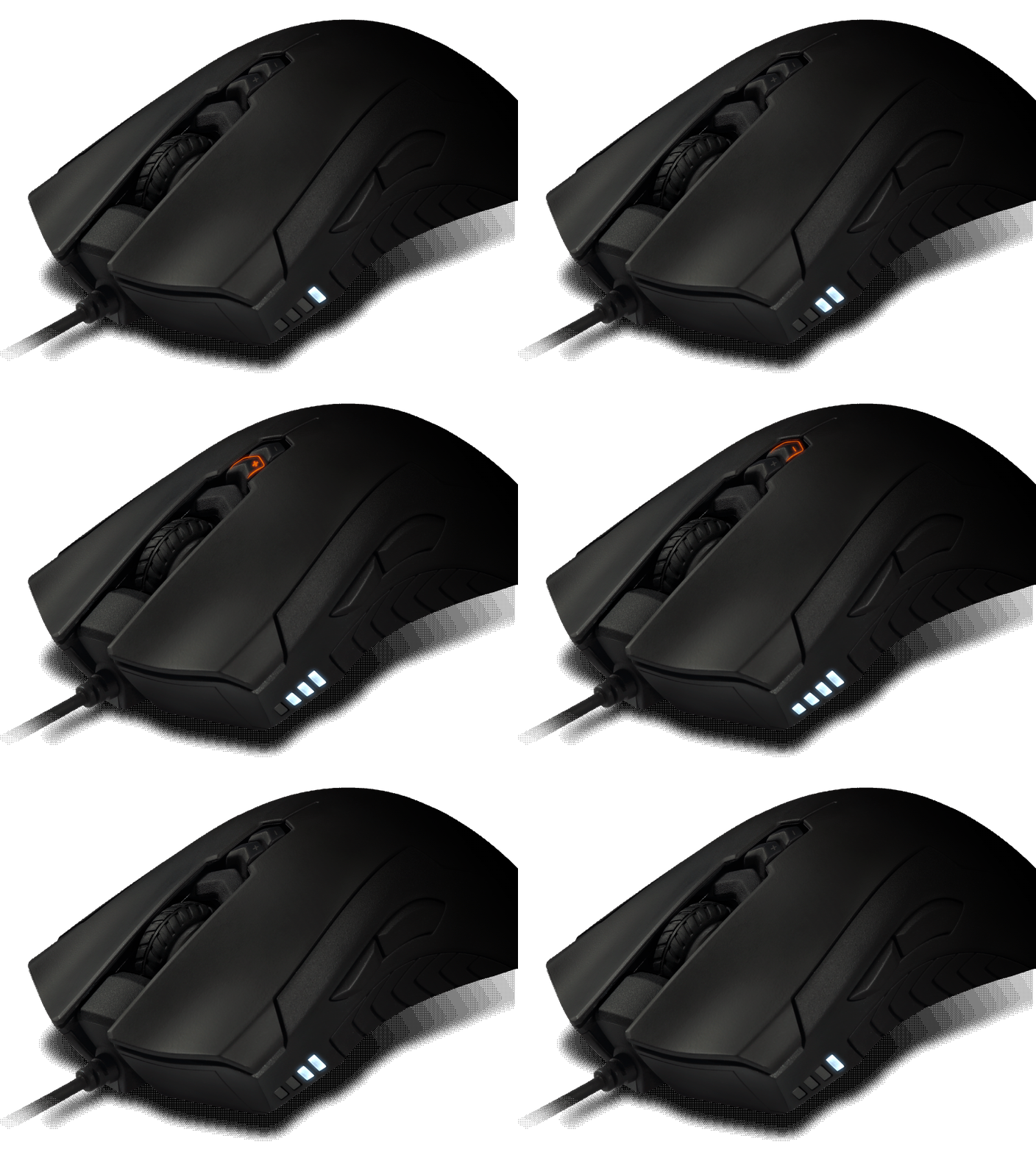
https://www.gigabyte.com/FileUpload/Global/KeyFeature/470/img/xm300/01.gif
With Pi7 DPI Converter you can change the DPI of an image to 100 300 600 or any dpi you want If the image has a higher DPI the printer will use more ink on the paper Generally 72 DPI is used for digital images clicked from mobile phones or digital cameras You can change this DPI to 600 for high quality printing Change Image DPI
Templates are pre-designed files or files that can be used for various functions. They can save time and effort by providing a ready-made format and design for developing different kinds of material. Templates can be used for individual or professional jobs, such as resumes, invitations, flyers, newsletters, reports, presentations, and more.
Px Dpi Change
What s DPI Image Resolution And Graphic Design Basics CitizenSide
Temperature Indicator DPI 902 Libratherm Instruments
Logitech G Pro X Superlight White Cheap Deals Save 53 Jlcatj gob mx

DPI Vs PPI Demystifying The World Of Online And Print Resolution
DpiUnaware The Sub Item CheckBox Cannot Be Scaled Well In GroupBox

Qos dpi Netsquare
Change an image s size and file size with the Img2Go image resize tool Resize image files for social media uploading on the web and sending via e mail all for free using width and height in pixels using DPI Using the actual pixels is very straightforward DPI mainly changes the size when it comes to printing Now just click on
This tool supports JPG PNG TIF BMP and ICO You may change your DPI to any value you like One other thing to note is that the DPI value of a digital image is sometimes also referred to as PPI or Pixels Per Inch A printer produces dots and a monitor produces pixels so this name attempts to provide context when an image is digital

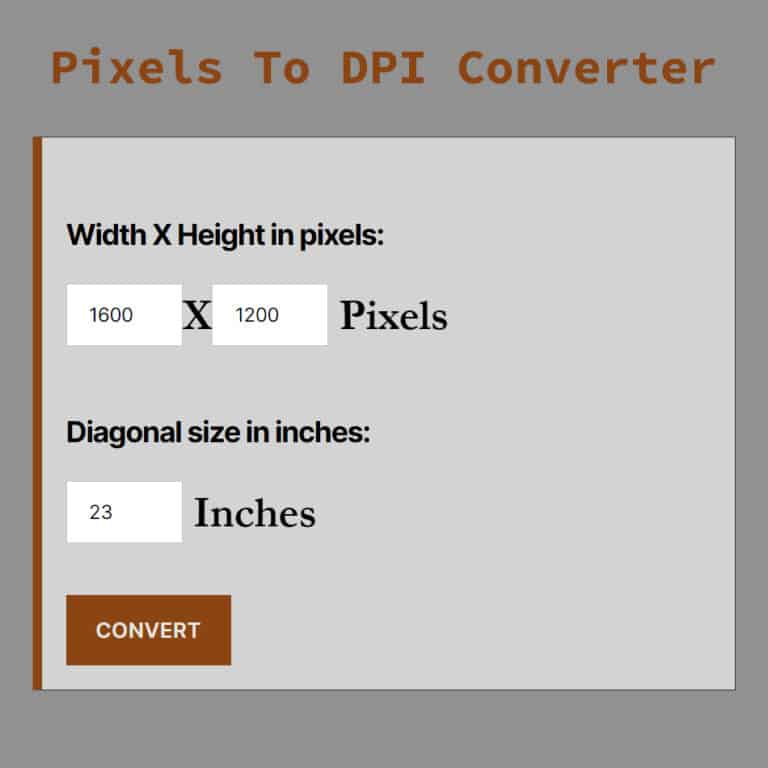
DPI or dots per inch is a unit of precision commonly used to define the resolution of a scanner printer or an optical mouse The higher dpi value the greater image resolution and the details will be finer How to use pixels to DPI converter First enter width and height value in pixels for the item screen image or poster Second enter diagonal value in inches

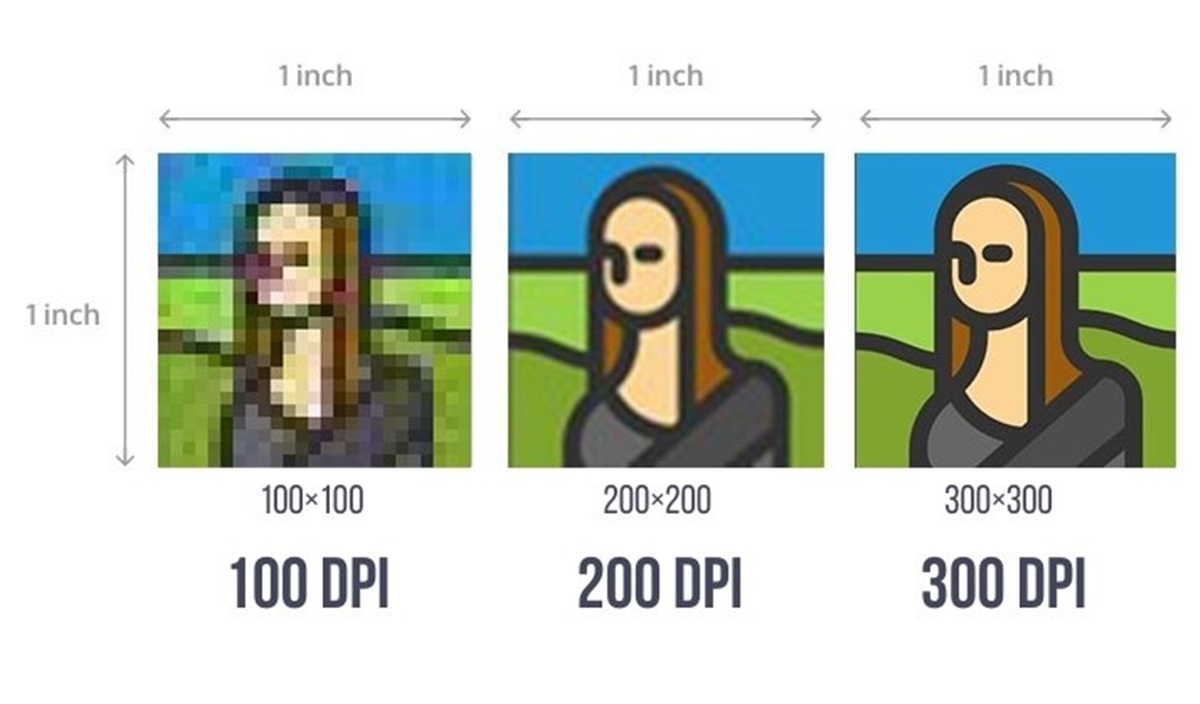
Pixel Dimensions and DPI There are three different ways to describe a digital image s resolution that essentially mean the same thing 1 Total pixel dimensions 2 DPI at a certain digital image size 3 DPI at a certain output size The total pixel dimensions of an image will tell you how many total pixels dots the image is made up of

Want to change DPI dots per inch of a photo to print it without problems and don t get it blurry and low quality Use our free tool for best results Today the term is often misused usually means PPI which stands for Pixels Per Inch A common setting is 300 DPI Step 3 Download the result Click Continue wait a few seconds and
To do this enter the width and height of your monitor in pixels 800 x 600 and select type of resizing Cropping of excess edges The original image does not change in any way You will be given other processed image and its size in pixels and megabytes before and after resizing 1 Select image in BMP GIF JPEG PNG TIFF format Click on the Select Image button to select an image 2 Enter a new target size for your image 3 Click the Resize Image button to resize the image
All PSD documents even those with vector only graphics have a specific document size the resolution in pixels Higher resolution will give you a better precision but it also makes image files larger You can change the document resolution in several ways Scaling the image Photopea allows you to make the resolution lower or larger and