Put Password On Adobe Pdf File How To Create A Password Protected PDF Document In Adobe Acrobat Using How To Put Password On Your Computer 2022 YouTube How To Remove Password From A Pdf File YouTube Como Colocar A Senha No WhatsApp IPhone Android Learn New Things How To Create Password Protect PDF File In MS Word Web Jan 3 2024 nbsp 0183 32 Organizational Impact Information protection Risk management TIP This video is part of the course Work smarter with Acrobat DC and Microsoft 365 that is available for free on Experience League Previous page Next page On this page Learn how to add a password to your PDF to protect others from opening or editing the file
Web Oct 8 2021 nbsp 0183 32 In the Protect PDF dialog box type the password in the Set Password field and confirm the same in the respective field For each keystroke the password strength meter evaluates your password and indicates the password strength Click Set Password Your PDF is now password protected Web Dec 18 2023 nbsp 0183 32 In order to password protect a PDF open the document in Acrobat Standard or Pro then click the Menu icon in the top left corner and select Protect Using Password Credit Lance Whitney
Learn New Things How To Create Password Protect PDF File In MS Word How To Add Checkmark In Pdf Xchange Editor Rosario Pdf How To Put Password On Folder Windows 10 Hill Sating How To Add Password To PDF Document YouTube How To Lock App Or Put Password On App For Huawei P9 YouTube How To Remove Password From PDF File Updated For 2019 How To Password Protect A PDF LaptrinhX News How To Remove A Password From A PDF In Windows 10 Microsoft Word How To Put Password On Folder Windows 10 Hill Sating
Put Password On Adobe Pdf File
 Put Password On Adobe Pdf File
https://www.wikihow.com/images/a/a5/Create-a-Password-Protected-PDF-Document-in-Adobe-Acrobat-(Using-a-Security-Envelope)-Step-13-Version-3.jpg
Web To password protect and or encrypt a document using Adobe Acrobat Pro Using Adobe Acrobat Pro open the pdf file you want to password protect and encrypt Select File gt Properties The Document Properties window opens Click the Security tab In the Security Method field select Password Security
Templates are pre-designed files or files that can be utilized for numerous functions. They can conserve time and effort by providing a ready-made format and design for creating various sort of content. Templates can be used for personal or professional tasks, such as resumes, invitations, leaflets, newsletters, reports, presentations, and more.
Put Password On Adobe Pdf File

Adobe PDF File Download T l chargement Fichier PDF Biblebase
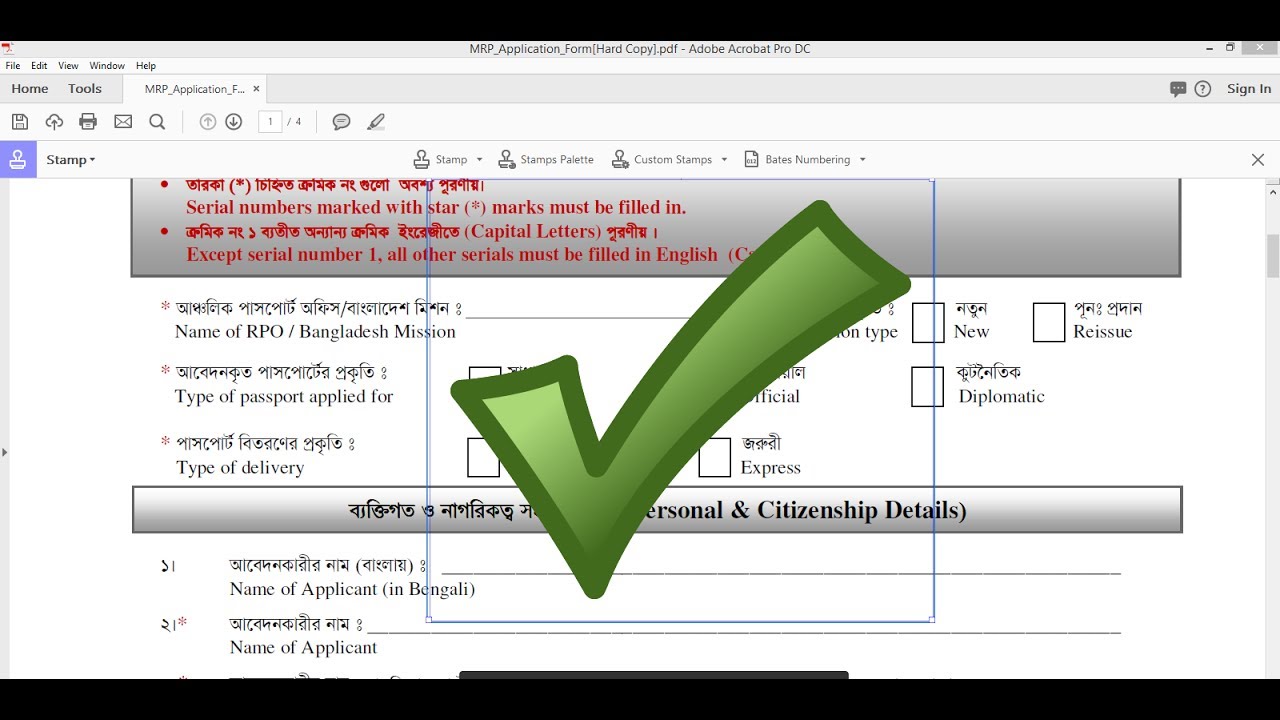
How To Add Checkmark In Pdf Xchange Editor Rosario Pdf
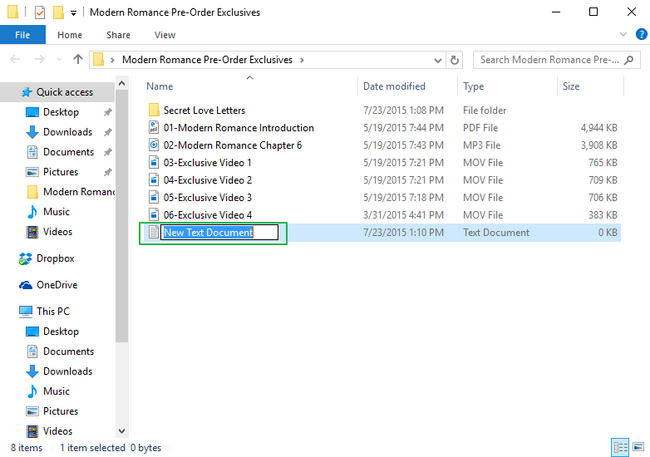
How To Put Password On Folder Windows 10 Hill Sating

How To Add Password To PDF Document YouTube
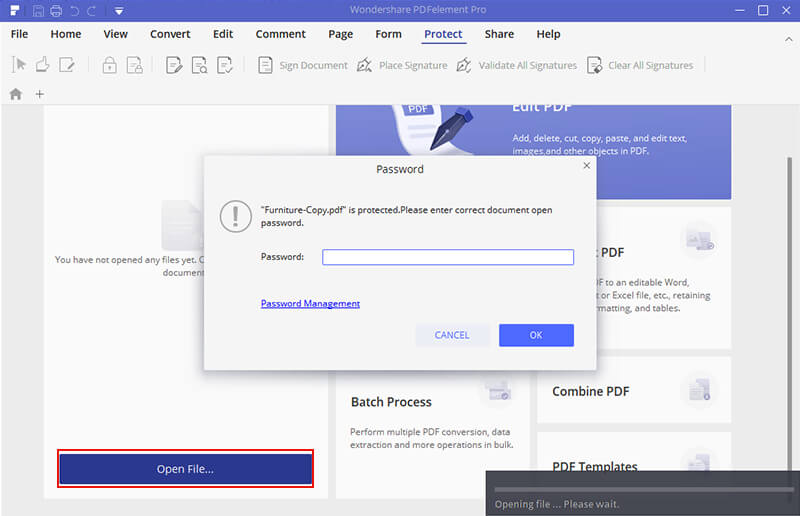
How To Remove Password From PDF File Updated For 2019

How To Password Protect A PDF LaptrinhX News

Web Nov 8 2023 nbsp 0183 32 Go to All tools gt Protect a PDF and then select Protect with password from the Protect a PDF toolset in the left pane Select File gt Protect Using Password macOS If you receive a prompt select Yes to change the security Choose Editing and then type and retype your password

Web Open a file in Acrobat and choose Tools gt Protect Select whether you want to restrict editing with a password or encrypt the file with a certificate or password Set password or security method as desired Click OK and then click Save Related features Get more out of Adobe Acrobat with these tips Remove password security on a PDF

Web Upload your document Type in a secure password Download your PDF for safe sharing How to password protect a PDF with Adobe Acrobat Follow these steps to learn how to protect a PDF with Adobe Acrobat Launch Acrobat Select Tools gt Protect Locate your PDF and set your protection settings You can secure your PDF in several ways
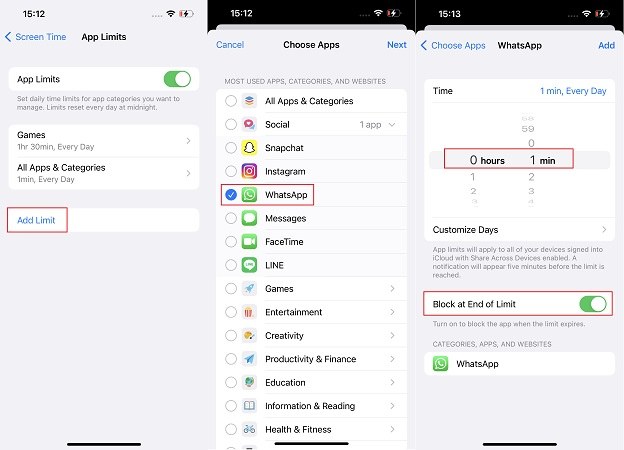
Web Jun 5 2023 nbsp 0183 32 Product feature Password protect PDFs using Acrobat Set fewer than six characters long password for a PDF Adobe

Web Property records Documents containing trade secrets Ongoing unreleased project documents Answer keys How to password protect a PDF Easily add a layer of security to your PDF files Follow these six steps to password protect PDFs on your PC Navigate to the password protection page
Web Aug 6 2018 nbsp 0183 32 You can password protect a PDF using Acrobat Pro DC however with freeware Adobe Reader you cannot protect a PDF with password as Adobe Reader is used for viewing printing signing and annotating PDFs To know more about securing a PDF with password you can refer to Adobe article Securing PDFS with passwords Web Password protect PDFs online with trusted encryption Try Acrobat online services to password protect a PDF for free Try Adobe Acrobat online services to password protect and secure your PDF for free
Web To password protect a PDF in Adobe Acrobat Reader you ll need the paid Pro version which starts at 14 99 a month Password protect your sensitive PDF files using Adobe Acrobat Reader Pro