Psql Forgot Password Windows Forgot Password Windows Vista No Reset Disk TOP Life After Banking Windows When I Try To Use Psql It Asks For Password Of A User That Postgresql PSQL Unable To Enter Password Stack Overflow How To Reset Forgot Password Windows 11 10 7 Pc Laptop Forgot Command Line Tools Postgresql Database Tutorials May 22 2015 nbsp 0183 32 Then close your command prompt if it s open and then start it again try psql version If it gives you an answer then you are good to go if not try echo PATH and see if
May 27 2017 nbsp 0183 32 Once you re logged in as postgres you should be able to write psql t d database name c SELECT c defaults FROM user info WHERE c uid testuser to print I want to remotely connect to a Postgres instance I know we can do this using the psql command passing the hostname I tried the following psql U postgres p 5432 h hostname I modified the
Command Line Tools Postgresql Database Tutorials Postgresql PSQL Thinbug Developer s Notebook Psqlrc psql Startup File In Windows Forgot Password Windows Vista No Reset Disk TOP Life After Banking Alfresco Getting Started Websoft9 Alfresco Getting Started Websoft9 Solved Psql exe Password Authentication Failed In 9to5Answer PostgreSQL SQL Shell Psql Forgot Password Windows 10 Computer Tips And Tricks
Psql Forgot Password Windows
 Psql Forgot Password Windows
http://www.passwordsrecoverytool.com/windows-vista-password-recovery/image/password-reset-disk/windows-vista-reset-disk-4.jpg
Jul 21 2013 nbsp 0183 32 I ran psql l to look at databases and saw that I did have postgres but that my name was listed as the owner To create roles I had to open the postgres database with my computer
Templates are pre-designed files or files that can be utilized for various purposes. They can save time and effort by supplying a ready-made format and design for developing various kinds of content. Templates can be utilized for individual or professional projects, such as resumes, invitations, flyers, newsletters, reports, discussions, and more.
Psql Forgot Password Windows

Psql Forgot Password For PostgreSQL 13 Db On Mac Stack Overflow

Postgresql PSQL Thinbug
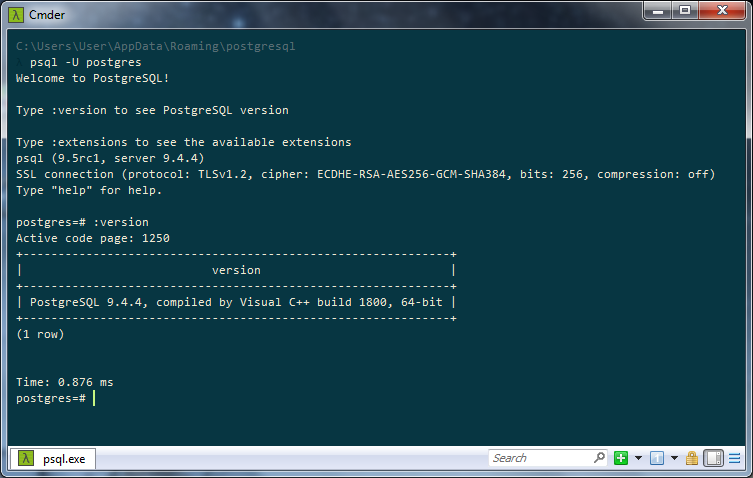
Developer s Notebook Psqlrc psql Startup File In Windows

Forgot Password Windows Vista No Reset Disk TOP Life After Banking
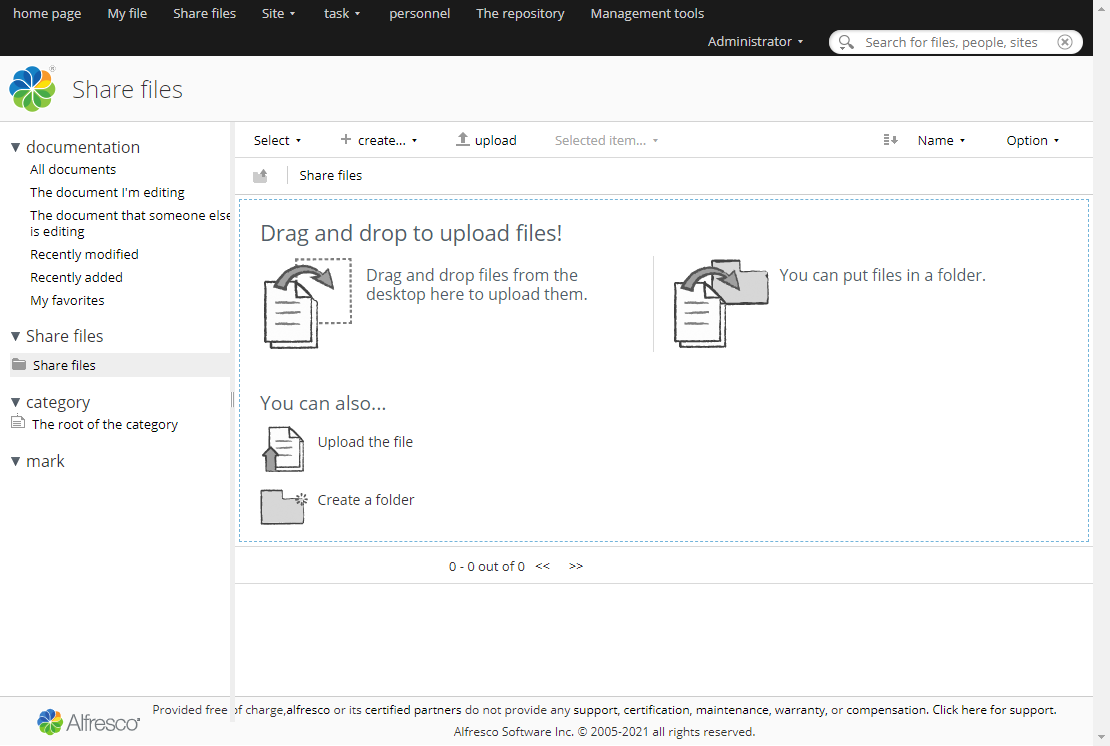
Alfresco Getting Started Websoft9

Solved Psql exe Password Authentication Failed In 9to5Answer

Oct 16 2010 nbsp 0183 32 1 You can list all the databases in the psql terminal using l or list To select a database you can use c dbname or connect dbname INFO You cannot use this commands

Sep 15 2021 nbsp 0183 32 I am trying to automate database creation process with a shell script and one thing I ve hit a road block with passing a password to psql Here is a bit of code from

You can use PostgreSQL s interactive terminal Psql to show tables in PostgreSQL 1 Start Psql Usually you can run the following command to enter into psql psql DBNAME USERNAME For

Aug 1 2022 nbsp 0183 32 sql shell psql 8

Mar 19 2019 nbsp 0183 32 I am trying to create a database from command line My OS is centos and postgres version is 10 9 sudo u postgres psql createdb test Password for user test Why is it prompting
[desc-11] [desc-12]
[desc-13]