Psql Drop All Tables Command Line Postgresql Regex Garetvertical MySQL Drop All Tables From A Database Solution Nathan Sebhastian How To Drop All Tables In A Database YouTube Drop All Tables And Objects In PostgreSQL Database Alex Arce Medium Drop Database PSQL DatabaseFAQs The DROP TABLE command in PostgreSQL removes a table definition all data and indexes of a table from a database DROP TABLE will fail if the table has other objects that depend on it like views and foreign key definitions The command will also fail and display a table does not exist message if the table being dropped does not exist
How to Drop All Tables in PostgreSQL Jan 18 2023 9 13 a m Talha Saif Malik Follow OpenSource Postgres Postgres provides a couple of ways to drop all the tables of a Postgres database such as dropping the complete schema or removing the schema s tables individually Drop All the Tables in a Single Schema in PostgreSQL Notice that the dt command we have executed above returns a list of tables in our database and the schema for this table is listed as public We will delete all the tables in this schema recreate the schema and restore the defaults authorities of the schema as shown below
Drop Database PSQL DatabaseFAQs PostgreSQL DROP Delete DATABASE PSQL Command Example List All Tables In PostgreSQL INFORMATION SCHEMA Table Delft Stack How To List All Table Columns In PostgreSQL Database Softbuilder Blog Solved Simple Way To Reset Django PostgreSQL Database 9to5Answer Solved Drop All Tables Command 9to5Answer Instalar Y Probar PostgreSQL En Linux Desarrollo Avanzado Gustavo Reichelt Emmel Junho 2015 Is Of A Type That Is Invalid For Use As A Key Column In An Index ITCodar
Psql Drop All Tables Command Line
 Psql Drop All Tables Command Line
https://sqlserverguides.com/wp-content/uploads/2021/08/Postgresql-drop-all-tables-1.png
How to drop PostgreSQL database through command line Stack Overflow How to drop PostgreSQL database through command line closed Asked 12 years 4 months ago Modified 8 months ago Viewed 495k times 405 Closed This question is off topic It is not currently accepting answers Want to improve this question
Templates are pre-designed files or files that can be used for different functions. They can save time and effort by providing a ready-made format and design for creating various sort of material. Templates can be used for personal or professional jobs, such as resumes, invitations, flyers, newsletters, reports, presentations, and more.
Psql Drop All Tables Command Line
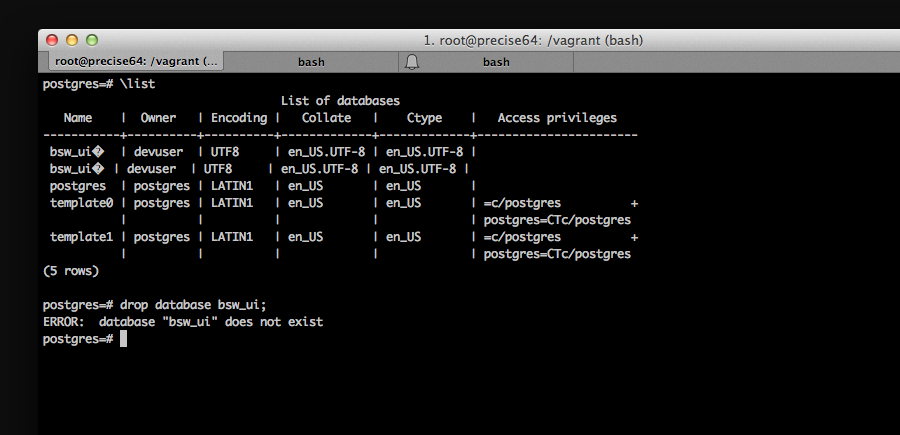
Postgres Drop Database Using Command Line Pakainfo
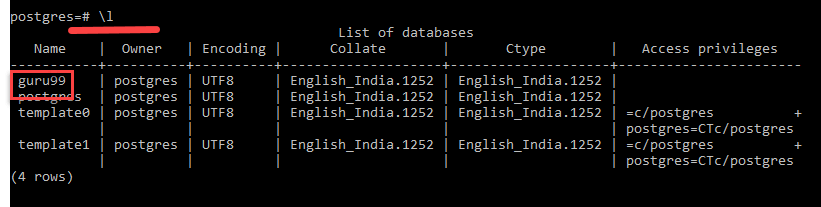
PostgreSQL DROP Delete DATABASE PSQL Command Example
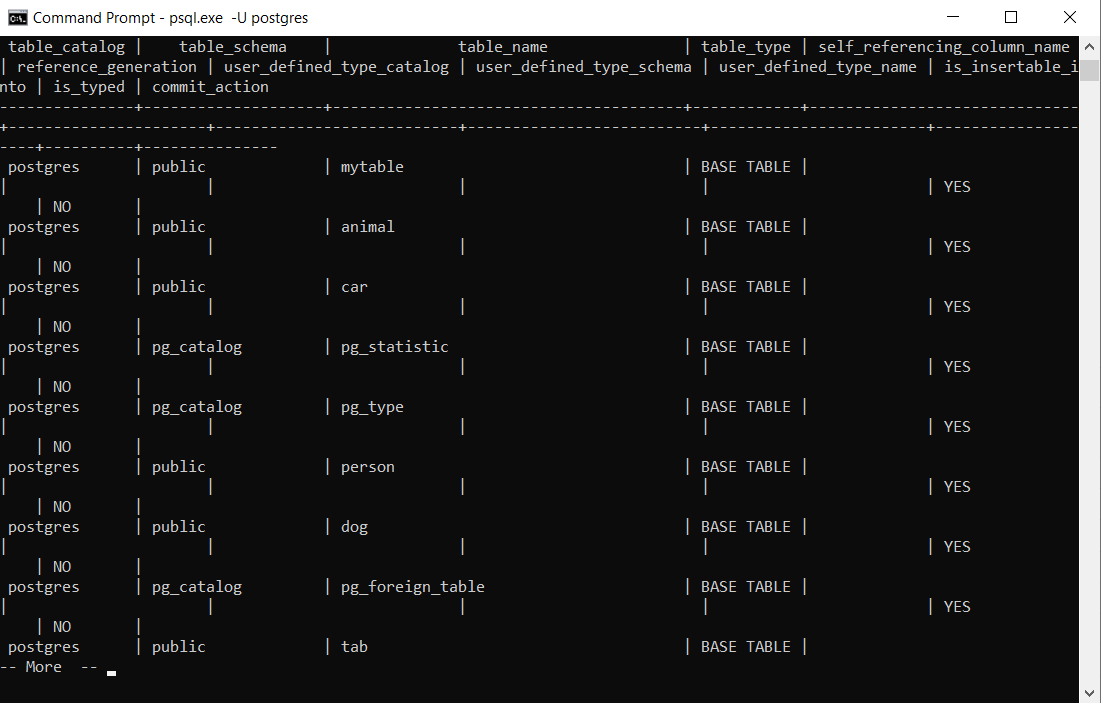
List All Tables In PostgreSQL INFORMATION SCHEMA Table Delft Stack
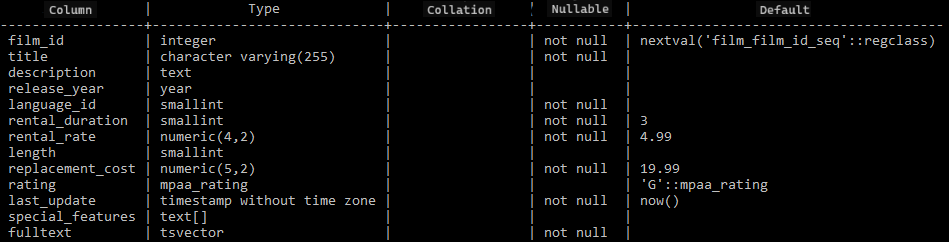
How To List All Table Columns In PostgreSQL Database Softbuilder Blog

Solved Drop All Tables Command 9to5Answer

Instalar Y Probar PostgreSQL En Linux Desarrollo Avanzado

Description DROP TABLE removes tables from the database Only the table owner the schema owner and superuser can drop a table To empty a table of rows without destroying the table use DELETE or TRUNCATE DROP TABLE always removes any indexes rules triggers and constraints that exist for the target table
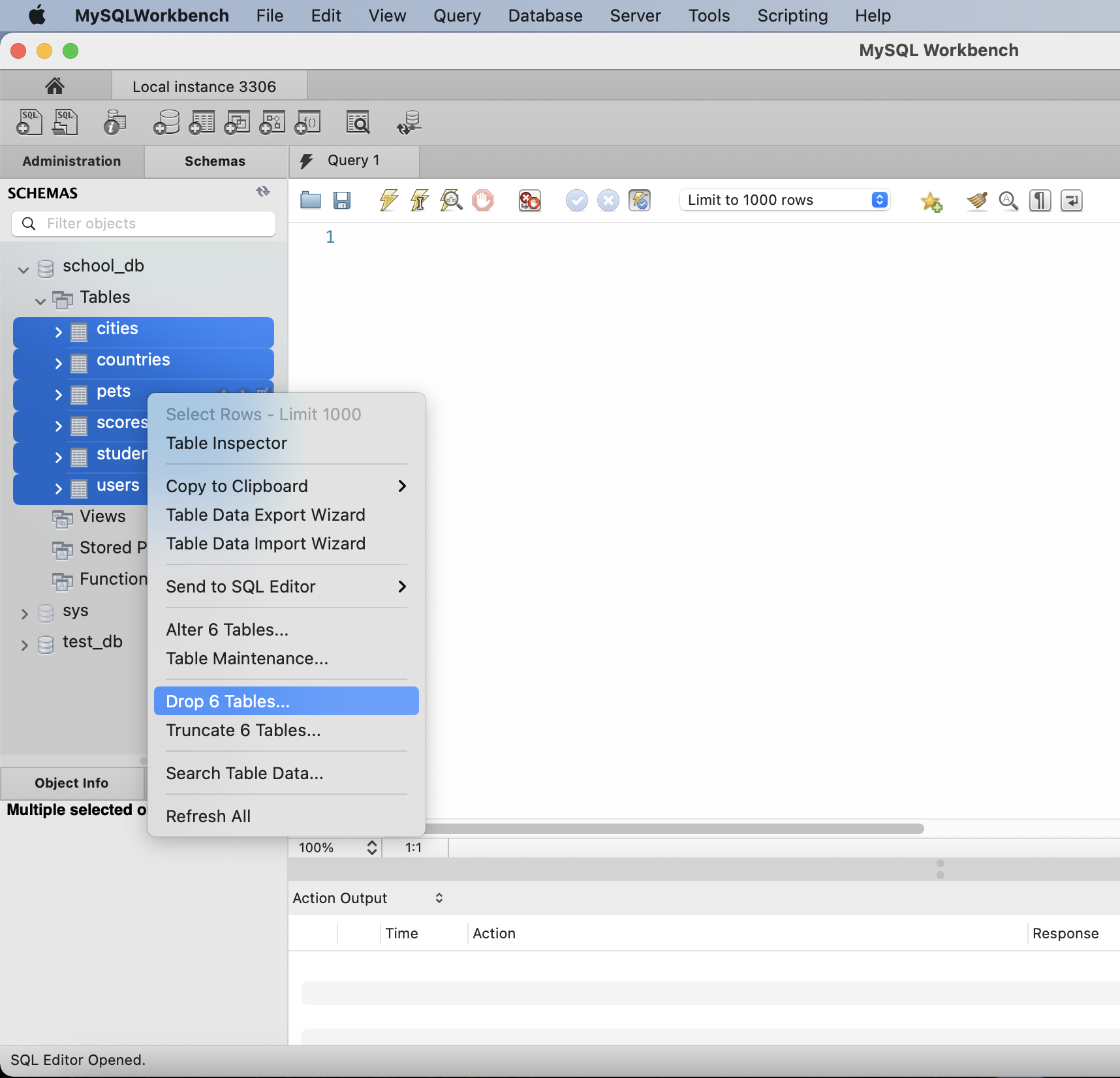
Follow the below steps to drop all the tables in PostgreSQL First open the pgAdmin application and connect to the PostgreSQL server as shown in the below picture if the server asks for a password then enter the password that you have defined while creating the PostgreSQL server

To drop all tables in a PostgreSQL database you can use either manual SQL commands or a script Here are two different approaches you can take Approach 1 Using SQL commands 1 Connect to your PostgreSQL database using a client such as psql or a graphical tool like pgAdmin 2 Run the following SQL command to list all tables in the database

To just drop all tables in the current schema you can use this script DO DECLARE tabname RECORD BEGIN FOR tabname IN SELECT tablename FROM pg tables WHERE schemaname current schema LOOP EXECUTE DROP TABLE IF EXISTS quote ident tabname tablename CASCADE END LOOP END

The structure of the post should be Answer the question simply provide sql query when appropriate Define example scenario we will be using use a familiar dataset facebook friends Amazon store Uber riders etc Provide a small table Use images to show what is happening link to other Data School pages images where appropriate joins
Use IF EXISTS option to drop a table only if it exists in the database If the specified table does not exist in the database then it will give a warning and skip the drop command If a table is being used in other tables views etc then it will not be dropped from the database because the default mode is RESTRICT 2 From TablePlus GUI You can select all the available tables from the right sidebar right click and choose Delete or press Delete key to drop all Don t forget to commit changes to the server Cmd S after doing so Need a good GUI tool for PostgreSQL
The DROP TABLE statement is used in PostgreSQL to delete tables The syntax is as follows DROP TABLE table name The table and all data in it will be deleted at the execution of the command Destroying Multiple Tables Multiple tables can be dropped in a single command by listing them DROP TABLE table 1 table 2