Ps5 Important Settings Settings Sbuzz Editing SEO Settings Readymag Help Settings On Your PS5 That Are Ruining Your Experience 15 Minute News Sniper Elite 5 PS4 PS5 And Xbox Controls AllGamers Acquista Godfall PS5 CD Key Confronto SmartCDKeys From extremely subtle haptic sensations to a built in microphone to resistant triggers and more Astro s Playroom will give you a sense of the responsiveness you can and should expect from
You ll find it under the Saved Data and Game App Settings menu which you get to by selecting the little gear icon on the PlayStation home menu Game Presets lets you set up some defaults that Watch the video for a look at how to adjust settings on the PlayStation 5 Learn how to adjust your PlayStation 5 console settings to help maximize your experience with new features such as haptic
Acquista Godfall PS5 CD Key Confronto SmartCDKeys Why The PS5 Is The Must have Gaming Console Of The Year And Everything Buy Skyview PS5 Charging Station PS5 Controller Charger station PS5 Restock Update Very Now Has PS5 Stocks Available But You Have MADiSON PS5 CD Key Kaufen SmartCDKeys Sony Says The PlayStation 5s SSD Will Completely Change Next gen Level Toppa Necessario Imparare Dualsense Ps5 Colores Banyan Gas Come PS5 Nextorage 4K Footage Of PS5 Games Will Follow 1080p 30 Frames Per Second Reveal
Ps5 Important Settings
 Ps5 Important Settings
https://www.sbuzz.com/images/global/seo/ogimage.png
To enable the feature go to Voice Command Preview The trigger phrase you need is Hey PlayStation and you can also configure settings such as the speed and volume of the speech you get
Templates are pre-designed documents or files that can be used for different purposes. They can conserve effort and time by offering a ready-made format and design for producing different type of content. Templates can be used for individual or professional tasks, such as resumes, invites, flyers, newsletters, reports, presentations, and more.
Ps5 Important Settings

Ger cht PS5 Pro Controller Sollen Demn chst Auf Den Markt Kommen

Why The PS5 Is The Must have Gaming Console Of The Year And Everything

Buy Skyview PS5 Charging Station PS5 Controller Charger station
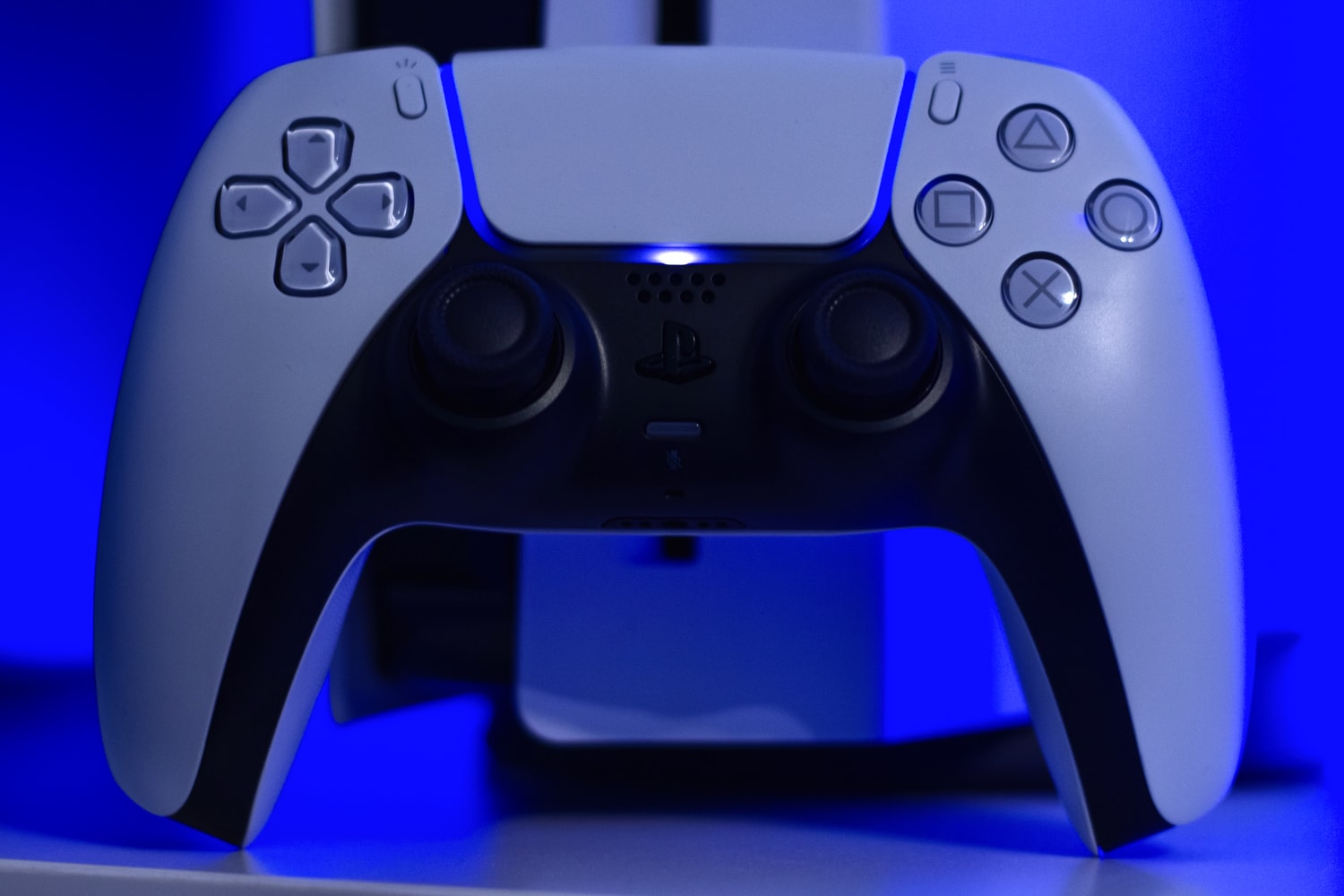
PS5 Restock Update Very Now Has PS5 Stocks Available But You Have

Sony Says The PlayStation 5s SSD Will Completely Change Next gen Level
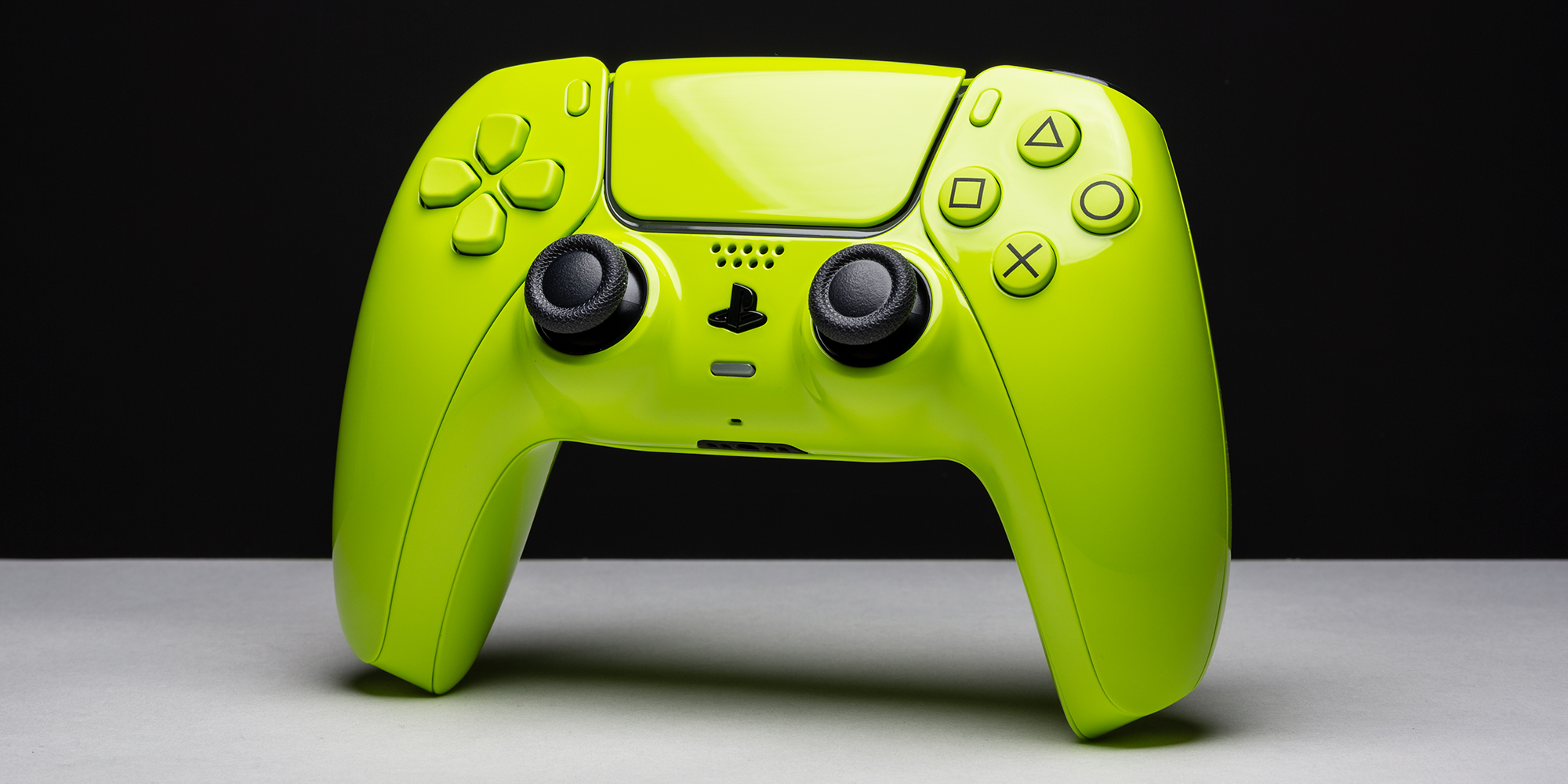
Toppa Necessario Imparare Dualsense Ps5 Colores Banyan Gas Come

The most important setting you should change is the brightness of the controller s indicators Set this to Dim and also take a look at the vibration and trigger settings
PS5 Menu and Settings Tips and Tricks PS5 Hidden Apps and Features advertisement PS5 Controller Tips and Tricks Use these important tips to get the most out of your Dualsense controller
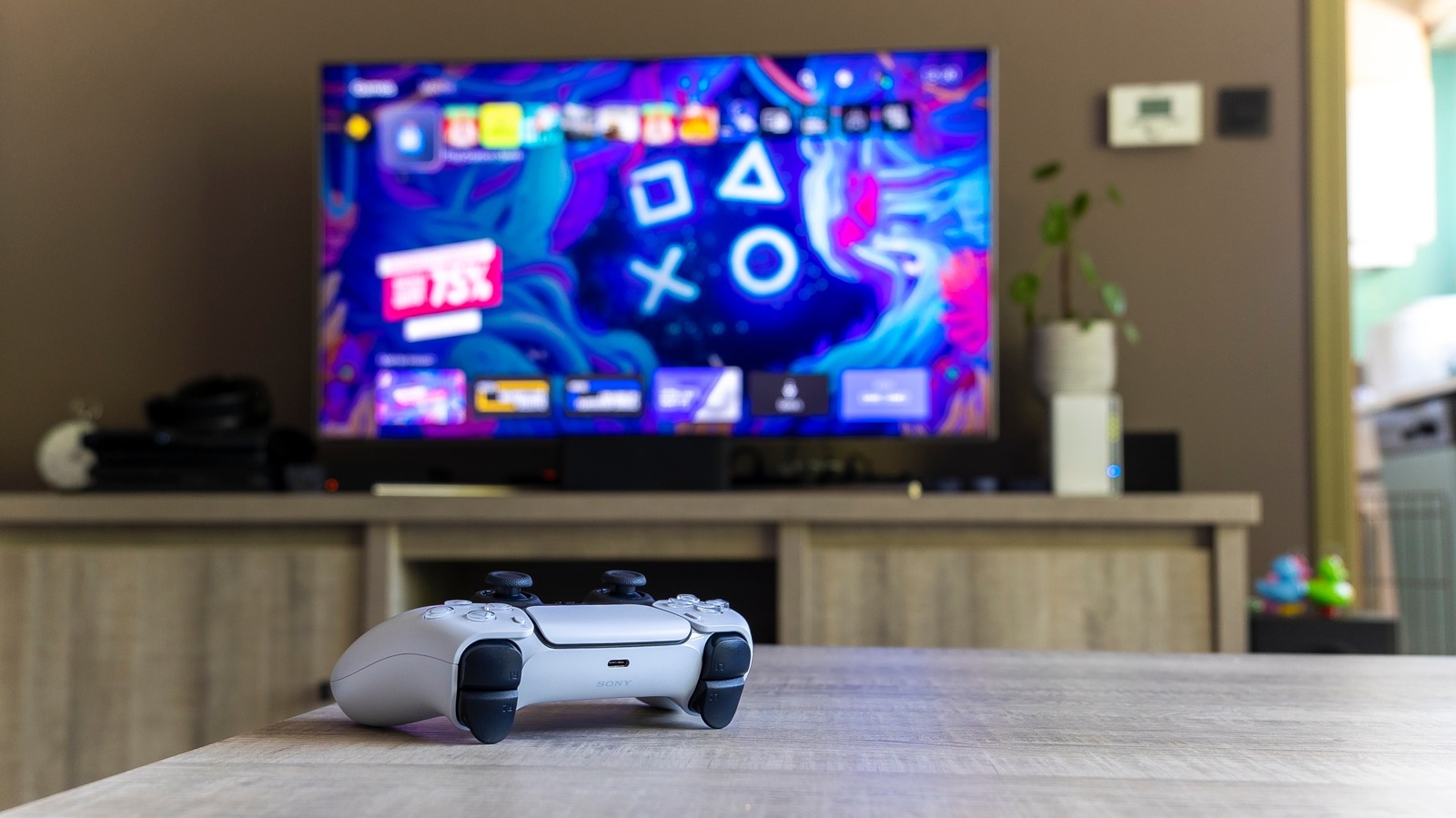
The PS5 will automatically adjust most video settings based on your TV s output Image credit Sony Interactive Entertainment If you have an LCD TV it s best to disable HDR as leaving this
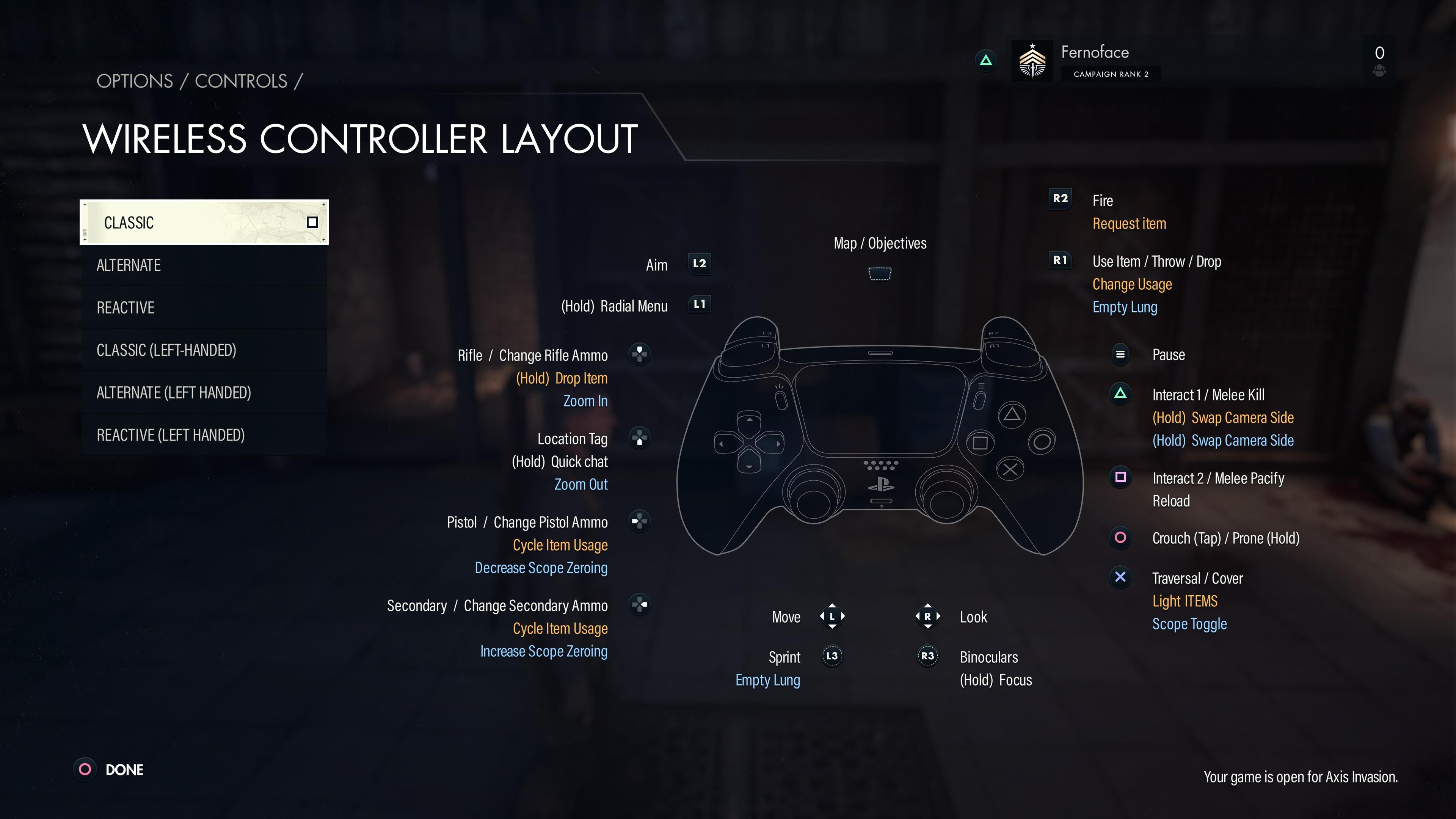
Nov 3 2022 11 14 p m PT 4 min read The PS5 controller is one of our favorites Sony Games are the most important part of the PlayStation experience but don t forget your settings The

Go to Settings System System Software Select System Software Update and Settings Here you can check your current system software version
Other important information read aloud to help you accomplish settings and manage your power save settings See also For PS4 users page 6 Download your content Download purchased PS5 games and media apps If you have a PS4 console you can transfer the data to your PS5 console You ll know that setup is complete Essential PS5 Video Settings According to Tom s Guide here s what you need to do to achieve the best optimal gaming experience for your PlayStation 5 Navigate to Settings Screen and Video
How to navigate the PS5 console User s Guide To close this User s Guide and return to your original screen press the options button and select Close You can also press the circle button repeatedly until you return to your original screen You can change the appearance by switching Theme in the top right of the User s Guide