Ps5 Gaming Settings Accessibility Features On PS5 And PS4 PlayStation UK Im Namen Zeuge Tabelle Ps5 Gaming Setup Opfern Spanien Vegetarier Sony DualSense Controller Der PlayStation 5 Inkl Neuer Features The Best TV Settings For Xbox Series X And PS5 Gaming PS5 Firmware Update 21 01 03 00 00 38 Is Available To Download Now Dec 25 2021 9 00 AM Snagged a PS5 Here Are Tips for Setting It Up Here s how to transfer your data from a PS4 log in to a PSN account set up multiple accounts and make the most of your new
Make your choice 10 minutes 30 minutes or 60 minutes The default setting is to not have the controllers turn off at all Choose between performance and resolution You ve got a choice on the From your PS5 console s home screen go to Settings User s Guide Health and Safety and Other Information Select User s Guide What is the PS5 console User s Guide The User s Guide introduces the main functions and settings for your PS5 console as well as tips for expert use
PS5 Firmware Update 21 01 03 00 00 38 Is Available To Download Now 11 Gaming Room Lights For A Better Gaming Experience Voltcave Buy PS5 Controller Joystick Replacement RGEEK 4PCS PS5 Joystick PS5 Games Spo disabled Best PS5 Controller Skins 2021 Android Central 4K Footage Of PS5 Games Will Follow 1080p 30 Frames Per Second Reveal How To Connect Move Controllers To PS5 Ps5 Controller Mkauss PlayStation 5 s Paltry Back compat Stance Seemingly Confirmed By
Ps5 Gaming Settings

https://gmedia.playstation.com/is/image/SIEPDC/ps5-accessibility-display-28feb22$en?$native$
02 05 35 01 13 55 0 30 Watch the video for a look at how to adjust settings on the PlayStation 5 Learn how to adjust your PlayStation 5 console settings to help maximize your experience with
Templates are pre-designed files or files that can be utilized for different purposes. They can save time and effort by providing a ready-made format and design for creating various kinds of content. Templates can be utilized for individual or expert projects, such as resumes, invites, flyers, newsletters, reports, discussions, and more.
Ps5 Gaming Settings

My PS5 Gaming Setup Been Loving This Thing R PS5

11 Gaming Room Lights For A Better Gaming Experience Voltcave

Buy PS5 Controller Joystick Replacement RGEEK 4PCS PS5 Joystick

PS5 Games Spo disabled

4K Footage Of PS5 Games Will Follow 1080p 30 Frames Per Second Reveal

How To Connect Move Controllers To PS5

When you re ready go to Settings on the PS5 then System System Software Choose Data Transfer Continue and pick your PS4 When Prepare for Data Transfer pops up you need to hold down the

Go to Settings System System Software Select System Software Update and Settings Here you can check your current system software version

13 key settings to change on your PS5 By Joseph Yaden September 8 2021 Listen to article One of the most exciting things about getting a shiny new system is diving into its settings and
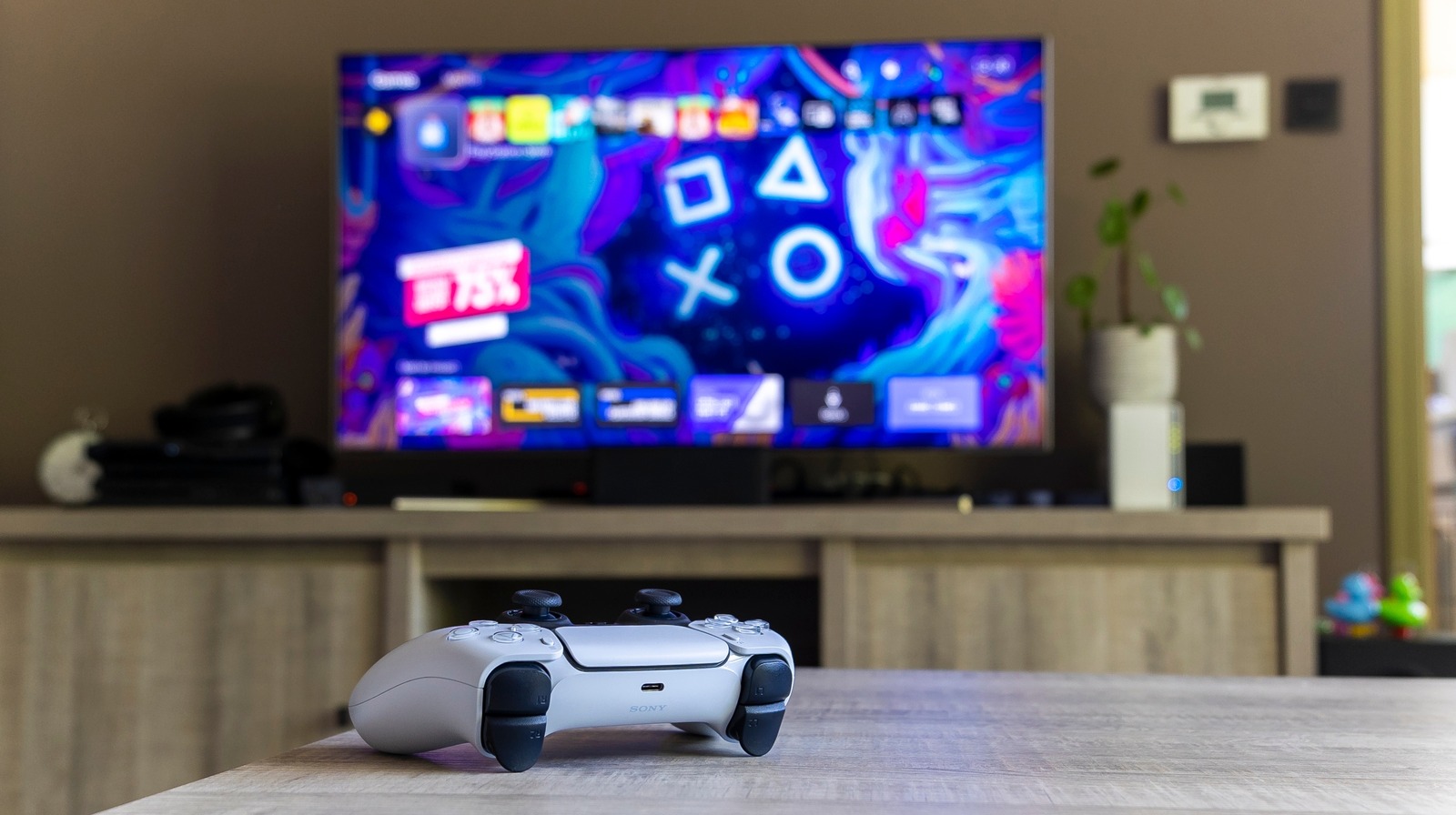
1 Select Settings from the Home Screen 2 Go to System Power Saving 3 Change the Controller idle time 10 minutes 30 minutes or 60 minutes whichever you prefer Mute Your Audio With the

Part I Sight and sound The key to a top tier gaming set up is the core ingredients the eye popping visuals and the spine tingling sound Get these two elements right and everything else will benefit as well Television sets Take a look at your gaming room You ll want to pick a TV that fits the space well
1 Explore your privacy settings During the initial PS5 setup you ll be asked to select from a series of four different privacy settings with names like Social and Open or Solo and There s a ton of quality titles to recommend but before you dig in let s take a moment to check some of the unique features that make your new PS5 console so special This guide is intended as a shortcut to some of the best gaming experiences PS5 has to offer If you re looking for a more step by step technical guide head to
Turn on and log into your PS5 Go to Settings Go to Saved Data and Game App Settings Go to Game Presets Click on Performance Mode or Resolution Mode Choose your preferred mode Recommended