Proxmox Start Container From Command Line Proxmox Backup Server Wikiwand Proxmox VE Full Course Class 12 The Command Line Interface YouTube Adding A USB Ethernet Port To Your Proxmox Server Using The Command Backup Your Data To Backblaze B2 With Duplicacy From A Proxmox LXC How To Change The Hostname Of A LXC Using Command Line Proxmox 7 Web Aug 2 2023 nbsp 0183 32 Creating a container in Proxmox To start off log in to your ProxMox web console and click on the quot local quot data store in the network To the right of that you ll see an option called quot CT Templates quot Click on Templates Click on the quot Templates quot button and a list of available templates will appear Available Templates
Web Jul 20 2014 nbsp 0183 32 I manually executed duply from the command line as root and it successfully stopped all VMs but failed to start them When I re connected to my screen session the command service pve manager start was just displayed on the display without any apparent result Any ideas Web Introduction Proxmox VE is a platform to run virtual machines and containers It is based on Debian Linux and completely open source For maximum flexibility we implemented two virtualization technologies Kernel based Virtual Machine KVM and container based virtualization LXC
How To Change The Hostname Of A LXC Using Command Line Proxmox 7 How To Install Proxmox Virtual Environment LinuxPitStop Proxmox VE TASK ERROR Command apt get Update Failed Exit Code 100 Proxmox Start Web panel Proxmox LXC TASK ERROR Command systemctl Start Pve container 103 Home Of Serverz Proxmox VE TASK ERROR Command apt get Update Failed Exit Code 100 LXC Easy Way To Resize A Running Container On A Proxmox Linux Server How To Create Proxmox Containers From Proxmox Web UI Dashboard
Proxmox Start Container From Command Line
 Proxmox Start Container From Command Line
https://upload.wikimedia.org/wikipedia/commons/1/17/Proxmox-Backup-Server-2.0-Dashboard.png
Web To start the container select it in the left pane the icon should be black and gray indicating a container that is not running In the following screenshot my container is identified with a VM ID of 100 and the name trusty chapter3
Pre-crafted templates use a time-saving service for creating a varied range of files and files. These pre-designed formats and layouts can be made use of for various individual and expert tasks, consisting of resumes, invites, leaflets, newsletters, reports, presentations, and more, enhancing the material development process.
Proxmox Start Container From Command Line

Erro Ao Instalar O Snapd No Ubuntu Em Um Container LXC Proxmox Andre

How To Install Proxmox Virtual Environment LinuxPitStop

Proxmox VE TASK ERROR Command apt get Update Failed Exit Code 100

Proxmox Start Web panel

Home Of Serverz

Proxmox VE TASK ERROR Command apt get Update Failed Exit Code 100

Web May 2 2014 nbsp 0183 32 16 Oct 2 2011 5 ok I just added a new kvm and had the same issue it did not show on the pve page I tried refresh clicking around and got it to show up after doing Code etc init d pvedaemon restart this it showed up with the other 10 kvm containers If there is anything I can do to supply more info let me know I ll check logs next

Web Mar 29 2022 nbsp 0183 32 Working command line Code pct create 117 mnt pve cephfs template cache jammy minimal cloudimg amd64 root tar xz hostname gal1 memory 1024 net0 name eth0 bridge vmbr0 firewall 1 gw 192 168 10 1 ip 192 168 10 71 24 tag 10 type veth
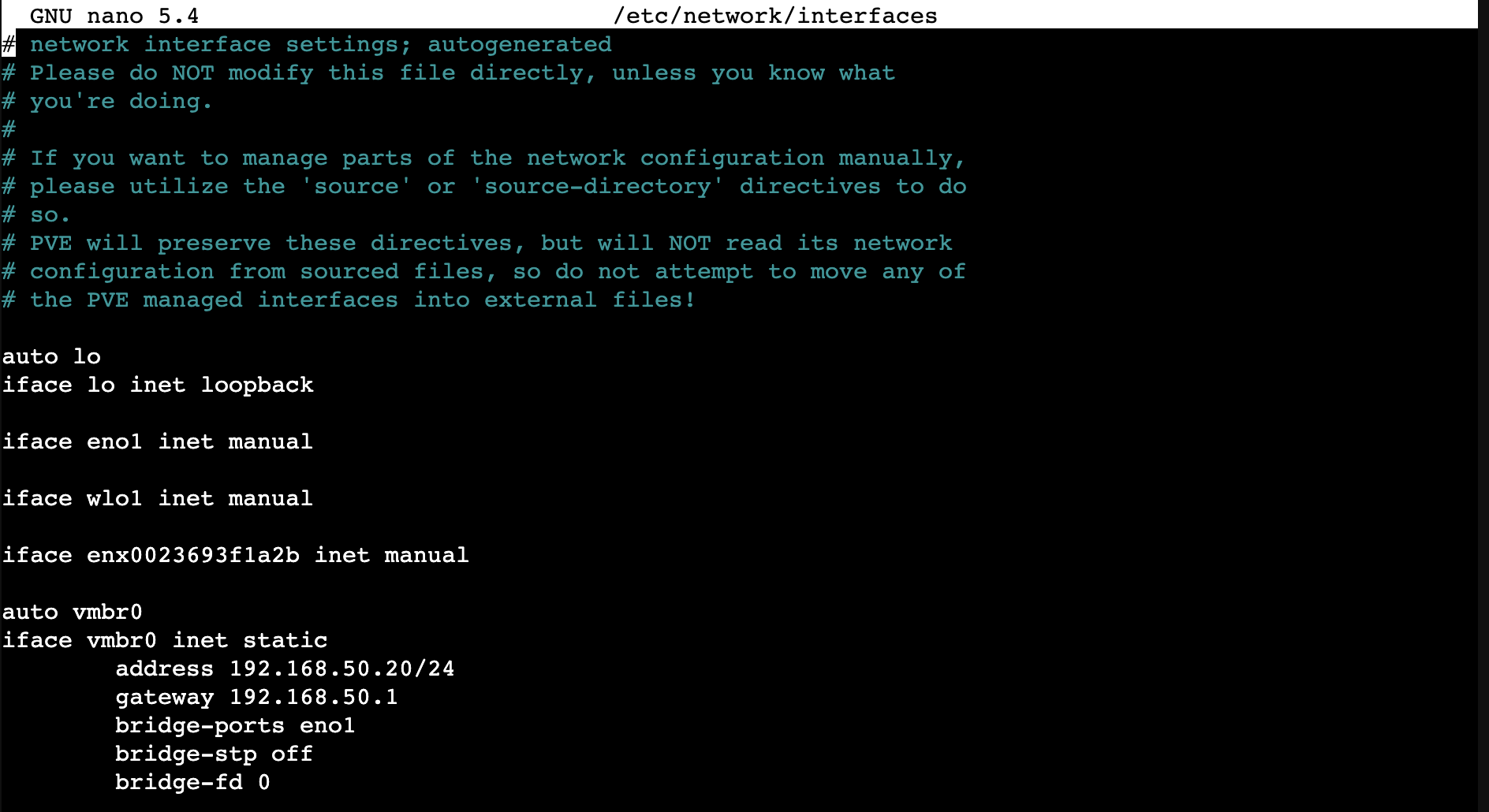
Web Aug 27 2016 nbsp 0183 32 Manage Containers with CLI Minege Aug 27 2016 automatic cli container cpu etc gateways lxc proxmox ram template Forums Proxmox Virtual Environment Proxmox VE Installation and configuration

Web This page lists some important Proxmox VE and Debian command line tools Virtual Machines QEMU KVM specific qm To view a list of KVMs qm list VMID NAME STATUS MEM MB BOOTDISK GB PID 100 alpha001 running 2048 8 00 5858 101 WINXP002 running 1024 32 00 6177 102 Win2K running 2048 32 00 113893 105 axe002 running
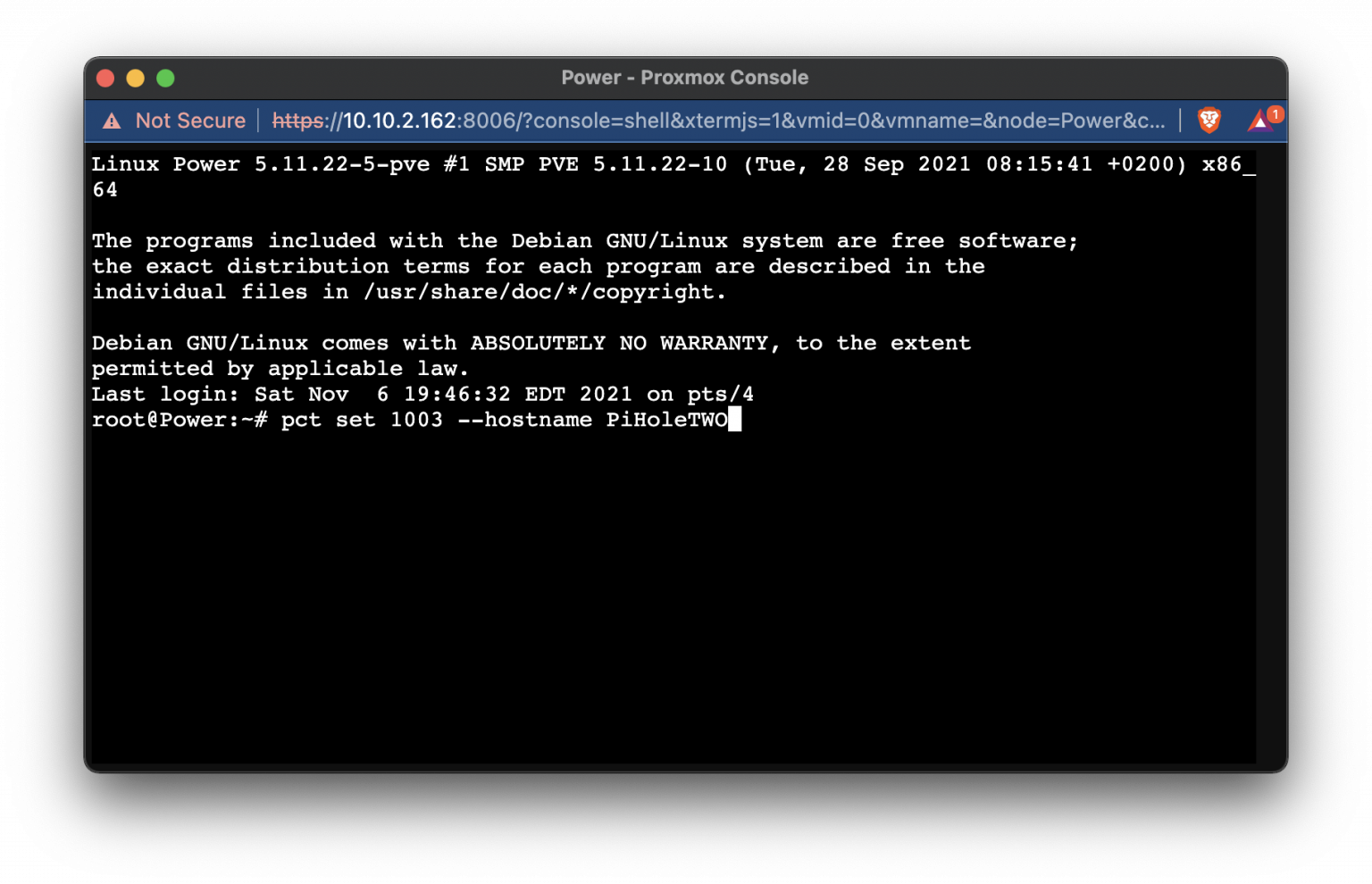
Web Feb 3 2016 nbsp 0183 32 When an LXC container is stopped can we use pct enter lt VMID gt to perform say a quot wget quot since lxc does not have a real mounted state If not is there a way to navigate into a stopped lxc container and if not will there ever be one made for it
Web Here are some useful commands pct documentation available at https pve proxmox pve docs pct 1 html See proxmox Need help with Linux Server or WordPress We can help Contact Us Web Console access to an interactive console for the VM container KVM Hardware define the hardware available to the KVM VM LXC Resources define the system resources available to the LXC LXC Network configure a container s network settings LXC DNS configure a container s DNS settings Options manage guest options
Web Jun 9 2020 nbsp 0183 32 Like i said i want a command to start restart proxmox I dont have access to web gui soyoustart geral problem Soyoustart machines are with problems with their Proxmox 6 templates You install Proxmox 6 in your machine restart the machine and Proxmox is not starting cause the etc hosts file is not properly configured it is