Proxmox Increase Disk Size Ubuntu VirtualBox How To Increase Disk Size Windows Host Ubuntu VM YouTube VirtualBox How To Increase Disk Size Windows Host Ubuntu VM YouTube How To Increase Disk Size Of Your Existing Virtual Machines In Expand Logical Volume Ubuntu On Proxmox Unix Linux Stack Exchange VirtualBox How To Increase Disk Size Safely Windows Host Ubuntu VM Web Dec 6 2020 nbsp 0183 32 I run several virtual ubuntu machines on a proxmox server They all have a single disk without LVM When disk space runs out I poweroff the virtual machine then
Web Apr 13 2022 nbsp 0183 32 Proxmox 7 Disk model QEMU HARDDISK Ubuntu 20 04 3 LTS Expand the QEMU HARDDISK file via Proxmox as per Proxmox VM disk resize steps and then Web Feb 17 2022 nbsp 0183 32 ProxMox UI Change the Hard Disk size Hardware gt Hard Disk gt Resize Disk gt Add additional disk required gt Resize disk On the VM Find the partition that
VirtualBox How To Increase Disk Size Safely Windows Host Ubuntu VM VirtualBox Increase Disk Size Ubuntu How To Resize Ubuntu In Rozchod Latin ina Site Virtual Box Change Size Of Memmory Umel der Pulz Virtualbox Increase Disk Size Ubuntu Fdisk Lvm Enviromasop VirtualBox Increase Disk Size Ubuntu How To Resize Ubuntu In VirtualBox Increase Disk Size Ubuntu How To Resize Ubuntu In VirtualBox Increase Disk Size Ubuntu How To Resize Ubuntu In VirtualBox Increase Disk Size Ubuntu How To Resize Ubuntu In VirtualBox Increase Disk Size Ubuntu How To Resize Ubuntu In
Proxmox Increase Disk Size Ubuntu
 Proxmox Increase Disk Size Ubuntu
https://i.ytimg.com/vi/fUdrvTL726E/maxresdefault.jpg
Web Sep 23 2019 nbsp 0183 32 Background Hyper V server with fresh Ubuntu installed Disk was set to 25GB on install and LVM was chosen This procedure works for any Ubuntu file system
Pre-crafted templates offer a time-saving option for producing a varied variety of files and files. These pre-designed formats and layouts can be utilized for numerous personal and professional tasks, consisting of resumes, invitations, leaflets, newsletters, reports, presentations, and more, streamlining the content production procedure.
Proxmox Increase Disk Size Ubuntu
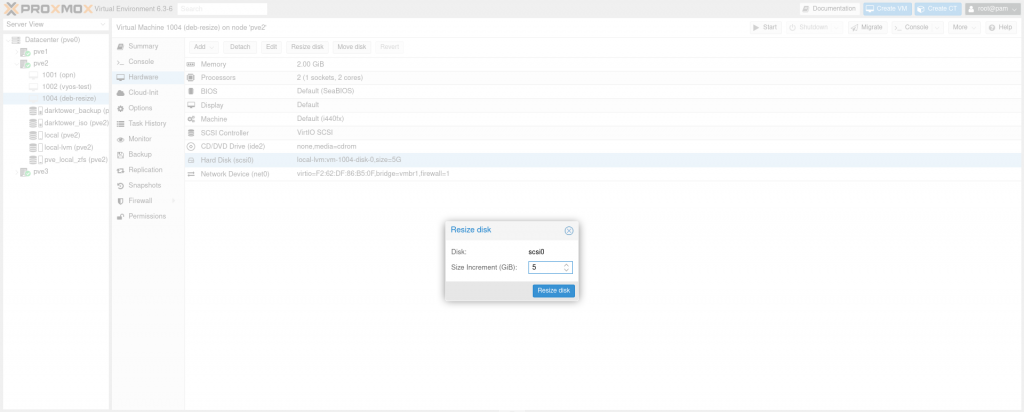
Resizing VM Disk In Proxmox Networkshinobi
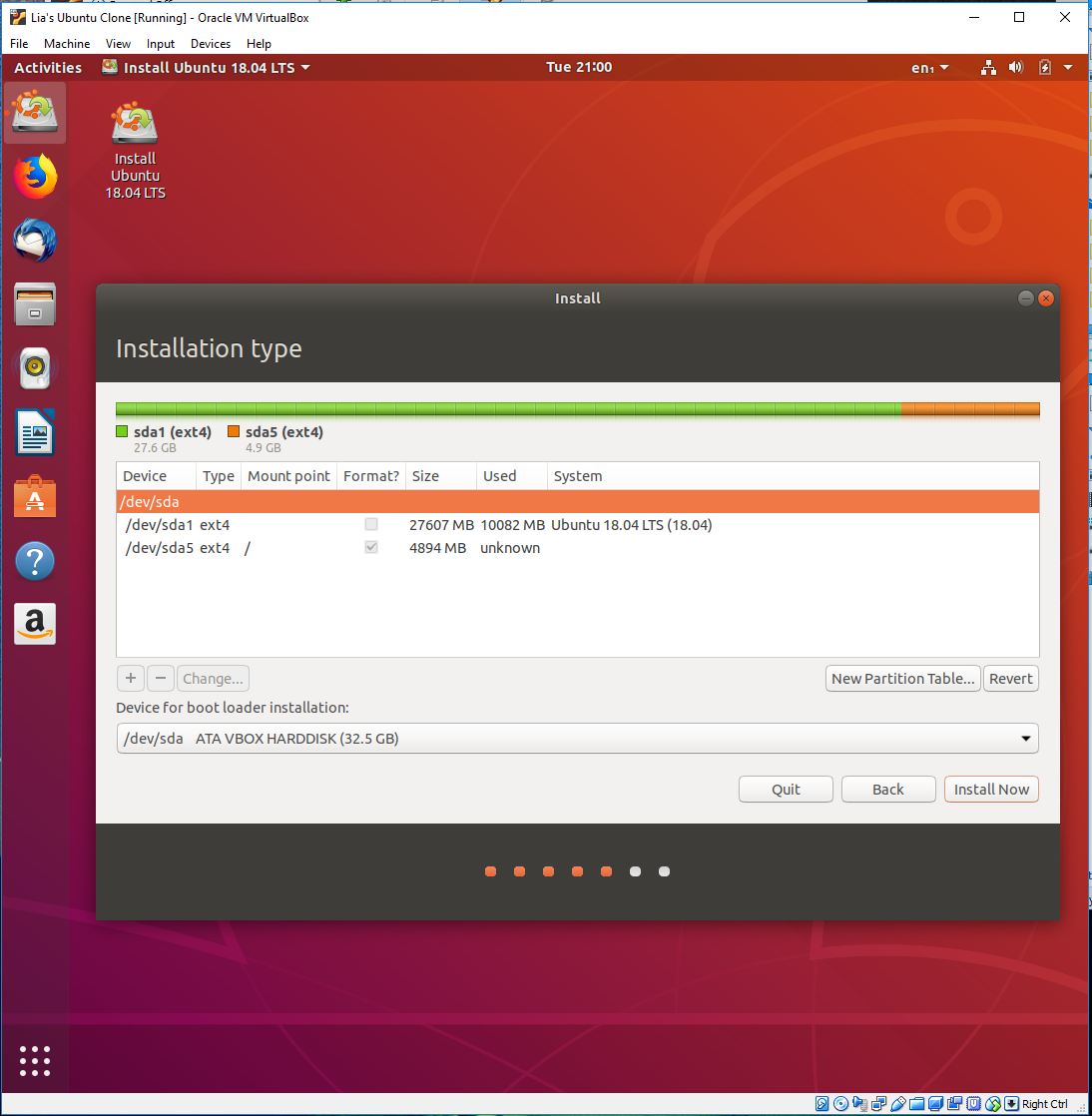
VirtualBox Increase Disk Size Ubuntu How To Resize Ubuntu In
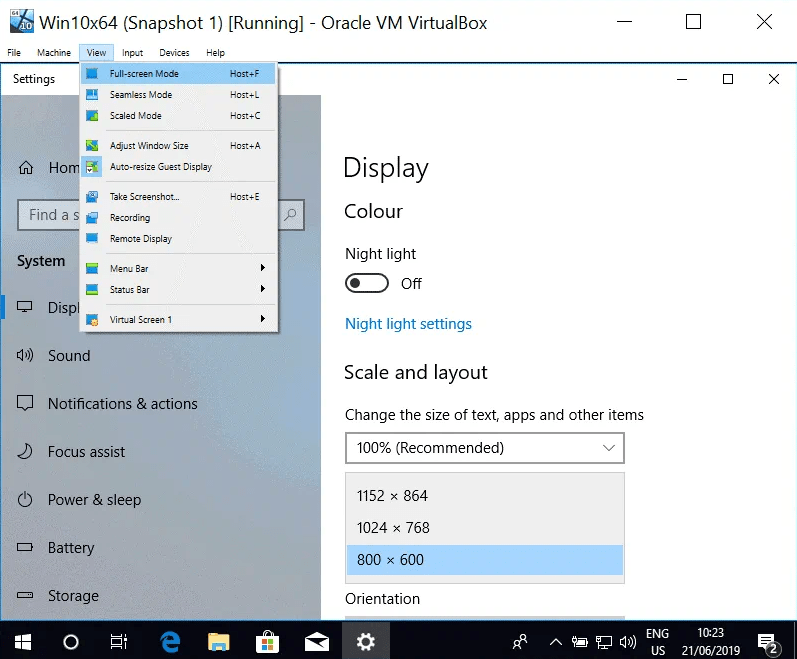
Rozchod Latin ina Site Virtual Box Change Size Of Memmory Umel der Pulz

Virtualbox Increase Disk Size Ubuntu Fdisk Lvm Enviromasop
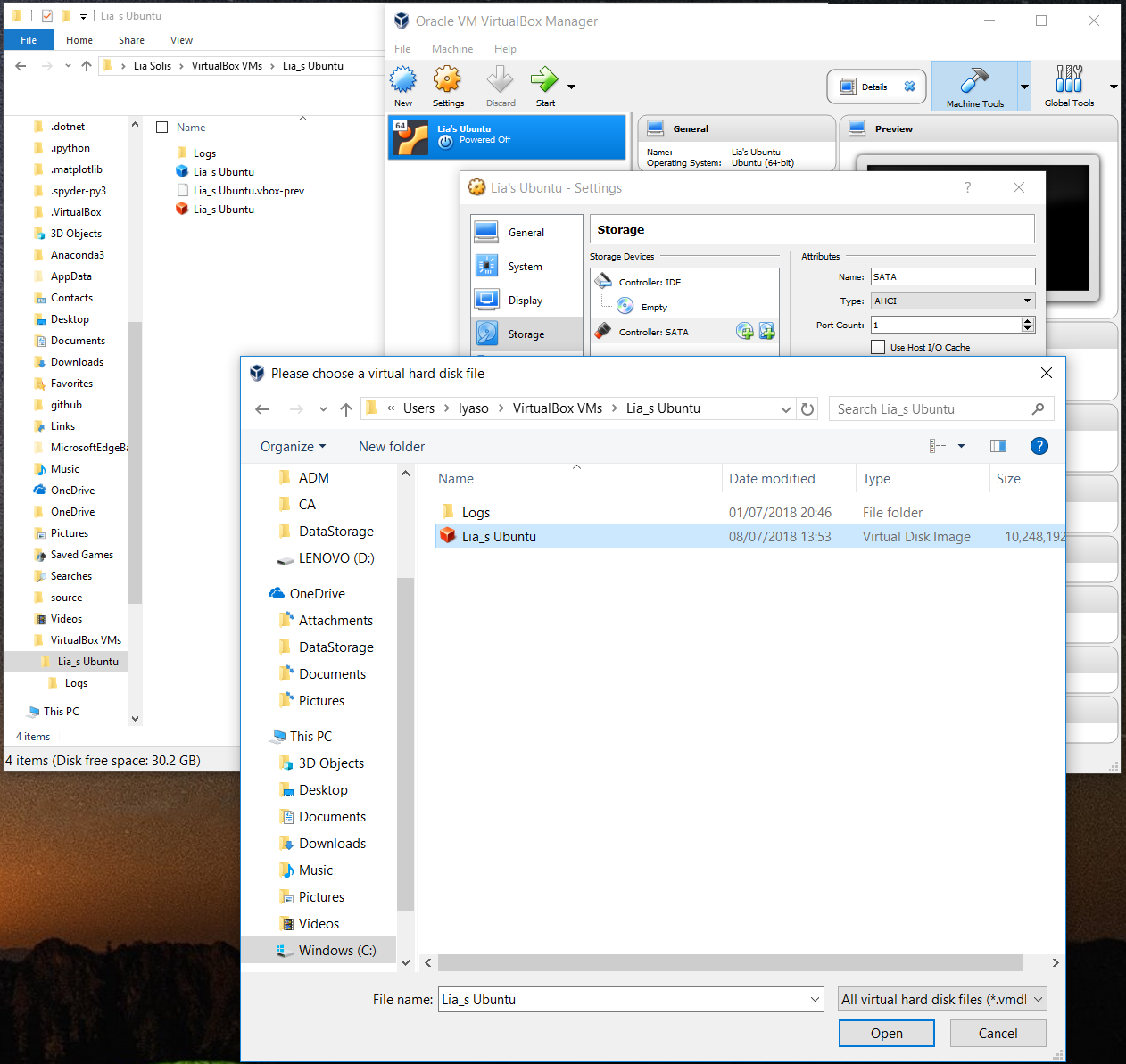
VirtualBox Increase Disk Size Ubuntu How To Resize Ubuntu In
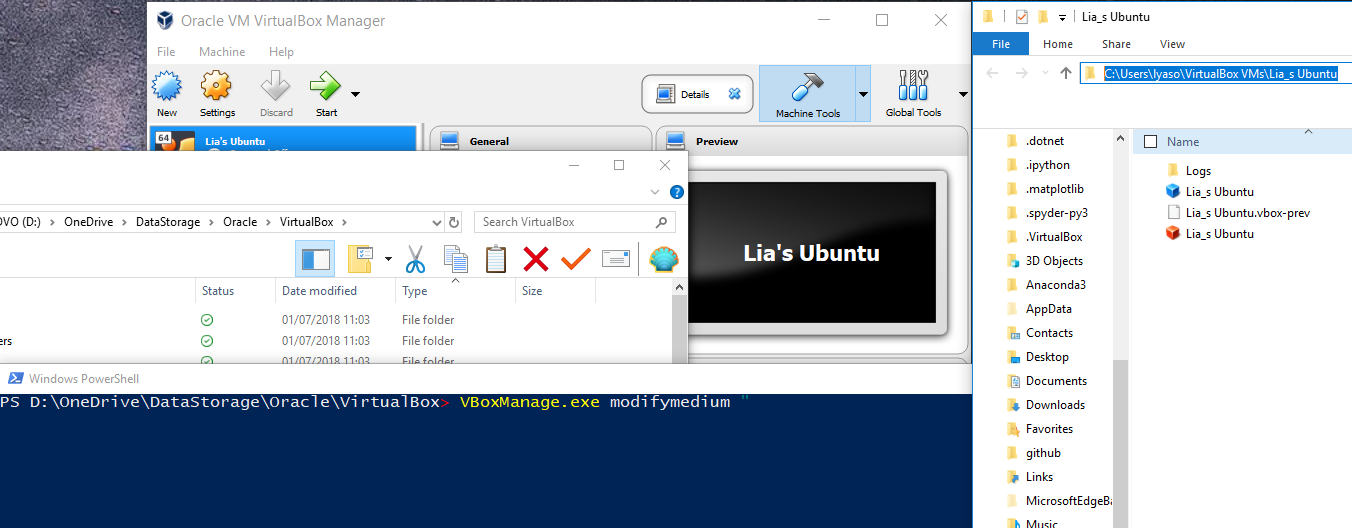
VirtualBox Increase Disk Size Ubuntu How To Resize Ubuntu In

Web May 16 2023 nbsp 0183 32 you have to increase the size of the partition in the VM and extend the filesystem Depends how ubuntu is installed only one partition separate home lvm or

Web Mar 29 2022 nbsp 0183 32 Do the Following to Increase your size Increase resize disque from GUI console sudo fdisk l lt Look for Linux Partion run growpart dev sda 3 Extend

Web Increase the disk size in Proxmox for your VM Select your Virtual Machine Click on Hardware Select the disk that needs increasing Click Disk Action Click Resize Add

Web Jun 2 2022 nbsp 0183 32 F Next you ll see this output it indiciated our 80 GB drive is to be enlarged and it s partition 1 Disk Flags Number Start End Size File system Name Flags 14 1049kB

Web Sep 3 2023 nbsp 0183 32 Expand Ubuntu 20 Proxmox Disk Raw README md Resize the file system in UI under VM gt Hardware gt Click on the disk to resize click quot Resize disk quot
Web Nov 28 2014 nbsp 0183 32 Hi you need the right disk device dev sda5 diskimage is not an valid device dev sda or dev vdb are valid devices the number shows the partition number Web Oct 10 2022 nbsp 0183 32 1 increase the size of your sda3 partition with the partitioning tool of your choice 2 extend the size of the PV VG and LV for example lvextend command 3
Web Jun 11 2021 nbsp 0183 32 Check the Proxmox wiki on how to create a template Once you have a template create a full clone and start the VM There are three steps Resize the hard