Proxmox Force Delete Vm ProxMox Deleting VM PROXMOX ERROR TO DELETE OR REMOVE VIRTUAL MACHINE FindChimp Cara Delete VM Dan Container Di Proxmox How To Delete Virtual Machine VM In Proxmox GUI And Terminal Cara Delete VM Dan Container Di Proxmox WEB Apr 5 2024 nbsp 0183 32 In this tutorial I will explain how to delete a virtual machine from the command line that cannot be deleted through the GUI To perform a test I mounted a CIFS storage where I added a virtual machine once the test was done I deleted the storage in Proxmox without removing the VM
WEB How to Delete a Virtual Machine in Proxmox00 00 05 login to proxmox00 00 19 shutdown virtual machine00 00 34 delete the virtual machine00 01 00 delete virtua WEB Jul 22 2023 nbsp 0183 32 A virtual machine can be deleted using one of these abilities You will discover how to destroy a VM in Proxmox as well as how to get rid of a VM disc and snapshot in this post a Proxmox Virtual Environment that is active an installed virtual computer on Proxmox
Cara Delete VM Dan Container Di Proxmox How To Delete Node Cluster Proxmox Remove Node Cluster Proxmox Ve Delete Node Cluster Dixmata Labs Cara Delete VM Dan Container Di Proxmox Proxmox Azure CycleCloud Microsoft Learn How To Delete A Virtual Machine In Proxmox 2023 WunderTech Azure CycleCloud Microsoft Learn How To Delete VHD File Hyper V Off Host Machine
Proxmox Force Delete Vm
 Proxmox Force Delete Vm
https://arzhost.com/blogs/wp-content/uploads/2022/12/proxmox-delete-vm.jpg
WEB Mar 4 2021 nbsp 0183 32 pct destroy lt ID gt force purge qm destroy lt ID gt skiplock purge set these up as shortcuts on your proxmox host then go to the terminal tab shell tab in your UI to run them
Templates are pre-designed documents or files that can be used for numerous functions. They can conserve time and effort by providing a ready-made format and layout for producing various type of material. Templates can be used for personal or expert tasks, such as resumes, invitations, flyers, newsletters, reports, discussions, and more.
Proxmox Force Delete Vm

Make A Proxmox Cluster And Delete A Proxmox Cluster YouTube

How To Delete Node Cluster Proxmox

Remove Node Cluster Proxmox Ve Delete Node Cluster Dixmata Labs

Cara Delete VM Dan Container Di Proxmox
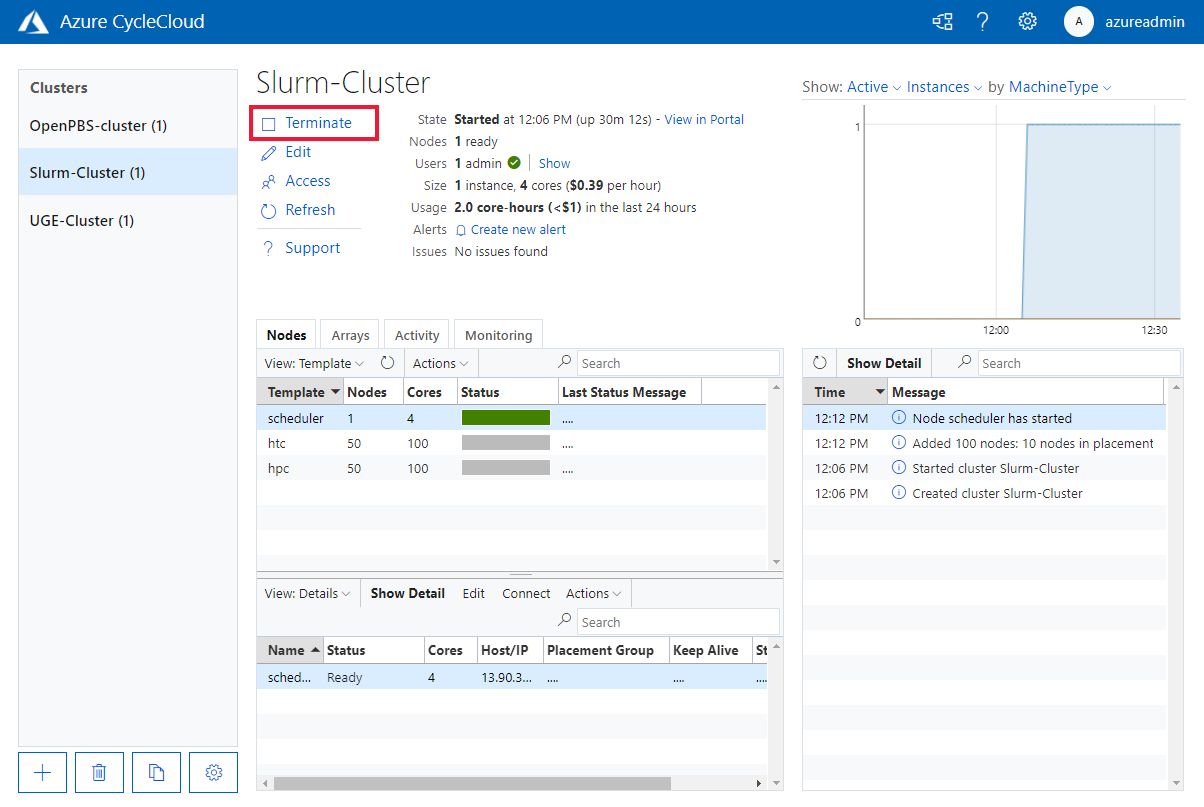
Azure CycleCloud Microsoft Learn
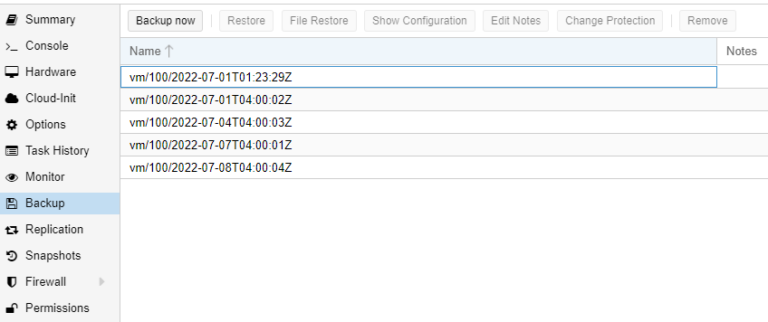
How To Delete A Virtual Machine In Proxmox 2023 WunderTech
WEB May 12 2022 nbsp 0183 32 To delete a Proxmox VM using the command line 1 Log into the node 2 Find the VMID virtual machine ID in the VM list by running the command cat etc pve vmlist The output lists information about the VMs created including their IDs

WEB Mar 19 2018 nbsp 0183 32 Answer You can delete or destroy by stop it HA first if you have enabled HA and then you can delete by select on VM gt More Select Dropdown list gt Remove

WEB Apr 12 2021 nbsp 0183 32 After digging a bit more in the docs the Proxmox way to manage lxc is with the pct command Code root hystou3 pct destroy 118 storage pool1 does not exist At least the error message is consistent with the one from the Web GUI The force gives the same answer Code root hystou3 pct destroy 118 force

WEB Nov 12 2023 nbsp 0183 32 This tutorial looks at how to delete a virtual machine in Proxmox Full instructions that will help you delete the VM as well as any backups that exist

WEB Delete the original VM and related data after successful migration By default the original VM is kept on the source cluster in a stopped state online lt boolean gt
WEB Feb 4 2022 nbsp 0183 32 Check the vm config file via shell maybe the storage disk is still referenced there If so delete the line and hopefully you can just delete is via GUI The file path is etc pve qemu server lt VMID gt WEB Sep 5 2022 Case 1 VM Disk still exist gt gt qm list After that you must shut down the VM first For example if the PID of the VM is 100 then type qm shutdown 100 qm destroy 100 then
WEB To delete VM with commands Firstly you should log into the node Use the cat etc pve vmlist command to find the virtual machine ID or VMID You would receive the info regarding the VMs already created on the screen Use the qm shutdown vmid or qm destroy vmid command to stop the vmware virtual machine