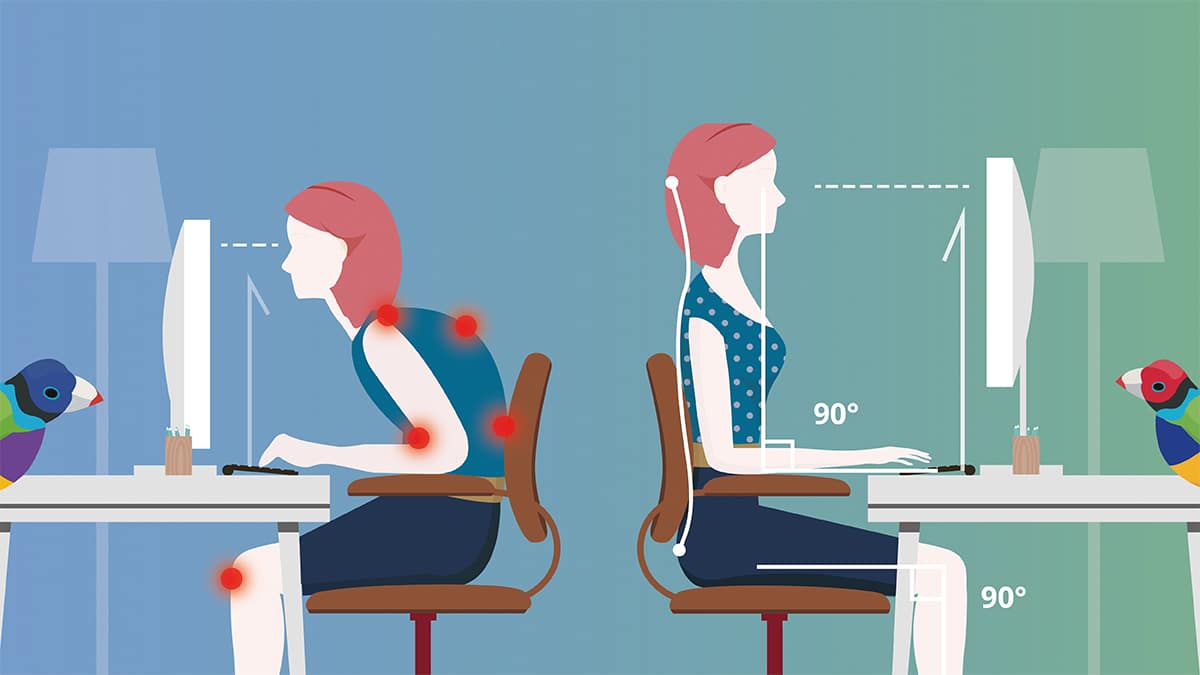
Proper Screen Height Do You Know The Best Positioning For Your Computer Screen ViewSonic Workplace Ergonomics Injury Prevention Through Ergonomics Churchill Comment Bien Positionner Son cran ViewSonic Library Posture In The Workplace Hungry And Fit Monitor Height Displays Linus Tech Tips To be in the right zone make sure the top of your screen is at eye level For a monitor that is too high you can either lower it as much as you can and or raise your chair to match For laptop screens that are much too low place your laptop on a stand or stack of books and use an external mouse and keyboard
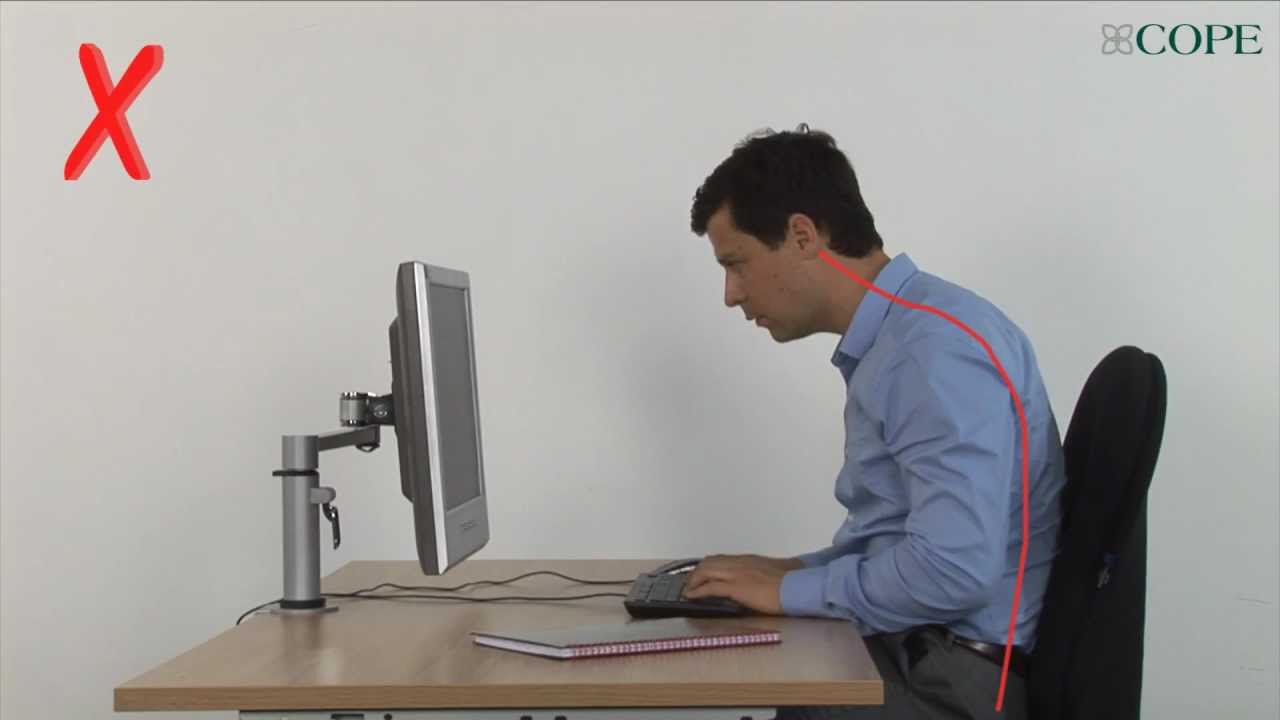
Thus experts recommend adjusting a monitor s height such that its upper bezel is either at eye level or slightly lower somewhere around 2 to 3 inches It s fine to adjust the VDU height up to 18 degrees lower This is a conclusion from a journal that claims that there were no changes in the neck posture relative to the trunk What is the ideal position and height for a computer screen Find out how to ergonomically position your computer screen What is the best height for a computer desk Find out the correct height for your home working desk What s the best way to position two monitors Read how to ergonomically position two monitors at home Adjusting your workspace
Monitor Height Displays Linus Tech Tips Setting Height Of Computer Screen COPE Occupational Health YouTube Proper Monitor Height For A Pain Free Workday The Office Oasis Proper Height For Monitor Ergonomic Guide For Computer Screen TV Mounting Height Calculator How To Choose The Best Screen Height To Avoid Neck Pain YouTube Sale Proper Height For Computer Desk In Stock How To Best Position Your Computer Monitor Mount It Ideal Height For A Standing Desk Aoke
Proper Screen Height
 Proper Screen Height
https://www.viewsonic.com/library/wp-content/uploads/2019/04/Library_image_2_1200x675_01112018.jpg
How to Find Your Optimal Monitor Height According to Dr Alan Hedge a professor at Cornell University and human factors ergonomist for over 40 years your eyes should be in line with a point on the screen about two to
Templates are pre-designed documents or files that can be utilized for numerous purposes. They can save effort and time by providing a ready-made format and design for creating various type of material. Templates can be used for individual or professional tasks, such as resumes, invites, leaflets, newsletters, reports, discussions, and more.
Proper Screen Height

Best Triple Monitor Stand Best Ergonomics Standdesk Standdesk Best
Setting Height Of Computer Screen COPE Occupational Health YouTube

Proper Monitor Height For A Pain Free Workday The Office Oasis
Proper Height For Monitor Ergonomic Guide For Computer Screen

How To Choose The Best Screen Height To Avoid Neck Pain YouTube

Sale Proper Height For Computer Desk In Stock

In order to avoid this extra neck strain you ll want to place your monitors at the ideal monitor height This means minimizing the amount you move your neck by looking up or down You should be positioned so your eyes are 1 to 3 inches below the top of your monitor frame while in a comfortable sitting posture

The correct monitor height The above monitor position shows the correct monitor height where the person s forehead is aligned with the top 1 3 of the monitor This height helps you to not look down at your screen Also it helps you to keep your spine aligned in a neutral position which puts the least amount of stress on your low back

Actually the rule of thumb is to align your eyes straight ahead to about 3 4 up the height of viewable area of the screen That is about 1 4 of the screen is above eye level the rest is below and this should apply to any reasonable screen size

The monitor should be no closer to you than 20 inches about 50 centimeters and no further away than 40 inches about 100 centimeters The top of the screen should be at or slightly below eye level If you wear bifocals lower the monitor an additional 1 to 2 inches about 2 to 5 centimeters for more comfortable viewing Laptop

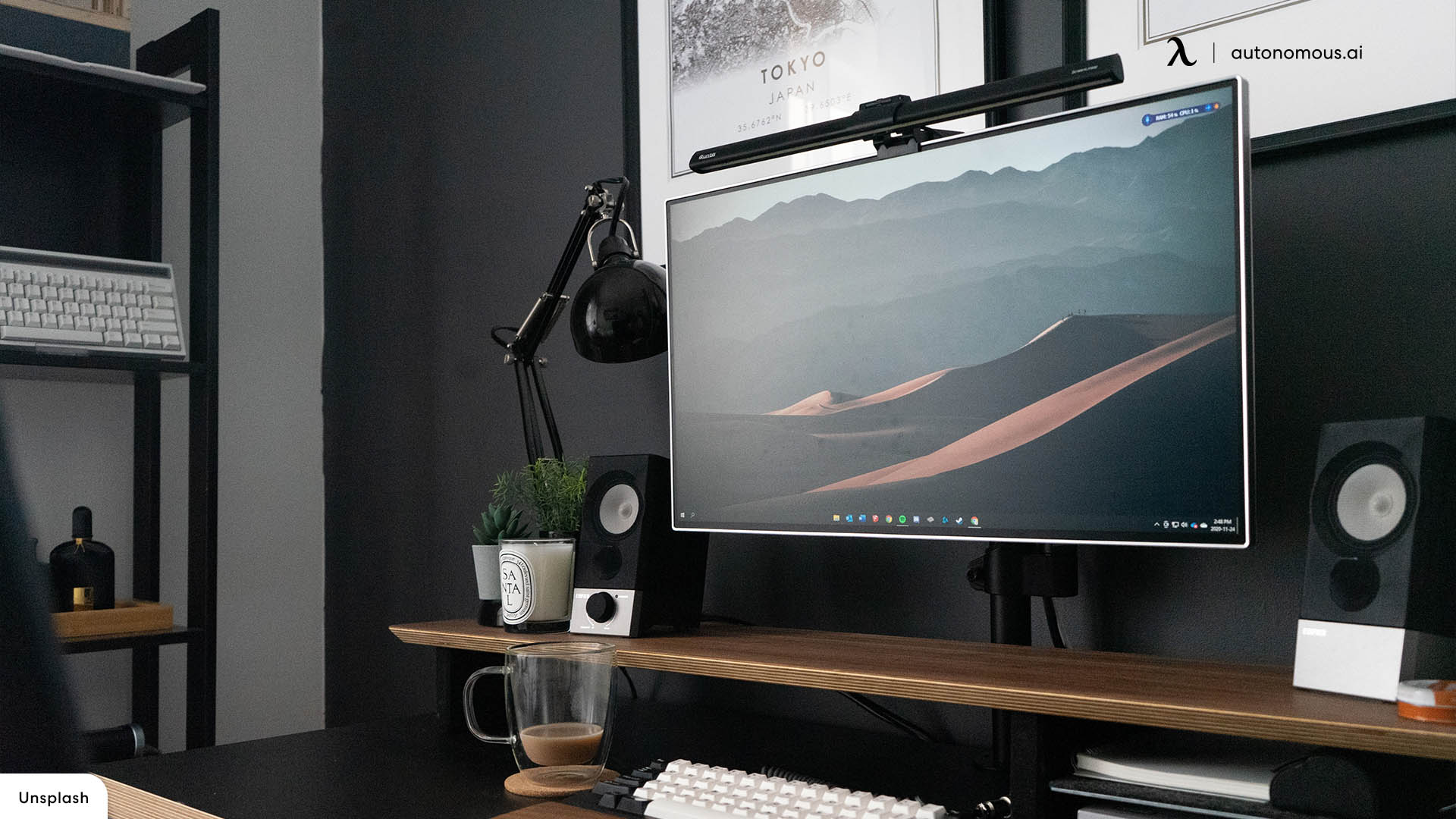
Autonomous Jan 29 2022 3 355 Views The ergonomic design of your computer workstation includes positioning the computer monitor correctly It is possible to suffer from a musculoskeletal disorder MSD when you don t have the proper height for a monitor
1 Place the monitor in a location that eliminates glare on the screen Reflected glare from your monitor can cause eyestrain but sometimes it will also cause you to assume an awkward position to read the screen 2 Place the monitor at a right angle or away from the windows and task lights What equipment can help ensure your screen is the correct height Monitor arms and stands Monitor arms can also help with screen positioning Products such as the Reach Plus help you Adjustable standing desks Sit stand desks such as the Active Sit Stand Workstation allow you to achieve the
Addressing Neck Pain With Monitor Height Ensure your monitor is at or slightly below eye level while in a comfortable and neutral posture Your monitor should roughly be an arm s length away with a properly scaled screen that is easy to read in a neutral Your monitor should not be in a position