Projector Not Projecting Full Screen Clemson Football Projecting The Full Spring Depth Chart 2020 Page 2 How to Mount a Projector Screen to a Ceiling Hill House DRUMALT Arvagh CAVAN Buildings Of Ireland Yamazumi Chart We Ask And You Answer The Best Answer Wins Parknamore COOLROE Ballincollig CORK Buildings Of Ireland 7 Projector Displaying an Upside Down Image If the projector is displaying an upside down image adjust the projection settings on the projector to fix this issue 8 Image Not Centered If the projected image is not centered adjust the projector s position and projection settings to fix this issue
One of the most common reasons for a projector not displaying is that its input source has been changed while it was turned off or disconnected from power sources This can be easily fixed by simply going through all of your inputs and making sure they match what s displayed on your computer screen or laptop tablet or smartphone 2 Press Win R to open Run command prompt Type displayswitch and press enter You will see the Windows project menu sliding from the right Choose one of the actions like duplicate extend or second screen only to start sharing your screen Displayswitch Run Command 2 Basic Troubleshooting
Parknamore COOLROE Ballincollig CORK Buildings Of Ireland Projecting Onto Wall Vs Projecting Onto Screen Comparison YouTube How To Paint A Projector Wall Not Projecting I m Sure Destiny Pin On Audio Visual Installations My First Projector on A 120 Screen Doovi Shapefile Not Projecting In Correct Location Autodesk Community Methodist Church Friar Street YOUGHAL LANDS Youghal CORK Building Projections Double Take Projections
Projector Not Projecting Full Screen
 Projector Not Projecting Full Screen
https://images2.minutemediacdn.com/image/fetch/c_fill,g_auto,f_auto,h_2133,w_3200/https://rubbingtherock.com/wp-content/uploads/getty-images/2017/07/1200356475.jpeg
Sometimes it s not as easy as simply hitting the screen fit button Here are a few common projector problems and how to troubleshoot them 1 Overscan Cropping Some projectors are designed to crop the image to fit a screen of a predetermined size Overriding this setting should solve the problem if applicable 2
Pre-crafted templates use a time-saving option for developing a varied range of files and files. These pre-designed formats and layouts can be utilized for numerous individual and expert tasks, including resumes, invites, flyers, newsletters, reports, discussions, and more, enhancing the content production procedure.
Projector Not Projecting Full Screen

Will A Projector Work On A Wall White Grey Black And Colors

Projecting Onto Wall Vs Projecting Onto Screen Comparison YouTube
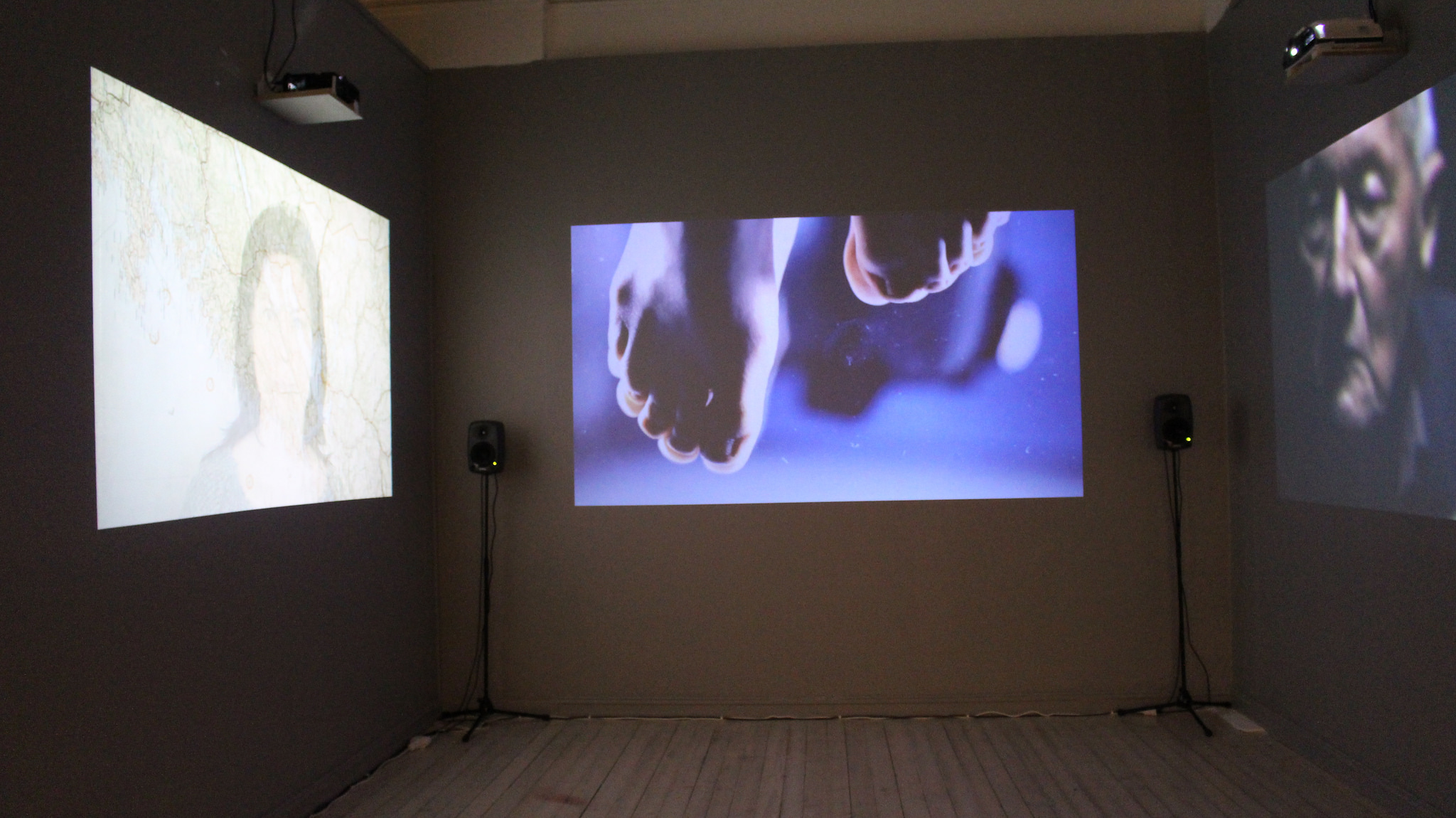
How To Paint A Projector Wall

Not Projecting I m Sure Destiny
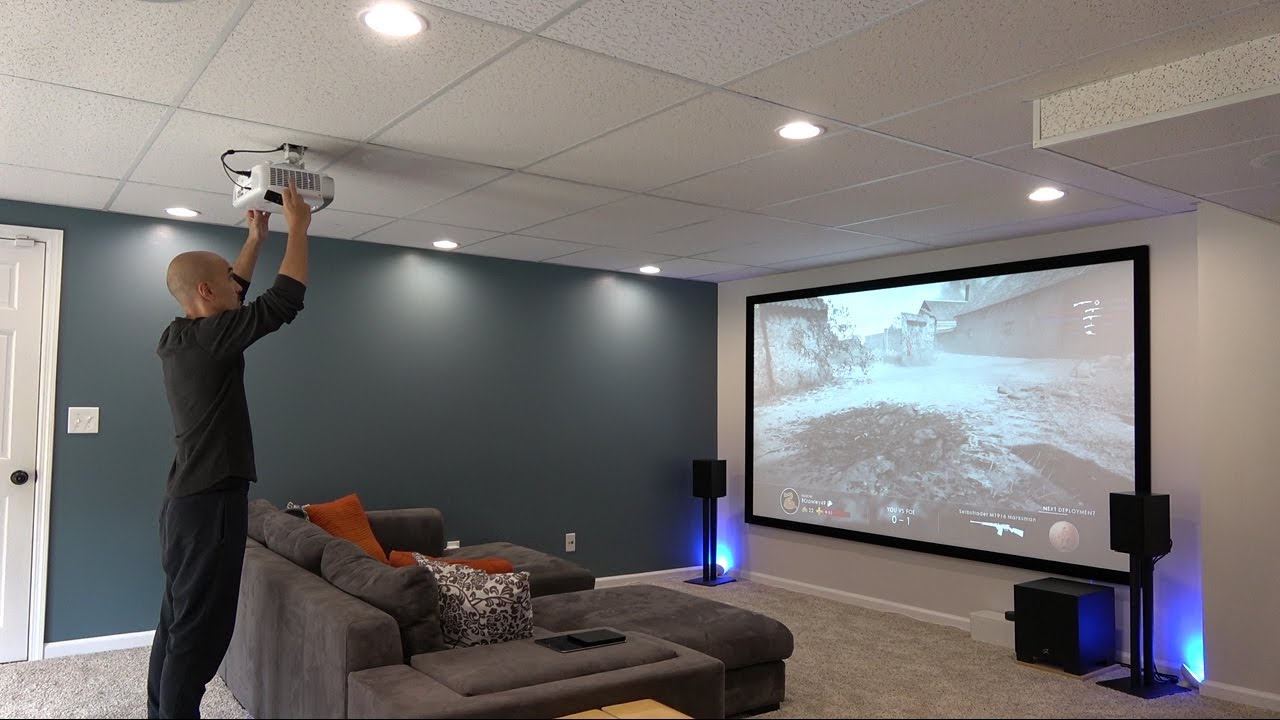
My First Projector on A 120 Screen Doovi

Shapefile Not Projecting In Correct Location Autodesk Community

First we suggest that you double check the Resolution settings under Advanced display settings To do so go to Display Advanced display settings Resolution Refer to image below Also we recommend that you check the Current Aspect Ratio being generated by the GPU Graphic card Display Adapter

One of the first reasons is that you made an improper connection between the projector and the information source Another possibility is that there are software issues preventing your projector from appearing on the computer screen To find out how to fix them let s look more closely at it Why is the Projector Not Displaying Broken Bulb
Projector image won t fill the screen Hey Guys Hoping someone can give me some advice I picked up a LG HU70LA Projector Aeon 110 Cinegray from Elite Screens I have the projector mounted to the ceiling and the screen on the wall I ve got to angle the projector down a fair bit and adjust the Keystone to hit the screen

If your projector isn t turning on when you push the power button do the following Check the control panel if it has a status or indicator LED light Refer to your user s manual or the maker s website for explanations or solutions if the light is on Check the input You might have the incorrect input
When a projector fails to produce an image on the screen the first step in diagnosing a projector issue is to examine your laptop and the projector One of the first reasons is that you made an improper connection between the projector and the information source It s also possible that your projector isn t showing up on the computer
Ensure that they are correctly connected and plugged in securely Check the Bulb The projector bulb can also cause display issues If it is burnt out the projector will not display anything Check the lamp status and replace it if necessary Also check if the lamp cover is secured in place Check the Input Source Another simple solution is Input Source Selection One of the most common causes for a projector connected but not displaying is an incorrect input source selection Ensure that the input source on your projector matches the output source on the device you are connecting to the projector You can do this by using the remote control or the buttons on the projector
You have to adjust your laptop settings in your display settings on your laptop you will need to find the settings that says scaling mode or such and change it to full panel this should cause your laptop to make the image fit the whole screen even when it drops down to the tv resolution Why does my laptop not display on a projector