Projector Not Projecting Computer Screen Steps For Mirroring Screen To TV In Windows 10 Projecting Flickr Casio XJ A242 9 78 Projecting Computer Screen Contents Over A LAN Projecting A Computer Onto A Television Screen ThriftyFun Projector Screen Laptop The Vault My First Projector on A 120 Screen Doovi Web A poor video connection between the projector and the computer might cause display related issues Reconnecting the devices can often help solve the problem Turn off the computer and the projector Unplug the video cable which connects the
Web Select Start gt Settings gt System gt Projecting to this PC Under Add the Wireless Display optional feature to project to this PC select Optional features Next to Add an optional feature select View features then enter wireless display Web Jul 12 2023 nbsp 0183 32 Select the projection setting you prefer PC screen only Your projector will not work Duplicate Your projector will show the same thing as your laptop screen Extend Your projector will act as a second monitor You may need to change your display settings if the image is stretched or squashed
My First Projector on A 120 Screen Doovi CASIO YW 2L WIRELESS LAN FOR PROJECTOR CONNECTING MANUAL Pdf Download Will A Projector Work On A Wall White Grey Black And Colors Can You Screen Mirror On Xbox One Oldjapaneseartdrawing Projecting Onto Wall Vs Projecting Onto Screen Comparison YouTube Projecting Screen On PC On A Screen Mirroring Incompatible TV YouTube Projector Projecting Onto Wall no Screen YouTube BENQ LW61ST OPERATION MANUAL Pdf Download ManualsLib PANASONIC ET UW100 OPERATING MANUAL Pdf Download ManualsLib
Projector Not Projecting Computer Screen
 Projector Not Projecting Computer Screen
https://live.staticflickr.com/4587/24502729737_9af24b9a75_b.jpg
Web Wirelessly connect your PC to a TV projector another PC or other kind of external display that supports Miracast Turn on your TV or projector If you re using a Miracast dongle or adapter make sure it s plugged in to the display On your PC make sure Wi Fi is turned on
Pre-crafted templates use a time-saving service for developing a diverse variety of files and files. These pre-designed formats and layouts can be used for various individual and expert projects, consisting of resumes, invites, flyers, newsletters, reports, presentations, and more, enhancing the material production process.
Projector Not Projecting Computer Screen
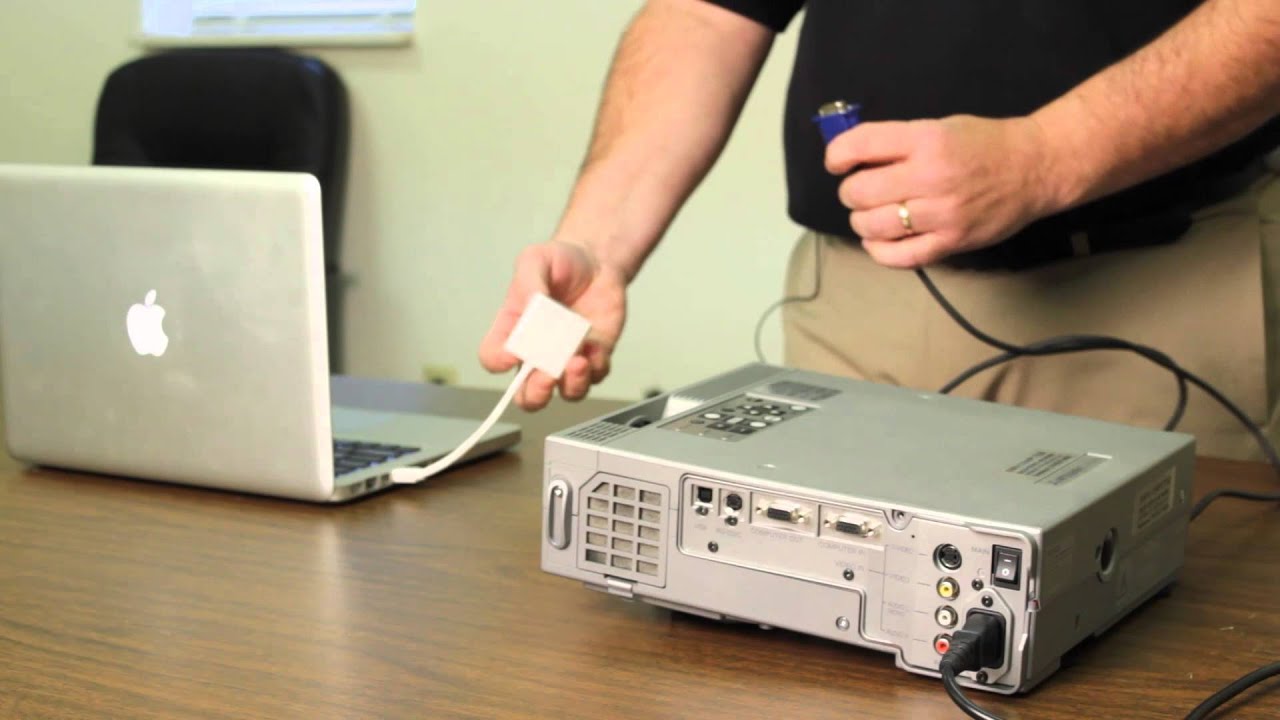
Hooking Up An Apple MacBook Pro To A Projector Computer Hardware Help
CASIO YW 2L WIRELESS LAN FOR PROJECTOR CONNECTING MANUAL Pdf Download

Will A Projector Work On A Wall White Grey Black And Colors

Can You Screen Mirror On Xbox One Oldjapaneseartdrawing
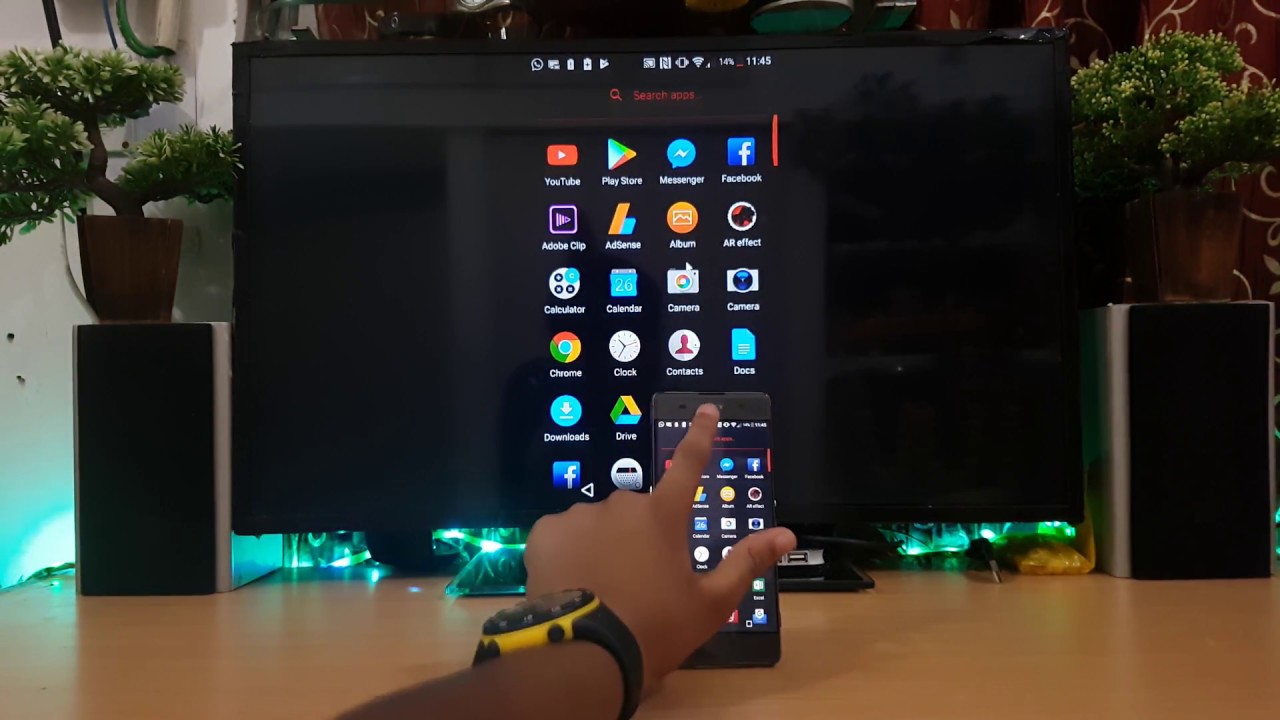
Projecting Screen On PC On A Screen Mirroring Incompatible TV YouTube
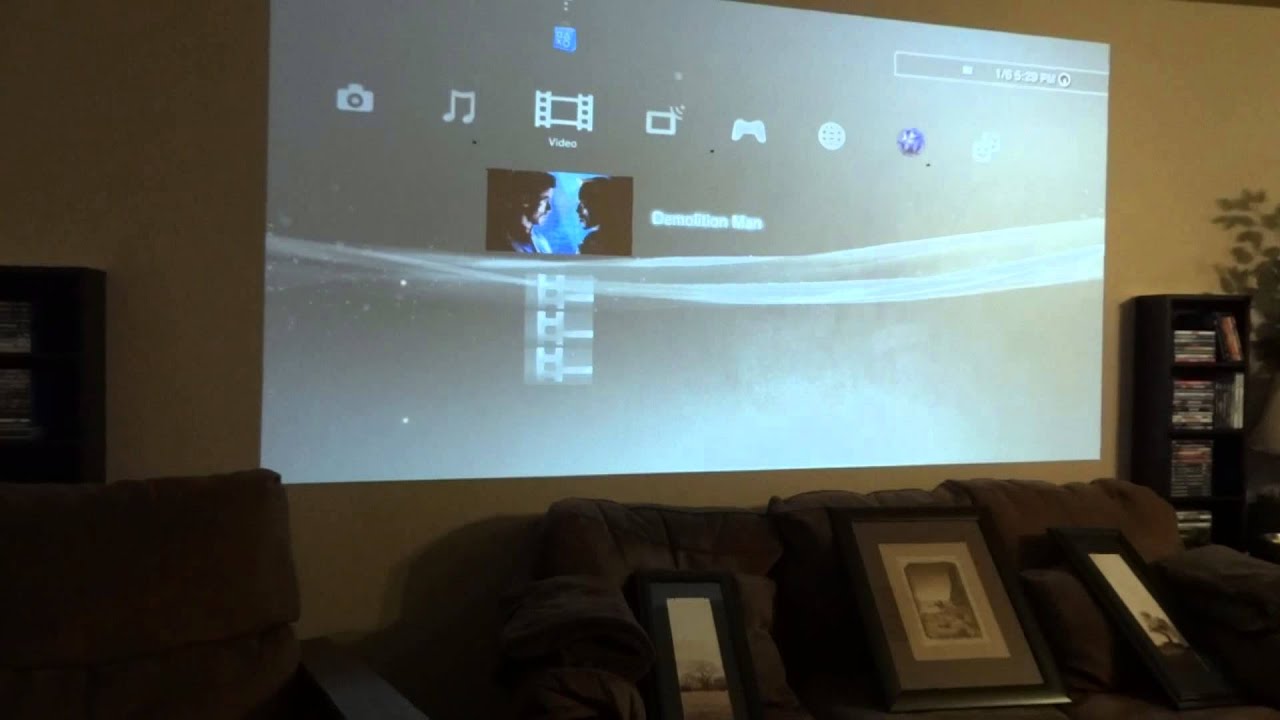
Projector Projecting Onto Wall no Screen YouTube

Web In some cases a projector may not be showing the computer screen because it s using an outdated version of the firmware Updating the projector s firmware can fix this issue To update the firmware you ll need to check the manufacturer s website for instructions

Web When you re in a conference room and need to project connect your PC using one of the cable connectors in the room press the Windows logo key P and then choose one of the four options PC screen only You ll see everything on your PC When you re connected to a wireless projector this option changes to Disconnect
Web Dec 1 2022 nbsp 0183 32 Software Settings How Can I Project My Computer Screen onto a Screen Check for Loose Cables Switch the Display Mode Update Graphics Card and Port Adapter Drivers Turn on the PC s Video Output Check Your Connection Hardware Check If the Projector s Standby Mode is On FAQs Why is My Projector Not Displaying My Laptop

Web Projector Display Problems How to Fix If there s no signal from the display of your projector you can do the most basic of troubleshooting tips Check if the computer or projector is turned on Check if the HDMI or VGA connection from your computer to your projector is properly connected
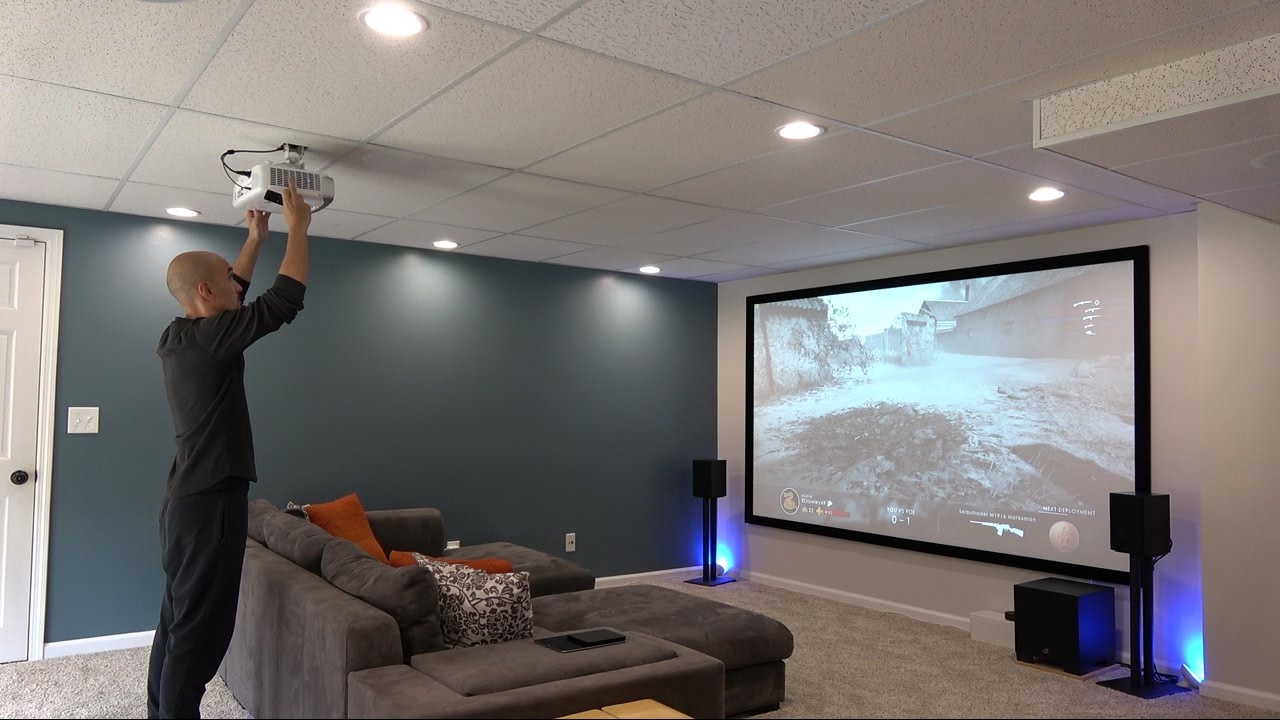
Web Why Is The Projector Not Displaying How To Fix It If your projector is not showing the computer screen there may be six reasons The broken lamp Wrong display mode Improper data connection Projector problems Operating system settings Software settings Broken Bulb Projector headlight Digital projectors utilize light to produce an image
[desc-11] [desc-12]
[desc-13]