Project Schedule In Excel Project Schedule Template XLS Project Management Excel Templates Dynamic Time Schedule In MS Excel Project Construction Schedule In MS Project Schedule Template Excel Projectemplates Project Schedule Template Excel Project Schedule Templates Word Construction Project Schedule Template Select all values in the Start Date column and then insert a stacked bar chart following these steps Click on the Insert tab at the top left corner of your screen Click the chart icon Select the stacked bar chart 4 Select Data for Your Excel Project Timeline Gantt Chart
Need to show status for a simple project schedule with a Gantt chart Though Excel doesn t have a predefined Gantt chart type you can simulate one by customizing a stacked bar chart to show the start and finish dates of tasks like this To create a Gantt chart like the one in our example that shows task progress in days In this tutorial we covered the key steps for creating a project schedule in Excel including setting up the project timeline entering tasks and deadlines and adding dependencies and milestones By following these steps you can effectively manage your project timeline and keep track of progress
Construction Project Schedule Template Project Planner Template Free Project Planning Tools Excel Wearetwink Excel Project Plan Template With Dependencies Database Project Schedule Template Excel Projectemplates Construction Schedule Template 3 New Construction Schedules Using Excel Overview YouTube Project Schedule Excel Template Commercial Construction Schedule Template Planner Template Free Riset
Project Schedule In Excel
 Project Schedule In Excel
http://xlstemplates.com/wp-content/uploads/2017/10/Project-schedule-template-XLS.jpg
Dec 12 2023 Project Resource Management How to Create a Project Schedule An Excel Free Guide Looking to create a project schedule but don t know where to start Here s a step by step guide Creating a project schedule can easily get out of hand when using a spreadsheet
Pre-crafted templates provide a time-saving option for developing a diverse variety of documents and files. These pre-designed formats and designs can be used for different personal and professional projects, including resumes, invites, flyers, newsletters, reports, presentations, and more, streamlining the content development process.
Project Schedule In Excel
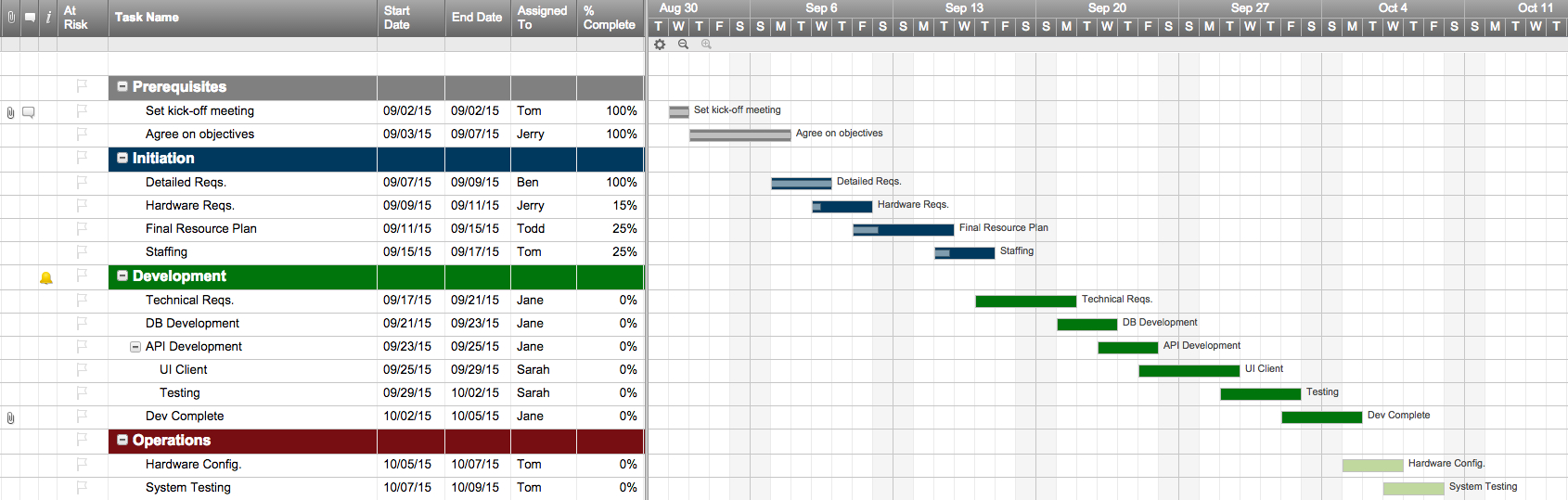
Construction Schedule Spreadsheet Within Top Project Plan Templates For
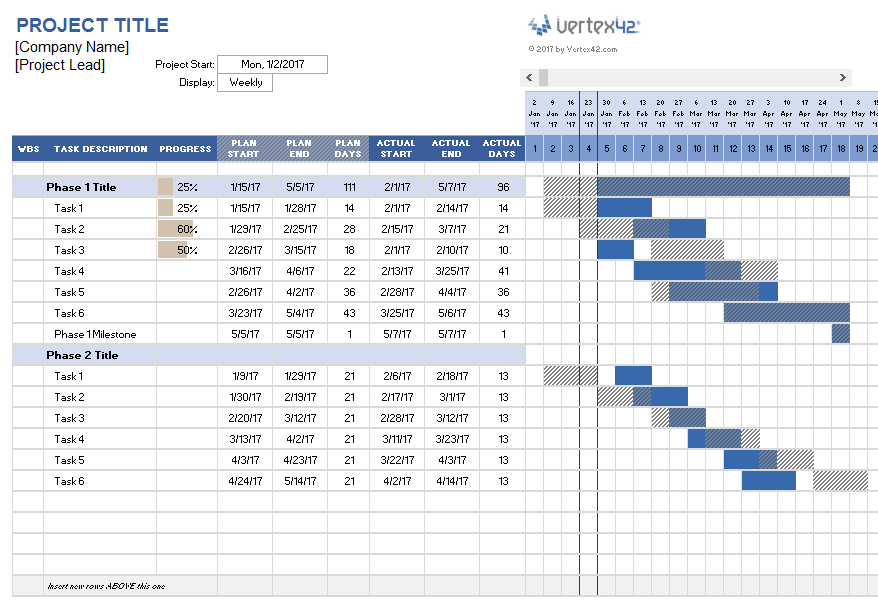
Project Planner Template
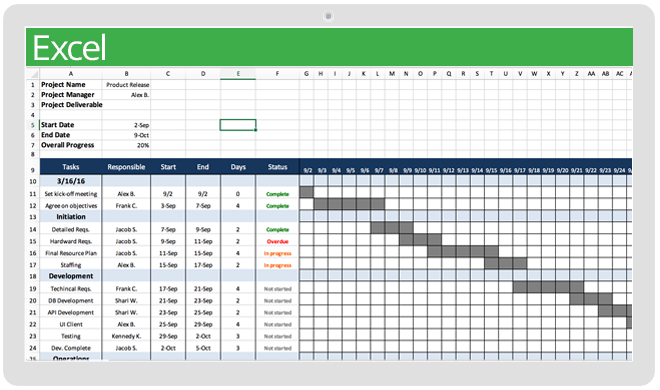
Free Project Planning Tools Excel Wearetwink
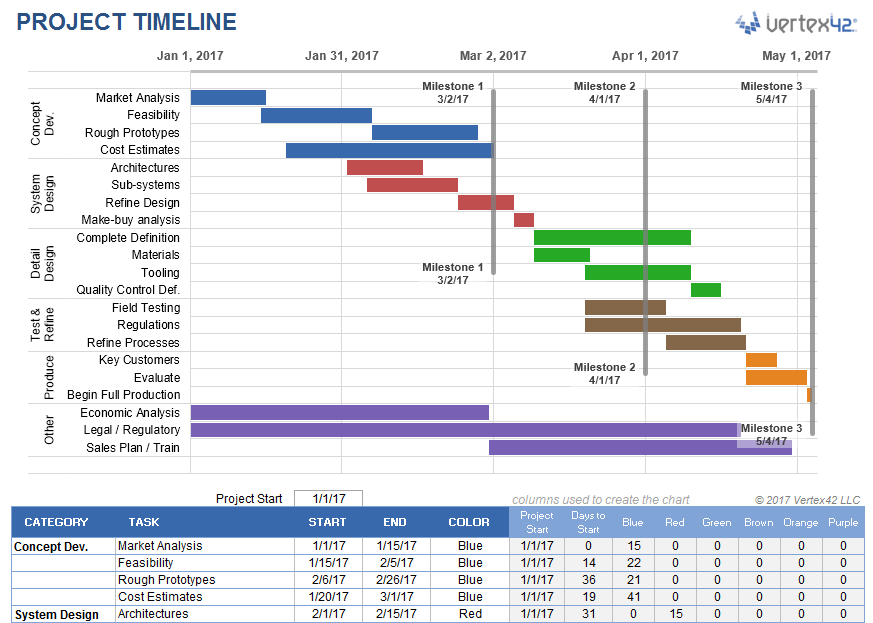
Excel Project Plan Template With Dependencies Database
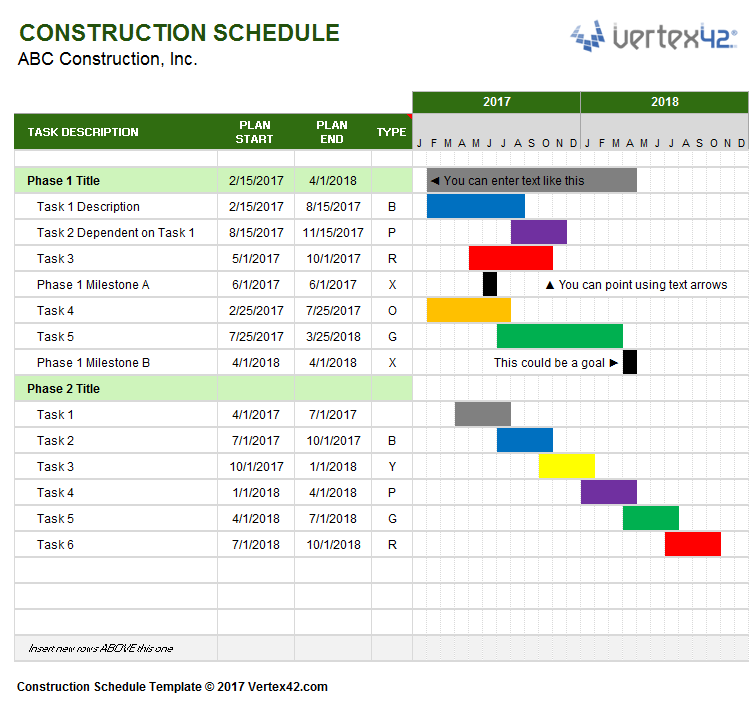
Construction Schedule Template
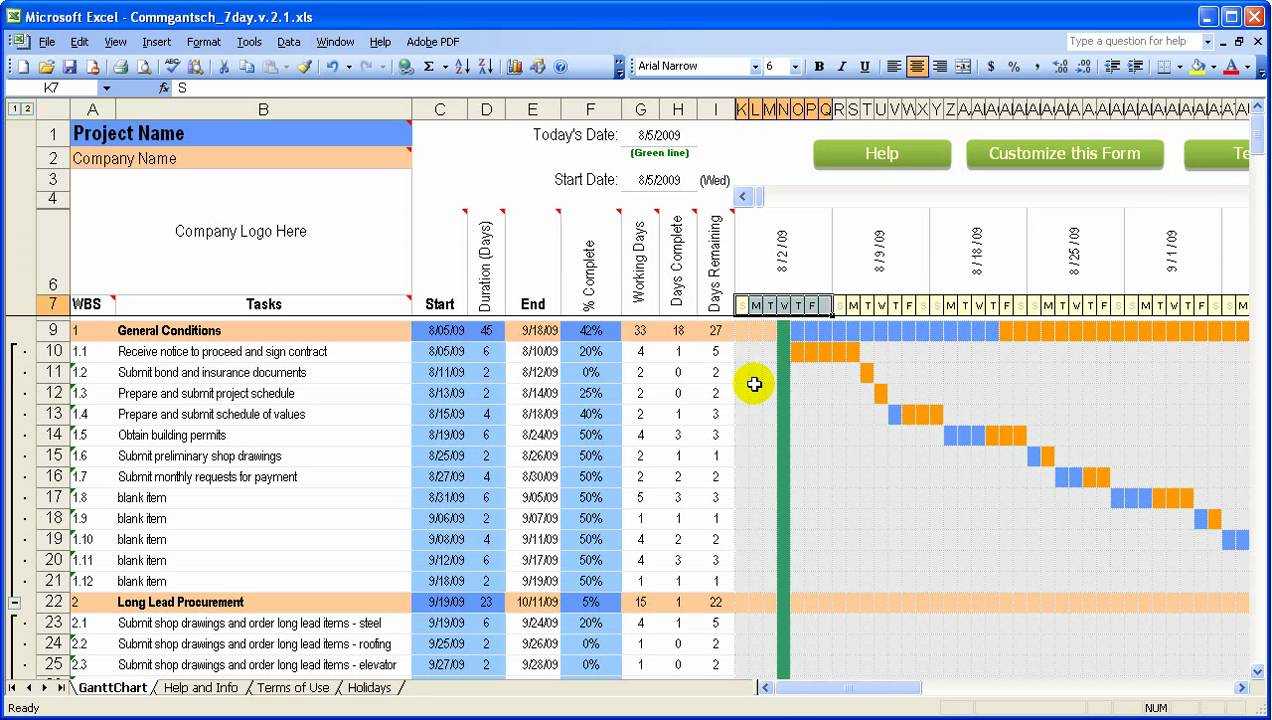
3 New Construction Schedules Using Excel Overview YouTube

Step 1 Recording Project Schedule Details to Create a Project Schedule First you need to record the project details i e tasks start date duration end date status etc as shown in the picture below Step 2 Creating Scheduled Dates Then enter the dates starting from the start date of the first task to the end date of the last task

Microsoft Excel isn t naturally a good project scheduling tool However these free project scheduling templates can help you build a schedule and stick to it Without them you ll have a hard time getting your project off the ground with them you re on your way to a successful project

Microsoft Excel Google Sheets Use this project schedule task template to schedule each project task and ensure that you complete each one successfully For each task set status priority deadline task name assignee description deliverable and percentage complete
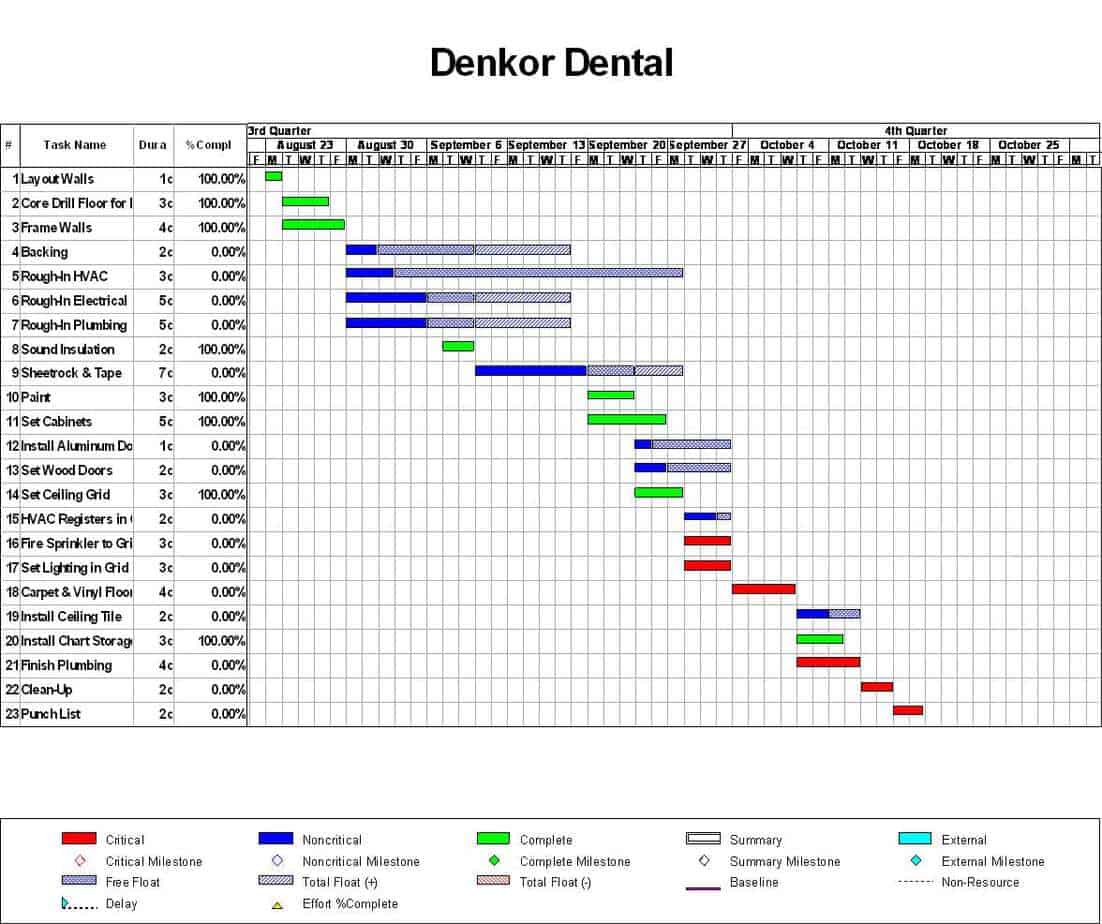
1 Gantt Chart Project Schedule Vertex42 s gantt chart template is a great tool for project scheduling and project tracking The chart is created using conditional formatting and shows the completion status of each task 2 Task List Templates This page provides multiple templates for tracking tasks
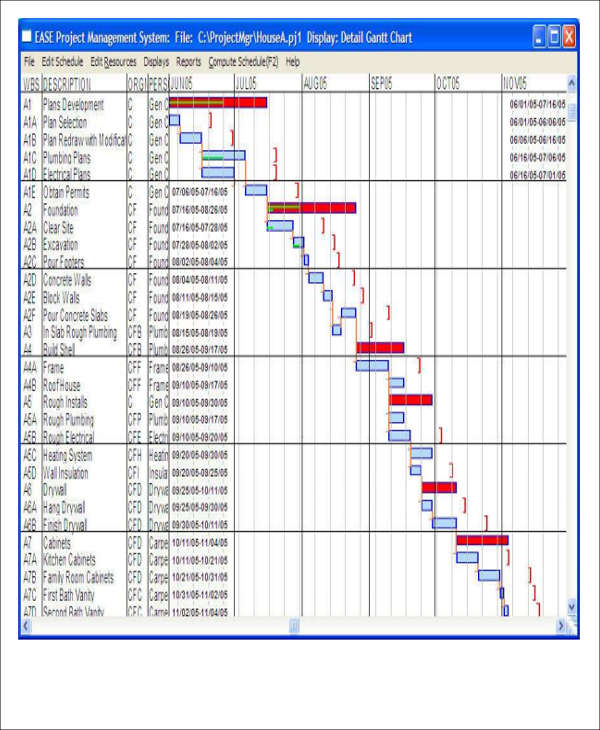
A project plan is key to a successful project Download free project plan templates for Excel to cover all your work needs including Agile planning construction work sales projections training and more
[desc-11] [desc-12]
[desc-13]