Print Screen Button Not Working Windows 10 How To Solve Print Screen Not Working In Windows 10 11 YouTube How To Fix Print Screen Not Working On Windows 10 11 MiniTool Solved How To Fix Print Screen Key Is Not Working In Windows 10 8 7 How To Fix Print Screen Button Not Working In Windows 10 Fixed Print Screen Not Working On Windows 10 SoftwareKeep WEB 1 Use Keyboard Shortcuts There are other ways to take screenshots using a combination of PrtScr buttons Try using Alt PrtScr shortcut instead That will take a screenshot of the currently
WEB Check for Key Damage If you experience any difficulty when pressing the key such as it requires more effort or the key is stuck this is the likely reason You can also use another keyboard or open an on screen WEB This post introduces eight ways to fix the print screen button not working issue Just check it out to capture the screen on Windows with ease
Fixed Print Screen Not Working On Windows 10 SoftwareKeep How To Fix Windows Button Not Working Issues Solved Print Screen Key Not Working Print Screen Problem In Laptop How To Fix Print Screen Not Working In Windows 10 TechPocket 2023 Solved How To Fix Print Screen Button Not Working In Windows 4 Easy Methods Of How To Take A Screenshot On Windows 10 Why Is My Print Screen Button Not Working YouTube 7 Ways To Fix Print Screen Not Working Flipboard How To Print Screen On Windows Selected Area BEST GAMES WALKTHROUGH
Print Screen Button Not Working Windows 10
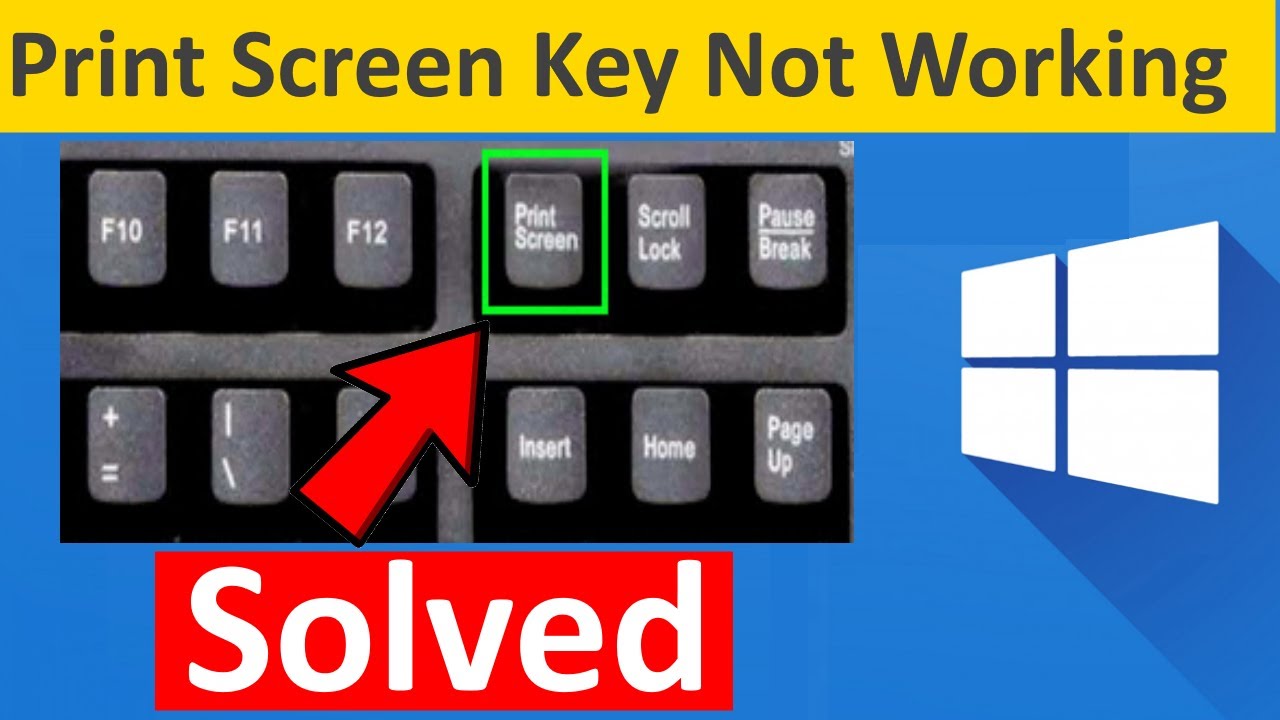 Print Screen Button Not Working Windows 10
https://i.ytimg.com/vi/AeQ07eAcVtM/maxresdefault.jpg
WEB Cannot capture screenshots by pressing the Print Screen button Here you can find how to fix print screen button not working on Windows 10 and 11 Moreover you also can learn
Pre-crafted templates offer a time-saving service for creating a diverse variety of files and files. These pre-designed formats and layouts can be made use of for various personal and professional tasks, including resumes, invitations, leaflets, newsletters, reports, presentations, and more, enhancing the material creation procedure.
Print Screen Button Not Working Windows 10
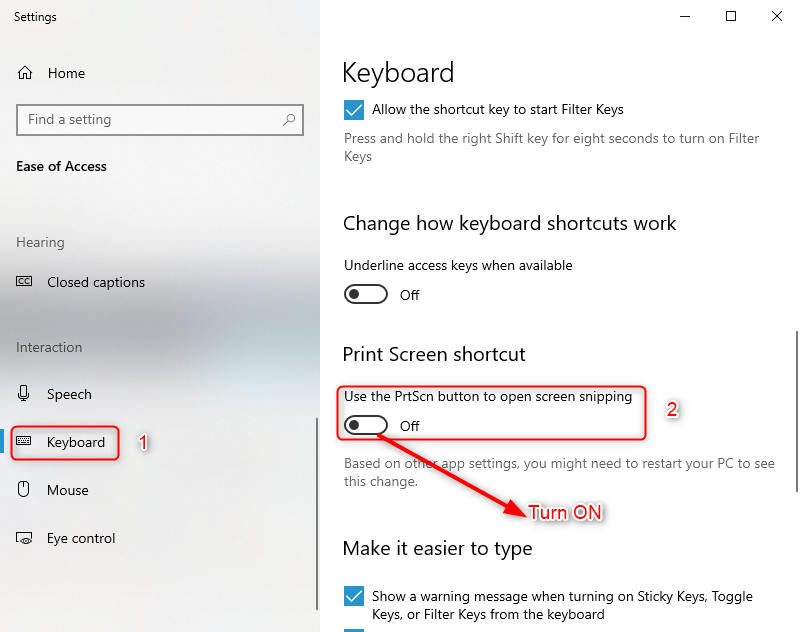
Fixed Print Screen Not Working On Windows 10 SoftwareKeep
How To Fix Windows Button Not Working Issues Solved
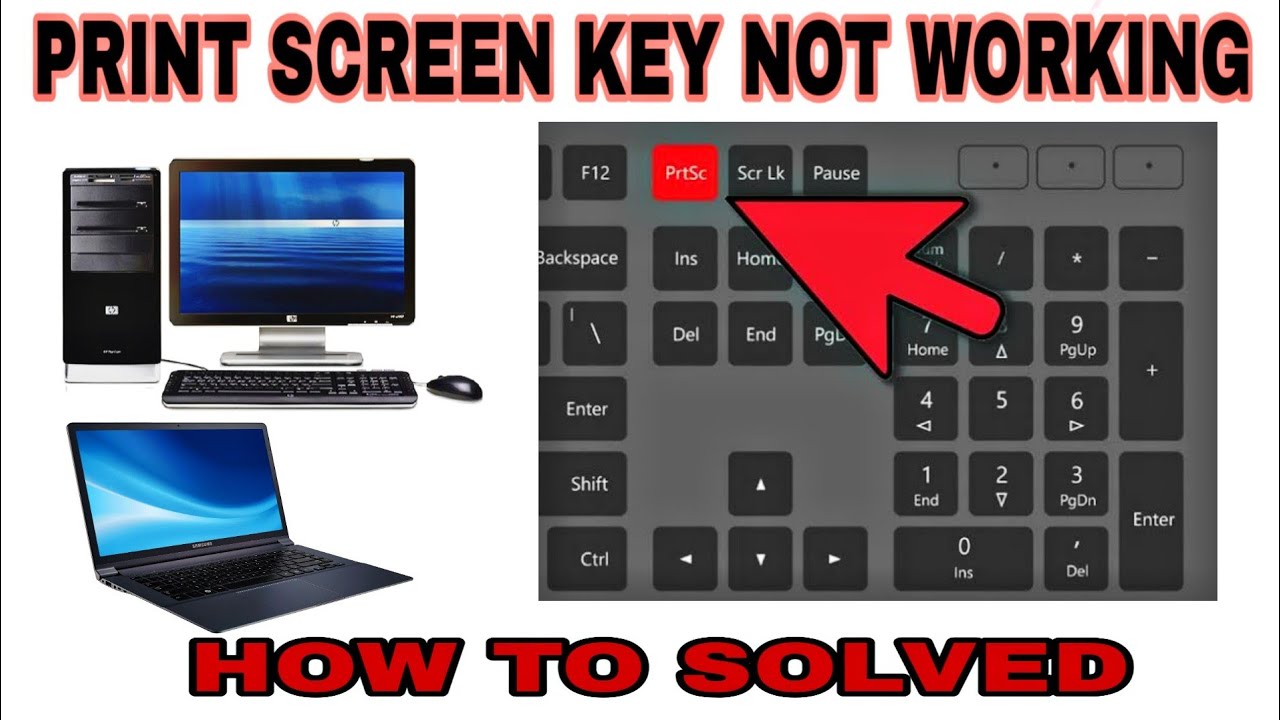
Print Screen Key Not Working Print Screen Problem In Laptop

How To Fix Print Screen Not Working In Windows 10 TechPocket
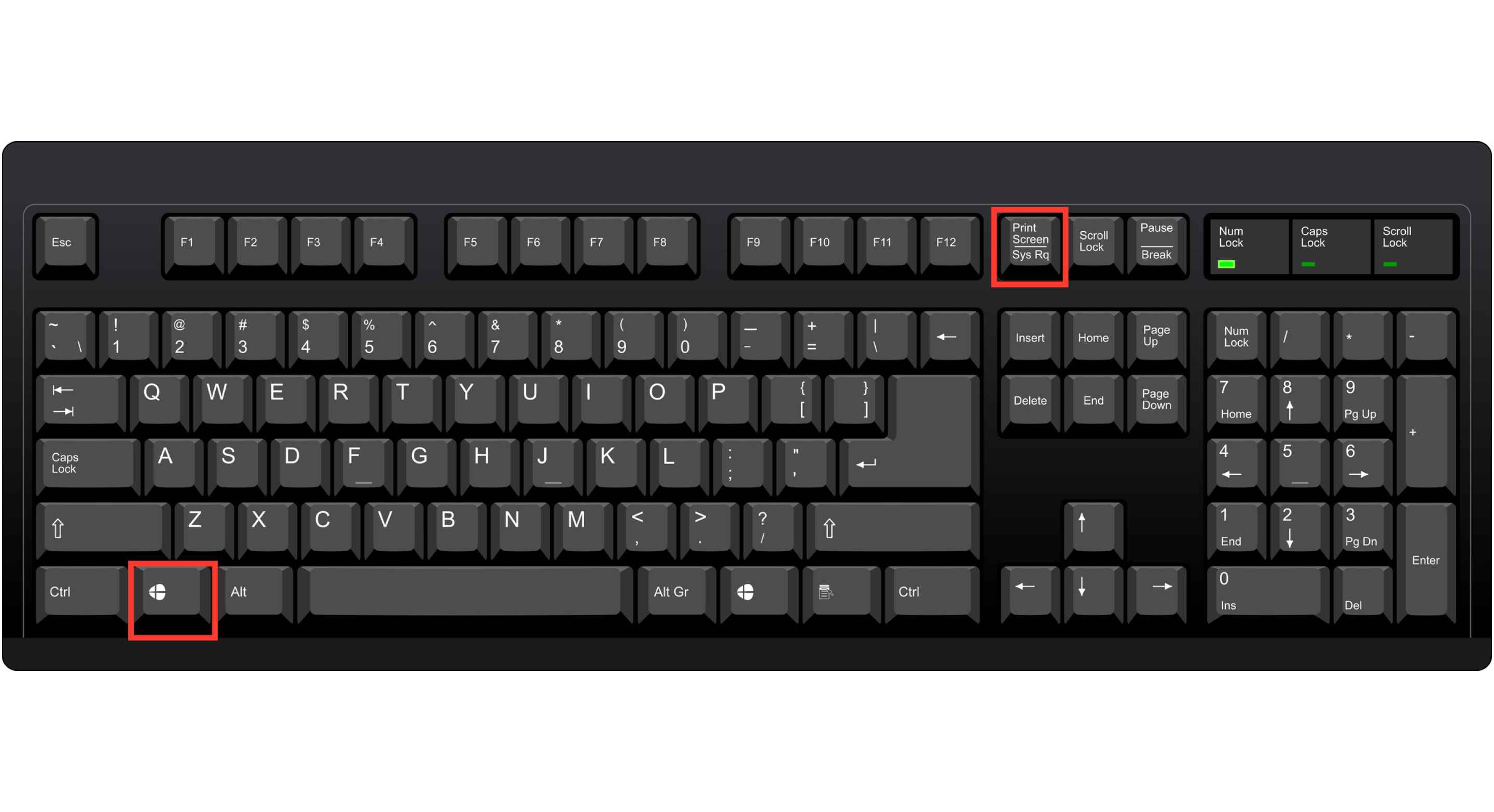
4 Easy Methods Of How To Take A Screenshot On Windows 10

Why Is My Print Screen Button Not Working YouTube

WEB 16 fast and easy fixes for when the Print Screen button stops working on Windows 11 and Windows 10 computers laptops and tablets like a
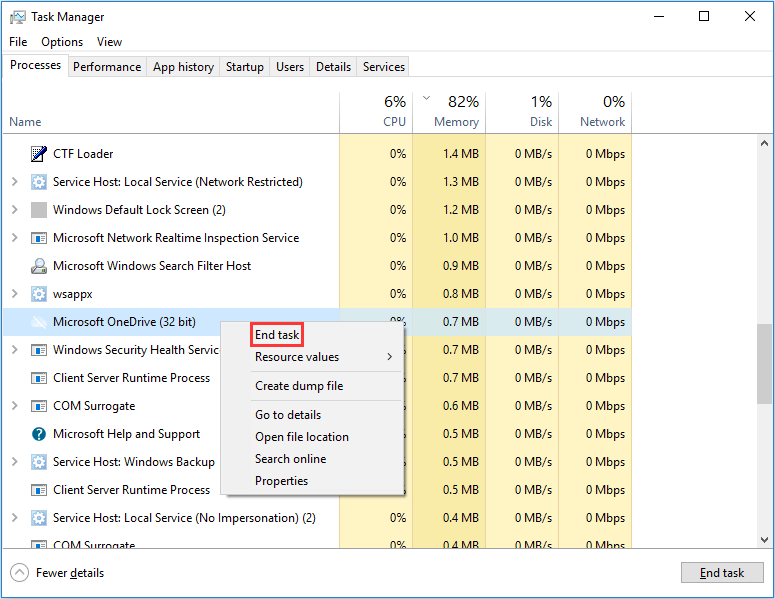
WEB Print Screen Button Not Working Solution 1 Stop Background Programs Solution 2 Make Sure the Print Screen Shortcut Is Enabled Solution 3
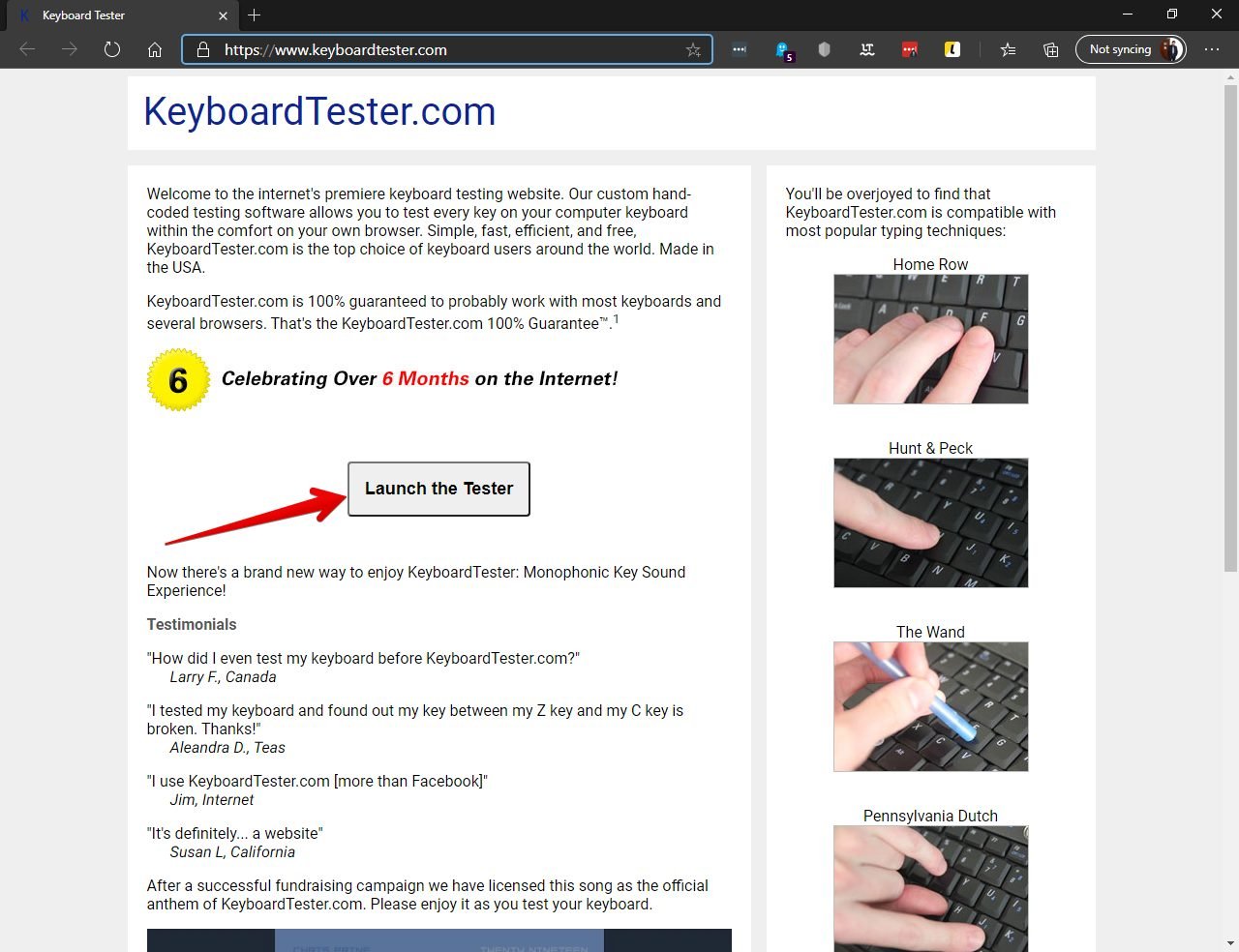
WEB Cannot capture screenshots by pressing the Print Screen button Here you can find how to fix print screen button not working on Windows 10 and 11 Moreover you also can learn an excellent software called EaseUS

WEB Fix Print Screen Not Working in Windows 10 Update your keyboard driver Disable the F Lock or F Mode Configure alternate hotkeys for the Print Screen

WEB The Print Screen PrtScr key is one of the quickest ways to take a screenshot on Windows However if your Print Screen key has suddenly stopped working there are some fixes you can try
WEB How to fix Printscreen not Working in Windows 10 Tweaking device settings updating Windows and using certain built in features are few quick solutions to fix print screen not WEB If pressing the Print screen button doesn t do anything including saving the screen to a cloud app you can set it to launch the Snipping tool Step 1 Press Win S type
WEB Print Screen not working on your PC Follow the solutions in this guide to figure out the problem and make PrtScn function again