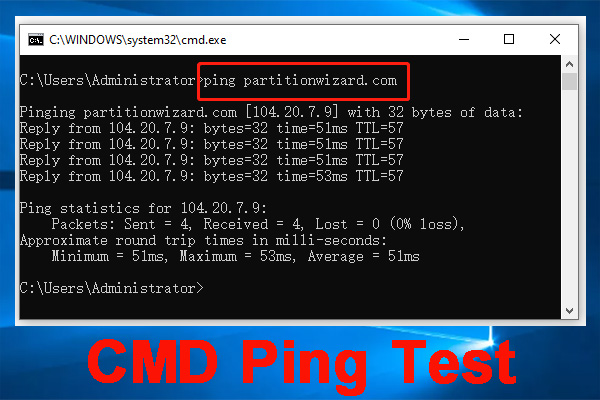
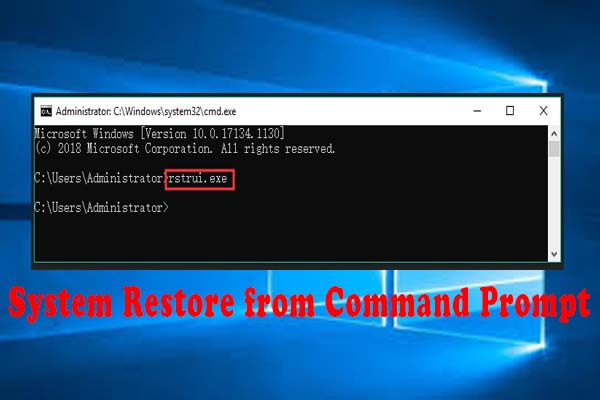
Print From Command Prompt Windows 10 Print From Command Line With FCoder 2Printer Batch Printing Software CMD Ping Test How To Ping From Command Prompt Windows 10 11 Windows 7 Backup Command Line Dusupernal How To Perform A System Restore From Command Prompt Windows 10 7 Windows 11 Upgrade Cmd Get Latest Windows 11 Update Jun 11 2020 nbsp 0183 32 windows print spooler print spooler spoolsv exe
Jan 11 2021 nbsp 0183 32 Is there any way to get the list of attendees that participated in a meeting using Microsoft Team Windows print spooler 216 0xd8
Windows 11 Upgrade Cmd Get Latest Windows 11 Update How To Copy From Command Prompt Windows 10 Kurtzing Open Administrator Command Prompt Windows 10 Jumpvast Msconfig From Command Prompt Windows 10 Lonestarpilot Msconfig From Command Prompt Windows 10 Likossplus Command Prompt What It Is And How To Use It Command Prompt Windows 10 Safe Mode Shadowsenturin How To Open Command Prompt In Windows 10 Szandras23 System Image Recovery From Command Prompt Windows 10 Directbinger
Print From Command Prompt Windows 10
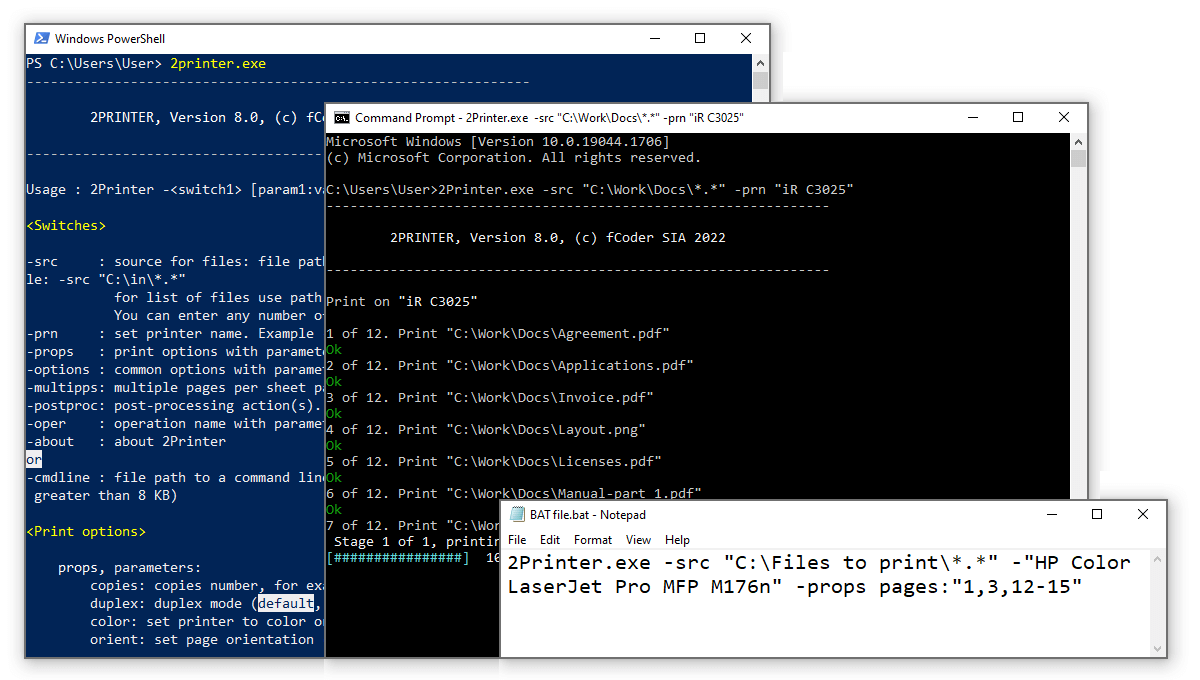 Print From Command Prompt Windows 10
https://www.cmd2printer.com/media/sites/5/2printer-command-line-interfaces-1.png
Aug 10 2018 nbsp 0183 32 print screen
Templates are pre-designed documents or files that can be used for various purposes. They can save effort and time by supplying a ready-made format and design for creating different kinds of material. Templates can be used for individual or expert tasks, such as resumes, invites, flyers, newsletters, reports, discussions, and more.
Print From Command Prompt Windows 10

Backup Files From Command Prompt Windows 10 Poobuild
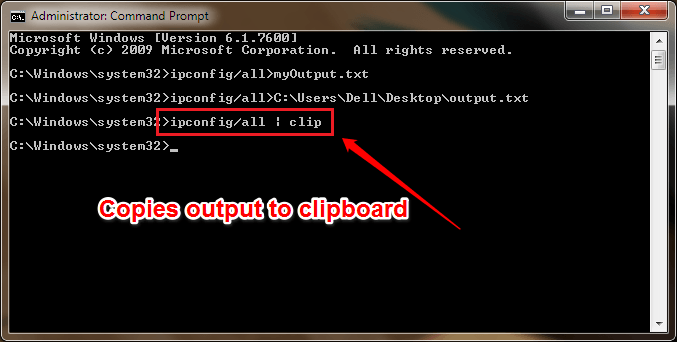
How To Copy From Command Prompt Windows 10 Kurtzing
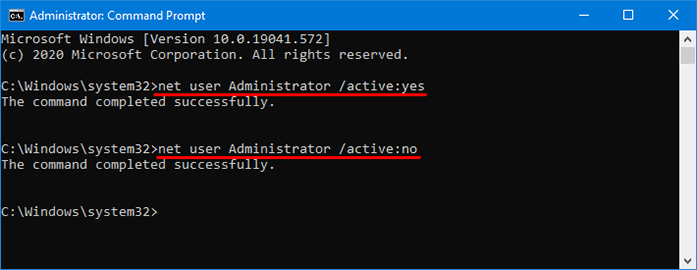
Open Administrator Command Prompt Windows 10 Jumpvast
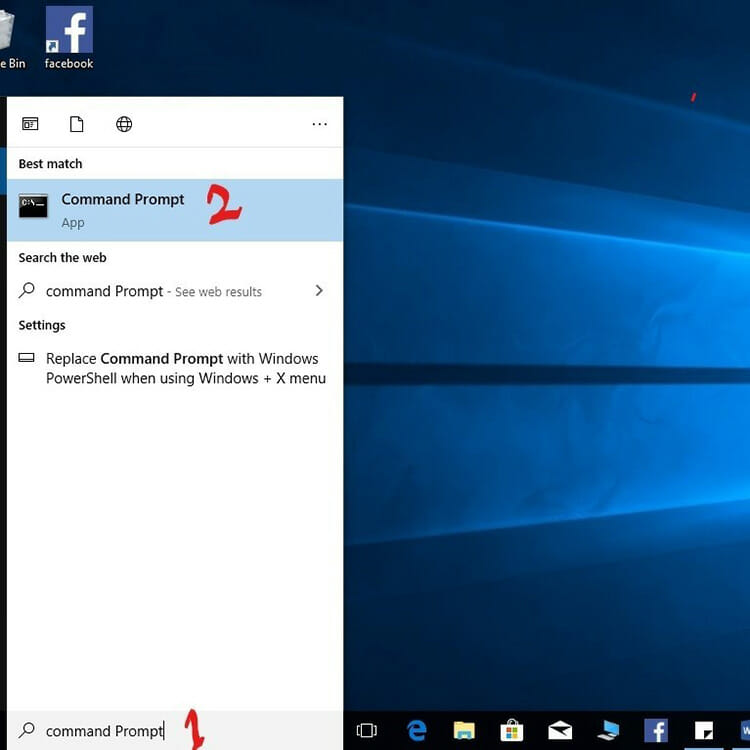
Msconfig From Command Prompt Windows 10 Lonestarpilot

Command Prompt What It Is And How To Use It
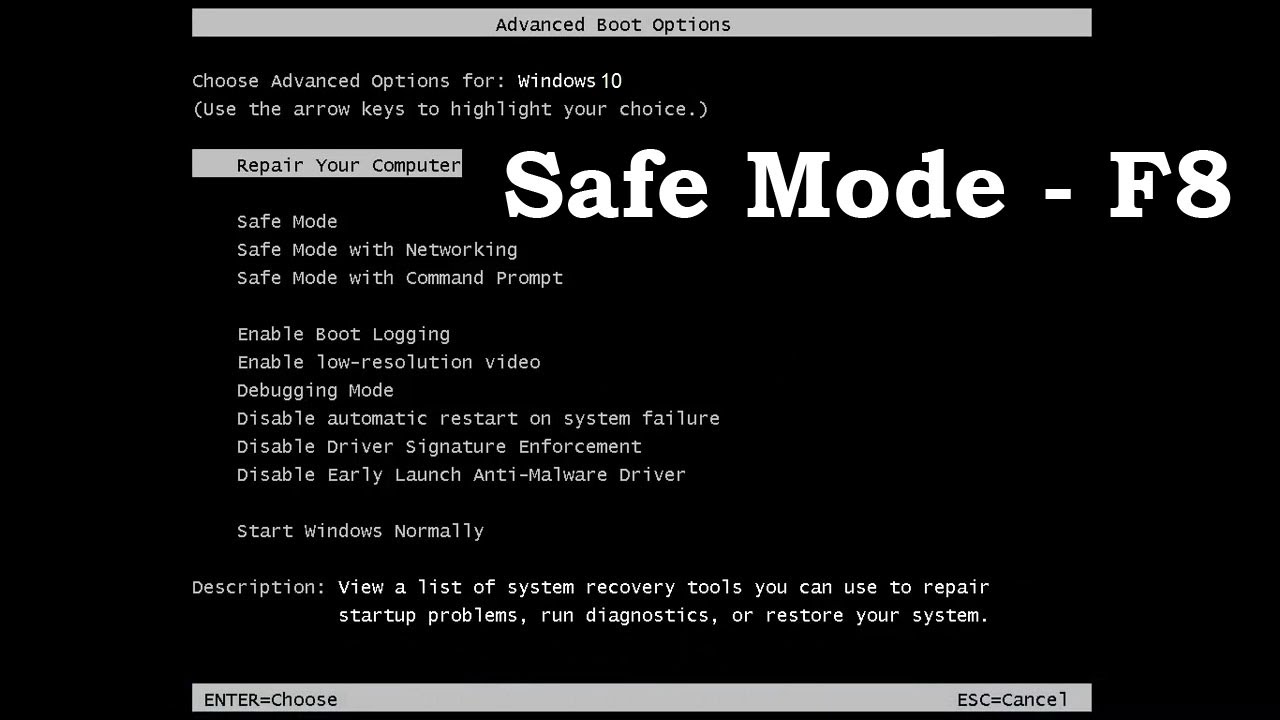
Command Prompt Windows 10 Safe Mode Shadowsenturin
May 3 2016 nbsp 0183 32 In the Backstage Print View expand the Print All Pages drop down and uncheck the quot Print Markup quot item
Nov 28 2019 nbsp 0183 32

Aug 27 2013 nbsp 0183 32 Print Spooler Print Spooler
Sep 22 2017 nbsp 0183 32 Print Spooler
May 23 2025 nbsp 0183 32 I tried opening file options customize ribbon key board function but I don t have a quot keyboard functions quot option or anything similar and as I said ctrl p is still bringing me to the
[desc-11] [desc-12]
[desc-13]