Prevent Excel From Converting Text To Date Csv Excel Prevent Excel From Converting Text To Columns 2 Solutions YouTube Converting A Text File To Excel Spreadsheet How It Works Earn Excel Stop Excel From Converting Text In Cell To Scientific Notation 3 How To Open Two Instances Of Same Workbook Prevent Excel From Instead of double clicking the csv file open it from within Excel This should activate the Text Import Wizard In Step 3 of this wizard you can specify that some columns must be treated as text 0 Likes Reply DataSundowner replied to Hans Vogelaar Aug 24 2022 03 19 PM edited Aug 24 2022 03 19 PM Hans Vogelaar
Csv How do I stop Excel from converting value 0503E000 to 5 03E 02 automatically Super User Excel converting value 0503E000 to 5 03E 02 in any cell automatically in CSV I tried to convert it to text number and general but after i save it and reopen it again it goes back to 5 03E 02 How d Stack Exchange Network 1 I am trying to disable excel to convert normail string like 1 2 to date 1 2 2021 I know there is no default settings to disable this behavior I am wondering whether there is any event to be fired before converting or any automatically way to convert back Any possible way is acceptable
How To Open Two Instances Of Same Workbook Prevent Excel From Excel VBA Advanced Filter With Multiple Criteria In A Range 5 Methods PDF eBook PC 300 Excel Tips DOKUMEN TIPS Converting Text To Date In ETL Domo Community Forum How To Convert Text To Date With Excel Vba 5 Ways Exceldemy Vrogue How To Convert Text To WAV How To Convert To Date Format In Power Bi Printable Forms Free Online 300 Excel Tips PDF Document How To Convert Excel File Into CSV Format YouTube
Prevent Excel From Converting Text To Date Csv
 Prevent Excel From Converting Text To Date Csv
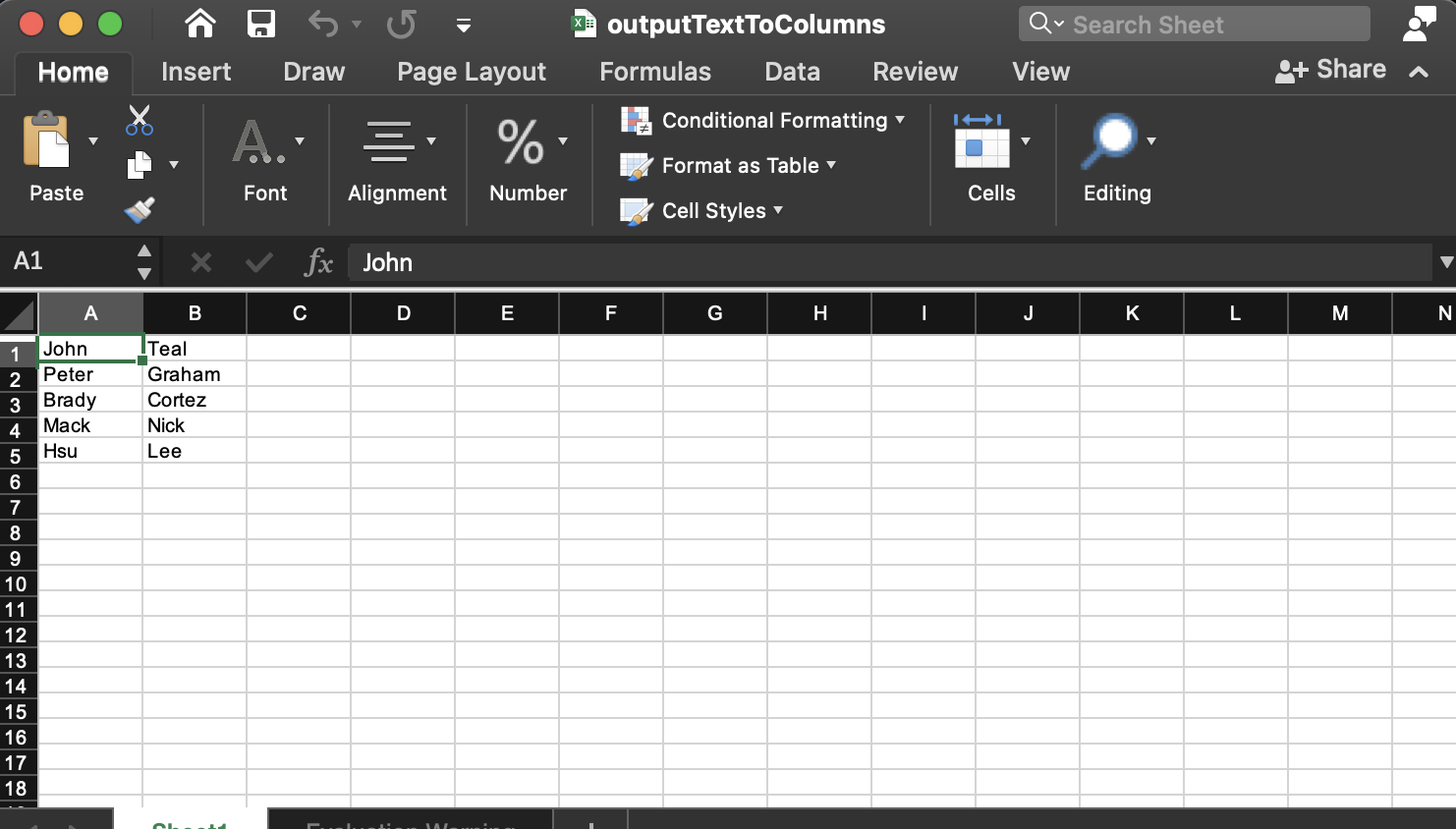
https://blog.conholdate.com/ar/total/converting-text-to-excel-file-in-nodejs/images/convert-text-to-columns.png#center
What Is a CSV File How to Stop Excel from Auto Formatting Dates in CSV 3 Easy Ways 1 Save the CSV File as Text Document to Stop Excel from Auto Formatting Dates 2 Stop Excel from Auto Formatting Dates by Importing the CSV File 3 Format the CSV File to Stop Excel from Auto Formatting Dates Things to Remember Conclusion Related Articles
Templates are pre-designed files or files that can be utilized for various functions. They can save time and effort by supplying a ready-made format and layout for creating different kinds of content. Templates can be utilized for personal or professional projects, such as resumes, invitations, leaflets, newsletters, reports, presentations, and more.
Prevent Excel From Converting Text To Date Csv

How To Convert Incorrect Textual Date Formats Into Correct Dates

Excel VBA Advanced Filter With Multiple Criteria In A Range 5 Methods

PDF eBook PC 300 Excel Tips DOKUMEN TIPS

Converting Text To Date In ETL Domo Community Forum

How To Convert Text To WAV
How To Convert To Date Format In Power Bi Printable Forms Free Online

A User Created on March 9 2021 Stop text converting to a date when saving as a CSV for upload into ERP system Hello community I need to enter text data into a csv file to be uploaded into an ERP The data represents products that need to be associated with a Product Line in our system

1 Create the following CSV file username points phil 1 october51 5 2 Open the file in Microsoft Excel 2010 Note There is a row with the username october51 I would like Excel to retain this value instead of converting it to some other value Sample CSV file opened in a text editor

1 On OSX in Excel select Excel from the top menu select Preferences selected Edit select Preserve display of dates entered with four digit years On Windows From Windows Start menu click Control Panel Double click the Regional and Language Options icon or folder

If you only have a few numbers to enter you can stop Excel from changing them into dates by entering A space before you enter a number The space remains in the cell after you press Enter See Notes An apostrophe before you enter a number such as 11 53 or 1 47 The apostrophe isn t displayed in the cell after you press Enter

May 19 2021 11 01 AM Excel changes custom format to a date when saving as a csv File How to get itnto stop Excel xlsx keeps converting a custom date mm dd yyyy to the following format mm dd yyyy when saving as a csv file How do I get it to stop or how can I get this format added to the list of date formats Labels Excel 27 9K Views 0 Likes
Click the File tab Choose Options or choose More and then Options Click Data in the left pane Originally the settings were in the Advanced section the Data section makes better sense and The only way to stop Excel from changing these numbers or text string into dates is by clearing letting it know that these are not numbers Let s see how to do this Change the format to text The easiest way to make sure Excel understands that it s not supposed to change a number to date is by specifying the format of the cell as Text
4 I have a tsv file with some fields being ranges like 1 4 I want to read these fields as they are textually written However upon file opening excel converts automatically those range fields to dates For instance 1 4 is converted to 4 Jan