Powershell Logon Script Gpo Not Running Windows 10 Volume And Mute Not Beeing Saved In A XenApp Or VDI Session The Running PowerShell Startup Logon Script Using GPO Ranjan info Running PowerShell Startup Logon Scripts Using GPO Windows Server 2016 AD GPO Logon Script Does Not Run Logon Script Through GPO In Windows Server 2003 Repair Immediately Jan 22 2024 nbsp 0183 32 Steam PowerShell irm steam work iex
Sep 23 2020 nbsp 0183 32 Enable quot Windows Subsystem for Linux quot WSL in PowerShell 1 Open an elevated PowerShell 2 Copy and paste the command below into the elevated PowerShell and press Oct 2 2020 nbsp 0183 32 5 Brink I suggest to make one modification to point 12 in the tutorial I can think of a situation where the admin account used to run Powershell has some apps already
Logon Script Through GPO In Windows Server 2003 Repair Immediately Powershell Logon Script GPO Not Running Win 7 3 Solutions YouTube Logon Script Does Not Start On Server 2012 R2 Active Directory FAQ Liliana Gomes MGT O Encontro Online Performance Footprint Of PowerShell Logon Scripts LaptrinhX Nzbget Not Running Windows 10 Angeltyred Contoh Proposal Pengajuan Pembangunan Jembatan Free File Otosection GPO PowerShell Logon Script Requires ExecutionPolicy Changes How To Handle Pinned Start Menu Apps In Windows 10 Xenit
Powershell Logon Script Gpo Not Running Windows 10
 Powershell Logon Script Gpo Not Running Windows 10
http://kolbi.cz/blog/wp-content/uploads/2015/05/gpo_logon_script1.jpg
Apr 27 2021 nbsp 0183 32 To Remove quot Microsoft Print to PDF quot Printer in PowerShell If you want to restore the quot Microsoft Print to PDF quot printer again after using this option you will need to disable and then
Pre-crafted templates offer a time-saving solution for producing a varied range of files and files. These pre-designed formats and designs can be made use of for different individual and professional projects, consisting of resumes, invites, flyers, newsletters, reports, presentations, and more, streamlining the content creation process.
Powershell Logon Script Gpo Not Running Windows 10

Ejecuci n De Scripts De Inicio inicio De Sesi n De PowerShell

Powershell Logon Script GPO Not Running Win 7 3 Solutions YouTube
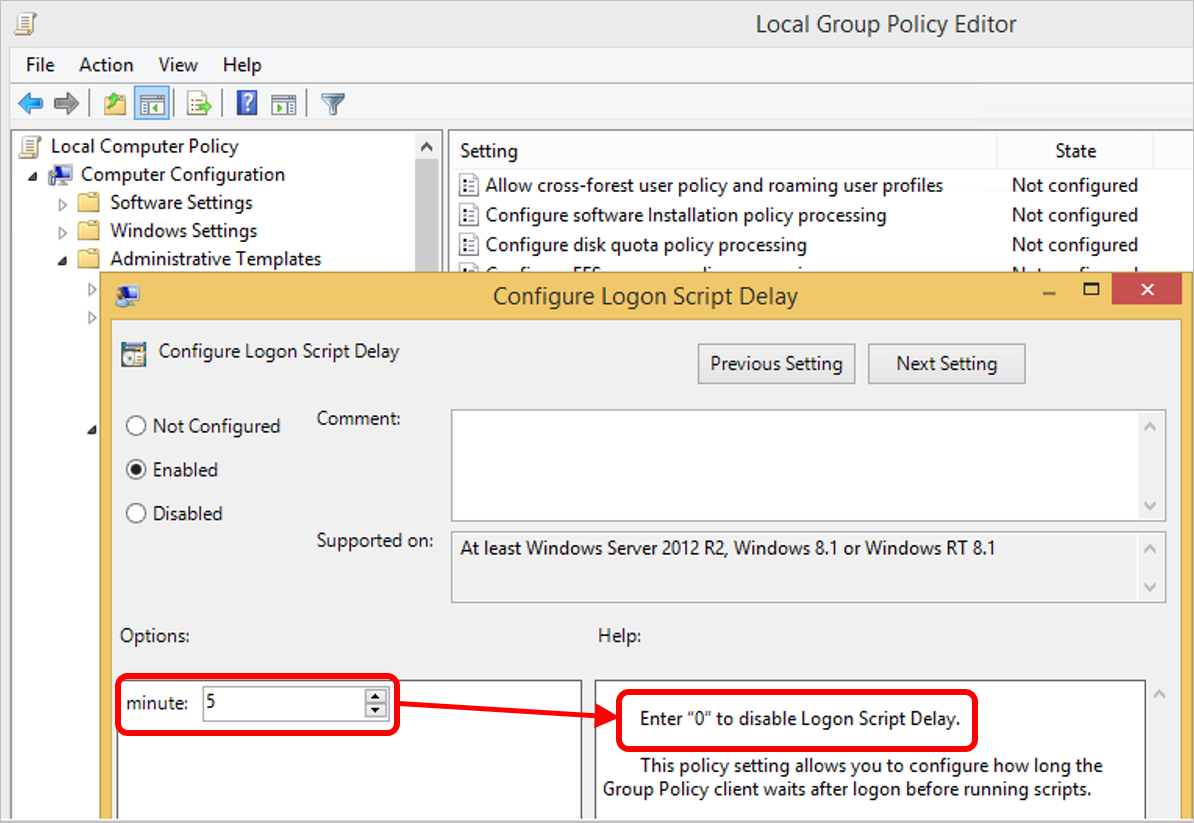
Logon Script Does Not Start On Server 2012 R2 Active Directory FAQ

Liliana Gomes MGT O Encontro Online
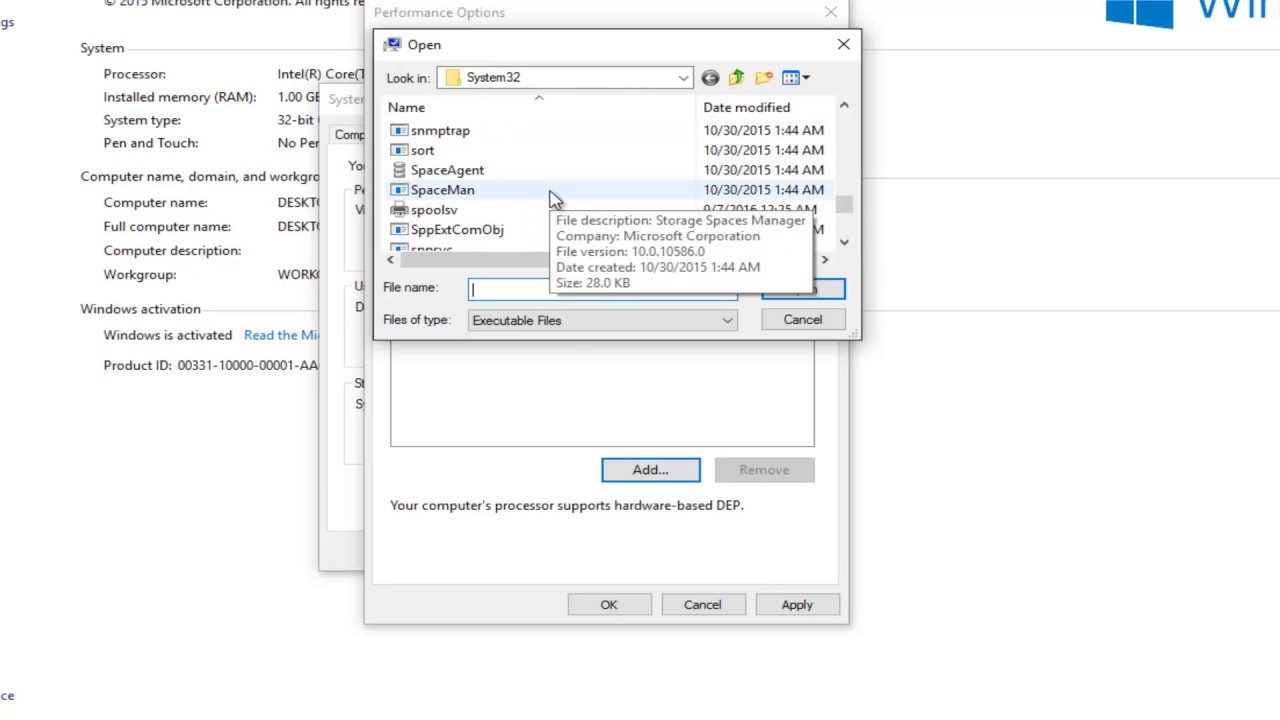
Nzbget Not Running Windows 10 Angeltyred

Contoh Proposal Pengajuan Pembangunan Jembatan Free File Otosection
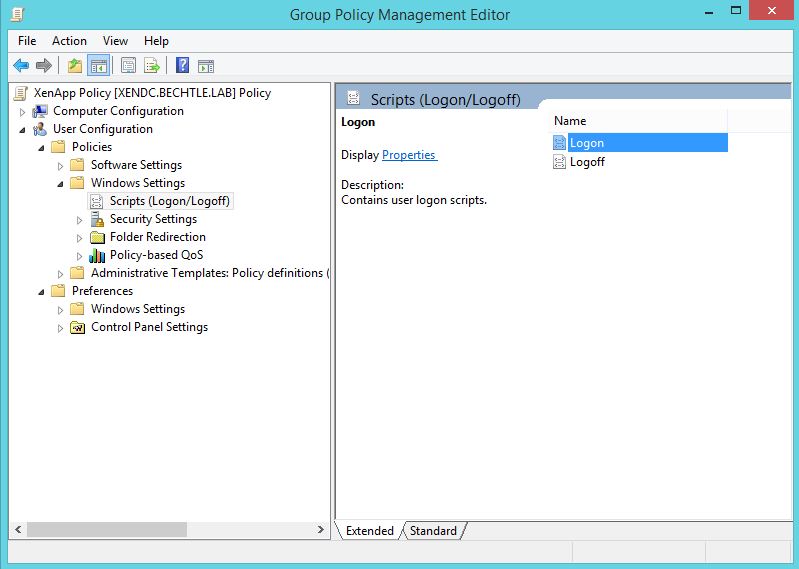
May 4 2023 nbsp 0183 32 How to Install PowerShell 7 0 in Windows 7 Windows 8 and Windows 10 Microsoft has announced the Generally Available GA release of PowerShell 7 0 on March 4 2020

Dec 6 2019 nbsp 0183 32 How to Install or Uninstall Windows PowerShell ISE in Windows 10 The Windows PowerShell Integrated Scripting Environment ISE is a host application for Windows

Nov 7 2017 nbsp 0183 32 One of many PowerShell security features is that you can t run a script simply by double clicking it s icon on desktop or in a folder Doing so will by default open script in
Aug 20 2022 nbsp 0183 32 Check What Graphics Card or GPU is in PC in PowerShell 1 Open a PowerShell 3 Copy and paste either command below into PowerShell and press Enter see screenshots

Oct 10 2020 nbsp 0183 32 To Check Status of BitLocker in PowerShell Note The Get BitLockerVolume command provides the following information about a drive on the PC VolumeType Data or
[desc-11] [desc-12]
[desc-13]