Powershell List All Odbc Drivers Developing Drivers Windows Driver Foundation Pdf PowerShell Adding Records To The Hosts File New Versions Of All Devart ODBC Drivers Are Already Released Even More Robust Features In Updated Devart ODBC Drivers To Tap Into New Versions Of All Devart ODBC Drivers Are Already Released DEV Oct 10 2020 nbsp 0183 32 To Check Status of BitLocker in PowerShell Note The Get BitLockerVolume command provides the following information about a drive on the PC VolumeType Data or
Dec 6 2019 nbsp 0183 32 How to Install or Uninstall Windows PowerShell ISE in Windows 10 The Windows PowerShell Integrated Scripting Environment ISE is a host application for Windows Sep 28 2019 nbsp 0183 32 How to Backup and Import Device Drivers in Windows 10 Using PowerShell Device drivers are very much essential to ensure a smooth functioning of any OS To backup
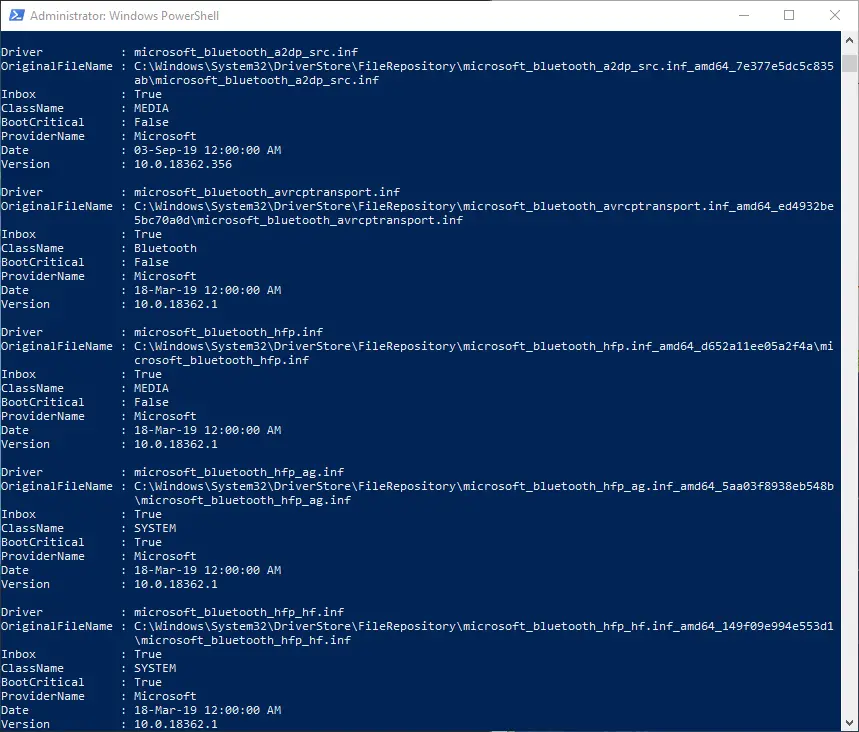
New Versions Of All Devart ODBC Drivers Are Already Released DEV How To List All Installed Drivers In Windows PowerShell CMD How To Import Data To Excel Using ODBC How To Import Data To Excel Using ODBC Download And Install Progress DataDirect ODBC Driver Connect To Slack From Asprova With CData ODBC Driver For Slack How To Change From Tabbed Document Mode BTAB Development Osx Odbc Manager Lokasinmuscle How To Set A Trusted Location BTAB Development
Powershell List All Odbc Drivers
 Powershell List All Odbc Drivers
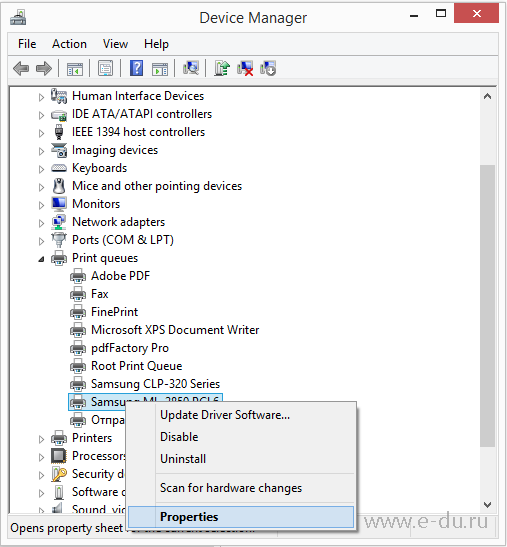
http://3.bp.blogspot.com/-XPnk6KOF82s/VcTwzhBffiI/AAAAAAAALG8/nQYXyNKc5vA/s1600/2-device-manager-printer.png
Sep 23 2020 nbsp 0183 32 Enable quot Windows Subsystem for Linux quot WSL in PowerShell 1 Open an elevated PowerShell 2 Copy and paste the command below into the elevated PowerShell and press
Templates are pre-designed files or files that can be utilized for numerous purposes. They can conserve time and effort by offering a ready-made format and layout for producing different type of content. Templates can be utilized for individual or expert projects, such as resumes, invitations, leaflets, newsletters, reports, discussions, and more.
Powershell List All Odbc Drivers

Powershell List All Azure AD Groups Ending With reader Stack Overflow
How To List All Installed Drivers In Windows PowerShell CMD

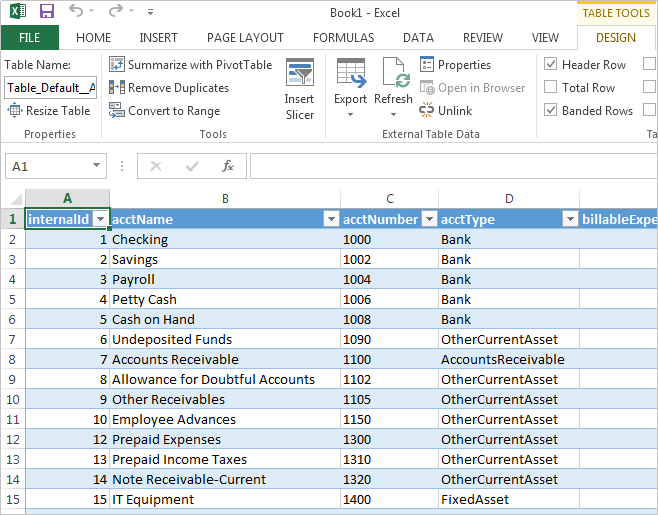
How To Import Data To Excel Using ODBC
How To Import Data To Excel Using ODBC

Connect To Slack From Asprova With CData ODBC Driver For Slack

How To Change From Tabbed Document Mode BTAB Development

Nov 7 2019 nbsp 0183 32 How to Enable or Disable Windows PowerShell 2 0 in Windows 10 Windows PowerShell is a task based command line shell and scripting language designed especially for
May 4 2023 nbsp 0183 32 How to Install PowerShell 7 0 in Windows 7 Windows 8 and Windows 10 Microsoft has announced the Generally Available GA release of PowerShell 7 0 on March 4 2020
Aug 11 2023 nbsp 0183 32 To Turn On or Off Windows Media Player in PowerShell 1 Open an elevated PowerShell 2 Copy and paste the command below you want to use into the elevated

Nov 7 2017 nbsp 0183 32 One of many PowerShell security features is that you can t run a script simply by double clicking it s icon on desktop or in a folder Doing so will by default open script in

Aug 20 2022 nbsp 0183 32 Check What Graphics Card or GPU is in PC in PowerShell 1 Open a PowerShell 3 Copy and paste either command below into PowerShell and press Enter see screenshots
[desc-11] [desc-12]
[desc-13]