Powershell Ise Command Line Exploring Functions And Parameters Using The PowerShell ISE Command Add Getting Started With Windows 10 PowerShell V5 0 Preview Max Trinidad Easily Display PowerShell Console Colors Exploring Functions And Parameters Using The PowerShell ISE Command Add Playing With PowerShell ISE Preview Scripting Blog archived Oct 10 2020 nbsp 0183 32 To Check Status of BitLocker in PowerShell Note The Get BitLockerVolume command provides the following information about a drive on the PC VolumeType Data or
Aug 20 2022 nbsp 0183 32 Check What Graphics Card or GPU is in PC in PowerShell 1 Open a PowerShell 3 Copy and paste either command below into PowerShell and press Enter see screenshots Mar 8 2022 nbsp 0183 32 Is it possible to scan all wifi networks with powershell I tried this but it doesn t work it only shows current connections Only works when I click bottom right on wifi connection and
Playing With PowerShell ISE Preview Scripting Blog archived Desire To Install Windows PowerShell On Windows 8 Techyv EXECUTING COMMANDS ON WINDOWS POWERSHELL ISE Aware Group Powershell Install Appx Via Command Line Lab Core The Lab Of Mrnettek Command Prompt Vs PowerShell What Are The Differences Fix Type 20 Windows PowerShell Commands You Must Know Hongkiat What Is Windows PowerShell ISE Integrated Scripting Environment How To Save PowerShell Scripts In Notepad What Is Mark Down PowerShell ISE Javatpoint
Powershell Ise Command Line
 Powershell Ise Command Line
https://i2.wp.com/wahlnetwork.com/wp-content/uploads/2016/05/posh-ise-command-example.jpg?fit=973%2C791
Sep 28 2019 nbsp 0183 32 How to Backup and Import Device Drivers in Windows 10 Using PowerShell Device drivers are very much essential to ensure a smooth functioning of any OS To backup
Templates are pre-designed files or files that can be utilized for various purposes. They can save time and effort by providing a ready-made format and layout for creating various type of content. Templates can be utilized for individual or professional projects, such as resumes, invites, flyers, newsletters, reports, presentations, and more.
Powershell Ise Command Line
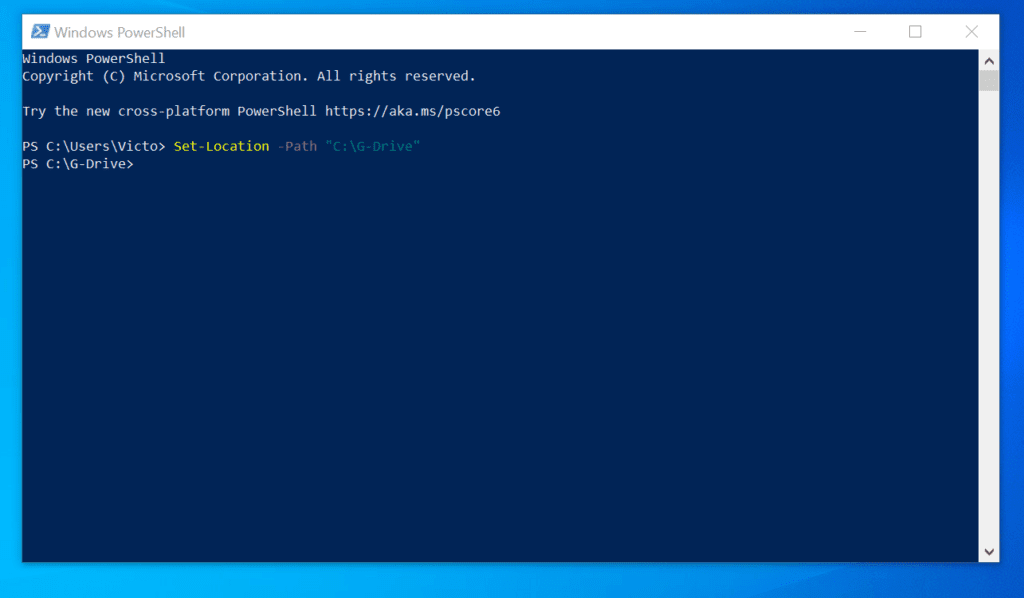
Change Directory In PowerShell 11 Examples Itechguides
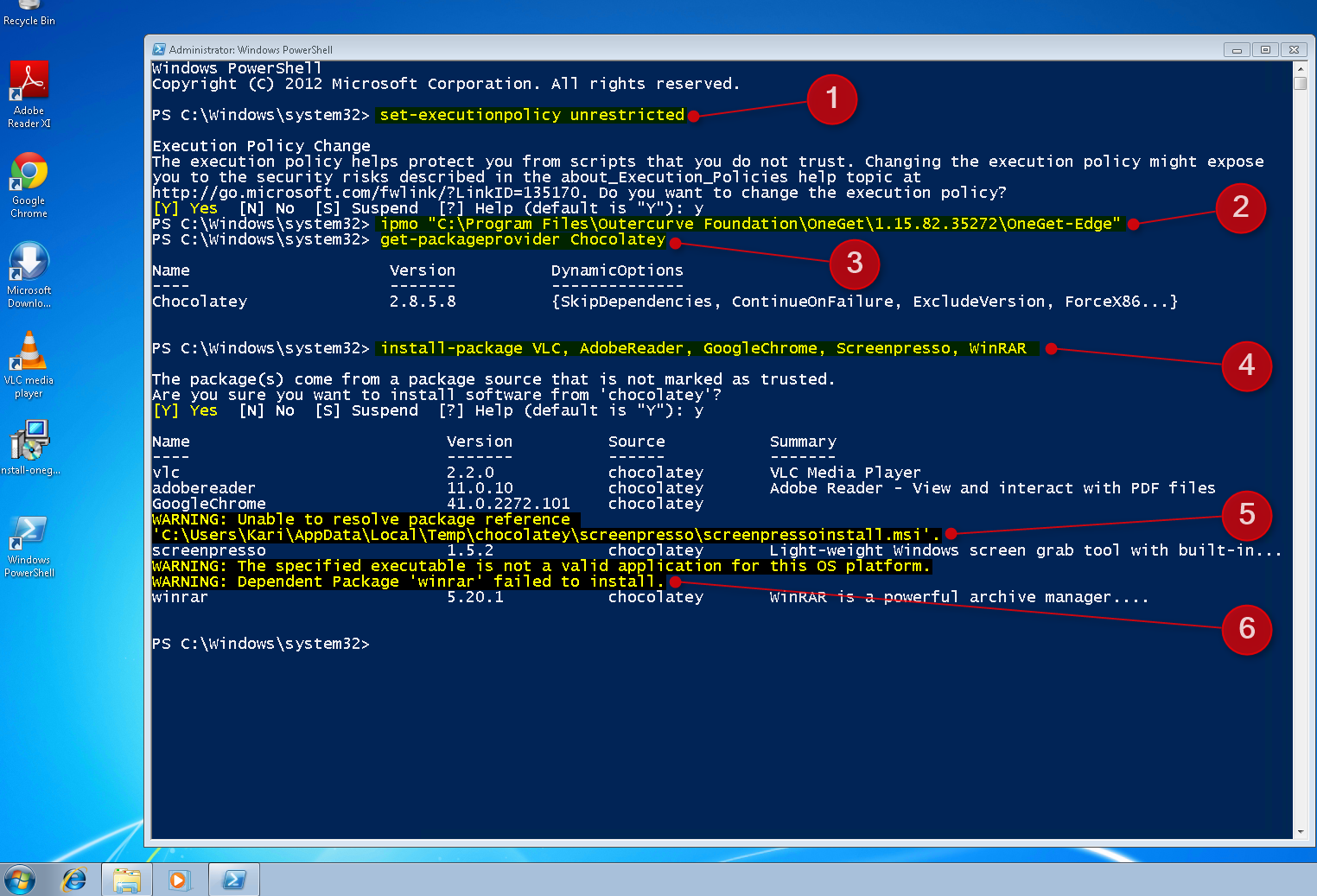
Desire To Install Windows PowerShell On Windows 8 Techyv

EXECUTING COMMANDS ON WINDOWS POWERSHELL ISE Aware Group
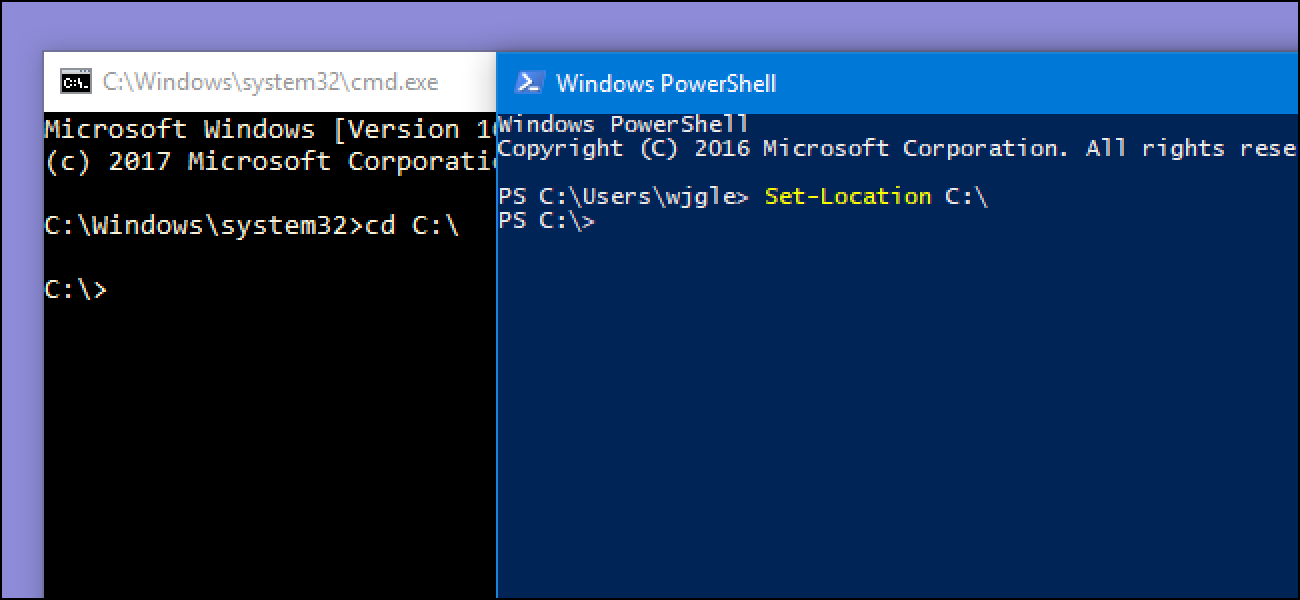
Powershell Install Appx Via Command Line Lab Core The Lab Of Mrnettek
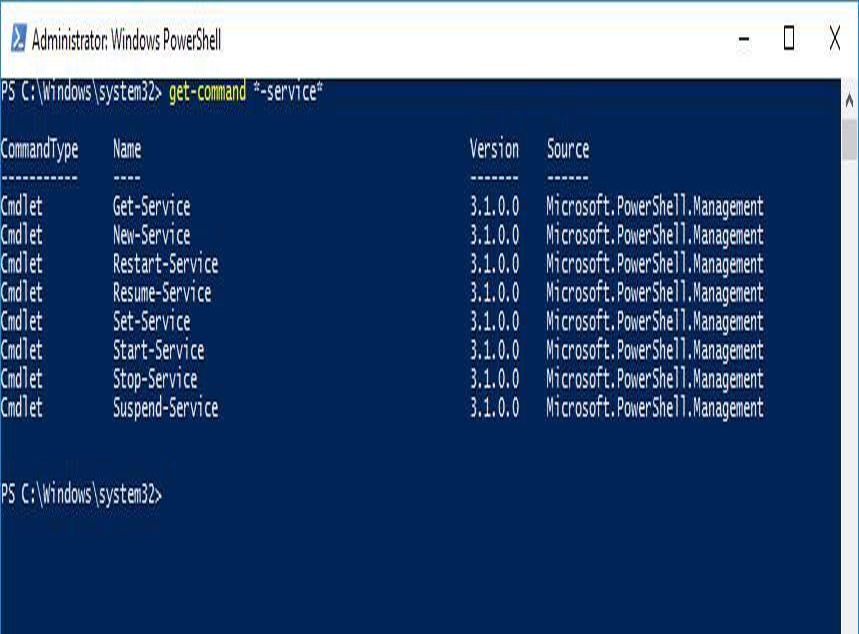
20 Windows PowerShell Commands You Must Know Hongkiat

What Is Windows PowerShell ISE Integrated Scripting Environment

Jul 29 2022 nbsp 0183 32 How to See Full Details about a Windows 10 ISO file B Type the command below you want to use into the elevated PowerShell press Enter and go to step 8 below see

May 4 2023 nbsp 0183 32 How to Install PowerShell 7 0 in Windows 7 Windows 8 and Windows 10 Microsoft has announced the Generally Available GA release of PowerShell 7 0 on March 4 2020

Nov 7 2017 nbsp 0183 32 One of many PowerShell security features is that you can t run a script simply by double clicking it s icon on desktop or in a folder Doing so will by default open script in

Dec 6 2019 nbsp 0183 32 How to Install or Uninstall Windows PowerShell ISE in Windows 10 The Windows PowerShell Integrated Scripting Environment ISE is a host application for Windows

Aug 11 2023 nbsp 0183 32 To Turn On or Off Windows Media Player in PowerShell 1 Open an elevated PowerShell 2 Copy and paste the command below you want to use into the elevated
[desc-11] [desc-12]
[desc-13]