Powershell Install Windows 10 Photo App Windows PowerShell Scripting Crash Course 4 Free Dr Erdal Ozkaya The Logo For Windows Powershell On A Dark Background With Blue Swirls Reinstall Windows 10 Photos App For All Users Using PowerShell DISM How To Create PowerShell Scripts On Windows 10 And Windows 11 With Use Powershell To Install Software Wikiaitk Oct 10 2020 nbsp 0183 32 To Check Status of BitLocker in PowerShell Note The Get BitLockerVolume command provides the following information about a drive on the PC VolumeType Data or
Dec 6 2019 nbsp 0183 32 How to Install or Uninstall Windows PowerShell ISE in Windows 10 The Windows PowerShell Integrated Scripting Environment ISE is a host application for Windows Sep 28 2019 nbsp 0183 32 How to Backup and Import Device Drivers in Windows 10 Using PowerShell Device drivers are very much essential to ensure a smooth functioning of any OS To backup
Use Powershell To Install Software Wikiaitk Windows PowerShell Download For Free GetWinPCSoft Install Windows 10 On VMware Workstation 16 On Windows 11 How To Download And Install PowerShell 7 In Windows 10 YouTube How To Install And Update PowerShell 7 Thomas Maurer How To Install PowerShell 7 On Windows 10 On ARM Thomas Maurer PowerShell 7 Preview Install And Upgrade Posts By Andrii Enterinit How To Install And Update PowerShell Version 7 On Windows And Linux Install Windows 10 Virtio Drivers Sanew
Powershell Install Windows 10 Photo App
 Powershell Install Windows 10 Photo App
https://www.erdalozkaya.com/wp-content/uploads/2011/11/Windows-PowerShell.png
Mar 8 2022 nbsp 0183 32 Is it possible to scan all wifi networks with powershell I tried this but it doesn t work it only shows current connections Only works when I click bottom right on wifi connection and
Pre-crafted templates use a time-saving service for producing a diverse variety of files and files. These pre-designed formats and layouts can be utilized for various personal and expert tasks, consisting of resumes, invites, flyers, newsletters, reports, discussions, and more, enhancing the material creation procedure.
Powershell Install Windows 10 Photo App
3 Clever PowerShell Functions After Upgrading To Windows 10
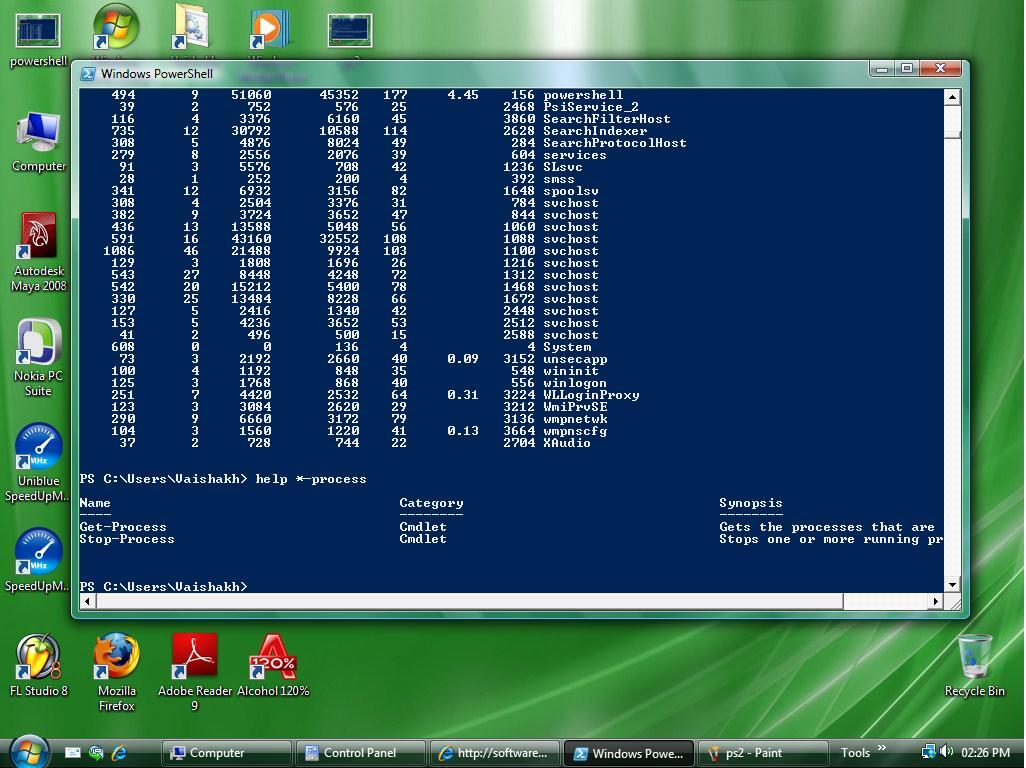
Windows PowerShell Download For Free GetWinPCSoft

Install Windows 10 On VMware Workstation 16 On Windows 11

How To Download And Install PowerShell 7 In Windows 10 YouTube
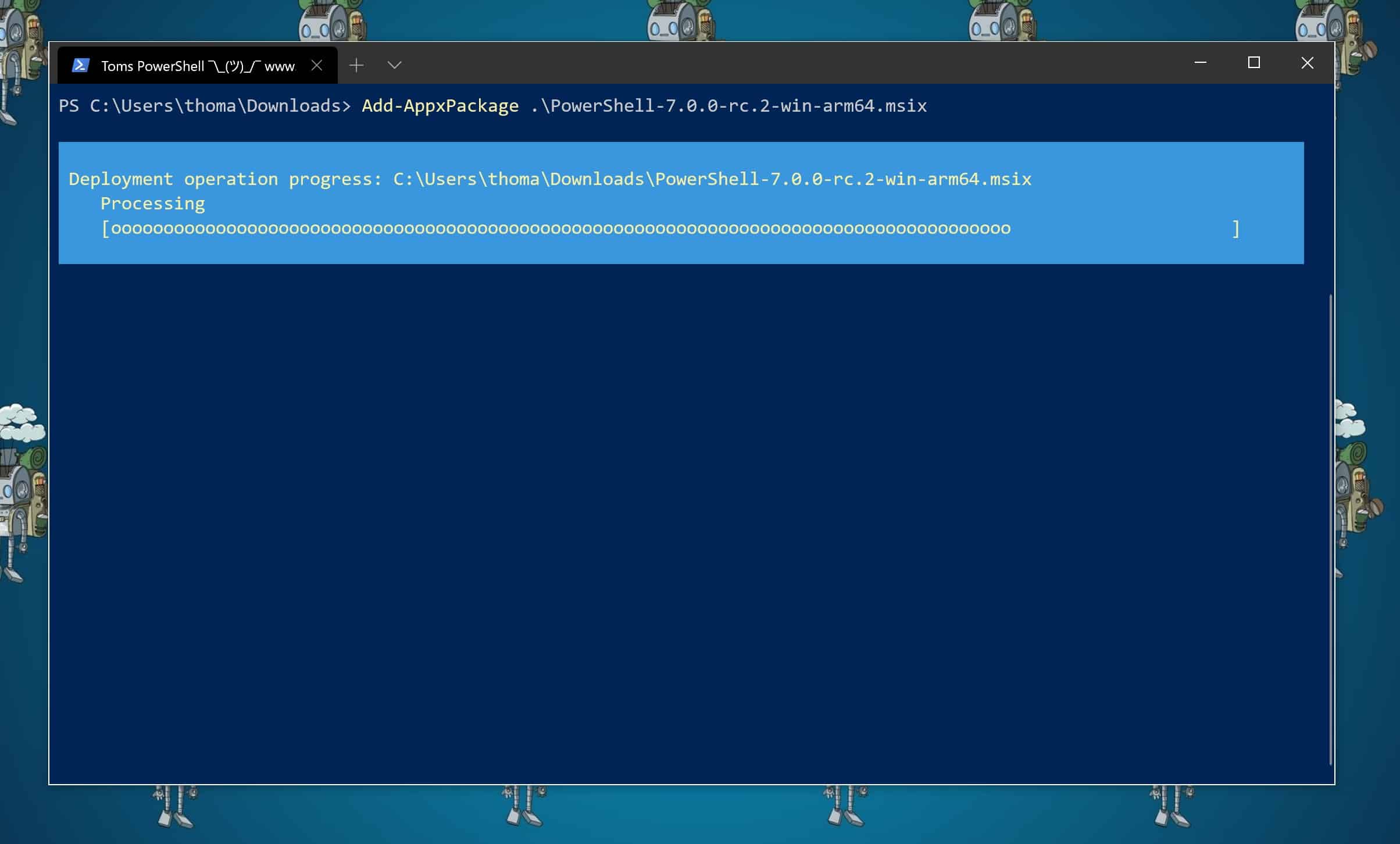
How To Install PowerShell 7 On Windows 10 On ARM Thomas Maurer

PowerShell 7 Preview Install And Upgrade Posts By Andrii Enterinit

Nov 7 2019 nbsp 0183 32 How to Enable or Disable Windows PowerShell 2 0 in Windows 10 Windows PowerShell is a task based command line shell and scripting language designed especially for

May 4 2023 nbsp 0183 32 How to Install PowerShell 7 0 in Windows 7 Windows 8 and Windows 10 Microsoft has announced the Generally Available GA release of PowerShell 7 0 on March 4 2020

Aug 11 2023 nbsp 0183 32 To Turn On or Off Windows Media Player in PowerShell 1 Open an elevated PowerShell 2 Copy and paste the command below you want to use into the elevated

Nov 7 2017 nbsp 0183 32 One of many PowerShell security features is that you can t run a script simply by double clicking it s icon on desktop or in a folder Doing so will by default open script in

Aug 20 2022 nbsp 0183 32 Check What Graphics Card or GPU is in PC in PowerShell 1 Open a PowerShell 3 Copy and paste either command below into PowerShell and press Enter see screenshots
[desc-11] [desc-12]
[desc-13]