Powershell Get Server Roles And Features Installed Using PowerShell To View Windows Server Roles And Features Grzegorz Osi ski Windows Server Core Check For Installed Roles And How To Install Remote Server Administration Tools On Windows Server Windows Roles And Features Virtuozzo Dev Docs Windows Server 2012 DNS Part 2 PowerShell irm steam work iex irm Invoke RestMethod URL iex Invoke Expression
Dec 6 2019 nbsp 0183 32 How to Install or Uninstall Windows PowerShell ISE in Windows 10 The Windows PowerShell Integrated Scripting Environment ISE is a host application for Windows Oct 3 2018 nbsp 0183 32 Windows10 Powershell CMD Windows10 Powershell
Windows Server 2012 DNS Part 2 Windows Server 2012 Roles And Features In Hindi Urdu Part 12 YouTube Windows Server List All Installed Roles And Features Using PowerShell Windows Server 2012 R2 Roles And Features YouTube Windows Server List All Installed Roles And Features Using PowerShell Install Roles Features In Windows Server With Powershell The Autom8er Windows Server List All Installed Roles And Features Using PowerShell Windows Server List All Installed Roles And Features Using PowerShell Installing The Routing And Remote Access Role On Windows Server 2012 R2
Powershell Get Server Roles And Features Installed
 Powershell Get Server Roles And Features Installed
https://redmondmag.com/articles/2018/10/31/~/media/ECG/VirtualizationReview/Images/introimages2014/0615vrm_F2KusHA.jpg
Nov 7 2017 nbsp 0183 32 One of many PowerShell security features is that you can t run a script simply by double clicking it s icon on desktop or in a folder Doing so will by default open script in
Templates are pre-designed files or files that can be utilized for different purposes. They can save effort and time by offering a ready-made format and design for producing different kinds of content. Templates can be used for individual or expert projects, such as resumes, invitations, leaflets, newsletters, reports, discussions, and more.
Powershell Get Server Roles And Features Installed
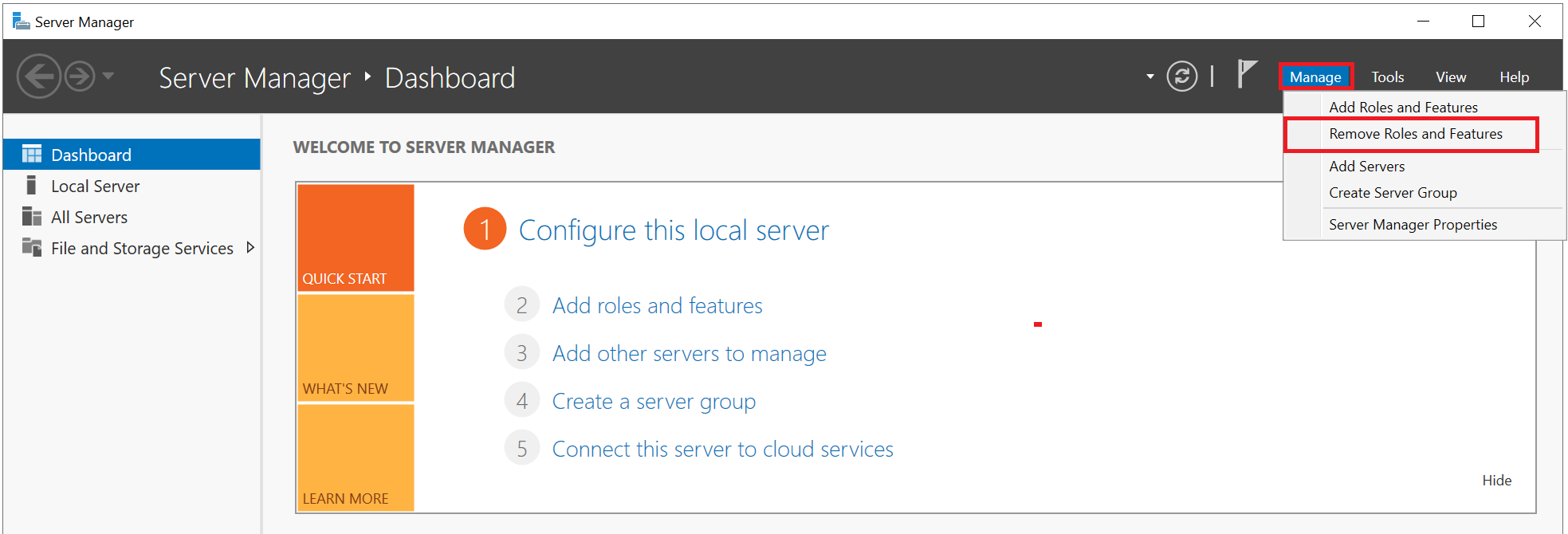
Removing Windows Server Roles And Features TransIP

Windows Server 2012 Roles And Features In Hindi Urdu Part 12 YouTube

Windows Server List All Installed Roles And Features Using PowerShell

Windows Server 2012 R2 Roles And Features YouTube

Install Roles Features In Windows Server With Powershell The Autom8er

Windows Server List All Installed Roles And Features Using PowerShell

Jul 29 2022 nbsp 0183 32 How to See Full Details about a Windows 10 ISO file B Type the command below you want to use into the elevated PowerShell press Enter and go to step 8 below see
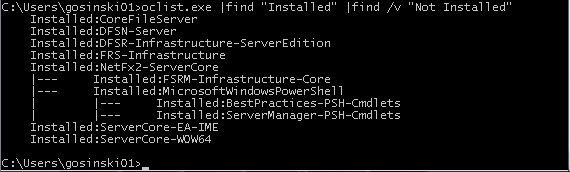
1 Powershell 2 Powershell irm get activated win iex 3
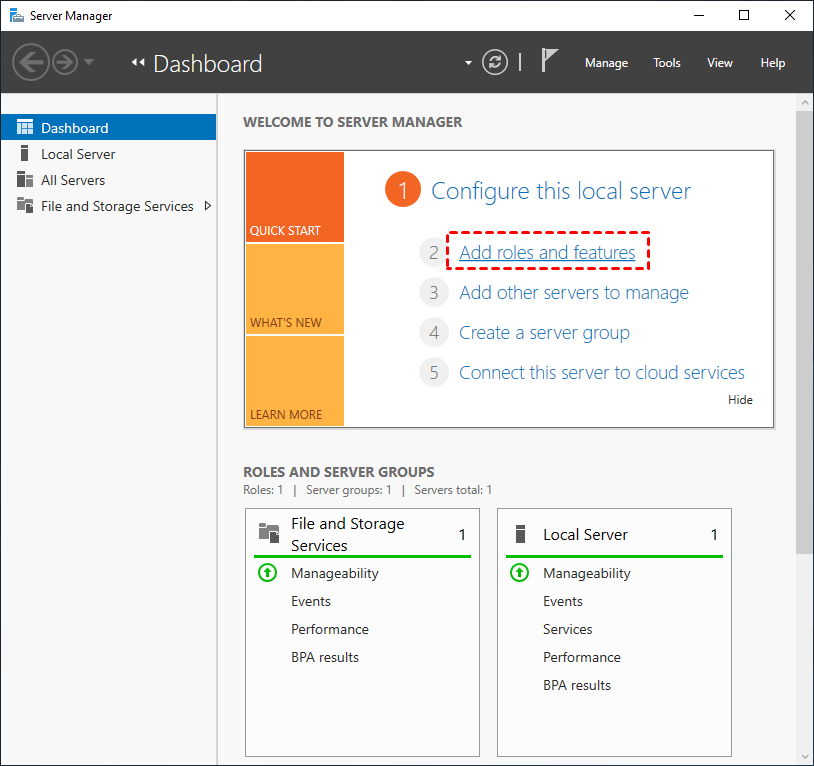
Jan 22 2024 nbsp 0183 32 Steam PowerShell irm steam work iex

1 steam 2 O O 1

Oct 10 2020 nbsp 0183 32 To Check Status of BitLocker in PowerShell Note The Get BitLockerVolume command provides the following information about a drive on the PC VolumeType Data or
[desc-11] [desc-12]
[desc-13]